Top companies trust Zapier to automate work that solves their unique business problems—no coding required.
How Zapier works
Zapier makes it easy to integrate Airtable with Scraler - no code necessary. See how you can get setup in minutes.
100%
Help
Airtable
Airtable
1. Choose trigger event
Scraler
Scraler
2. Choose action
1. Select the event
Setup
Test
Airtable
Choose a trigger event
Choose a trigger
A trigger is the event that starts your Zap—like a "New Record" from Airtable.
Add your action
An action happens after the trigger—such as "Assign Training Plan" in Scraler.
You’re connected!
Zapier seamlessly connects Airtable and Scraler, automating your workflow.
Supported triggers and actions
Zapier helps you create workflows that connect your apps to automate repetitive tasks. A trigger is an event that starts a workflow, and an action is an event a Zap performs.
Create a new record or update an existing record in your app.
CacheCopy
Base
Required
Table
Required
Action
This is an event a Zap performs.
Write
Create a new record or update an existing record in your app.
RequirementsNotice
HyperDB table ID
Required
ClearValueNotice
Action
This is an event a Zap performs.
Write
Create a new record or update an existing record in your app.
Base
Required
Table Name
Required
Table Description
Primary Field Name
Primary Field Type
Action
This is an event a Zap performs.
Write
Create a new record or update an existing record in your app.
RequirementsNotice
HyperDB table ID
Required
Primary keys
Required
ConfirmationNotice
Delete confirmation
Required
Action
This is an event a Zap performs.
Write
Create a new record or update an existing record in your app.
Base
Required
Table
Required
Number of Records
Required
Action
This is an event a Zap performs.
Write
Create a new record or update an existing record in your app.
Base
Required
Table
Required
Search by Field
Search Value
Search type
Search Formula
Limit to View
Action
This is an event a Zap performs.
Search
Find existing data in your app
Base
Required
Search Keyword
Required
Search In
Action
This is an event a Zap performs.
Search
Find existing data in your app
Search Keyword
Required
Action
This is an event a Zap performs.
Search
Find existing data in your app
Base
Required
Table
Required
Action
This is an event a Zap performs.
Search
Find existing data in your app
RequirementsNotice
HyperDB table ID
Required
Primary keys
Maximum records to return
Action
This is an event a Zap performs.
Search
Find existing data in your app
Appointment Booked
Triggers when a one-off appointment with a client is booked in Scraler, by you or by the client. Recurring series are not included. Email and phone are only included when "Share client contact details" was switched on while connecting.
Triggers when a door window that was already handed over is no longer needed (booking cancelled, class cancelled, membership ended): remove the access. Access ID is the id your Zap reported with "Confirm Door Access". Needs "Share client contact details", switched on while connecting: the door system finds the member by email.
Triggers when a client's membership stops giving access: cancelled, expired, paused, deleted, or unpaid for 7 days (the same rule Scraler uses). One cancelled at the end of its period ends on that date. "Client's Active Memberships Now" lists any other membership the client still has. Needs "Read finances", switched on while connecting. Email and phone are only included when "Share client contact details" was switched on while connecting.
Triggers when a client is added to your Scraler account. Email and phone are only included when "Share client contact details" was switched on while connecting.
Triggers when a client finishes your onboarding form in Scraler, with every answer labelled by its question. Photos stay in Scraler. Needs "Share client contact details", switched on while connecting, because intake answers can include health details.
Create a new record or update an existing record in your app.
Name
Required
Workspace ID
Required
Number of Tables
Required
Action
This is an event a Zap performs.
Write
Create a new record or update an existing record in your app.
Base
Required
Table
Required
Helptext
Primary lookup field
Required
Secondary lookup field
Append attachments
Action
This is an event a Zap performs.
Write
Create a new record or update an existing record in your app.
Base
Required
Table
Required
Record
Required
Action
This is an event a Zap performs.
Write
Create a new record or update an existing record in your app.
Base
Required
Table
Required
Record
Required
Append attachments
Action
This is an event a Zap performs.
Write
Create a new record or update an existing record in your app.
Api_docs_info
Stop on error
Required
HTTP Method
Required
URL
Required
Query string parameters
Additional request headers
Body
Action
This is an event a Zap performs.
Write
Create a new record or update an existing record in your app.
Base
Required
Table
Required
Record ID
Required
Action
This is an event a Zap performs.
Search
Find existing data in your app
Base
Required
Table ID
Required
Action
This is an event a Zap performs.
Search
Find existing data in your app
Base ID
Required
Action
This is an event a Zap performs.
Search
Find existing data in your app
Base
Required
Action
This is an event a Zap performs.
Search
Find existing data in your app
Base
Required
Table
Required
Search by Field
Search Value
Search type
Search Formula
Limit to View
Action
This is an event a Zap performs.
Search or write
Find existing data in your app, or create a new record if no data is found
Appointment Cancelled
Triggers when an appointment with a client is cancelled in Scraler, by you or by the client, including one session of a recurring series. Email and phone are only included when "Share client contact details" was switched on while connecting.
Triggers when a client is archived in Scraler: by you, by an automation, when their membership ends, or after a plan downgrade. Email and phone are only included when "Share client contact details" was switched on while connecting.
Triggers when a member's door window is about to open (about 15 minutes ahead, or at once for a later booking): give them access from Access From until Access Until. Windows come from bookings of session types that open the door; back-to-back bookings are one window. A window that changes comes again with a new version. End the Zap with "Confirm Door Access". Needs "Share client contact details", switched on while connecting: the door system finds the member by email.
Triggers when a client's membership starts giving access: a new paid, trial or manual subscription, a resumed one, or one paid after its 7-day grace ran out. Needs "Read finances", switched on while connecting. Email and phone are only included when "Share client contact details" was switched on while connecting.
Triggers when someone sends a form on your Scraler landing page, with every answer labelled by its question. Email and phone are only included when "Share client contact details" was switched on while connecting.
Create a new record or update an existing record in your app.
Client
Required
Membership Plan
Required
Action
This is an event a Zap performs.
Write
Create a new record or update an existing record in your app.
Client
Required
Membership Plan
Required
Action
This is an event a Zap performs.
Write
Create a new record or update an existing record in your app.
Email
Required
Action
This is an event a Zap performs.
Search
Find existing data in your app
For AI agents & developers
Use Airtable and Scraler with AI agents and code
Beyond Zap workflows. Call Airtable and Scraler actions directly from your AI client or your codebase, using the same 9,000+ app integrations Zapier already runs.
No code
Connect via Zapier MCP
Expose Airtable and Scraler actions as tools in any MCP client. Authenticate once, then call them in natural language.
Example actions on this page
Add Comment to Record
Assign Training Plan
Works with
Claude · ChatGPT · Cursor · any MCP-compatible client
There is no Python package yet. SDK is TypeScript-only (@zapier/zapier-sdk). The MCP server URL is personal to your account; get it at zapier.com/mcp.
Zapier is the automation platform of choice for 87% of Forbes Cloud 100 companies in 2023
93%
Customers who say using Zapier has made them better at their job
25m
Customers have created over 25 million Zaps on the platform
6 mins
The average user takes less than 6 minutes to set up a Zap
Connect Airtable and Scraler to integrate crucial parts of your business
With Zapier, you can integrate everything from basic data entry to end-to-end processes. Here are some of the business-critical workflows that people automate with Zapier.
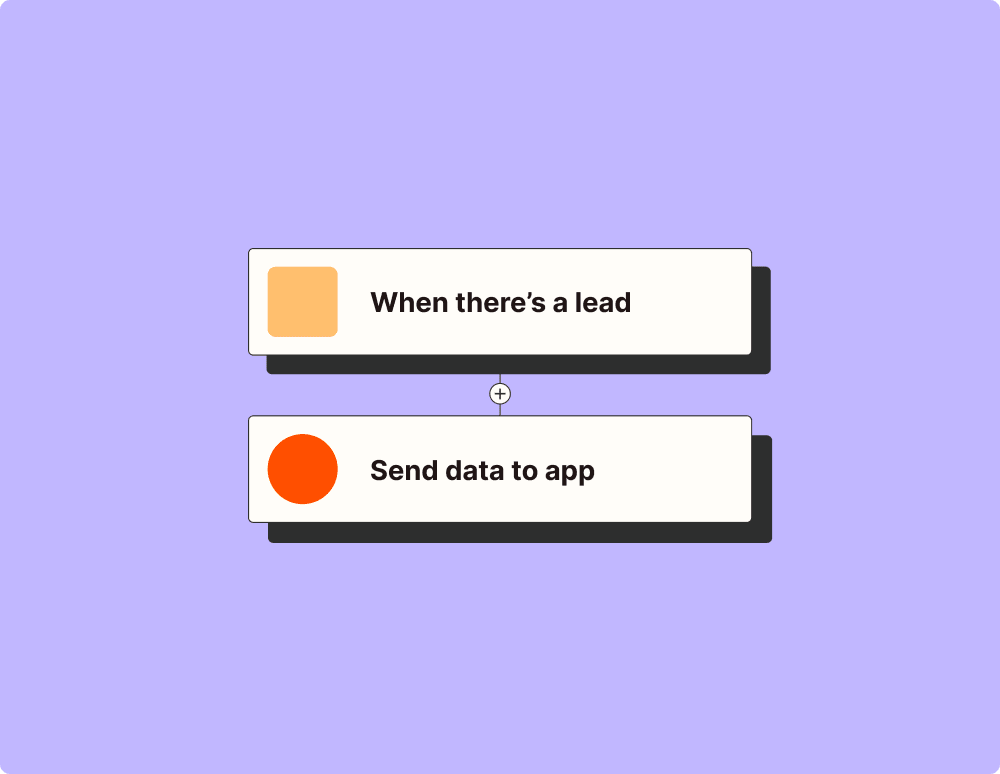
Automate your lead management and improve conversions
With Zapier, you can automate every part of your lead funnel and give yourself the best chance at converting leads. Automate everything from lead capture to outreach to reporting—and close more deals as a result.
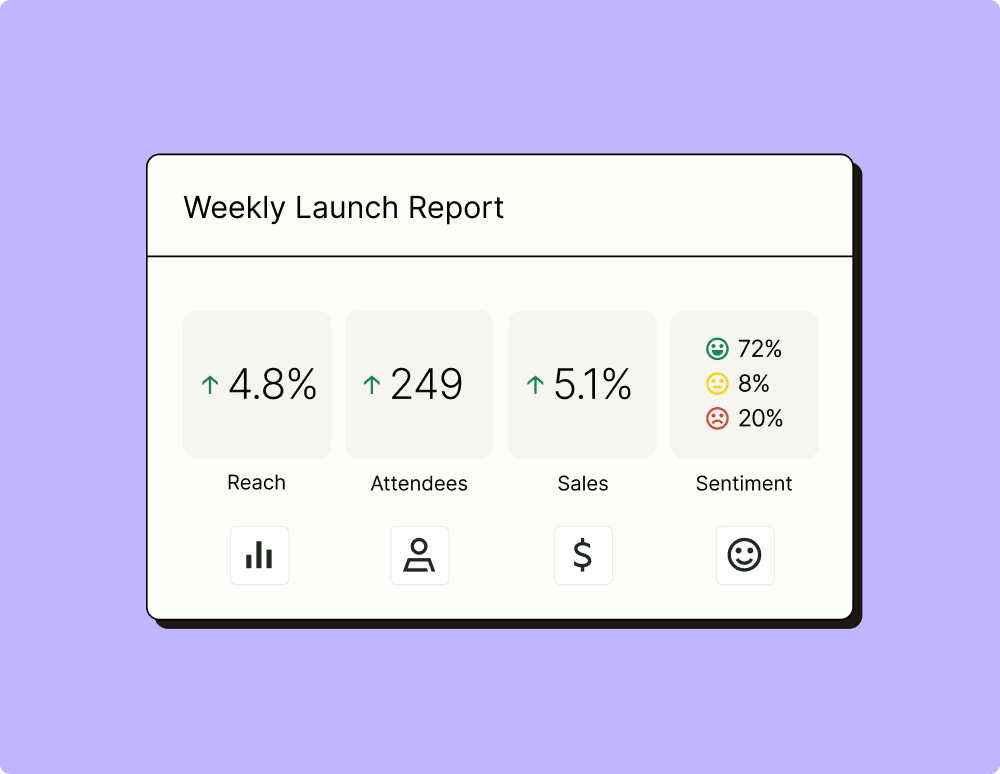
Create more impactful campaigns with automation
Measuring campaign performance across platforms can get chaotic. Plus, digging up the right metrics costs you precious time and effort. With Zapier, you can create a centralized view of your performance, skillfully manage your lists, and ensure your campaigns drive ROI across the business.
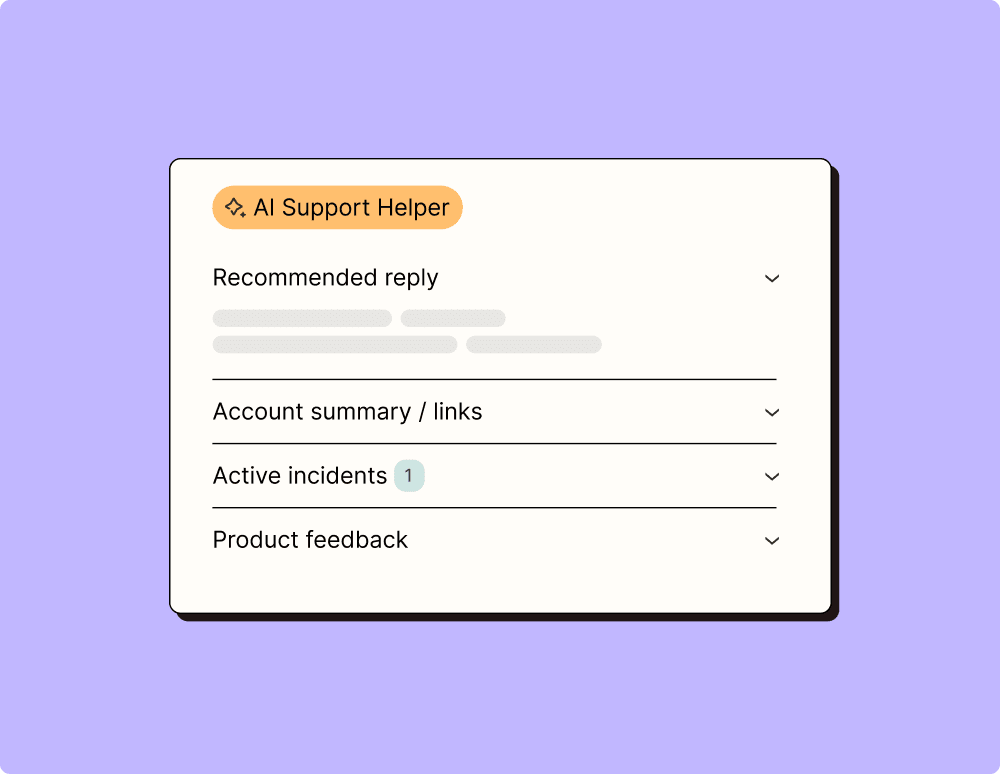
Provide world-class support with a little help from automation
Support reps can't be productive when they have to track down crucial information for every incident or ticket. With Zapier, you can automatically send your reps the context they need to resolve tickets quickly and create a seamless customer experience.
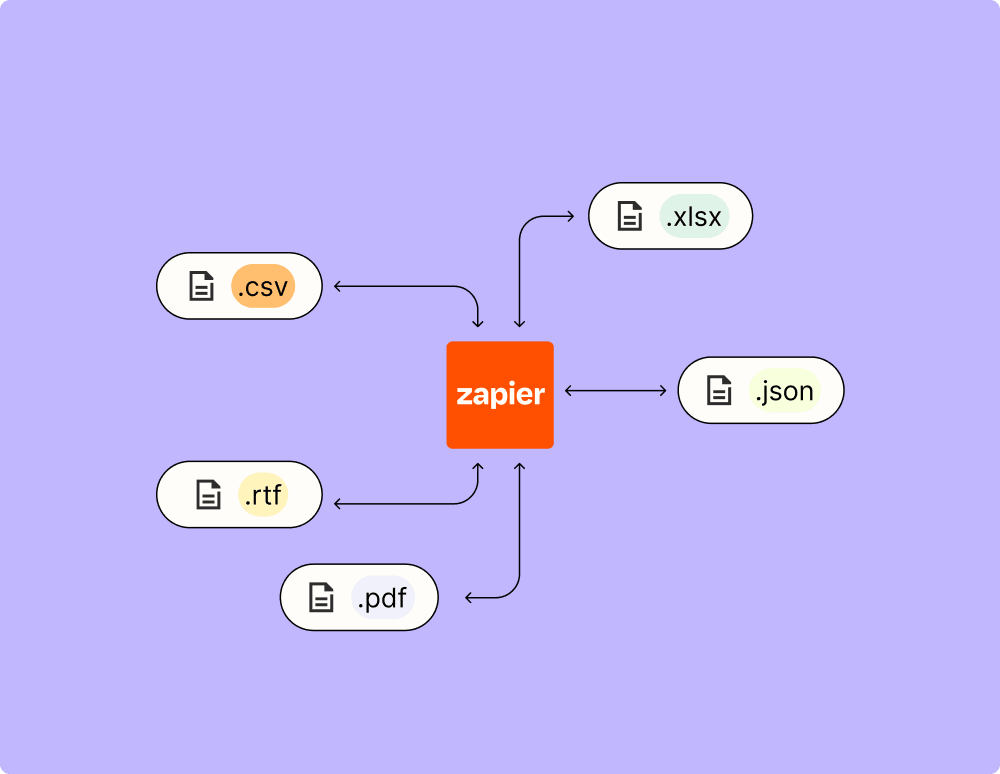
Automate your way to actionable, up-to-date data
The days of manually exporting and importing data are over. With Zapier, you can send data where it needs to go, in the format you need it—so you can centralize your data and unlock more insights.
Resolve incidents faster with automation
Your technical support team wants to focus on tech tickets rather than admin work. With Zapier, you can automate everything from ticket creation to routing to inter-team communication—eliminating friction from incident management and increasing speed to resolution.
Learn how to automate Airtable on the Zapier blog
Make work flow with AI
Level up your Airtable to Scraler integration with AI. Extract, summarize, and transform your integration data with leading AI models like OpenAI, Anthropic, and more.
Organize anything with Airtable, a modern database created for everyone. Airtable is a fast and flexible way to create tables to keep track of anything, from sales leads to vacation planning to inventory management.