Connect bundle.social and Email by Zapier to power AI-driven automation No-code AI automation Full audit trails and controls SOC 2 and GDPR compliant Easy visual workflow builder 9,000+ apps, 450+ AI tools Free tier available Choose a Trigger
Choose an Action
Top companies trust Zapier to automate work that solves their unique business problems—no coding required.
How Zapier works Zapier makes it easy to integrate bundle.social with Email by Zapier - no code necessary. See how you can get setup in minutes.
bundle.social
bundle.social
Email by Zapier
Email by Zapier
1. Select the event
App
bundle.social
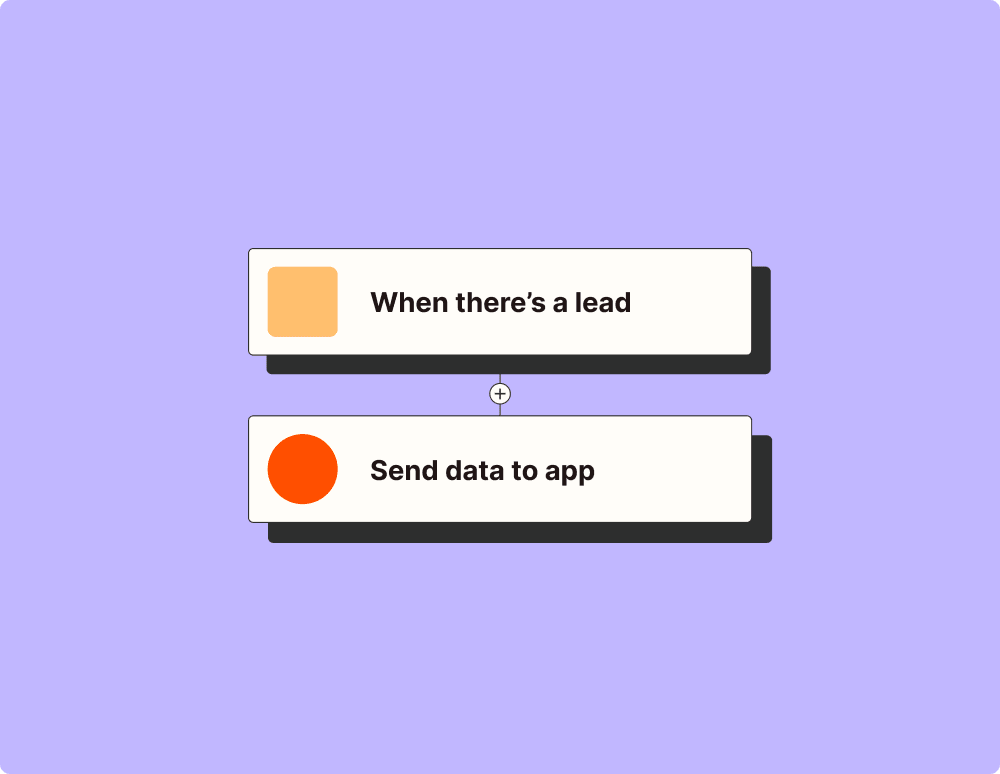
Choose a trigger A trigger is the event that starts your Zap—like a "New Comment" from bundle.social.
Add your action An action happens after the trigger—such as "Send Outbound Email" in Email by Zapier.
You’re connected! Zapier seamlessly connects bundle.social and Email by Zapier, automating your workflow.
Supported triggers and actions Zapier helps you create workflows that connect your apps to automate repetitive tasks. A trigger is an event that starts a workflow, and an action is an event a Zap performs.
Triggers Actions Triggers & Actions
New Comment Triggers when bundle.social imports a new comment on the selected post, through a comment import or the automatic comment import.
Try It New Post Triggers when a post is created in a team.
Try It New Team Triggers when a team is created in your organization.
Try It Post Published Triggers when a post finishes publishing to its social accounts.
Try It Get Post Analytics Retrieves engagement metrics such as likes, comments, shares and views for a published post.
Post ID
Platform Type
Imported Post ID
Get Raw Social Account Analytics Retrieves the analytics of a connected social account exactly as the network returns them, for metrics the standard analytics leave out.
Refresh Post Analytics Fetches fresh analytics for a published post from the network right away. Uses network rate limits, so use it sparingly.
Activate Automation Makes a paused or archived automation flow live again with its published version.
Copy Automation Copies one or every automation flow of a team to another team as drafts, ready to point at that team's social accounts.
Delete Automation Permanently deletes an automation flow and cancels its waiting runs. Past runs stay readable.
Get Execution (Automation) Retrieves an automation run by ID, with its input event, the result of each step and any error.
Automation Execution IDRequired
Pause Automation Stops a live automation flow from running on new events, keeping its configuration.
Get Many Automation Provider Settings Lists the Instagram ice breakers and Facebook persistent menus saved for the social accounts of a team.
Platform
Social Account
Type
Status
Return All
Limit
Publish Automation Validates the saved draft of an automation flow and makes it live, so matching comments and messages start triggering it.
Test Automation Runs an automation flow once on a real conversation or comment and returns the run. Its steps really send messages.
Create Comment Schedules a comment, or publishes it right away, on a published post or as a reply to a comment, for example the first comment of an Instagram or LinkedIn post.
Get Many Comments Returns many comments. Paging is handled for you.
Create Comment Import Starts importing the existing comments of a published post from the network.
Get Fetched Comments (Comment Import) Lists the comments imported from the network for a post.
Update Comment Updates the text or scheduled time of a comment that has not been published yet. Fields left empty keep their current value.
Get Many Conversations Lists the Instagram and Facebook direct message conversations of a team, most recently active first.
Platform
Social Account
Status
Return All
Limit
Mark as Read (Conversation) Marks a conversation as read, which resets its unread count.
React to Message (Conversation) Adds or removes a reaction on a message in a conversation. Only Instagram supports reactions, with the heart.
Send Private Reply (Conversation) Answers an imported Facebook or Instagram comment with a direct message to its author. Meta allows one text-only reply per comment.
Get Organization Retrieves your bundle.social organization with its plan details.
Get Daily Limits Usage (Organization) Retrieves how many posts a social account has published on a given day against the network's daily cap.
Get Imports Usage (Organization) Retrieves the post history import usage of each social account, by team or platform.
Page
Page Size
Team
Social Account Type
Social Account
Get Uploads Usage (Organization) Retrieves how much upload capacity your organization has used against its plan limit this billing period.
Delete Post Permanently deletes a post from bundle.social.
Get Reconnect Candidates (Post) Lists the posts that lost their social account when it was disconnected and can be moved to a newly connected account of the same network.
Delete Imported Posts (Post History Import) Permanently deletes up to 100 imported posts and their analytics, freeing import capacity.
Get Imported Posts (Post History Import) Lists the posts imported for a social account with their analytics, and the import capacity left.
Social Account TypeRequired
Return All
Limit
Reconnect Social Account (Post) Moves posts that lost their social account to the team's newly connected account of the same network, so scheduled posts publish instead of failing.
Update Post Updates the content, media, scheduled time or platforms of a post that has not been published yet. Fields left empty keep their current value.
Copy Social Account Copies connected social accounts from one team to another, reusing their authorization without signing in again.
Disable Messaging (Social Account) Turns off direct message processing for the Facebook page or Instagram account of a team.
Enable Messaging (Social Account) Turns on direct message processing for the Facebook page or Instagram account of a team. Requires DM access for your organization.
Get Scheduled for Deletion (Social Account) Lists the social accounts queued for permanent deletion.
Refresh Profile (Social Account) Updates the profile name, handle and avatar of a social account from the network.
Set Channel (Social Account) Selects the page, channel or organization a YouTube, Instagram, Facebook or LinkedIn account posts to.
Create Team Creates a new team in your bundle.social organization.
Get Many Teams Returns many teams. Paging is handled for you.
Get Post Settings (TikTok) Retrieves the privacy levels, comment, Duet and Stitch settings and maximum video length the TikTok account of a team allows.
Abort Multipart Upload Discards an unfinished multipart upload and the parts already sent.
Delete Upload Permanently deletes a media file from the media library.
Finalize Large Upload Adds a file sent to the signed URL of Initialize Large Upload to the media library.
Initialize Large Upload Starts an upload of a file over 90 MB and returns the signed URL to send the file to. Upload Large File does every step for you.
Sign Multipart Upload Parts Issues new signed URLs for parts of a multipart upload whose URLs expired.
Upload From URL Adds an image or video to the media library from a public URL, for use in posts.
Find Automation Finds an automation flow by ID, with its status and its draft and published definitions.
Find Comment Import Finds a comment import by ID, with its status, progress and result.
Find Post Finds a post by ID, with its per-platform status, scheduled time, media and publishing errors.
Find Post History Import Finds a post history import by ID, with its status, progress and result.
Find Upload Finds a media file by ID, with its processing status, dimensions, duration and the posts using it.
New Read Receipt Triggers when an email that you've enabled read receipts on via our
Try It New Direct Message Triggers when someone sends a direct message to a connected Instagram or Facebook account.
Try It New Social Account Triggers when a social account is connected to a team.
Try It Post Failed Triggers when a post fails to publish.
Try It Get Bulk Post Analytics Retrieves the analytics of up to 60 published posts on one network in a single step.
Get Raw Post Analytics Retrieves the analytics of a published post exactly as the network returns them, for metrics the standard analytics leave out.
Post ID
Platform Type
Imported Post ID
Get Social Account Analytics Retrieves profile metrics such as followers, reach and impressions for a connected social account.
Refresh Social Account Analytics Fetches fresh analytics for a connected social account from the network right away. Uses network rate limits, so use it sparingly.
Archive Automation Retires an automation flow without deleting it. Archived flows never run.
Create Automation Creates an automation flow, such as an auto-reply to comments or direct messages, from a trigger and its steps. The flow stays a draft until you publish it.
Get Many Automation Flows Lists the automation flows of a team, newest first.
Status
Platform Scope
Social Account
Return All
Limit
Get Executions (Automation) Lists the runs of an automation flow, newest first, with how each one ended.
Flow Version ID
Trigger ID
Social Account
Platform
Status
Conversation ID
Fetched Comment ID
Return All
Limit
Create or Update Automation Provider Setting Saves the Instagram ice breakers or the Facebook persistent menu of a social account. Sync Automation Provider Setting pushes it to the network.
Sync Automation Provider Setting Pushes saved ice breakers or a saved persistent menu to Instagram or Facebook, for example after a failed sync.
Automation Provider Setting IDRequired
Send Rich Message (Automation) Sends a message with uploaded media, buttons, quick replies or a carousel in a conversation, in the format of an automation step.
Update Automation Updates the name or definition of an automation flow. A new definition is saved as a draft and goes live when you publish it.
Delete Comment Permanently deletes a comment from bundle.social. Deleting a scheduled comment cancels it.
Act on Fetched Comment (Comment Import) Hides, unhides, likes, unlikes, approves, rejects or deletes an imported comment directly on the network.
Get Many Comment Imports Lists the comment imports of a team with their status.
Retry Comment Publishes a failed comment again, for example after reconnecting an expired account.
Archive Conversation Moves a conversation out of the active inbox. A new incoming message reopens it.
Get Messages (Conversation) Lists the messages of a direct message conversation with their attachments, reactions and delivery status.
Open Conversation Moves an archived conversation back into the active inbox.
Send Message (Conversation) Sends a direct message with text, media, buttons, quick replies or a carousel in a conversation. Meta allows it within 24 hours of the participant's last message.
Update Conversation Sets the inbox status of a conversation to open or archived.
Get Comments Usage (Organization) Retrieves how many comments your organization has used against its plan limit this billing period.
Get DM Usage (Organization) Retrieves how many direct messages and automation runs each Instagram, Facebook and TikTok account has used this calendar month (UTC) against its monthly limits.
Team
Social Account Type
Social Account
Return All
Limit
Get Posts Usage (Organization) Retrieves how many posts your organization has used against its plan limit this billing period.
Create Post Schedules a post, or publishes it right away, to one or more connected social accounts.
Get Many Posts Returns many posts. Paging is handled for you.
Status
Order By
Order
Q
Platforms
Post Date From
Post Date To
Return All
Limit
Create Post History Import Starts importing the posts a social account published before it was connected, together with their analytics.
Get Many Post History Imports Lists the post history imports of a team with their status.
Retry Post History Import Runs a failed post history import again.
Retry Post Publishes a failed post again, for example after reconnecting an expired account.
Connect Social Account Generates the link that connects a social account to a team. Open the returned URL to sign in to the network and finish connecting.
Create Portal Link (Social Account) Generates a hosted portal link where your users connect and manage the social accounts of a team themselves.
Disconnect Social Account Disconnects a social account from a team and removes it from all scheduled posts.
Get Social Account by Type Retrieves the team's connected social account on the selected network.
Refresh Channels (Social Account) Reloads the channels available to a Reddit, Discord, Slack or Pinterest account from the network.
Run Connection Check (Social Account) Checks right away whether a social account is still authorized, so an expired connection shows up before a post fails.
Unset Channel (Social Account) Clears the selected page, channel or organization of a social account, keeping its authorization.
Delete Team Permanently deletes a team along with its connected social accounts, posts and uploads.
Update Team Updates a team's name or avatar. Fields left empty keep their current value.
Search Locations (TikTok) Searches the location tags the TikTok account of a team can add to a post, for Location ID and Location Name in Create Post.
Complete Multipart Upload Assembles the uploaded parts of a multipart upload and adds the file to the media library.
Delete Many Uploads Permanently deletes several media files from the media library at once.
Get Many Uploads Returns many uploads. Paging is handled for you.
Team
Type
Types
Status
IDs
URLs
Limit
Include Posts
Offset
Initialize Multipart Upload Starts an upload of a file over 5 GB in parts and returns one signed URL per part. Upload Large File covers files up to 5 GB.
Upload File Uploads an image, video or document of up to 90 MB to the media library, for use in posts.
Upload Large File Uploads a file of up to 5 GB, such as a long video, to the media library: sends the file straight to storage and adds it for use in posts.
Find Comment Finds a comment created through bundle.social by ID, with its publishing status and errors.
Find Conversation Finds a direct message conversation by ID, with its participant, unread count and whether you can still reply.
Find Post by Reference Key Finds a post by the reference key you gave it when creating it.
Find Team Finds a team by ID, with its connected social accounts and settings.
New Inbound Email Triggers when an email is forwarded to your own custom
Account_wide_copy
Email address type
Try It Send Outbound Email Send up to 5 emails per day on Free or Trial Zapier plans, or up to 10 emails per hour on paid Zapier plans from a custom
Zap_id
Free_test_limitation
Body (HTML or Plain)Required
Attachment
From_name
Reply_to
Cc
Bcc
Force Linebreaks?
Enable read receipts?
Load more
For AI agents & developers
Use bundle.social and Email by Zapier with AI agents and code Beyond Zap workflows. Call bundle.social and Email by Zapier actions directly from your AI client or your codebase, using the same 9,000+ app integrations Zapier already runs.
No code Connect via Zapier MCP Expose bundle.social and Email by Zapier actions as tools in any MCP client. Authenticate once, then call them in natural language.
Example actions on this page
Works with
Claude · ChatGPT · Cursor · any MCP-compatible client
Connect Zapier MCP Typescript Call from code with the Zapier SDK Trigger bundle.social and Email by Zapier actions from backend services, scripts, or agent code.
Install
# TypeScript / Node
npm install @zapier/zapier-sdk
Run an action
import { createZapierSdk } from '@zapier/zapier-sdk';

const zapier = createZapierSdk();
await zapier.runAction({ /* bundlesocial / email action */ });
Run the SDK docs There is no Python package yet. SDK is TypeScript-only (@zapier/zapier-sdk). The MCP server URL is personal to your account; get it at zapier.com/mcp.
Zapier is the automation platform of choice for 87% of Forbes Cloud 100 companies in 2023 93%
Customers who say using Zapier has made them better at their job
25m
Customers have created over 25 million Zaps on the platform
6 mins
The average user takes less than 6 minutes to set up a Zap
Learn how to automate Email by Zapier on the Zapier blog
How to automatically email files to Google Drive When you're on the go or using a shared computer, one of the easiest ways to save files is to email them to yourself. When you're back in front of your own computer, you probably upload them to Google Drive. But what if there was a better way?
With...
How to automatically save email attachments in Dropbox Want an easy way to send files to Dropbox? How about just sending an email to Dropbox with the file attached?
With Email by Zapier—Zapier's built-in email tool—and a Zap, Zapier's automated workflows, you can easily save only the attachments you want so you can quickly find them later....
How to send an email from a webhook Imagine this: let's say you've been sending one-off emails based on activity from a business-critical app. You're tired of it. So you look to see if you can automate it somehow. You check your app's built-in integrations and search for any Zapier integrations. No luck. But you notice there's a...
Load more
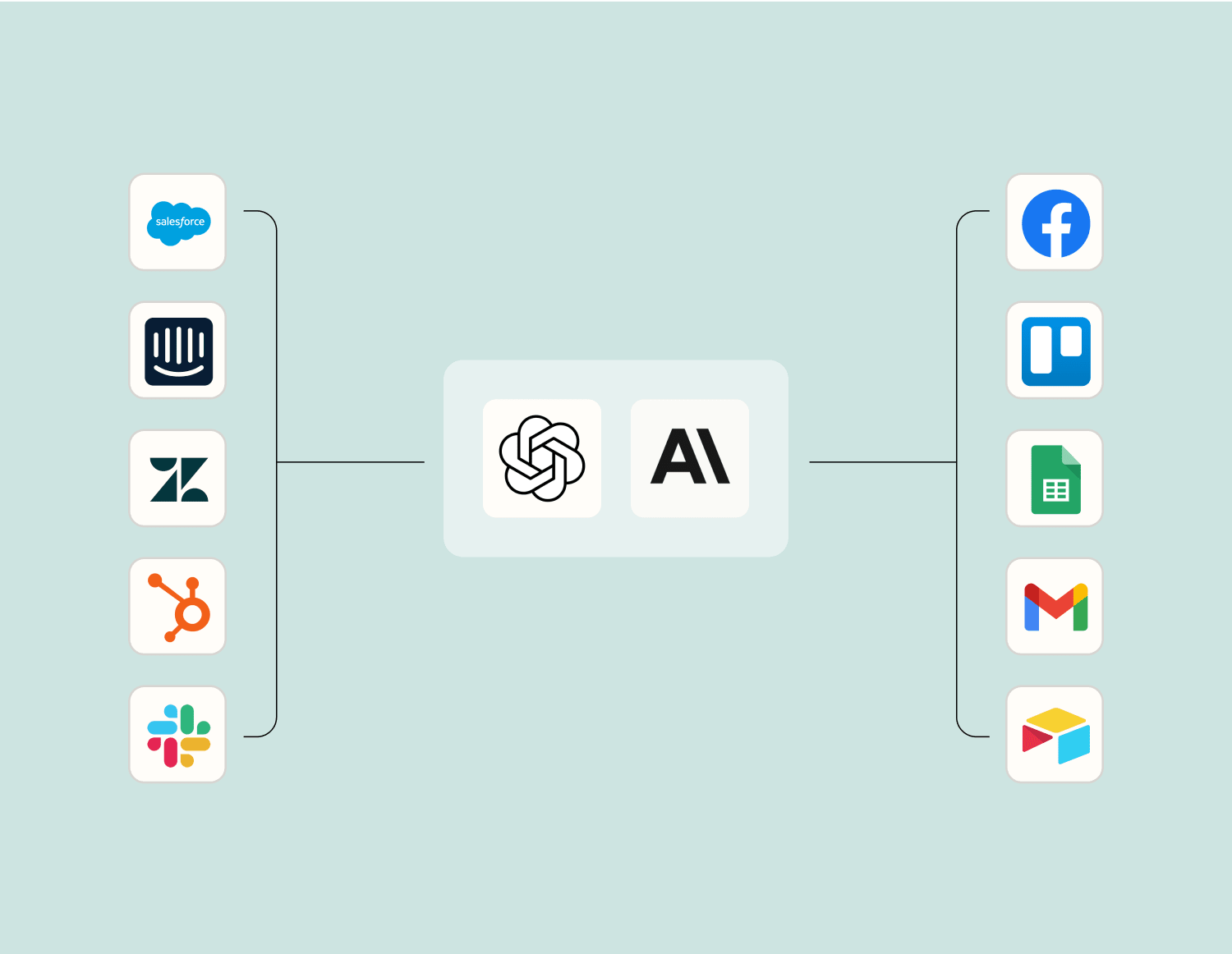
Make work flow with AI Level up your bundle.social to Email by Zapier integration with AI. Extract, summarize, and transform your integration data with leading AI models like
OpenAI ,
Anthropic , and more.
bundle.social is a social media API with no account limits for publishing posts, comments and DMs across 15 networks.
Send and receive email via a custom Zapier email address at "zapiermail.com". This is great for triggering off of emails and sending custom emails. (Max of 10 email sends per hour.)
Have direct access to your own email servers? Check out our IMAP and SMTP services!
Connect bundle.social to Email by Zapier on the world's largest no-code automation platform