Top companies trust Zapier to automate work that solves their unique business problems—no coding required.
How Zapier works
Zapier makes it easy to integrate Mailchimp with WPForms - no code necessary. See how you can get setup in minutes.
100%
Help
Mailchimp
Mailchimp
1. Choose trigger event
WPForms
WPForms
2. Choose action
1. Select the event
Setup
Test
Mailchimp
Choose a trigger event
Choose a trigger
A trigger is the event that starts your Zap—like a "New Campaign" from Mailchimp.
Add your action
An action happens after the trigger—such as "API Request (Beta)" in WPForms.
You’re connected!
Zapier seamlessly connects Mailchimp and WPForms, automating your workflow.
Supported triggers and actions
Zapier helps you create workflows that connect your apps to automate repetitive tasks. A trigger is an event that starts a workflow, and an action is an event a Zap performs.
Beyond Zap workflows. Call Mailchimp and WPForms actions directly from your AI client or your codebase, using the same 9,000+ app integrations Zapier already runs.
No code
Connect via Zapier MCP
Expose Mailchimp and WPForms actions as tools in any MCP client. Authenticate once, then call them in natural language.
Example actions on this page
Archive Subscriber
API Request (Beta)
Works with
Claude · ChatGPT · Cursor · any MCP-compatible client
There is no Python package yet. SDK is TypeScript-only (@zapier/zapier-sdk). The MCP server URL is personal to your account; get it at zapier.com/mcp.
Zapier is the automation platform of choice for 87% of Forbes Cloud 100 companies in 2023
93%
Customers who say using Zapier has made them better at their job
25m
Customers have created over 25 million Zaps on the platform
6 mins
The average user takes less than 6 minutes to set up a Zap
Practical ways you can use Mailchimp and WPForms
Add new WPForms leads to Mailchimp as subscribers
When a new form entry is submitted in WPForms, Zapier automatically adds the lead's email to your Mailchimp audience. This ensures you can immediately engage new leads with email campaigns, boosting response rates and saving time updating lists manually.
Log Mailchimp subscriber actions in WPForms for tracking
When a specified action like email open or link click happens in Mailchimp, Zapier logs this activity in WPForms. IT teams can then track behavioral data for analysis, ensuring detailed insights for decision-making.
When a subscriber fills out a form through WPForms, Zapier automatically applies a corresponding tag in Mailchimp based on the form. This helps marketers segment audiences better, improving campaign personalization and open rates.
Learn how to automate Mailchimp on the Zapier blog
Make work flow with AI
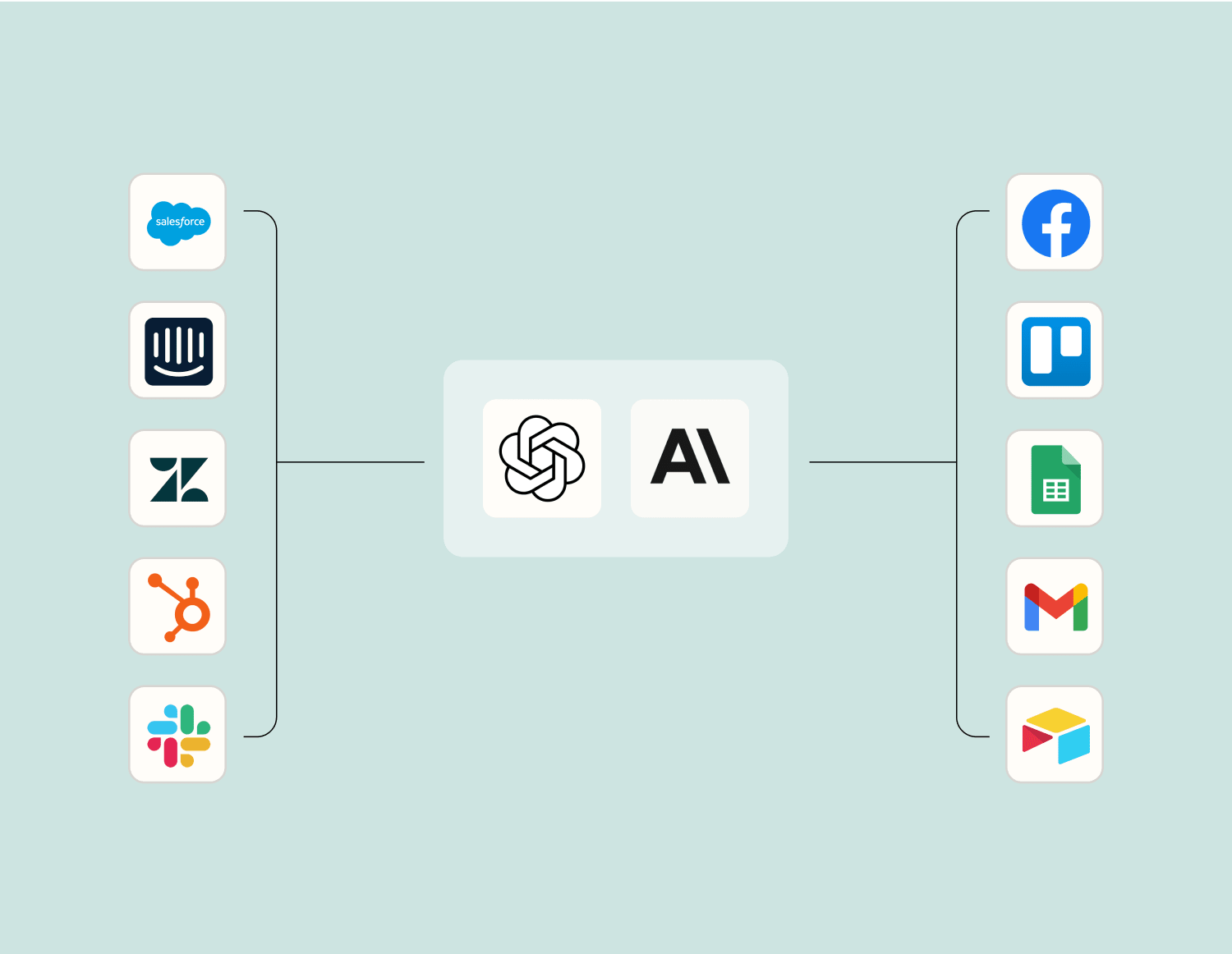
Level up your Mailchimp to WPForms integration with AI. Extract, summarize, and transform your integration data with leading AI models like OpenAI, Anthropic, and more.
WPForms is a drag and drop online form builder for WordPress that allows you to easily create contact forms, email subscription forms, billing forms, donation forms, online order forms, and more.