Top companies trust Zapier to automate work that solves their unique business problems—no coding required.
How Zapier works
Zapier makes it easy to integrate Mailchimp with Stripe - no code necessary. See how you can get setup in minutes.
100%
Help
Mailchimp
Mailchimp
1. Choose trigger event
Stripe
Stripe
2. Choose action
1. Select the event
Setup
Test
Mailchimp
Choose a trigger event
Choose a trigger
A trigger is the event that starts your Zap—like a "New Campaign" from Mailchimp.
Add your action
An action happens after the trigger—such as "Cancel Subscription" in Stripe.
You’re connected!
Zapier seamlessly connects Mailchimp and Stripe, automating your workflow.
Supported triggers and actions
Zapier helps you create workflows that connect your apps to automate repetitive tasks. A trigger is an event that starts a workflow, and an action is an event a Zap performs.
Create a new record or update an existing record in your app.
Mode
Required
Price ID
Quantity
Success URL
Required
Cancel URL
Customer ID
Customer Email
Payment Method Types
Currency
Billing Address Collection
Shipping Countries
Allow Promotion Codes
Automatic Tax Enabled
Coupon ID
Promotion Code ID
Client Reference ID
Expires At
Action
This is an event a Zap performs.
Write
Create a new record or update an existing record in your app.
Customer ID
Description
Quantity
Unit Price
Amount
Include Tax In Price?
Item Taxes
Is Discountable?
Item_coupons
Supply Date - Start
Supply Date - End
Invoice Item Currency
Price ID
Invoice Item Subscription ID
Tax_code
Shipping_rate
Invoice_coupons
Default_tax_rates
Payment Collection
Due Date
Days Until Due
Turn On Automatic Collection?
Default_payment_method
Memo
Footer
Custom Fields
Tax IDs
PDF Page Size
Shipping_details_instructions
Shipping Details - Name
Shipping Details - Phone
Shipping Details - Address Line 1
Shipping Details - Address Line 2
Shipping Details - City
Shipping Details - State
Shipping Details - Postal Code
Shipping Details - Country
Subscription ID
Automatic Tax Enabled?
Invoice_currency
Effective_at
Payment_method_types
Rendering - Amount Tax Display
Statement_descriptor
Pending Invoice Items Behavior
Invoice Metadata
Help_text_for_finalizing_sending_charging
Finalize Invoice?
Send Invoice for Manual Payment?
Pay Invoice?
Pay Invoice - Forgive
Pay Invoice - Off-Session
Pay Invoice - Paid Out of Band
Action
This is an event a Zap performs.
Write
Create a new record or update an existing record in your app.
Price
Required
Quantity
Required
Minimum adjustable quantity
Maximum adjustable quantity
Collect Tax Automatically?
Allow Promotion Codes?
Maximum number of times the link can be used
Collect Customers' Addresses?
Require customers to provide a phone number?
Collect Tax ID?
Create Invoice on Payment?
Require customers to accept terms of service agreement?
Confirmation Page
Metadata
Payment_method_types
Action
This is an event a Zap performs.
Write
Create a new record or update an existing record in your app.
Name
Required
Description
Image
Tax_code
Metadata
Action
This is an event a Zap performs.
Write
Create a new record or update an existing record in your app.
Payment Link
Required
Action
This is an event a Zap performs.
Write
Create a new record or update an existing record in your app.
Api_docs_info
Stop on error
Required
HTTP Method
Required
URL
Required
Query string parameters
Additional request headers
Body
Action
This is an event a Zap performs.
Write
Create a new record or update an existing record in your app.
Account ID
Required
Action
This is an event a Zap performs.
Search
Find existing data in your app
Stripe Charge ID
Required
Action
This is an event a Zap performs.
Search
Find existing data in your app
Invoice ID
Required
Action
This is an event a Zap performs.
Search
Find existing data in your app
Customer ID
Required
Price ID
Status
Action
This is an event a Zap performs.
Search
Find existing data in your app
For AI agents & developers
Use Mailchimp and Stripe with AI agents and code
Beyond Zap workflows. Call Mailchimp and Stripe actions directly from your AI client or your codebase, using the same 10,000+ app integrations Zapier already runs.
No code
Connect via Zapier MCP
Expose Mailchimp and Stripe actions as tools in any MCP client. Authenticate once, then call them in natural language.
Example actions on this page
Archive Subscriber
Cancel Subscription
Works with
Claude · ChatGPT · Cursor · any MCP-compatible client
There is no Python package yet. SDK is TypeScript-only (@zapier/zapier-sdk). The MCP server URL is personal to your account; get it at zapier.com/mcp.
Zapier is the automation platform of choice for 87% of Forbes Cloud 100 companies in 2023
93%
Customers who say using Zapier has made them better at their job
25m
Customers have created over 25 million Zaps on the platform
6 mins
The average user takes less than 6 minutes to set up a Zap
Practical ways you can use Mailchimp and Stripe
Add Stripe customers to a Mailchimp audience
When a new customer is added in Stripe, Zapier will automatically add their details to your Mailchimp audience. This is perfect for keeping your marketing lists updated without manual data entry. It ensures your customers receive relevant email campaigns, saving time and reducing errors.
Zapier can trigger a Slack alert to your marketing team whenever a recipient clicks a specific link in your Mailchimp campaign. This real-time notification helps teams react quickly to engaged leads, improving response times and lead conversion.
Whenever a payment is completed in Stripe, Zapier can add a note to the respective subscriber in your Mailchimp audience. This helps project managers keep client payment records accessible within marketing tools for easy collaboration.
Learn how to automate Mailchimp on the Zapier blog
Learn how to automate Stripe on the Zapier blog
Make work flow with AI
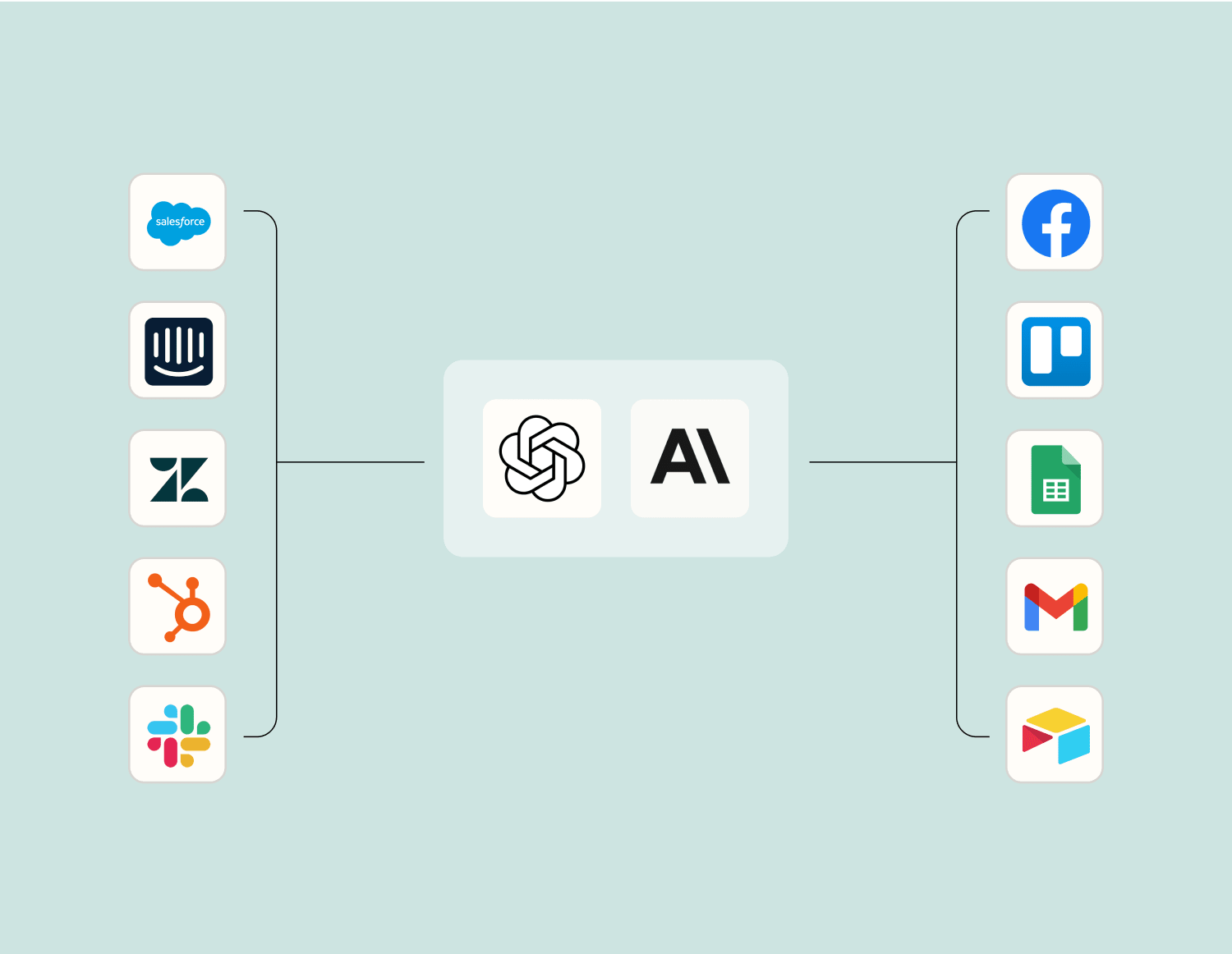
Level up your Mailchimp to Stripe integration with AI. Extract, summarize, and transform your integration data with leading AI models like OpenAI, Anthropic, and more.
Frequently Asked Questions about Mailchimp + Stripe integrations
New to automation with Zapier? You're not alone. Here are some answers to common questions about how Zapier works with Mailchimp and Stripe
How do I start integrating Mailchimp with Stripe?
You can begin by setting up a 'Zap' in our platform. First, connect your Mailchimp and Stripe accounts in our dashboard. Select an appropriate trigger event like 'New Subscriber' from Mailchimp and an action such as 'Create Customer' on Stripe.
What trigger events can I use in Mailchimp for this integration?
In Mailchimp, you can use trigger events such as 'New Subscriber', 'Unsubscribed User', or 'Tag Added.' These will initiate actions within your Stripe account based on the criteria you set.
Can I update existing customers in Stripe when a contact is updated in Mailchimp?
Yes, by choosing the 'Update Customer' action in Stripe, you can automatically update existing customer records when their details change in Mailchimp.
What happens if a payment fails in Stripe during this integration?
If a payment fails, we can set up an automated notification via email through Mailchimp or apply specific tags to the customer profile for follow-up actions.
Is it possible to segment my audience based on their purchase history from Stripe?
Certainly! You can use data fields from Stripe transactions as triggers to assign tags or create segments within your Mailchimp audience.
How frequently does data sync between Mailchimp and Stripe?
The synchronization frequency depends on how you've configured the triggers. We typically process Zap runs almost instantly, ensuring your data stays updated with minimal delay.
Is coding required to integrate these platforms using your service?
No coding is necessary. Our platform offers a user-friendly interface where you select triggers and actions from dropdown menus and map fields between Mailchimp and Stripe without writing any code.
My AI agent already connects to my apps. Why add Zapier?
Your AI agent’s built-in or native connectors cover a limited set of popular apps. Zapier reaches 10,000+ apps and 90,000+ triggers and actions. Zapier also adds what your AI agent can’t: one place to manage logins and credentials, so you never paste an API key; automations that keep running after the chat closes, with fixes you can review when a run hits a snag; and the freedom to switch agent interfaces without starting over.
Can’t my AI agent already run tasks on a schedule?
Most popular AI agents can run scheduled tasks. And for simple recurring jobs, that might be all you need. Automations that run on Zapier can run on a schedule too, but they can also start the moment something happens in your apps—like when a new lead/ticket comes in or you get an email reply. Zapier also uses AI only in the steps that need judgment, so routine steps like posting to Slack or updating Salesforce don’t burn model tokens.
Why not have my AI agent write me a script?
You can, and the first version will probably work. The trouble comes later: a script needs somewhere to run, a way to hear about events, and someone to keep it going. If an API changes or a login expires, your script can quietly stop until you notice. It also holds your keys, often in a repo, where a leak can expose your accounts. With Zapier, your agent builds the automation, and you publish it. Zapier hosts it, handles your logins and credentials, and records every run. If a run fails, Zapier diagnoses what went wrong and prepares a fix you can review. Or you can decide which fixes Zapier can apply for you.
About Mailchimp
Mailchimp is an email and marketing automation platform built for growing businesses. Turn email and SMS into revenue.
Stripe is a developer-friendly way to accept payments online and in mobile apps. Stripe's suite of APIs powers commerce for thousands of companies of all sizes, processing billions of dollars for businesses each year.