Connect Microsoft Outlook and SuiteDash to power AI-driven automation
- No-code AI automation
- Full audit trails and controls
- SOC 2 and GDPR compliant
- Easy visual workflow builder
- 10,000+ apps, 450+ AI tools
- Free tier available
Launch your first automated workflow
Start with a template that brings Microsoft Outlook and SuiteDash together. Build enterprise-grade automation in minutes.
Our most popular template


Top companies trust Zapier to automate work that solves their unique business problems—no coding required.




















How Zapier works
Zapier makes it easy to integrate Microsoft Outlook with SuiteDash - no code necessary. See how you can get setup in minutes.


Choose a trigger
A trigger is the event that starts your Zap—like a "Calendar Event Start" from Microsoft Outlook.
Add your action
An action happens after the trigger—such as "Create Task" in SuiteDash.
You’re connected!
Zapier seamlessly connects Microsoft Outlook and SuiteDash, automating your workflow.
Supported triggers and actions
Zapier helps you create workflows that connect your apps to automate repetitive tasks. A trigger is an event that starts a workflow, and an action is an event a Zap performs.
- Calendar
- Time BeforeRequired
- Time Before (Unit)Required
Try ItTriggerPolling- Calendar
Try ItTriggerPolling- Calendar
Try ItTriggerPolling- Parent Folder
- Child Folder
Try ItTriggerPolling
- Cancelled Calendar Event
Triggers when an event is cancelled.
Try ItTriggerInstant - Shared Inbox
- Parent Folder
- Child Folder
Try ItTriggerPolling- Contact Folder
Try ItTriggerPolling- Parent Folder
- Child Folder
- Search termsRequired
- Note
Try ItTriggerPolling
For AI agents & developers
Use Microsoft Outlook and SuiteDash with AI agents and code
Beyond Zap workflows. Call Microsoft Outlook and SuiteDash actions directly from your AI client or your codebase, using the same 10,000+ app integrations Zapier already runs.
Connect via Zapier MCP
Expose Microsoft Outlook and SuiteDash actions as tools in any MCP client. Authenticate once, then call them in natural language.
Example actions on this page
Works with
Claude · ChatGPT · Cursor · any MCP-compatible client
Call from code with the Zapier SDK
Trigger Microsoft Outlook and SuiteDash actions from backend services, scripts, or agent code.
Install
# TypeScript / Node
npm install @zapier/zapier-sdk
Run an action
import { createZapierSdk } from '@zapier/zapier-sdk';

const zapier = createZapierSdk();
await zapier.runAction({ /* microsoft-outlook / suitedash action */ });There is no Python package yet. SDK is TypeScript-only (@zapier/zapier-sdk). The MCP server URL is personal to your account; get it at zapier.com/mcp.
Zapier is the automation platform of choice for 87% of Forbes Cloud 100 companies in 2023




93%
Customers who say using Zapier has made them better at their job
25m
Customers have created over 25 million Zaps on the platform
6 mins
The average user takes less than 6 minutes to set up a Zap
Connect Microsoft Outlook and SuiteDash to integrate crucial parts of your business
With Zapier, you can integrate everything from basic data entry to end-to-end processes. Here are some of the business-critical workflows that people automate with Zapier.
Automate your lead management and improve conversions
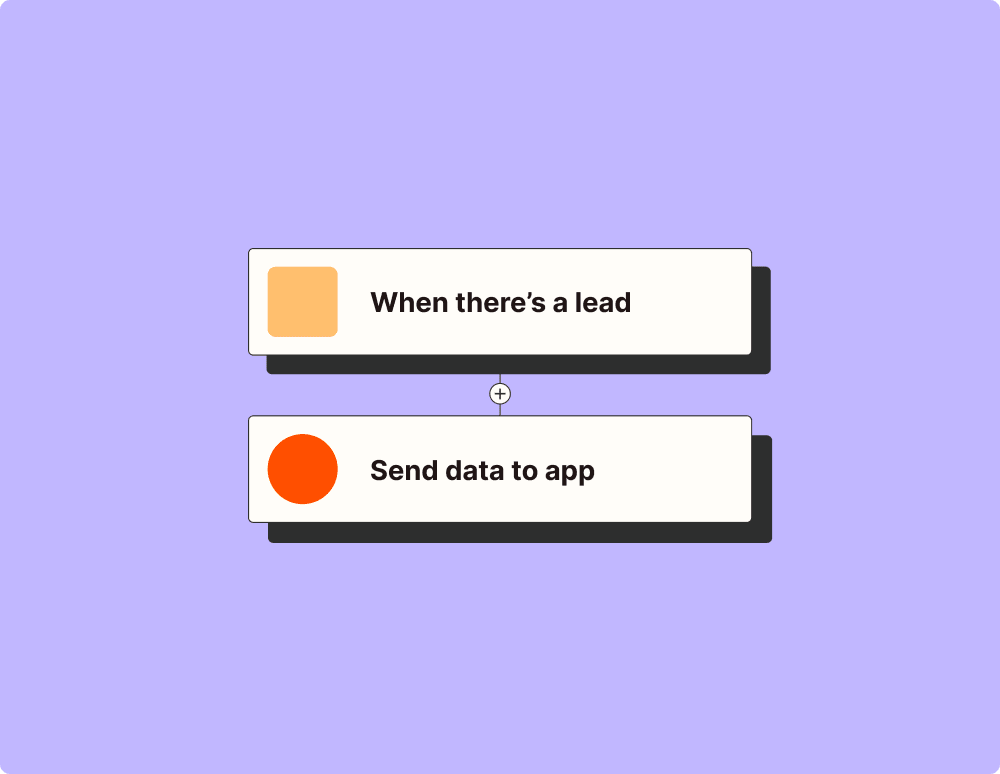
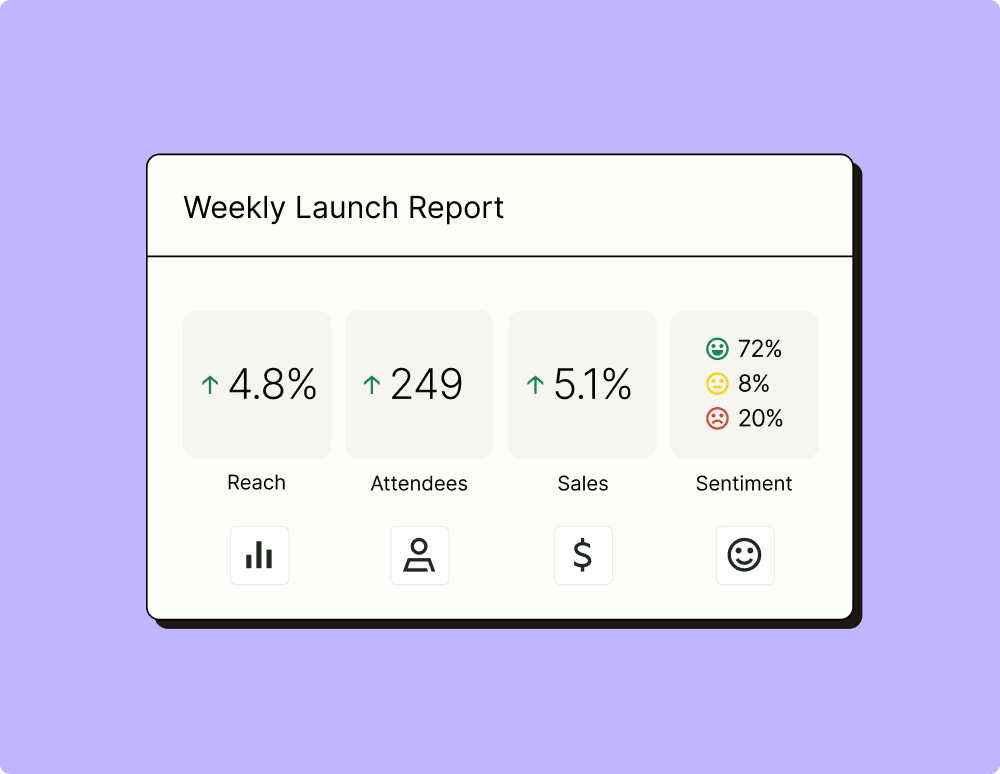
Create more impactful campaigns with automation
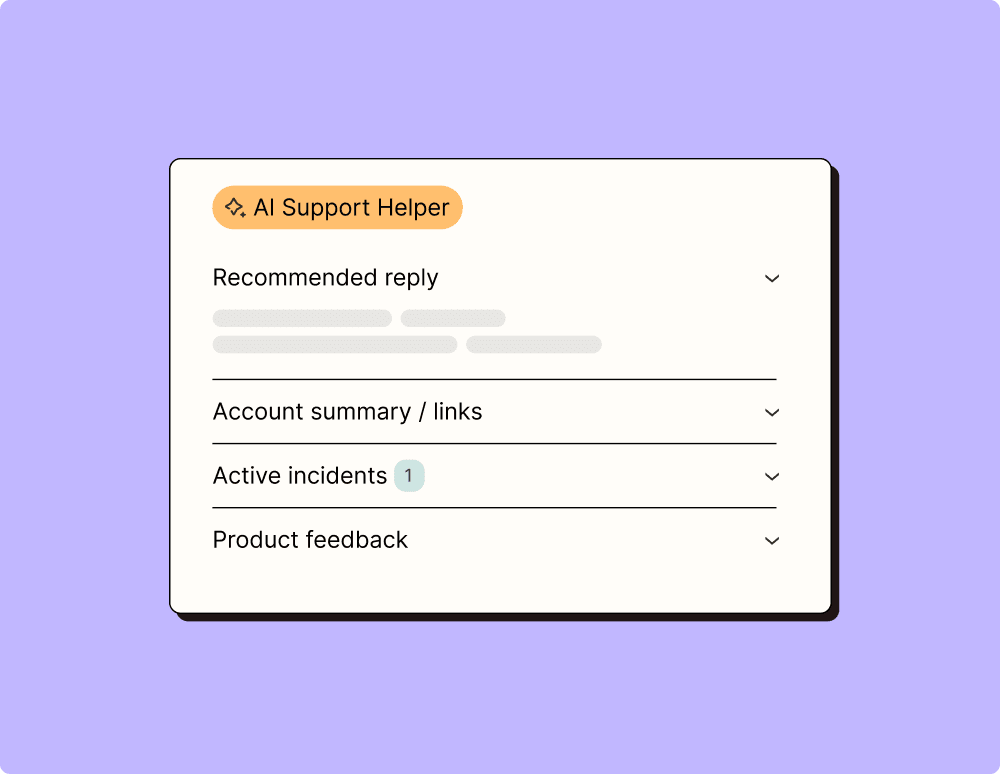
Provide world-class support with a little help from automation
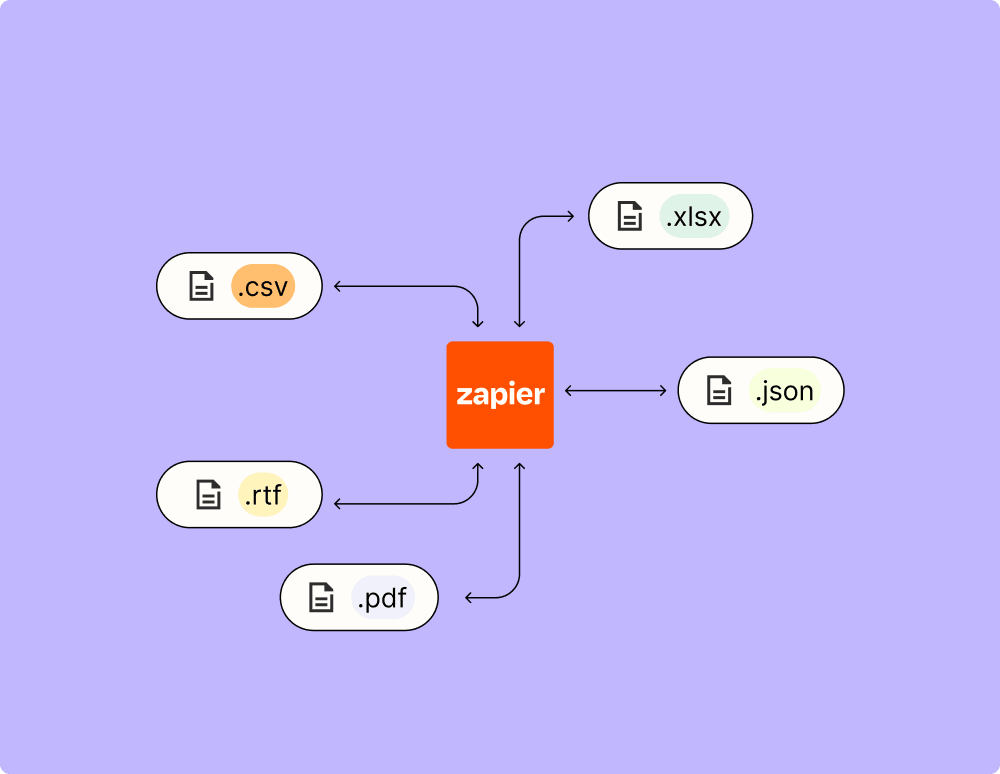
Automate your way to actionable, up-to-date data
Resolve incidents faster with automation
Learn how to automate Microsoft Outlook on the Zapier blog
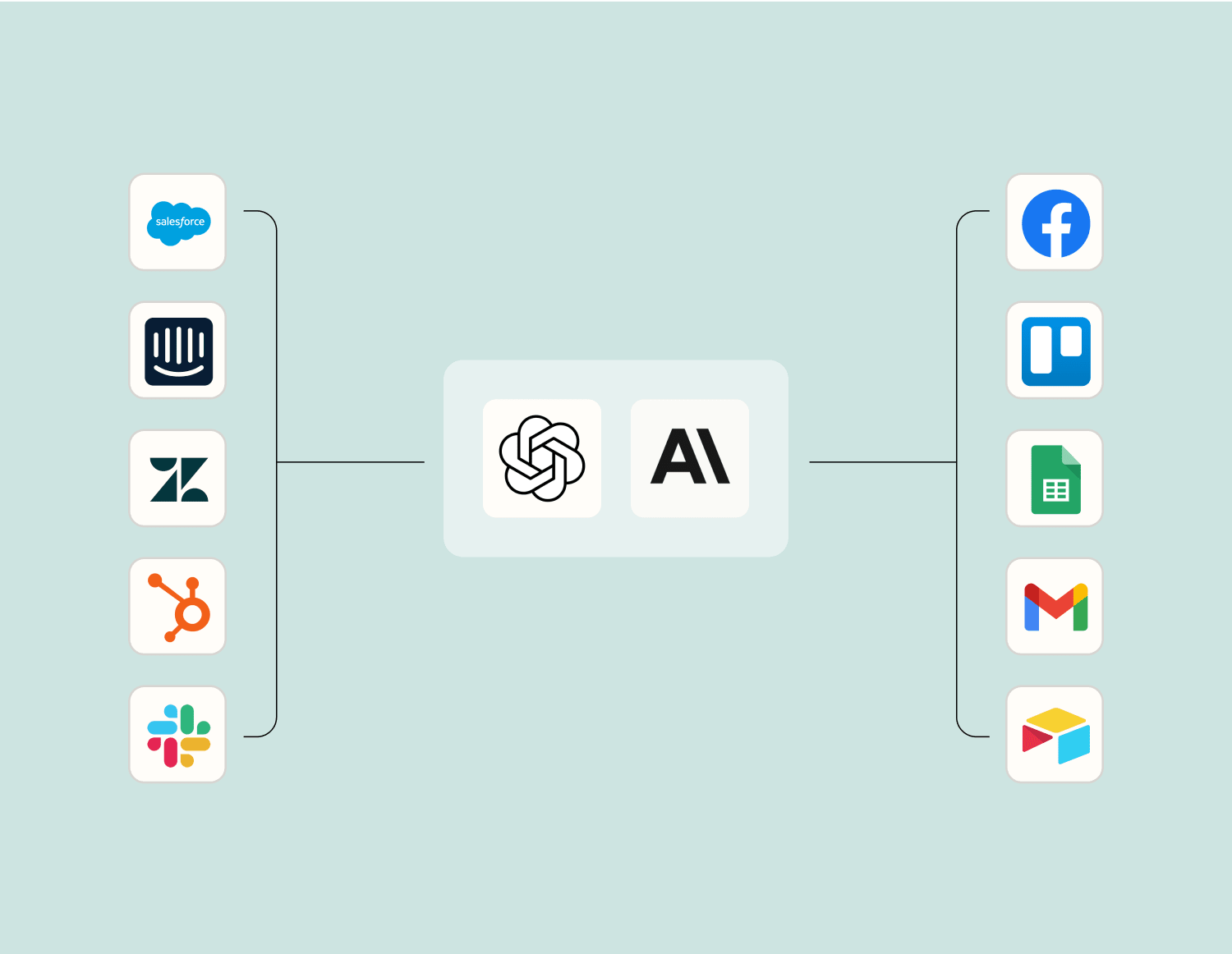
Make work flow with AI
Frequently Asked Questions about Microsoft Outlook + SuiteDash integrations
New to automation with Zapier? You're not alone. Here are some answers to common questions about how Zapier works with Microsoft Outlook and SuiteDash
How can I integrate Microsoft Outlook with SuiteDash using Zapier?
To integrate Microsoft Outlook with SuiteDash, you can utilize Zapier as a connector. First, log into your Zapier account. You will set up a 'Zap' by choosing Microsoft Outlook as the trigger app and selecting a specific trigger event such as 'New Email.' Next, choose SuiteDash as the action app and pick an action like 'Create a Task.' Follow the on-screen instructions to authenticate both accounts and complete the set-up.
What triggers are available for Outlook when integrating with SuiteDash?
When integrating Outlook with SuiteDash using our platform, you can use triggers such as 'New Email', 'New Calendar Event', or 'New Contact.' These triggers allow you to automate workflows by creating corresponding actions within SuiteDash, like adding new contacts or scheduling tasks.
Can I sync calendar events between Microsoft Outlook and SuiteDash?
Yes, you can sync calendar events between Microsoft Outlook and SuiteDash. Set up a Zap where the trigger is 'New Calendar Event' in Outlook, then configure an action in SuiteDash like 'Create or Update Event' to ensure your schedules remain consistent across both tools.
How do I update contacts in SuiteDash from new emails received in Outlook?
To update contacts in SuiteDash from new emails in Outlook, create a Zap that triggers on 'New Email' in Microsoft Outlook. Use this trigger to perform an action in SuiteDash such as 'Create/Update Client'. This allows automatic updating of contact information based on incoming email data.
Is it possible to create tasks in SuiteDash from calendar invites received in Outlook?
Yes, you can automatically create tasks in SuiteDash from calendar invites received in Microsoft Outlook. By setting up a Zap with the trigger 'New Calendar Event' from Outlook, you can link it to an action like 'Create Task' within SuiteDash.
What happens if there is a failed automation between Microsoft Outlook and SuiteDash?
In case of failed automations between Microsoft Outlook and SuiteDash using our service, you'll receive notifications detailing which step encountered an error. You can troubleshoot by checking connection issues or verifying that permissions are correctly set for both applications.
Can custom fields be mapped when syncing data between these two platforms?
Yes, custom fields can be mapped when syncing data between Microsoft Outlook and SuiteDash through our platform. While setting up actions such as contact creation or event scheduling, you'll have the option to select which custom fields should align with available data fields from each tool's records.
My AI agent already connects to my apps. Why add Zapier?
Your AI agent’s built-in or native connectors cover a limited set of popular apps. Zapier reaches 10,000+ apps and 90,000+ triggers and actions. Zapier also adds what your AI agent can’t: one place to manage logins and credentials, so you never paste an API key; automations that keep running after the chat closes, with fixes you can review when a run hits a snag; and the freedom to switch agent interfaces without starting over.
Can’t my AI agent already run tasks on a schedule?
Most popular AI agents can run scheduled tasks. And for simple recurring jobs, that might be all you need. Automations that run on Zapier can run on a schedule too, but they can also start the moment something happens in your apps—like when a new lead/ticket comes in or you get an email reply. Zapier also uses AI only in the steps that need judgment, so routine steps like posting to Slack or updating Salesforce don’t burn model tokens.
Why not have my AI agent write me a script?
You can, and the first version will probably work. The trouble comes later: a script needs somewhere to run, a way to hear about events, and someone to keep it going. If an API changes or a login expires, your script can quietly stop until you notice. It also holds your keys, often in a repo, where a leak can expose your accounts. With Zapier, your agent builds the automation, and you publish it. Zapier hosts it, handles your logins and credentials, and records every run. If a run fails, Zapier diagnoses what went wrong and prepares a fix you can review. Or you can decide which fixes Zapier can apply for you.