Top companies trust Zapier to automate work that solves their unique business problems—no coding required.
How Zapier works
Zapier makes it easy to integrate Gmail with Klaviyo - no code necessary. See how you can get setup in minutes.
100%
Help
Gmail
Gmail
1. Choose trigger event
Klaviyo
Klaviyo
2. Choose action
1. Select the event
Setup
Test
Gmail
Choose a trigger event
Choose a trigger
A trigger is the event that starts your Zap—like a "New Attachment" from Gmail.
Add your action
An action happens after the trigger—such as "Add Profile to List" in Klaviyo.
You’re connected!
Zapier seamlessly connects Gmail and Klaviyo, automating your workflow.
Supported triggers and actions
Zapier helps you create workflows that connect your apps to automate repetitive tasks. A trigger is an event that starts a workflow, and an action is an event a Zap performs.
Create a new record or update an existing record in your app.
List Name
Required
Action
This is an event a Zap performs.
Write
Create a new record or update an existing record in your app.
Migration_warning
Metric
Required
Email Address
Required
Event_id
Value
Time
Custom Event Properties
Action
This is an event a Zap performs.
Write
Create a new record or update an existing record in your app.
Tag
Required
List
Required
Action
This is an event a Zap performs.
Write
Create a new record or update an existing record in your app.
Campaign ID
Required
Action
This is an event a Zap performs.
Write
Create a new record or update an existing record in your app.
List
Email
First_name
Last_name
Phone_number
Title
Organization
City
Region
Country
Zip
Image URL
Unique_id
Custom_properties
SMS Subscription Type
Action
This is an event a Zap performs.
Write
Create a new record or update an existing record in your app.
Email
Phone_number
SMS Subscription Type (only when SMS number is provided)
Attributes_note
Profiles_note
Action
This is an event a Zap performs.
Write
Create a new record or update an existing record in your app.
Name
Required
Channel
Required
Status
Action
This is an event a Zap performs.
Search
Find existing data in your app
Name
Required
Action
This is an event a Zap performs.
Search
Find existing data in your app
Name
Required
Action
This is an event a Zap performs.
Search
Find existing data in your app
For AI agents & developers
Use Gmail and Klaviyo with AI agents and code
Beyond Zap workflows. Call Gmail and Klaviyo actions directly from your AI client or your codebase, using the same 9,000+ app integrations Zapier already runs.
No code
Connect via Zapier MCP
Expose Gmail and Klaviyo actions as tools in any MCP client. Authenticate once, then call them in natural language.
Example actions on this page
Add Label to Email
Add Profile to List
Works with
Claude · ChatGPT · Cursor · any MCP-compatible client
There is no Python package yet. SDK is TypeScript-only (@zapier/zapier-sdk). The MCP server URL is personal to your account; get it at zapier.com/mcp.
Zapier is the automation platform of choice for 87% of Forbes Cloud 100 companies in 2023
93%
Customers who say using Zapier has made them better at their job
25m
Customers have created over 25 million Zaps on the platform
6 mins
The average user takes less than 6 minutes to set up a Zap
Practical ways you can use Gmail and Klaviyo
Create new email contacts in Klaviyo from Gmail
Save time managing email contacts by using Zapier to automatically create a new profile in Klaviyo when a new email appears in a specific Gmail inbox. This ensures your mailing lists are always updated, reducing manual data entry and enabling easier customer segmentation.
When a new attachment is received via Gmail, Zapier can create an event in Klaviyo and associate the attachment with it. This workflow improves team collaboration and ensures that critical assets are easily accessible alongside relevant campaigns.
Zapier simplifies communication tracking by linking new Gmail threads to a Klaviyo contact profile. When a new thread starts, it can be stored as part of a Klaviyo profile for better customer interaction tracking and context building.
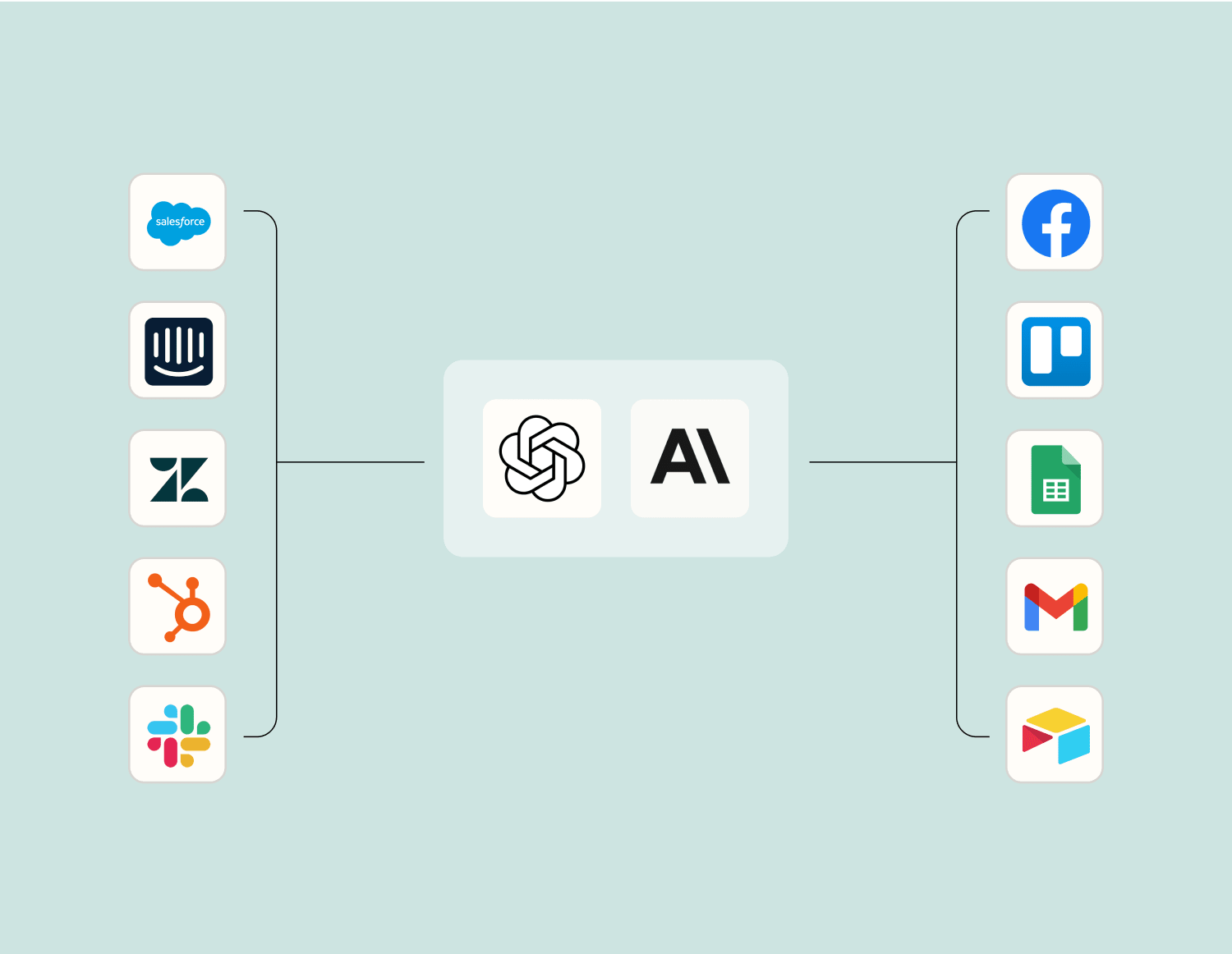
Level up your Gmail to Klaviyo integration with AI. Extract, summarize, and transform your integration data with leading AI models like OpenAI, Anthropic, and more.
Frequently Asked Questions about Gmail + Klaviyo integrations
New to automation with Zapier? You're not alone. Here are some answers to common questions about how Zapier works with Gmail and Klaviyo
How do I set up the integration between Gmail and Klaviyo?
You can integrate Gmail and Klaviyo by using our platform to create triggers and actions between the two apps. Start by selecting Gmail as your trigger app and choosing an event, such as receiving a new email. Then, select Klaviyo as your action app and choose what should happen next, like updating a subscriber list or sending an email campaign.
What kinds of triggers are available with the Gmail-Klaviyo integration?
With our integration, you can set up triggers based on various events in Gmail, such as receiving a new email, marking an email as important, or adding a label to an email. These triggers can initiate a range of actions in Klaviyo, like adding subscribers to a list or triggering workflow automations.
Can I use filters when setting up triggers between Gmail and Klaviyo?
Yes, when creating a trigger in Gmail for your integration with Klaviyo, you can apply filters such as sender address or subject line. This allows you to refine which emails trigger actions in your connected Klaviyo account.
What actions can be performed in Klaviyo when integrating with Gmail?
Once you've set up your Gmail trigger, you can perform several actions in Klaviyo such as updating contact profiles, sending out personalized emails automatically, adding contacts to lists or segments based on specific criteria from received emails.
Do I need any coding skills to integrate Gmail with Klaviyo?
No coding skills are required to integrate Gmail with Klaviyo. Our platform enables you to connect both apps through simple steps involving selecting triggers and corresponding actions without writing any code.
How often are integrations between Gmail and Klaviyo updated?
The frequency of updates depends on the plan you're currently using. Our platform typically checks for new data every few minutes for most users to ensure that integrations remain responsive without significant delays.
Is it possible to personalize emails sent through the integration from insights gathered from Gmail?
Yes, by utilizing data from your emails—such as content patterns or user interaction details—you can enhance personalization within your automated workflows in Klaviyo linked through our platform.
About Gmail
One of the most popular email services, Gmail keeps track of all your emails with threaded conversations, tags, and Google-powered search to find any message you need.