Connect Presentations.AI and Mobile Message to power AI-driven automation
- No-code AI automation
- Full audit trails and controls
- SOC 2 and GDPR compliant
- Easy visual workflow builder
- 9,000+ apps, 450+ AI tools
- Free tier available
How Zapier works
Zapier makes it easy to integrate Presentations.AI with Mobile Message - no code necessary. See how you can get setup in minutes.


Choose a trigger
A trigger is the event that starts your Zap—like a "New Failed Presentation" from Presentations.AI.
Add your action
An action happens after the trigger—such as "Add Contact to List" in Mobile Message.
You’re connected!
Zapier seamlessly connects Presentations.AI and Mobile Message, automating your workflow.
Supported triggers and actions
Zapier helps you create workflows that connect your apps to automate repetitive tasks. A trigger is an event that starts a workflow, and an action is an event a Zap performs.
- New Failed Presentation
Triggers when a presentation started with your API key, in Zapier or elsewhere, fails to generate. Gives the Request ID and the error, for example to alert your team or retry with a new Request ID.
Try ItTriggerPolling - New Presentation
Triggers when a presentation you can open is created in Presentations.AI, in the app or by an API key. Presentations started by a Zap appear while still generating, without a file: to get their file, use "New Finished Presentation" instead.
Try ItTriggerPolling - ContentRequired
- Topic
- Export type
- Slide count
- Language
- Company website
- Audience
- Tone
- Request ID
- Purpose
- Level of detail
- Speaker notes
- Brand kit
- Project
- Who can open
ActionWrite- Topic
- File
- Language
- Company website
- Request ID
- Purpose
- Level of detail
- Brand kit
- Project
- Who can open
ActionWrite
- New Finished Presentation
Triggers when a presentation started with your API key, in Zapier or elsewhere, finishes generating and its file is ready. Files over 100 MB are not passed on; use the Presentation URL for those.
Try ItTriggerPolling - Topic
- Content
- File
- Export type
- Slide count
- Language
- Company website
- Audience
- Request ID
- Purpose
- Level of detail
- Speaker notes
- Brand kit
- Project
- Who can open
ActionWrite- FileRequired
- Topic
- Export type
- Slide count
- Language
- Company website
- Request ID
- Purpose
- Level of detail
- Speaker notes
- Brand kit
- Project
- Who can open
ActionWrite- Request IDRequired
ActionSearch
For AI agents & developers
Use Presentations.AI and Mobile Message with AI agents and code
Beyond Zap workflows. Call Presentations.AI and Mobile Message actions directly from your AI client or your codebase, using the same 9,000+ app integrations Zapier already runs.
Connect via Zapier MCP
Expose Presentations.AI and Mobile Message actions as tools in any MCP client. Authenticate once, then call them in natural language.
Example actions on this page
Works with
Claude · ChatGPT · Cursor · any MCP-compatible client
Call from code with the Zapier SDK
Trigger Presentations.AI and Mobile Message actions from backend services, scripts, or agent code.
Install
# TypeScript / Node
npm install @zapier/zapier-sdk
Run an action
import { createZapierSdk } from '@zapier/zapier-sdk';

const zapier = createZapierSdk();
await zapier.runAction({ /* presentationsai / mobile-message-ca21345 action */ });There is no Python package yet. SDK is TypeScript-only (@zapier/zapier-sdk). The MCP server URL is personal to your account; get it at zapier.com/mcp.
Zapier is the automation platform of choice for 87% of Forbes Cloud 100 companies in 2023




93%
Customers who say using Zapier has made them better at their job
25m
Customers have created over 25 million Zaps on the platform
6 mins
The average user takes less than 6 minutes to set up a Zap
Connect Presentations.AI and Mobile Message to integrate crucial parts of your business
With Zapier, you can integrate everything from basic data entry to end-to-end processes. Here are some of the business-critical workflows that people automate with Zapier.
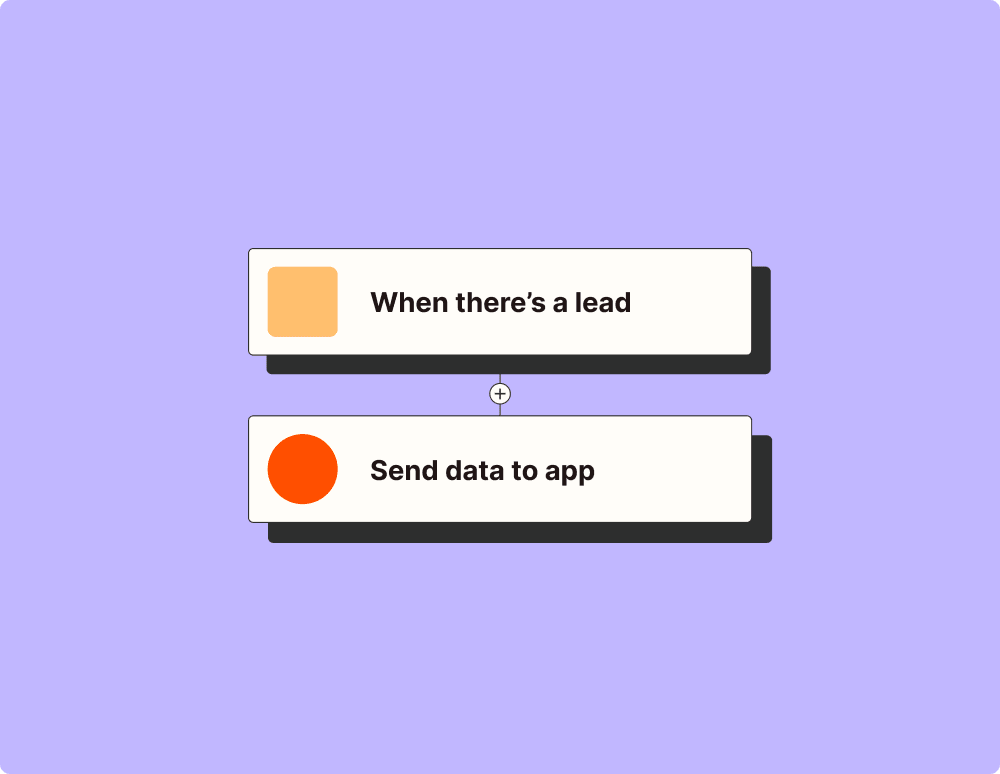
Automate your lead management and improve conversions
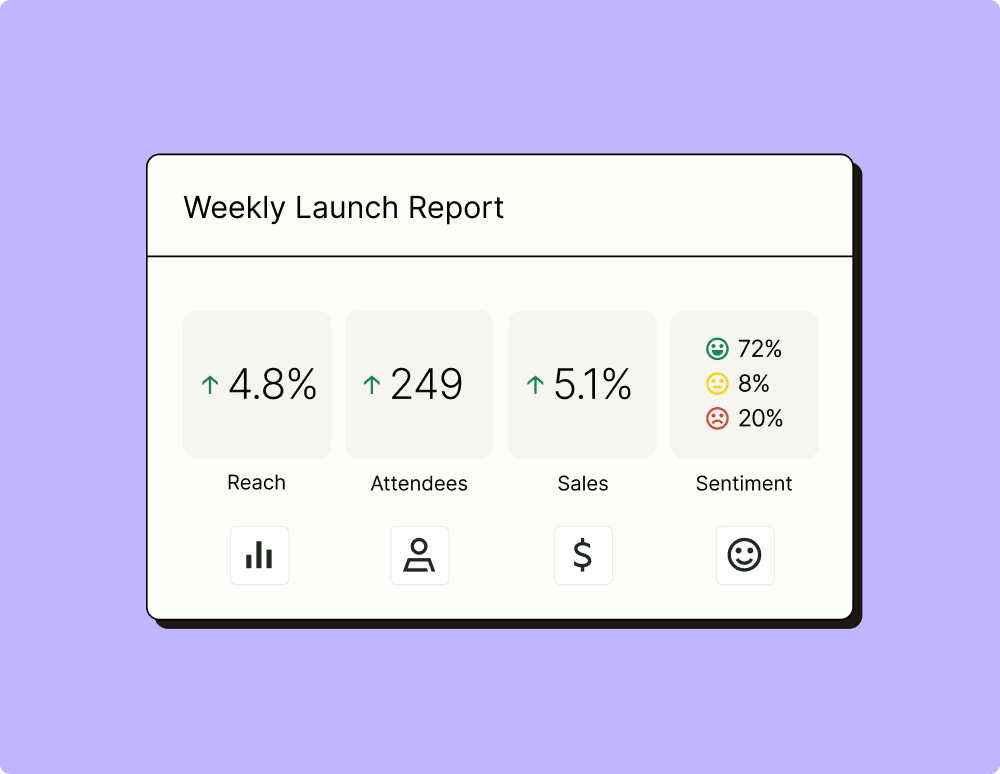
Create more impactful campaigns with automation
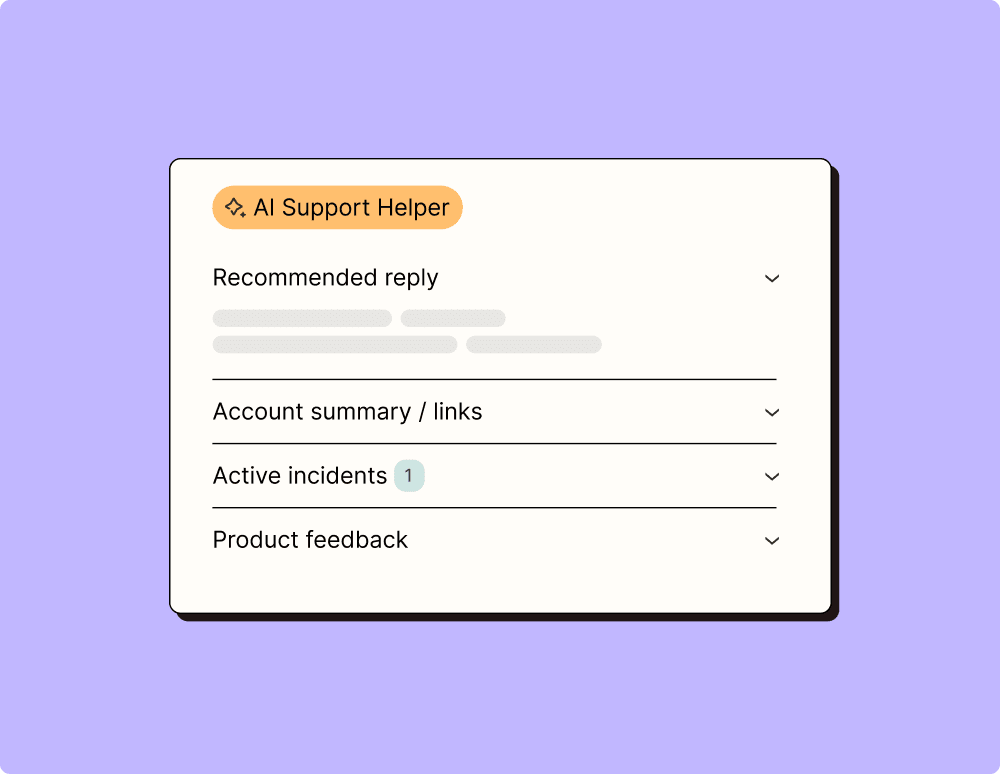
Provide world-class support with a little help from automation
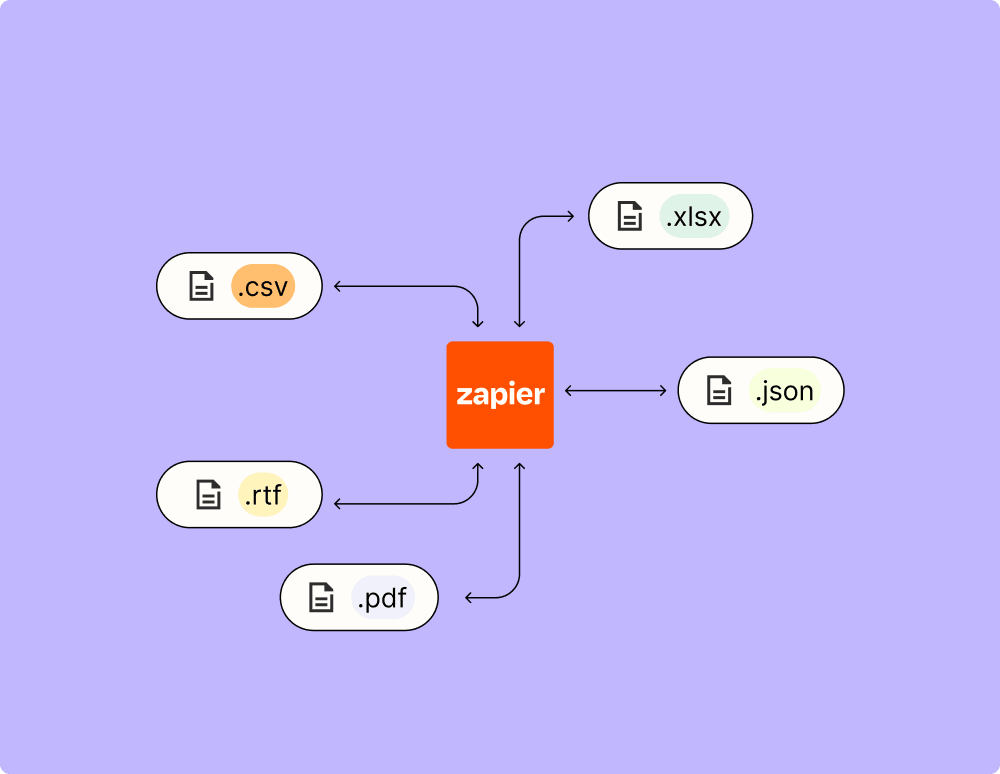
Automate your way to actionable, up-to-date data
Resolve incidents faster with automation
Make work flow with AI
