Top companies trust Zapier to automate work that solves their unique business problems—no coding required.
How Zapier works
Zapier makes it easy to integrate SkipCalls with Square - no code necessary. See how you can get setup in minutes.
100%
Help
SkipCalls
SkipCalls
1. Choose trigger event
Square
Square
2. Choose action
1. Select the event
Setup
Test
SkipCalls
Choose a trigger event
Choose a trigger
A trigger is the event that starts your Zap—like a "Appointment Booked" from SkipCalls.
Add your action
An action happens after the trigger—such as "Add Customer to Group" in Square.
You’re connected!
Zapier seamlessly connects SkipCalls and Square, automating your workflow.
Supported triggers and actions
Zapier helps you create workflows that connect your apps to automate repetitive tasks. A trigger is an event that starts a workflow, and an action is an event a Zap performs.
Appointment Booked
Triggers when the AI agent successfully books an appointment on your calendar during a call. Includes guest info, time slot, calendar provider, and source call details — perfect for pushing bookings into CRMs or sending confirmation emails.
Triggers when an estimate goes out to the customer by text or email. Includes the estimate (total and line items in cents), the channel, the recipient, the message exactly as sent, and the job and customer details.
Triggers when a call creates a job in SkipCalls Needs you: a callback, a question for you, or a message to send. Includes the job title, objective, urgency, due time, callback number, the customer, the call that created it, and a link to open the job.
Create a new record or update an existing record in your app.
Inventory Change Type
Required
Location
Required
Catalog Object
Required
Quantity
Required
Ignore unchanged counts
Action
This is an event a Zap performs.
Write
Create a new record or update an existing record in your app.
Location
Required
Order ID
Required
Customer ID
Required
Accepted_payment_methods
Required
Payment due date
Required
Tipping enabled
Invoice title
Invoice number
Description
Delivery method
Required
Scheduled at
Date of sale
Action
This is an event a Zap performs.
Write
Create a new record or update an existing record in your app.
Payment
Required
Refund amount
Reason
Team member
Action
This is an event a Zap performs.
Write
Create a new record or update an existing record in your app.
Help_text
Location
Required
Action
This is an event a Zap performs.
Write
Create a new record or update an existing record in your app.
Customer ID
Required
First Name
Last Name
Email_address
Phone_number
Country
Street Address
Apt./Suite
City
State
ZIP
Other
Company
Nickname
Reference ID
Birthday
Action
This is an event a Zap performs.
Write
Create a new record or update an existing record in your app.
Find Order by ID
This action retrieves the details of a specific order from Square using the order ID.
Action
This is an event a Zap performs.
Write
Create a new record or update an existing record in your app.
Customer_id
Action
This is an event a Zap performs.
Search
Find existing data in your app
Location
Required
Field_help
Customer
Fulfillment_state
Status
Action
This is an event a Zap performs.
Search
Find existing data in your app
Location
Required
Field_help
Customer
Fulfillment_state
Status
Customer ID
External Identifier
Source
Ticket Name
Quantity
Amount
Currency
Catalog Item Variation ID
Note
Unique Identifier
Amount Discounted
Amount Discounted Currency
Name
Percentage
Type
Unique Identifier
Name
Percentage
Type
Unique Identifier
Action
This is an event a Zap performs.
Search or write
Find existing data in your app, or create a new record if no data is found
Outbound Call Completed
Triggers when an AI-powered outbound call finishes. Delivered in real time via webhook. Includes summary, collected data, evaluation results, and recommended next action.
Triggers when SkipCalls calculates an estimate for a job: after the call, when you recalculate it, or when your prices change. Includes the total and line items (in cents), questions still to ask, the message drafted for the customer, and the job and customer details.
Triggers when your AI receptionist finishes handling an inbound call. Delivered in real time. Includes caller info, transcript summary, and any data the agent collected.
Triggers when a job in SkipCalls Needs you changes status: done, not needed, waiting on the customer, snoozed, back in Needs you, or expired. Includes the previous and new status, who changed it (your team, the assistant, or SkipCalls with the reason), the job and the customer.
Create a new record or update an existing record in your app.
First Name
Last Name
Email_address
Phone_number
Country
Street Address
Apt./Suite
City
State
ZIP
Other
Company
Nickname
Reference_id
Action
This is an event a Zap performs.
Write
Create a new record or update an existing record in your app.
Location
Required
Customer ID
External Identifier
Buyer Email Address
Payment Type
Required
Payment Note
Quantity
Required
Amount
Required
Currency
Required
Line Item Name
Catalog Item Variation ID
Pickup
Display Name
Carrier
Expected Ship Date/Time
Shipping Note
Fulfillment Email Address
Phone number of the fulfillment recipient
Address Line 1
Address Line 2
State
County
Country
City
Postal Code
Discount Type
Name
Percentage
Amount Discounted
Discount Currency
Name
Percentage
Type
Action
This is an event a Zap performs.
Write
Create a new record or update an existing record in your app.
Customer ID
Required
Group
Required
Action
This is an event a Zap performs.
Write
Create a new record or update an existing record in your app.
Customer
Required
Attribute
Required
Value
Required
Idempotency Key
Action
This is an event a Zap performs.
Write
Create a new record or update an existing record in your app.
Api_docs_info
Stop on error
Required
HTTP Method
Required
URL
Required
Query string parameters
Additional request headers
Body
Action
This is an event a Zap performs.
Write
Create a new record or update an existing record in your app.
Field_help
Email_address
Phone Number
Reference ID
Action
This is an event a Zap performs.
Search
Find existing data in your app
Field_help
Text Filter
Location
Action
This is an event a Zap performs.
Search
Find existing data in your app
Field_help
Email_address
Phone Number
Reference ID
First Name
Last Name
Country
Street Address
Apt./Suite
City
State
ZIP
Other
Company
Nickname
Action
This is an event a Zap performs.
Search or write
Find existing data in your app, or create a new record if no data is found
For AI agents & developers
Use SkipCalls and Square with AI agents and code
Beyond Zap workflows. Call SkipCalls and Square actions directly from your AI client or your codebase, using the same 9,000+ app integrations Zapier already runs.
No code
Connect via Zapier MCP
Expose SkipCalls and Square actions as tools in any MCP client. Authenticate once, then call them in natural language.
Example actions on this page
Schedule Outbound Call
Add Customer to Group
Works with
Claude · ChatGPT · Cursor · any MCP-compatible client
There is no Python package yet. SDK is TypeScript-only (@zapier/zapier-sdk). The MCP server URL is personal to your account; get it at zapier.com/mcp.
Zapier is the automation platform of choice for 87% of Forbes Cloud 100 companies in 2023
93%
Customers who say using Zapier has made them better at their job
25m
Customers have created over 25 million Zaps on the platform
6 mins
The average user takes less than 6 minutes to set up a Zap
Connect SkipCalls and Square to integrate crucial parts of your business
With Zapier, you can integrate everything from basic data entry to end-to-end processes. Here are some of the business-critical workflows that people automate with Zapier.
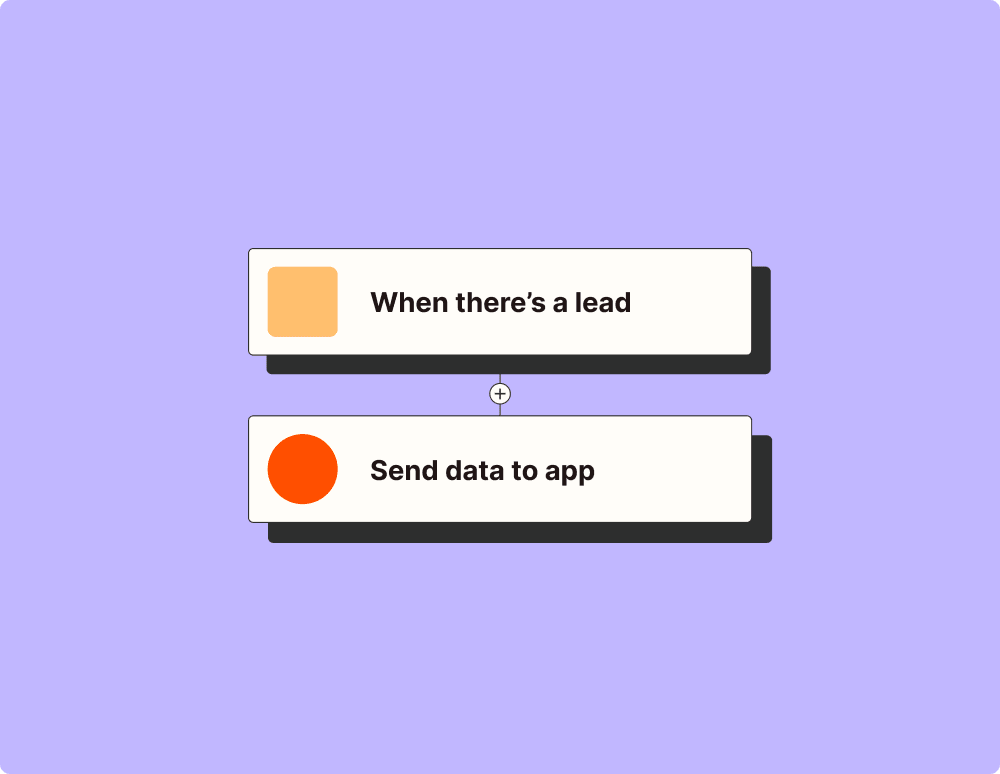
Automate your lead management and improve conversions
With Zapier, you can automate every part of your lead funnel and give yourself the best chance at converting leads. Automate everything from lead capture to outreach to reporting—and close more deals as a result.
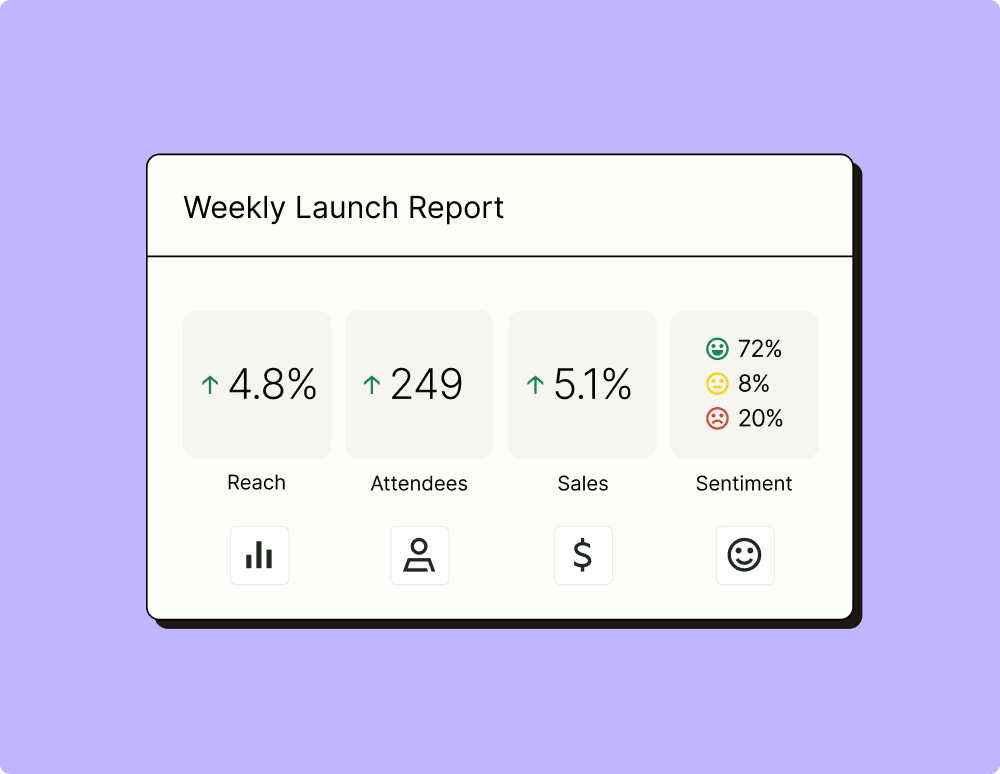
Create more impactful campaigns with automation
Measuring campaign performance across platforms can get chaotic. Plus, digging up the right metrics costs you precious time and effort. With Zapier, you can create a centralized view of your performance, skillfully manage your lists, and ensure your campaigns drive ROI across the business.
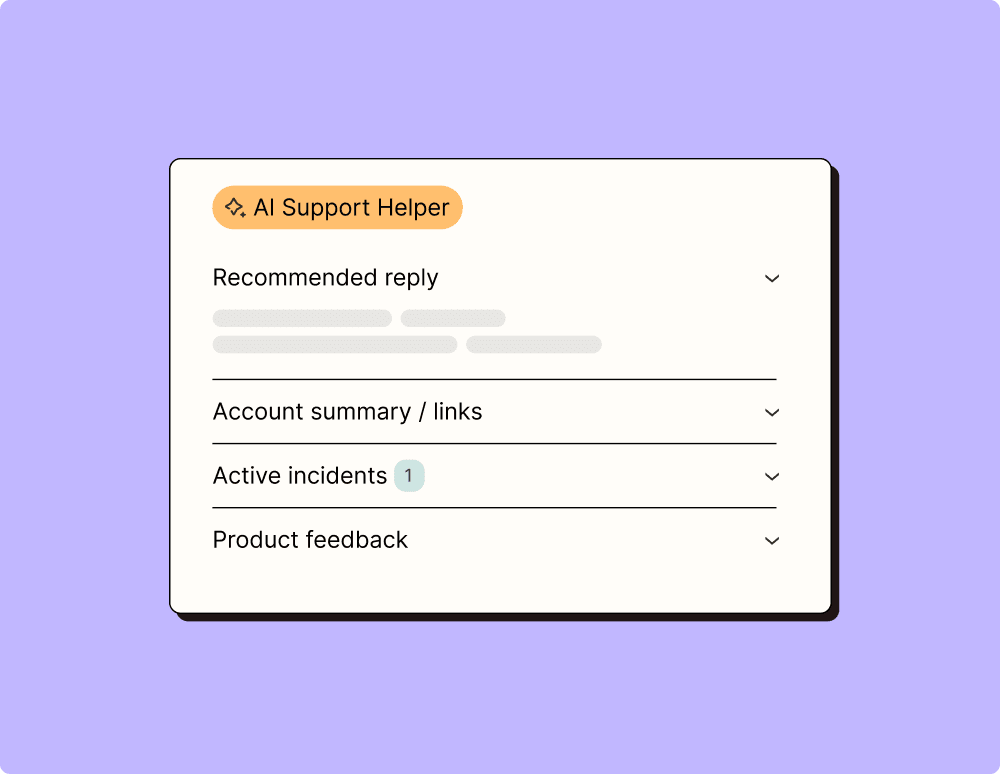
Provide world-class support with a little help from automation
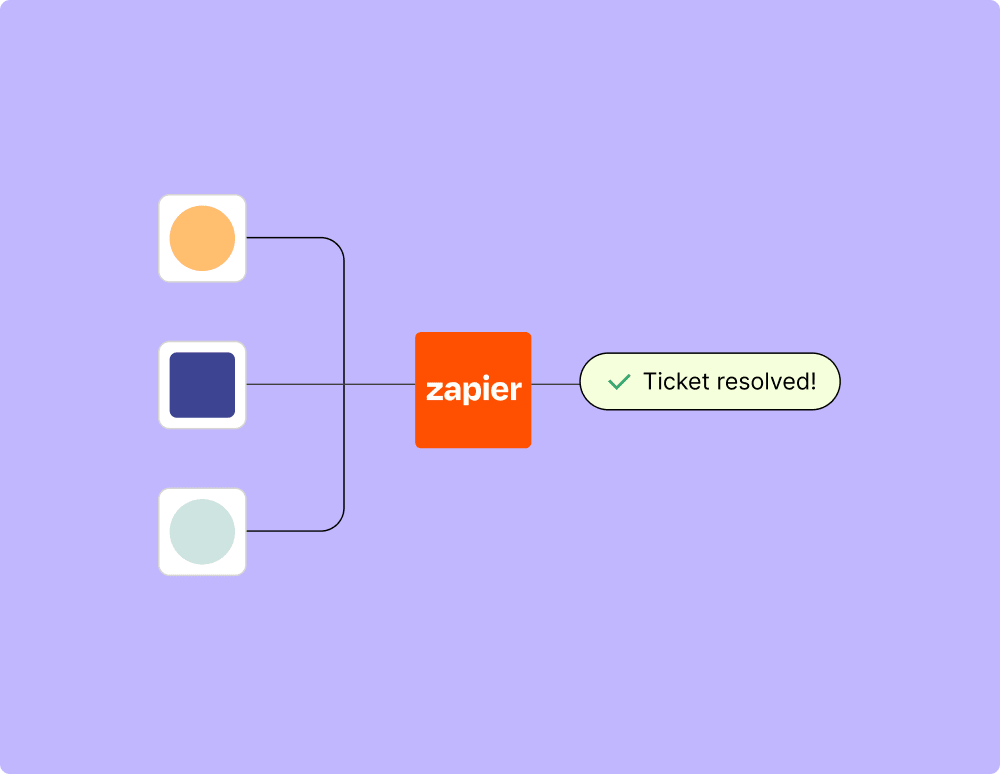
Support reps can't be productive when they have to track down crucial information for every incident or ticket. With Zapier, you can automatically send your reps the context they need to resolve tickets quickly and create a seamless customer experience.
Automate your way to actionable, up-to-date data
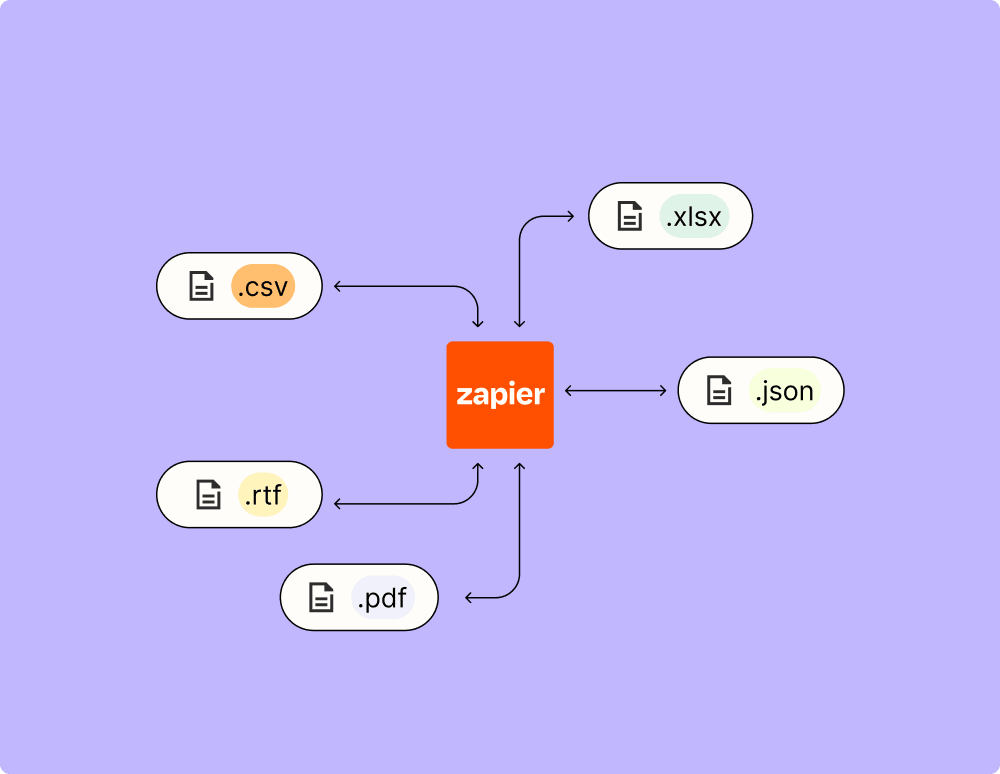
The days of manually exporting and importing data are over. With Zapier, you can send data where it needs to go, in the format you need it—so you can centralize your data and unlock more insights.
Resolve incidents faster with automation
Your technical support team wants to focus on tech tickets rather than admin work. With Zapier, you can automate everything from ticket creation to routing to inter-team communication—eliminating friction from incident management and increasing speed to resolution.
Learn how to automate Square on the Zapier blog
Make work flow with AI
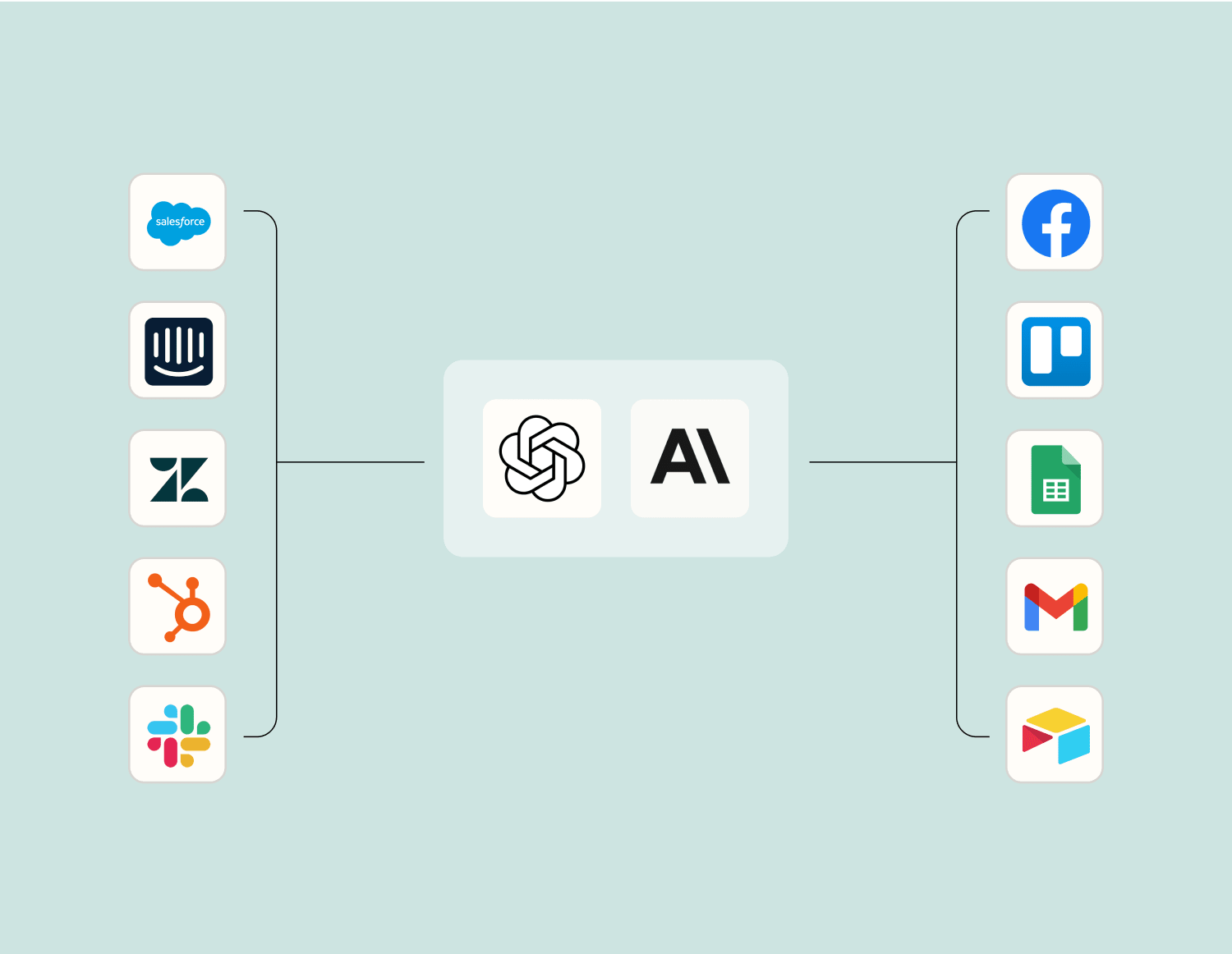
Level up your SkipCalls to Square integration with AI. Extract, summarize, and transform your integration data with leading AI models like OpenAI, Anthropic, and more.
Square creates tools that help sellers of all sizes start, run and grow their businesses. Square’s point-of-sale service offers tools for every part of running a business, from accepting credit cards and tracking inventory to real-time analytics and invoicing.