













Skip to content

Connect Dotdigital and HubSpot to power AI-driven automation

  • No-code AI automation
  • Full audit trails and controls
  • SOC 2 and GDPR compliant
  • Easy visual workflow builder
  • 10,000+ apps, 450+ AI tools
  • Free tier available
Choose a Trigger
Choose an Action
Google Logo Start with Google for free

Top companies trust Zapier to automate work that solves their unique business problems—no coding required.

Calendly
Okta
Zendesk
Dropbox
Asana
Allstate
Airbnb
ActiveCampaign
Lyft
Webflow
Canva
Sysco
LA Clippers
Getaround
Grammarly
HelloFresh
Lululemon
Barry's
Hopper
Casper
Hudl
Miro
The New York Times
Ruggable
Calendly
Okta
Zendesk
Dropbox
Asana
Allstate
Airbnb
ActiveCampaign
Lyft
Webflow
Canva
Sysco
LA Clippers
Getaround
Grammarly
HelloFresh
Lululemon
Barry's
Hopper
Casper
Hudl
Miro
The New York Times
Ruggable

How Zapier works

Zapier makes it easy to integrate Dotdigital with HubSpot - no code necessary. See how you can get setup in minutes.

100%
Help
Dotdigital logo
Dotdigital
Dotdigital logo
Dotdigital
1. Choose trigger event
HubSpot logo
HubSpot
HubSpot logo
HubSpot
2. Choose action
Dotdigital logo
1. Select the event
Setup
Test
Dotdigital logo
Dotdigital
Choose a trigger event

Choose a trigger

A trigger is the event that starts your Zap—like a "Campaign Activity" from Dotdigital.

Add your action

An action happens after the trigger—such as "Update Contact Subscription Preferences" in HubSpot.

You’re connected!

Zapier seamlessly connects Dotdigital and HubSpot, automating your workflow.

Supported triggers and actions

Zapier helps you create workflows that connect your apps to automate repetitive tasks. A trigger is an event that starts a workflow, and an action is an event a Zap performs.

Triggers
Actions
Triggers & Actions
  • Dotdigital triggers, actions, and search
    Campaign Activity

    Triggers when a campaign has new activity.

    Trigger
    Polling
    Try It
    • Campaign
      Required
    Trigger
    Polling
    Try It
    • Campaign
      Required
    Trigger
    Polling
    Try It
    • Suppression Reason
      Required
    Trigger
    Polling
    Try It
    • Survey
      Required
    Trigger
    Polling
    Try It

For AI agents & developers

Use Dotdigital and HubSpot with AI agents and code

Beyond Zap workflows. Call Dotdigital and HubSpot actions directly from your AI client or your codebase, using the same 10,000+ app integrations Zapier already runs.

No code

Connect via Zapier MCP

Expose Dotdigital and HubSpot actions as tools in any MCP client. Authenticate once, then call them in natural language.

Example actions on this page

  • Create a List
  • Update Contact Subscription Preferences

Works with

Claude · ChatGPT · Cursor · any MCP-compatible client

Connect Zapier MCP
Typescript

Call from code with the Zapier SDK

Trigger Dotdigital and HubSpot actions from backend services, scripts, or agent code.

Install

# TypeScript / Node
npm install @zapier/zapier-sdk

Run an action

import { createZapierSdk } from '@zapier/zapier-sdk';

const zapier = createZapierSdk();
await zapier.runAction({ /* dotdigital / hubspot action */ });
Run the SDK docs

There is no Python package yet. SDK is TypeScript-only (@zapier/zapier-sdk). The MCP server URL is personal to your account; get it at zapier.com/mcp.

Zapier is the automation platform of choice for 87% of Forbes Cloud 100 companies in 2023

G2 Badge - Best Est. ROI - Winter 2024
G2 Badge - Best Results - Winter 2024
G2 Badge - Most Implementable - Winter 2024
G2 Badge - Leader Mid-Market - Winter 2024

93%

Customers who say using Zapier has made them better at their job

25m

Customers have created over 25 million Zaps on the platform

6 mins

The average user takes less than 6 minutes to set up a Zap

Practical ways you can use Dotdigital and HubSpot

Enroll new HubSpot contact in Dotdigital program

When a new contact is created in HubSpot, Zapier will automatically enroll them in a campaign or automation program in Dotdigital. This removes the hassle of manually syncing contacts across platforms, ensuring prompt engagement with customers and prospects.

Business Owner

Try it
Add survey responses as HubSpot contacts

When a new survey response is captured in Dotdigital, Zapier will automatically create or update a contact in HubSpot with the data provided. This ensures your marketing and sales teams always have the most current contact information, streamlining communication workflows and increasing lead engagement.

Marketing & Marketing Ops
Send automatic notifications on HubSpot deal updates

Each time a deal is updated in HubSpot, Zapier can send automated notifications to project management tools, ensuring relevant teams are always informed about deal progress. This improves coordination and helps meet deadlines effectively.

Project Management

Learn how to automate HubSpot on the Zapier blog

Make work flow with AI

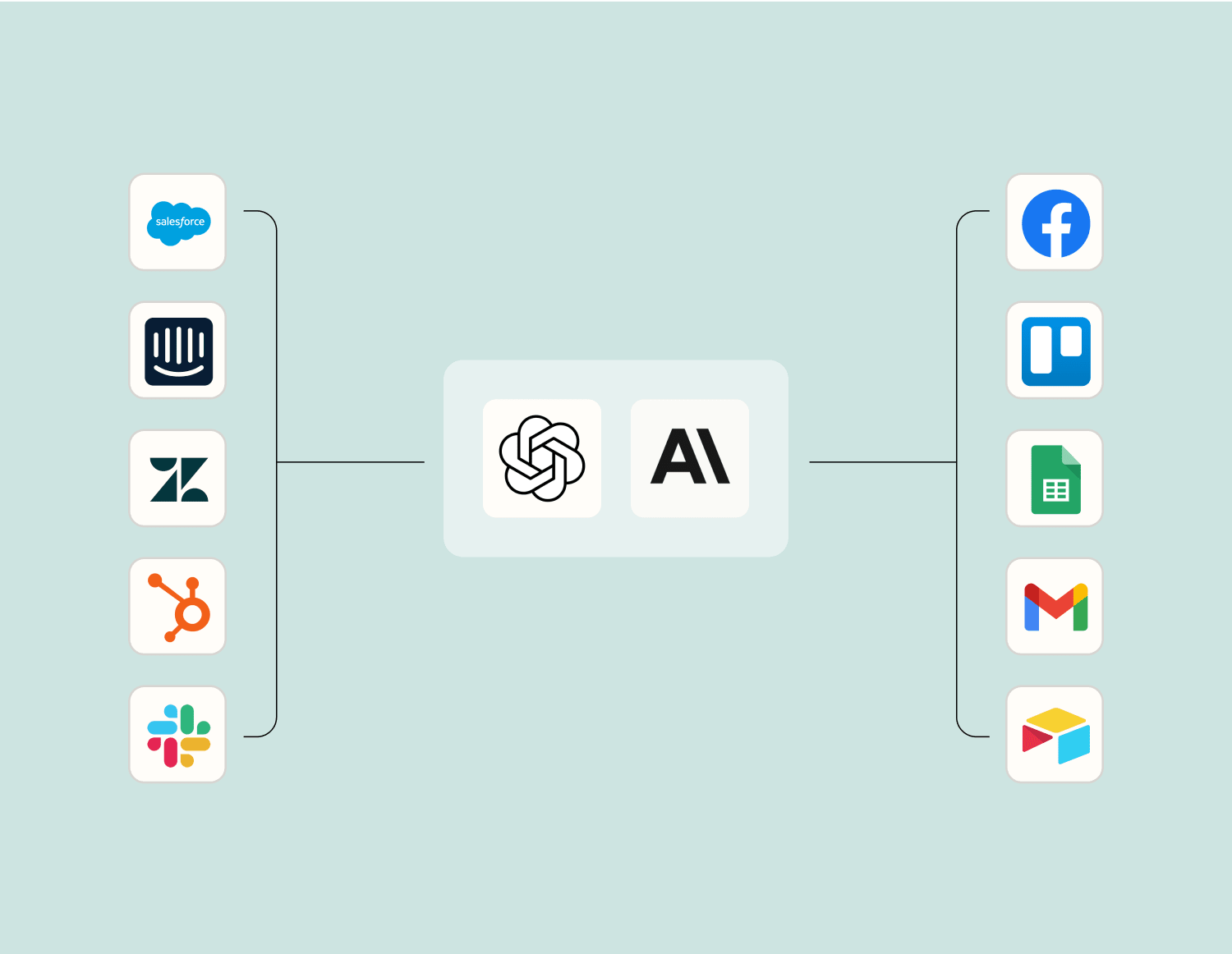
Level up your Dotdigital to HubSpot integration with AI. Extract, summarize, and transform your integration data with leading AI models like OpenAI, Anthropic, and more.
Illustration of AI enhancing Zapier workflows with automation and app integrations.

Frequently Asked Questions about Dotdigital + HubSpot integrations

New to automation with Zapier? You're not alone. Here are some answers to common questions about how Zapier works with Dotdigital and HubSpot

How do I connect Dotdigital to HubSpot?

To connect Dotdigital with HubSpot, you will first need to generate an API key from your Dotdigital account. Then, in HubSpot, navigate to integrations and select Dotdigital from the available options. Enter the API key when prompted to authenticate and establish the connection.

What triggers are available when integrating Dotdigital with HubSpot?

When integrating Dotdigital with HubSpot, you can set up triggers such as new contact added in HubSpot, form submission in HubSpot, and email opened or clicked in Dotdigital. These triggers can then initiate actions like sending an automatic follow-up email or updating contact information.

Can I sync my contacts between Dotdigital and HubSpot?

Yes, you can sync contacts between Dotdigital and HubSpot. The sync can be scheduled periodically or triggered by specific events like adding a new contact or updating contact information in either system.

What actions can be automated through the integration of Dotdigital with HubSpot?

By integrating Dotdigital with HubSpot, you can automate actions such as adding contacts to email lists, sending out marketing emails based on customer behaviors recorded in HubSpot, and scoring leads based on engagement metrics from both platforms.

Is it possible to track email campaign performance from within HubSpot when integrated with Dotdigital?

Yes, once integrated, you can track and analyze email campaign performance directly within your HubSpot dashboard. This includes metrics like open rates, click-through rates, and engagement scores imported from Dotdigital campaigns.

Are there any limitations to what data can be synced between Dotdigital and HubSpot?

While most standard contact fields and behaviors are supported for sync between Dotdigital and HubSpot, custom data fields might require additional configuration. We recommend checking our integration documentation for specific data compatibility questions.

How often is data updated between Dotdigital and HubSpot after integration?

The frequency of data updates between Dotdigital and HubSpot depends on your chosen configuration settings. Data can be synced in real-time using event-based triggers or scheduled at regular intervals like daily or weekly updates based on your preferences.

My AI agent already connects to my apps. Why add Zapier?

Your AI agent’s built-in or native connectors cover a limited set of popular apps. Zapier reaches 10,000+ apps and 90,000+ triggers and actions. Zapier also adds what your AI agent can’t: one place to manage logins and credentials, so you never paste an API key; automations that keep running after the chat closes, with fixes you can review when a run hits a snag; and the freedom to switch agent interfaces without starting over.

Can’t my AI agent already run tasks on a schedule?

Most popular AI agents can run scheduled tasks. And for simple recurring jobs, that might be all you need. Automations that run on Zapier can run on a schedule too, but they can also start the moment something happens in your apps—like when a new lead/ticket comes in or you get an email reply. Zapier also uses AI only in the steps that need judgment, so routine steps like posting to Slack or updating Salesforce don’t burn model tokens.

Why not have my AI agent write me a script?

You can, and the first version will probably work. The trouble comes later: a script needs somewhere to run, a way to hear about events, and someone to keep it going. If an API changes or a login expires, your script can quietly stop until you notice. It also holds your keys, often in a repo, where a leak can expose your accounts. With Zapier, your agent builds the automation, and you publish it. Zapier hosts it, handles your logins and credentials, and records every run. If a run fails, Zapier diagnoses what went wrong and prepares a fix you can review. Or you can decide which fixes Zapier can apply for you.

dotdigital logo
About Dotdigital
Dotdigital is a customer experience and data platform (CXDP) that empowers marketers to create highly personalized cross-channel journeys.
Related categories
Similar apps
Zapier Forms integrationsZapier Forms integrations
Zapier Forms
App Builder, CRM (Customer Relationship Management), Forms & Surveys, Zapier
hubspot logo
About HubSpot
HubSpot is your all-in-one stop for all of your marketing software needs.
Related categories
Similar apps
Inbound Now integrationsInbound Now integrations
Inbound Now
Marketing Automation, WordPress
Intercom integrationsIntercom integrations
Intercom
Customer Support
Zapier Forms integrationsZapier Forms integrations
Zapier Forms
App Builder, CRM (Customer Relationship Management), Forms & Surveys, Zapier

Connect Dotdigital to HubSpot on the world's largest no-code automation platform

Google Logo Sign up with Google