Top companies trust Zapier to automate work that solves their unique business problems—no coding required.
How Zapier works
Zapier makes it easy to integrate Google Forms with Instagram for Business - no code necessary. See how you can get setup in minutes.
100%
Help
Google Forms
Google Forms
1. Choose trigger event
Instagram for Business
Instagram for Business
2. Choose action
1. Select the event
Setup
Test
Google Forms
Choose a trigger event
Choose a trigger
A trigger is the event that starts your Zap—like a "New Form Response" from Google Forms.
Add your action
An action happens after the trigger—such as "Publish Photo(s)" in Instagram for Business.
You’re connected!
Zapier seamlessly connects Google Forms and Instagram for Business, automating your workflow.
Supported triggers and actions
Zapier helps you create workflows that connect your apps to automate repetitive tasks. A trigger is an event that starts a workflow, and an action is an event a Zap performs.
Create a new record or update an existing record in your app.
Api_docs_info
Stop on error
Required
HTTP Method
Required
URL
Required
Query string parameters
Additional request headers
Body
Action
This is an event a Zap performs.
Write
Create a new record or update an existing record in your app.
For AI agents & developers
Use Google Forms and Instagram for Business with AI agents and code
Beyond Zap workflows. Call Google Forms and Instagram for Business actions directly from your AI client or your codebase, using the same 9,000+ app integrations Zapier already runs.
No code
Connect via Zapier MCP
Expose Google Forms and Instagram for Business actions as tools in any MCP client. Authenticate once, then call them in natural language.
Example actions on this page
API Request (Beta)
Publish Photo(s)
Works with
Claude · ChatGPT · Cursor · any MCP-compatible client
There is no Python package yet. SDK is TypeScript-only (@zapier/zapier-sdk). The MCP server URL is personal to your account; get it at zapier.com/mcp.
Zapier is the automation platform of choice for 87% of Forbes Cloud 100 companies in 2023
93%
Customers who say using Zapier has made them better at their job
25m
Customers have created over 25 million Zaps on the platform
6 mins
The average user takes less than 6 minutes to set up a Zap
Practical ways you can use Google Forms and Instagram for Business
Log Instagram media engagement in Google Forms.
When new tagged media appears for your Instagram Business account, Zapier records the details in a Google Form response. This helps business owners effortlessly track audience interactions.
When your Instagram Business account posts a new photo or video, Zapier will automatically create an entry in a Google Form response. This creates a streamlined log of all your media content for recordkeeping and further analysis.
Log form leads into Google Forms for Instagram content.
When a new form response is received through Google Forms, Zapier automatically enters it as data for planning Instagram Business content strategy, improving lead-to-campaign efficiency.
Learn how to automate Google Forms on the Zapier blog
Learn how to automate Instagram for Business on the Zapier blog
Make work flow with AI
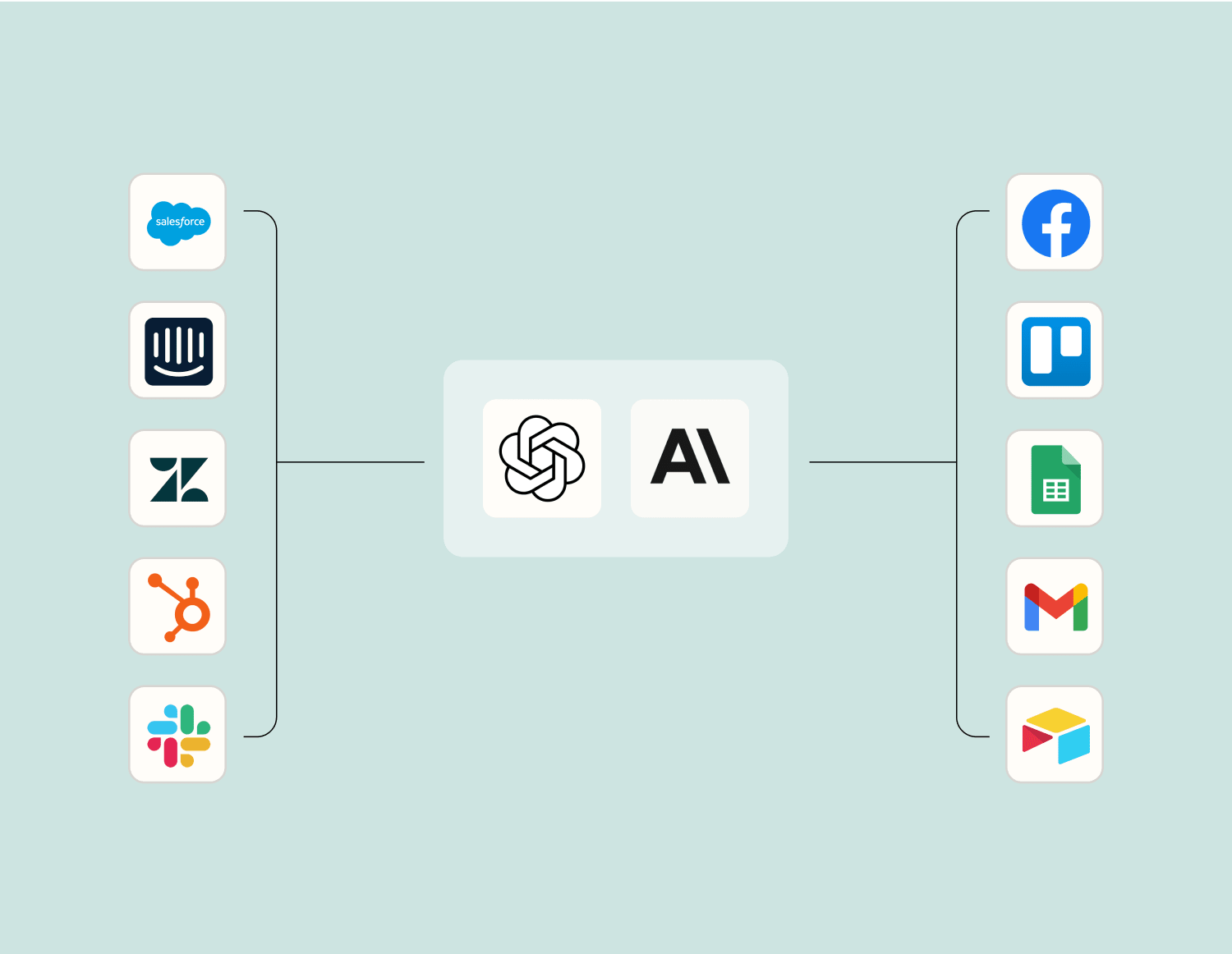
Level up your Google Forms to Instagram for Business integration with AI. Extract, summarize, and transform your integration data with leading AI models like OpenAI, Anthropic, and more.
Frequently Asked Questions about Google Forms + Instagram for Business integrations
New to automation with Zapier? You're not alone. Here are some answers to common questions about how Zapier works with Google Forms and Instagram for Business
Can Google Forms automatically post on Instagram for Business?
Yes, through automation platforms, you can set up triggers so that when a Google Form is submitted, it can automatically post specific content on your Instagram Business account. This often requires setting both the form submission as the trigger and content creation as the action.
How do I set up a workflow to use responses from a Google Form to create Instagram posts?
You can use an integration platform to create a workflow where new form responses act as triggers. These triggers can be configured to generate posts or stories on Instagram by mapping form fields to post content areas.
Is it possible to schedule Instagram posts from Google Forms submissions?
Yes, you can schedule Instagram posts based on form submissions. The integration setup would involve defining an action that schedules posts in advance once a Google Form is filled out, allowing you to plan your social media calendar efficiently.
Can I collect photos uploaded in Google Forms and use them in Instagram for Business posts?
Certainly! You can configure the integration so that any images uploaded via Google Forms are used as part of your content for Instagram posts or stories. This involves setting up the image upload field as part of the response data that gets transferred automatically during the action process.
Are there limitations on the type of data transferred from Google Forms to Instagram?
While most text and media types are transferable, keep in mind any format limitations imposed by Instagram's API. For example, only certain image formats might be supported for direct upload as story or post elements.
How do we handle errors during integration of Google Forms with Instagram?
Errors during integration can usually be monitored via error logs provided by the automation platform. We recommend reviewing these logs whenever there’s an issue with task execution between Google Forms and Instagram actions. Checking connectivity settings helps avoid common pitfalls.
Can we automate posting different content types like Reels or IGTV using form responses?
Yes, you can automate posting various types of content including Reels or IGTV based on form responses. The process involves creating specific actions linked with responses that handle different content types and manage how they appear on your business profile.
About Google Forms
Google Forms is an easy way to collect data from the web with a simple UI and powerful editor. Works hand-in-hand with Google Sheets!
App Builder, CRM (Customer Relationship Management), Forms & Surveys, Zapier
About Instagram for Business
Instagram for Business allows you to gain insights on your followers. Instagram keeps rolling out tools to help business owners succeed on the photo-sharing social media platform.