Top companies trust Zapier to automate work that solves their unique business problems—no coding required.
How Zapier works
Zapier makes it easy to integrate Divalto weavy with HubSpot - no code necessary. See how you can get setup in minutes.
100%
Help
Divalto weavy
Divalto weavy
1. Choose trigger event
HubSpot
HubSpot
2. Choose action
1. Select the event
Setup
Test
Divalto weavy
Choose a trigger event
Choose a trigger
A trigger is the event that starts your Zap—like a "New Customer" from Divalto weavy.
Add your action
An action happens after the trigger—such as "Update Contact Subscription Preferences" in HubSpot.
You’re connected!
Zapier seamlessly connects Divalto weavy and HubSpot, automating your workflow.
Supported triggers and actions
Zapier helps you create workflows that connect your apps to automate repetitive tasks. A trigger is an event that starts a workflow, and an action is an event a Zap performs.
Create a new record or update an existing record in your app.
Note
Name
Required
Action
This is an event a Zap performs.
Write
Create a new record or update an existing record in your app.
Create Contact
Creates a Contact in HubSpot.
Action
This is an event a Zap performs.
Write
Create a new record or update an existing record in your app.
Create CRM Object
Creates a CRM object in HubSpot
Action
This is an event a Zap performs.
Write
Create a new record or update an existing record in your app.
Note
List Name
Required
Object Type
Required
Processing Type
Required
Folder ID
Action
This is an event a Zap performs.
Write
Create a new record or update an existing record in your app.
Type of Custom Object
Required
Action
This is an event a Zap performs.
Write
Create a new record or update an existing record in your app.
Create Deal
Creates a Deal in HubSpot.
Action
This is an event a Zap performs.
Write
Create a new record or update an existing record in your app.
Note
Workflow Name
Required
Contact's Email
Required
Action
This is an event a Zap performs.
Write
Create a new record or update an existing record in your app.
Contact ID
Required
Note
Additional properties to retrieve
Action
This is an event a Zap performs.
Write
Create a new record or update an existing record in your app.
Deal ID
Required
Note
Additional properties to retrieve
Action
This is an event a Zap performs.
Write
Create a new record or update an existing record in your app.
Line_item ID
Required
Note
Additional properties to retrieve
Action
This is an event a Zap performs.
Write
Create a new record or update an existing record in your app.
Ticket ID
Required
Note
Additional properties to retrieve
Action
This is an event a Zap performs.
Write
Create a new record or update an existing record in your app.
Note
Blog URL
Required
Blog Author
Required
Publish This Post?
Required
Blog Post URL
Required
Blog Post Title
Required
Blog Post Content
Required
Meta Description
Required
Featured image URL
Action
This is an event a Zap performs.
Write
Create a new record or update an existing record in your app.
Create Product
Creates a Product in HubSpot.
Action
This is an event a Zap performs.
Write
Create a new record or update an existing record in your app.
Remove Associations
Removes associations between objects.
Action
This is an event a Zap performs.
Write
Create a new record or update an existing record in your app.
Note
Form
Required
Note
HubSpot usertoken
IP address
Page name
Page URI
Page ID
SFDC campaign ID
GoToWebinar key/ID
Submission timestamp
Skip validation
Action
This is an event a Zap performs.
Write
Create a new record or update an existing record in your app.
Update Company
Update a Company in HubSpot.
Action
This is an event a Zap performs.
Write
Create a new record or update an existing record in your app.
Update Deal
Update a Deal in HubSpot.
Action
This is an event a Zap performs.
Write
Create a new record or update an existing record in your app.
Update CRM Object
Updates a CRM object in HubSpot
Action
This is an event a Zap performs.
Write
Create a new record or update an existing record in your app.
Update Ticket
Update a Ticket in HubSpot.
Action
This is an event a Zap performs.
Write
Create a new record or update an existing record in your app.
Note
Email
Required
Action
This is an event a Zap performs.
Write
Create a new record or update an existing record in your app.
Note
Note
Contact Email
Required
Action
This is an event a Zap performs.
Write
Create a new record or update an existing record in your app.
Find CRM Object
Finds CRM objects by searching with filters
Action
This is an event a Zap performs.
Search
Find existing data in your app
Note
Additional properties to retrieve
Action
This is an event a Zap performs.
Search
Find existing data in your app
Type of Custom Object
Required
Action
This is an event a Zap performs.
Search
Find existing data in your app
Note
Additional properties to retrieve
Action
This is an event a Zap performs.
Search
Find existing data in your app
Owner email
Required
Search among deactivated owners
Action
This is an event a Zap performs.
Search
Find existing data in your app
Find User
Finds a HubSpot user by email or user ID.
Action
This is an event a Zap performs.
Search
Find existing data in your app
Note
Additional properties to retrieve
Action
This is an event a Zap performs.
Search
Find existing data in your app
Note
Additional properties to retrieve
Action
This is an event a Zap performs.
Search
Find existing data in your app
Note
Additional properties to retrieve
Action
This is an event a Zap performs.
Search or write
Find existing data in your app, or create a new record if no data is found
Type of Custom Object
Required
Action
This is an event a Zap performs.
Search or write
Find existing data in your app, or create a new record if no data is found
Note
Additional properties to retrieve
Action
This is an event a Zap performs.
Search or write
Find existing data in your app, or create a new record if no data is found
Note
Additional properties to retrieve
Action
This is an event a Zap performs.
Search or write
Find existing data in your app, or create a new record if no data is found
For AI agents & developers
Use Divalto weavy and HubSpot with AI agents and code
Beyond Zap workflows. Call Divalto weavy and HubSpot actions directly from your AI client or your codebase, using the same 9,000+ app integrations Zapier already runs.
No code
Connect via Zapier MCP
Expose Divalto weavy and HubSpot actions as tools in any MCP client. Authenticate once, then call them in natural language.
Example actions on this page
Create Intervention Request
Update Contact Subscription Preferences
Works with
Claude · ChatGPT · Cursor · any MCP-compatible client
There is no Python package yet. SDK is TypeScript-only (@zapier/zapier-sdk). The MCP server URL is personal to your account; get it at zapier.com/mcp.
Zapier is the automation platform of choice for 87% of Forbes Cloud 100 companies in 2023
93%
Customers who say using Zapier has made them better at their job
25m
Customers have created over 25 million Zaps on the platform
6 mins
The average user takes less than 6 minutes to set up a Zap
Connect Divalto weavy and HubSpot to integrate crucial parts of your business
With Zapier, you can integrate everything from basic data entry to end-to-end processes. Here are some of the business-critical workflows that people automate with Zapier.
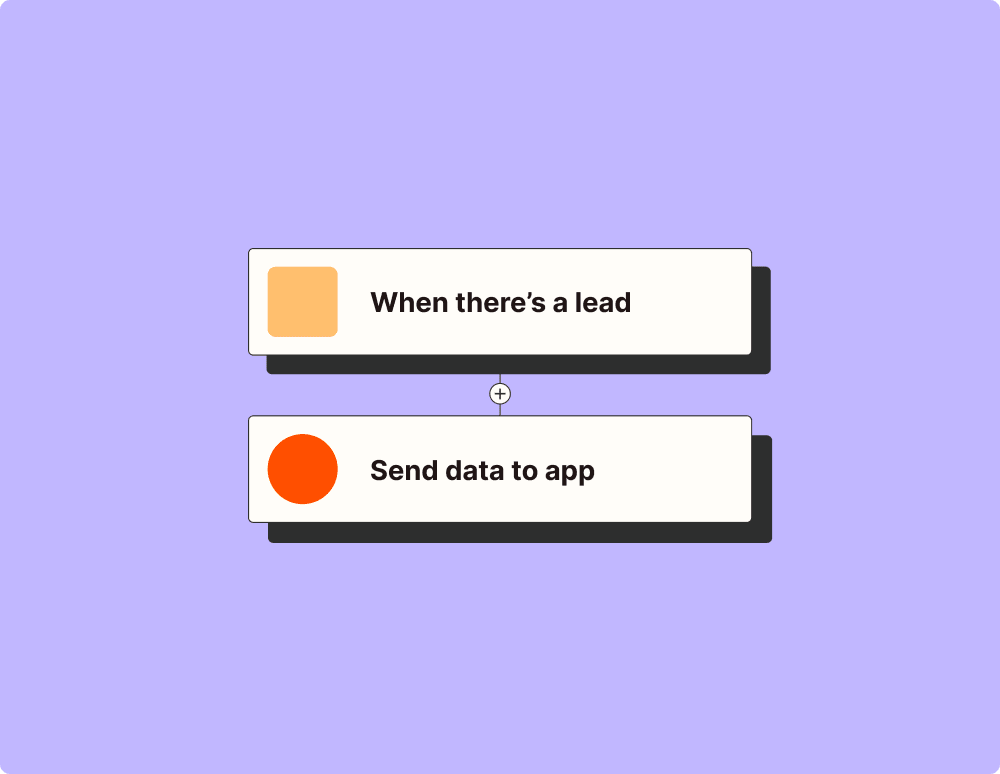
Automate your lead management and improve conversions
With Zapier, you can automate every part of your lead funnel and give yourself the best chance at converting leads. Automate everything from lead capture to outreach to reporting—and close more deals as a result.
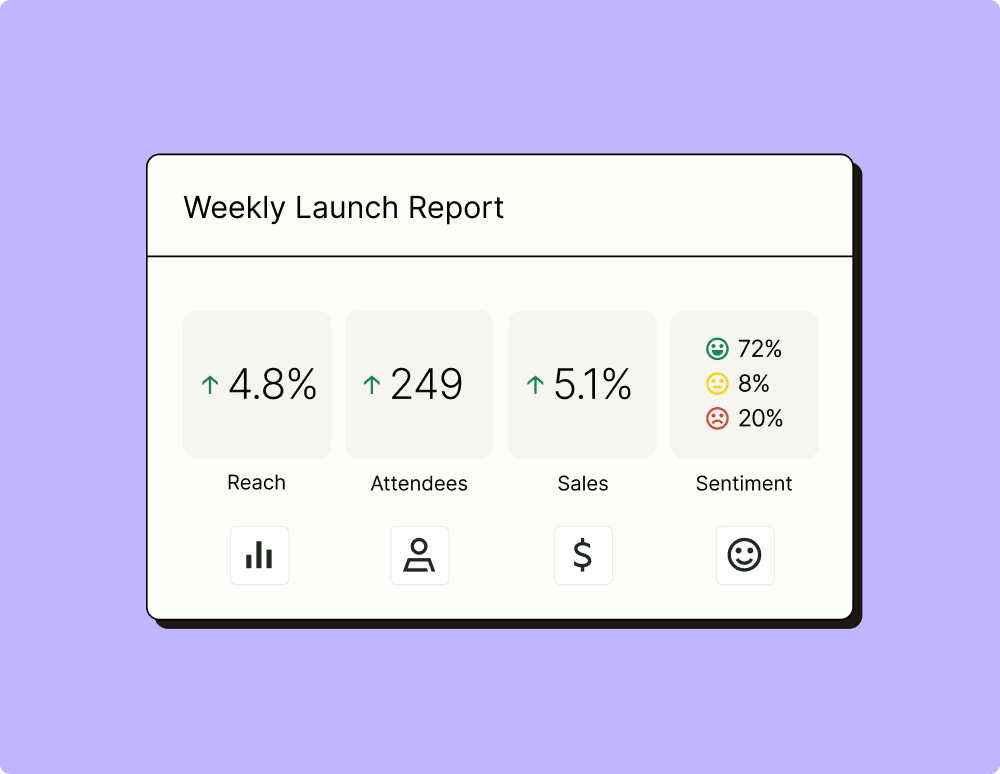
Create more impactful campaigns with automation
Measuring campaign performance across platforms can get chaotic. Plus, digging up the right metrics costs you precious time and effort. With Zapier, you can create a centralized view of your performance, skillfully manage your lists, and ensure your campaigns drive ROI across the business.
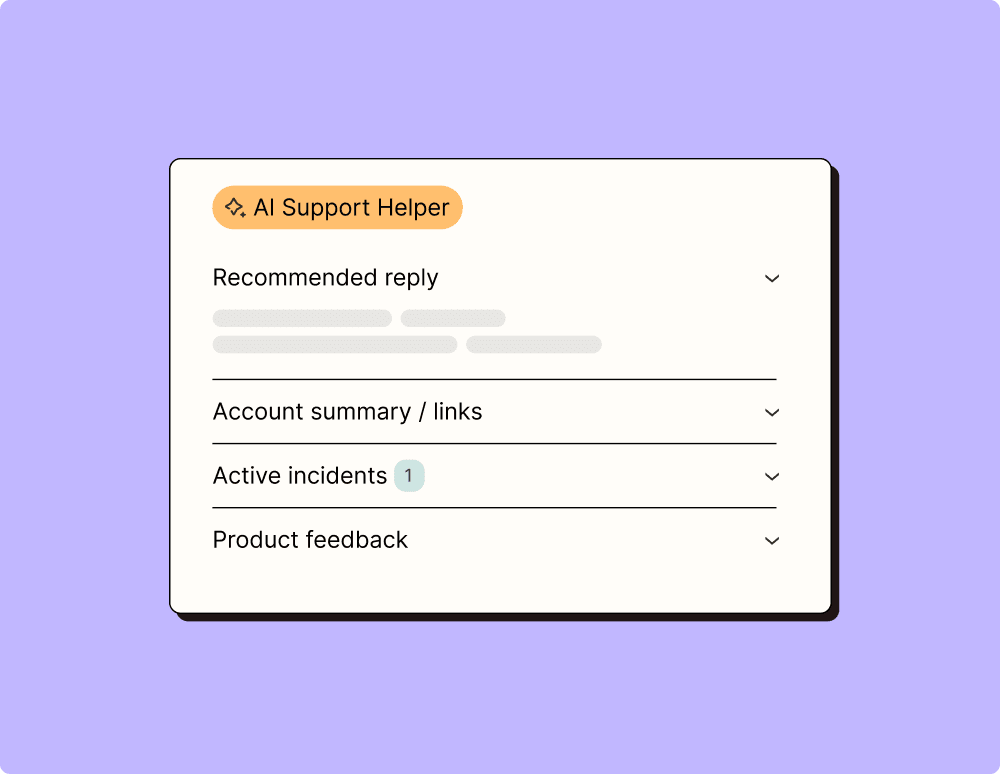
Provide world-class support with a little help from automation
Support reps can't be productive when they have to track down crucial information for every incident or ticket. With Zapier, you can automatically send your reps the context they need to resolve tickets quickly and create a seamless customer experience.
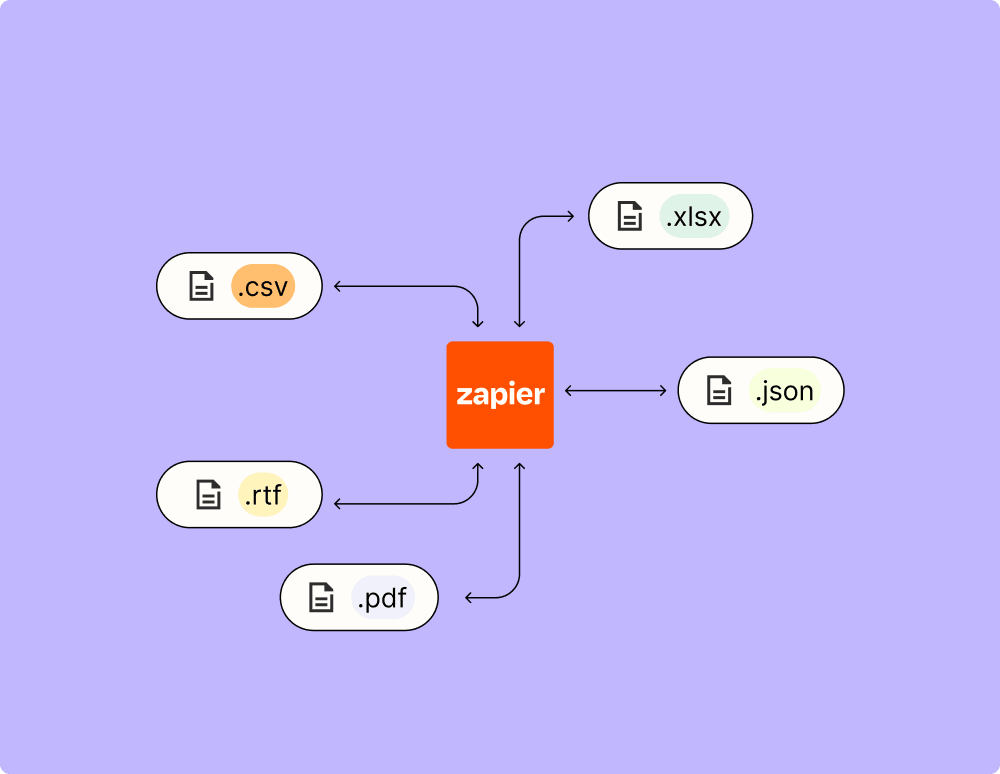
Automate your way to actionable, up-to-date data
The days of manually exporting and importing data are over. With Zapier, you can send data where it needs to go, in the format you need it—so you can centralize your data and unlock more insights.
Resolve incidents faster with automation
Your technical support team wants to focus on tech tickets rather than admin work. With Zapier, you can automate everything from ticket creation to routing to inter-team communication—eliminating friction from incident management and increasing speed to resolution.
Learn how to automate HubSpot on the Zapier blog
Make work flow with AI
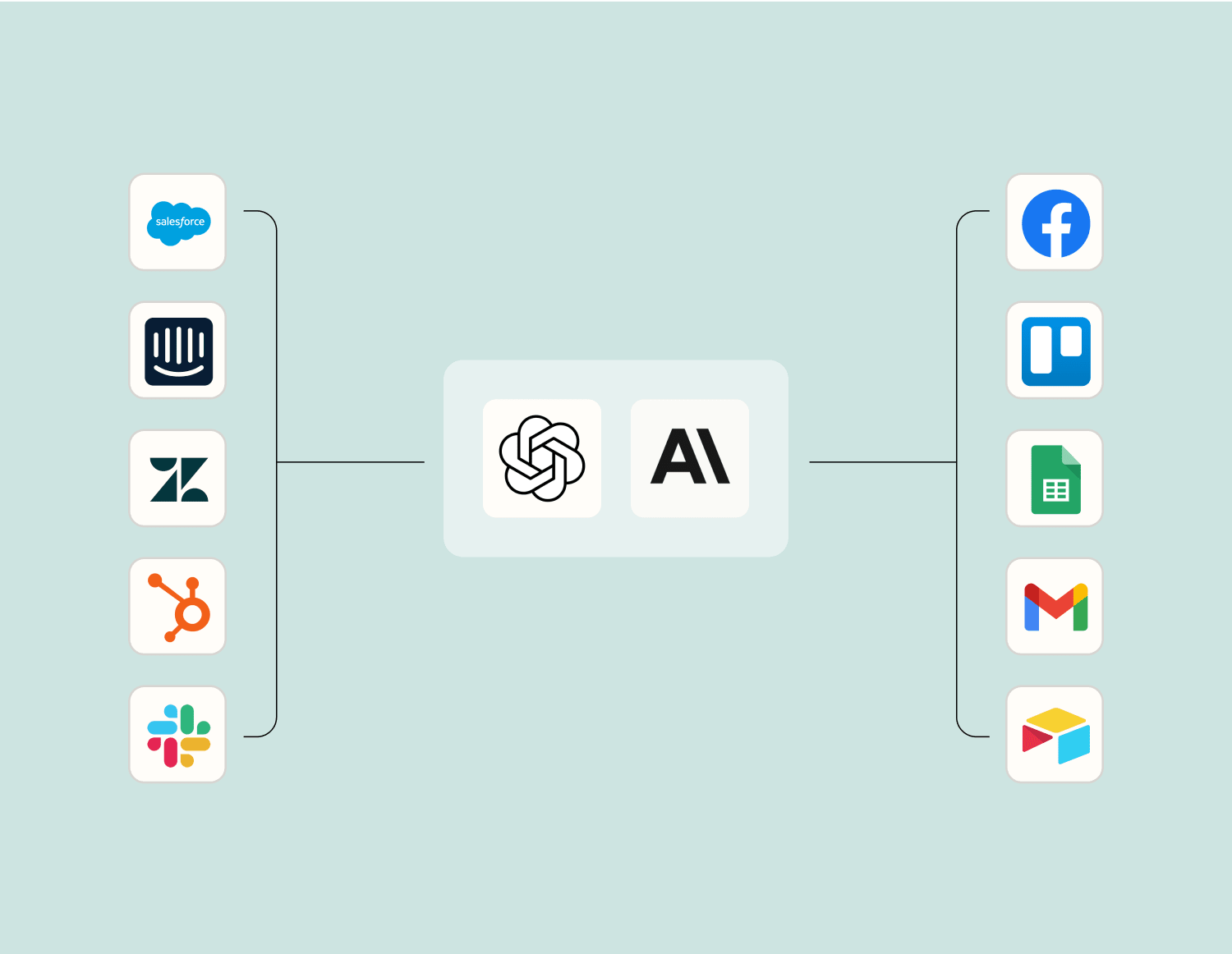
Level up your Divalto weavy to HubSpot integration with AI. Extract, summarize, and transform your integration data with leading AI models like OpenAI, Anthropic, and more.
Frequently Asked Questions about Divalto weavy + HubSpot integrations
New to automation with Zapier? You're not alone. Here are some answers to common questions about how Zapier works with Divalto weavy and HubSpot
What are the prerequisites for integrating Divalto weavy with HubSpot?
Before you start the integration process, ensure that you have active accounts on both Divalto weavy and HubSpot. You should also have the necessary permissions in both applications to set up integrations. Familiarity with creating triggers and actions in both platforms will be beneficial.
How do I authenticate my Divalto weavy account with HubSpot?
In the integration setup phase, you'll be asked to log into your Divalto weavy account through the HubSpot interface. Here, we'll guide you through entering API keys or OAuth credentials to establish a secure connection between your accounts.
What types of triggers can I set up for this integration?
You can set up various triggers such as a new record creation, updated records in Divalto weavy, or specific condition-based data changes. These triggers initiate actions within HubSpot ensuring seamless data flow.
Can I customize actions within HubSpot post-integration?
Yes, our platform allows you to customize actions triggered in HubSpot. For instance, you can automatically create or update contacts, log interactions, or trigger workflow events based on changes detected in your Divalto weavy system.
How do I handle errors during synchronization between Divalto weavy and HubSpot?
If an error occurs during synchronization, check our error logs within the integration dashboard for detailed messages. This will help identify issues such as authentication failures or data mismatches, allowing for prompt resolution.
Does integrating these platforms require coding skills?
No coding skills are required to integrate Divalto weavy with HubSpot using our system. We provide a user-friendly interface that guides you through setting triggers and actions without writing any code.
What support is available if I encounter issues with the integration?
We offer comprehensive support including a detailed knowledge base and access to our technical support team for troubleshooting any issues that arise during setup or ongoing use of the integration.
About Divalto weavy
Divalto weavy for salesman is the essential CRM to improve your sales force performance.