Top companies trust Zapier to automate work that solves their unique business problems—no coding required.
How Zapier works
Zapier makes it easy to integrate Calculator Studio with FreshBooks - no code necessary. See how you can get setup in minutes.
100%
Help
Calculator Studio
Calculator Studio
1. Choose trigger event
FreshBooks
FreshBooks
2. Choose action
1. Select the event
Setup
Test
Calculator Studio
Choose a trigger event
Choose a trigger
A trigger is the event that starts your Zap—like a "New Form Submission" from Calculator Studio.
Add your action
An action happens after the trigger—such as "Add Payment to Invoice" in FreshBooks.
You’re connected!
Zapier seamlessly connects Calculator Studio and FreshBooks, automating your workflow.
Supported triggers and actions
Zapier helps you create workflows that connect your apps to automate repetitive tasks. A trigger is an event that starts a workflow, and an action is an event a Zap performs.
Create a new record or update an existing record in your app.
Account
Required
Email
Required
First Name
Home Phone
Language
Last Name
Notes
Organization
Primary City
Primary Country
Primary State
Primary Street 1
Primary Street 2
Primary Zip Code
VAT Name
VAT Number
Work Phone
Currency_code
Quantity
Unit Cost
Description
Credit_note_create_date
Credit_note_credit_type
Body
Delay
Days
Late Fee Percentage or Amount
Repeat Late Fee
Late Fee Type
First Tax Name
First Tax Percent
Second Tax Name
Second Tax Percent
Action
This is an event a Zap performs.
Write
Create a new record or update an existing record in your app.
Account
Required
Customer
Required
Create Date
Required
Estimate Number
Organization
First Name
Last Name
Visibility State
Discount Value
Currency Code
Language
Terms
Address
PO Number
Street
Street 2
City
Province
Zip Code
Country
Estimate
Sent ID
Value Added Tax Name
Value Added Tax Number
Notes
Name
Description
Type
Quantity
Unit Cost Amount
Unit Cost Code
Tax Name 1
Tax Amount 1
Tax Name 2
Tax Amount 2
Send to Customer?
Action
This is an event a Zap performs.
Write
Create a new record or update an existing record in your app.
Account
Required
Client
Required
Currency Code
Date of Issue
Days Due From Issue
Line Item Description
Line Item Name
Required
Line Item Quantity
Required
Line Item Tax1 Name
Line Item Tax1 Percent
Line Item Unit Cost
Required
Active Payment Gateway
Notes
Invoice Paid?
Terms
Discount Amount
Discount Description
Invoice Number
PO Number
Language
Action
This is an event a Zap performs.
Write
Create a new record or update an existing record in your app.
Account
Required
Amount
Required
Amount Code
Required
Category Name
Required
Amount
Required
Name
Required
Date
Note
Payment Type
Source
Visibility State
Action
This is an event a Zap performs.
Write
Create a new record or update an existing record in your app.
Account
Required
Client
Required
Currency Code
Date of Issue
Days Due From Issue
Line Item Description
Line Item Name
Required
Line Item Quantity
Required
Line Item Tax1 Name
Line Item Tax1 Percent
Line Item Unit Cost
Required
Active Payment Gateway
Notes
Terms
Discount Amount
Discount Description
Invoice Number
PO Number
Language
Frequency
Required
Is Infinite?
Required
Action
This is an event a Zap performs.
Write
Create a new record or update an existing record in your app.
Account
Required
Vendor Name
Required
Contact First Name
Contact Last Name
Contact Email
Street
City
Province
Postal Code
Country
Account Number
Phone
Website
Currency Code
Language
Is 1099 Contractor
Action
This is an event a Zap performs.
Write
Create a new record or update an existing record in your app.
Account
Required
Email_recipients
Required
Email Body
Required
Email Subject
Required
Estimate
Required
Action
This is an event a Zap performs.
Write
Create a new record or update an existing record in your app.
Account
Required
Bill ID
Required
Vendor
Currency Code
Date of Issue
Days Due From Issue
Bill Number
Language
Description
Quantity
Required
Tax Name
Tax Percent
Rate
Required
Expense Category
Required
Action
This is an event a Zap performs.
Write
Create a new record or update an existing record in your app.
Account
Required
Create if Client Does Not Exsist
Required
Email
Required
First Name
Home Phone
Language
Last Name
Mobile Phone
Notes
Organization
Primary City
Primary Country
Primary State
Primary Street 1
Primary Street 2
Primary Zip Code
VAT Name
VAT Number
Work Phone
Currency_code
Quantity
Unit Cost
Description
Credit_note_create_date
Credit_note_credit_type
Body
Delay
Days
Late Fee Percentage or Amount
Repeat Late Fee
Late Fee Type
First Tax Name
First Tax Percent
Second Tax Name
Second Tax Percent
Action
This is an event a Zap performs.
Write
Create a new record or update an existing record in your app.
Account
Required
Create if Estimate Does Not Exist
Required
Customer
Create Date
Estimate Number
Organization
First Name
Last Name
Visibility State
Discount Value
Currency Code
Language
Terms
Address
PO Number
Street
Street 2
City
Province
Zip Code
Country
Estimate ID
Sent ID
Value Added Tax Name
Value Added Tax Number
Notes
Name
Description
Type
Quantity
Unit Cost Amount
Unit Cost Code
Tax Name 1
Tax Amount 1
Tax Name 2
Tax Amount 2
Action
This is an event a Zap performs.
Write
Create a new record or update an existing record in your app.
Account
Required
Time Entry ID
Required
Project
Started At
Duration
Is Logged
Internal?
Client ID
Billed?
Billable?
Active?
Note
Action
This is an event a Zap performs.
Write
Create a new record or update an existing record in your app.
Account
Required
Search Field
Required
Search Value
Required
Action
This is an event a Zap performs.
Search
Find existing data in your app
Account
Required
Search Field
Required
Search Value
Required
Action
This is an event a Zap performs.
Search
Find existing data in your app
Account
Required
Search Field
Required
Search Value
Required
Action
This is an event a Zap performs.
Search
Find existing data in your app
Account
Required
Search Field
Required
Search Value
Required
Action
This is an event a Zap performs.
Search
Find existing data in your app
Account
Required
Credit Note ID
Client ID
Required
Credit Type
Credit Number
Currency Code
Date of Issue
Notes
Terms
Language
Name
Line Item Description
Line Item Quantity
Tax 1 Name
Tax 1 Amount
Tax 2 Name
Tax 2 Amount
Compounded Tax
Unit Cost
Currency Code
Action
This is an event a Zap performs.
Search or write
Find existing data in your app, or create a new record if no data is found
Account
Required
Search Field
Required
Search Value
Required
Customer
Required
Create Date
Required
Estimate Number
Organization
First Name
Last Name
Visibility State
Discount Value
Currency Code
Language
Terms
Address
PO Number
Street
Street 2
City
Province
Zip Code
Country
Estimate
Sent ID
Value Added Tax Name
Value Added Tax Number
Notes
Name
Description
Type
Quantity
Unit Cost Amount
Unit Cost Code
Tax Name 1
Tax Amount 1
Tax Name 2
Tax Amount 2
Send to Customer?
Action
This is an event a Zap performs.
Search or write
Find existing data in your app, or create a new record if no data is found
Account
Required
Search Field
Required
Search Value
Required
Title
Required
Client ID
Due Date
Project Type
Fixed Price
Rate
Budget
Active
Complete
Billable
Action
This is an event a Zap performs.
Search or write
Find existing data in your app, or create a new record if no data is found
For AI agents & developers
Use Calculator Studio and FreshBooks with AI agents and code
Beyond Zap workflows. Call Calculator Studio and FreshBooks actions directly from your AI client or your codebase, using the same 10,000+ app integrations Zapier already runs.
No code
Connect via Zapier MCP
Expose Calculator Studio and FreshBooks actions as tools in any MCP client. Authenticate once, then call them in natural language.
Example actions on this page
Add Payment to Invoice
Works with
Claude · ChatGPT · Cursor · any MCP-compatible client
There is no Python package yet. SDK is TypeScript-only (@zapier/zapier-sdk). The MCP server URL is personal to your account; get it at zapier.com/mcp.
Zapier is the automation platform of choice for 87% of Forbes Cloud 100 companies in 2023
93%
Customers who say using Zapier has made them better at their job
25m
Customers have created over 25 million Zaps on the platform
6 mins
The average user takes less than 6 minutes to set up a Zap
Connect Calculator Studio and FreshBooks to integrate crucial parts of your business
With Zapier, you can integrate everything from basic data entry to end-to-end processes. Here are some of the business-critical workflows that people automate with Zapier.
Lead management
Marketing campaigns
Customer support
Data management
Tickets and incidents
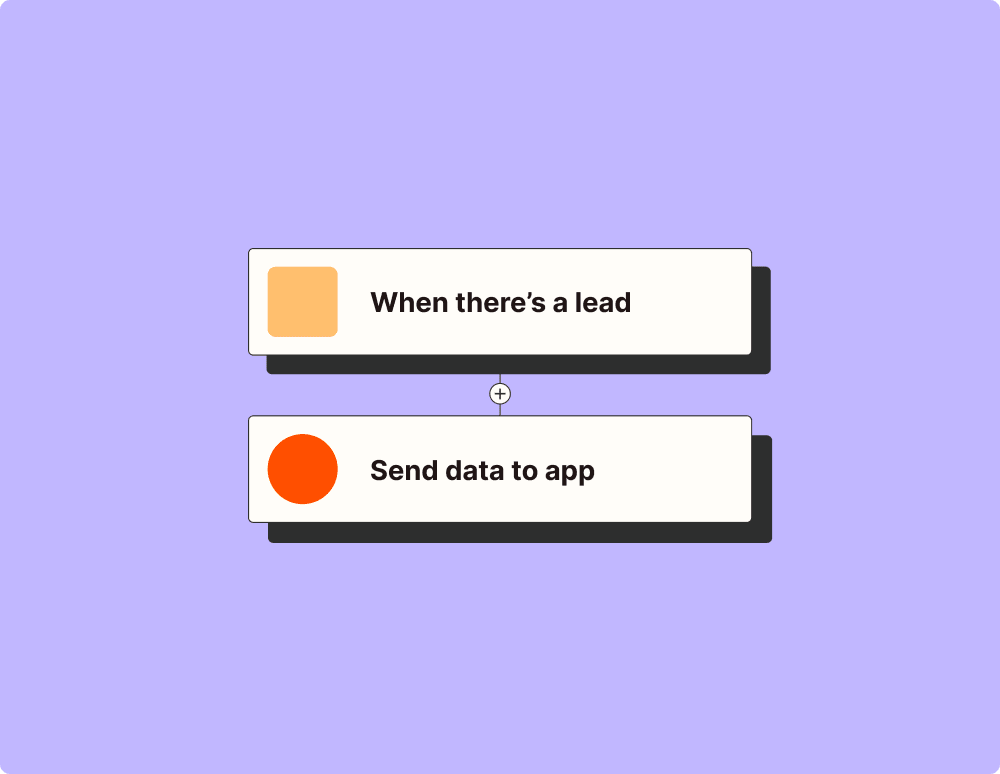
Automate your lead management and improve conversions
With Zapier, you can automate every part of your lead funnel and give yourself the best chance at converting leads. Automate everything from lead capture to outreach to reporting—and close more deals as a result.
Create more impactful campaigns with automation
Measuring campaign performance across platforms can get chaotic. Plus, digging up the right metrics costs you precious time and effort. With Zapier, you can create a centralized view of your performance, skillfully manage your lists, and ensure your campaigns drive ROI across the business.
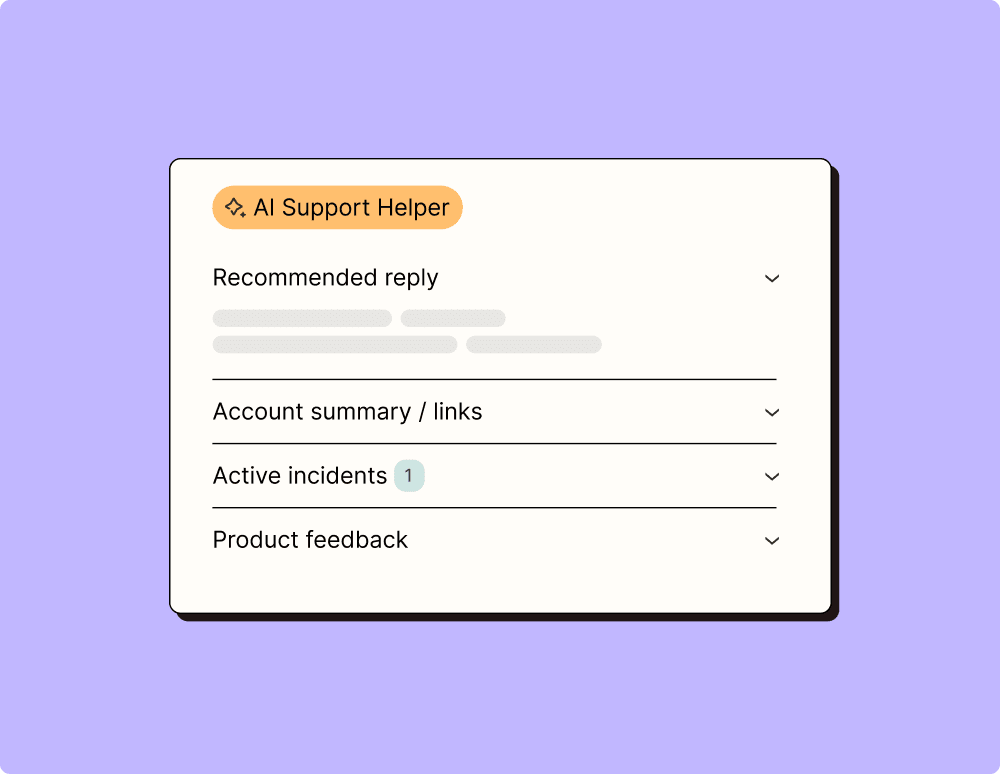
Provide world-class support with a little help from automation
Support reps can't be productive when they have to track down crucial information for every incident or ticket. With Zapier, you can automatically send your reps the context they need to resolve tickets quickly and create a seamless customer experience.
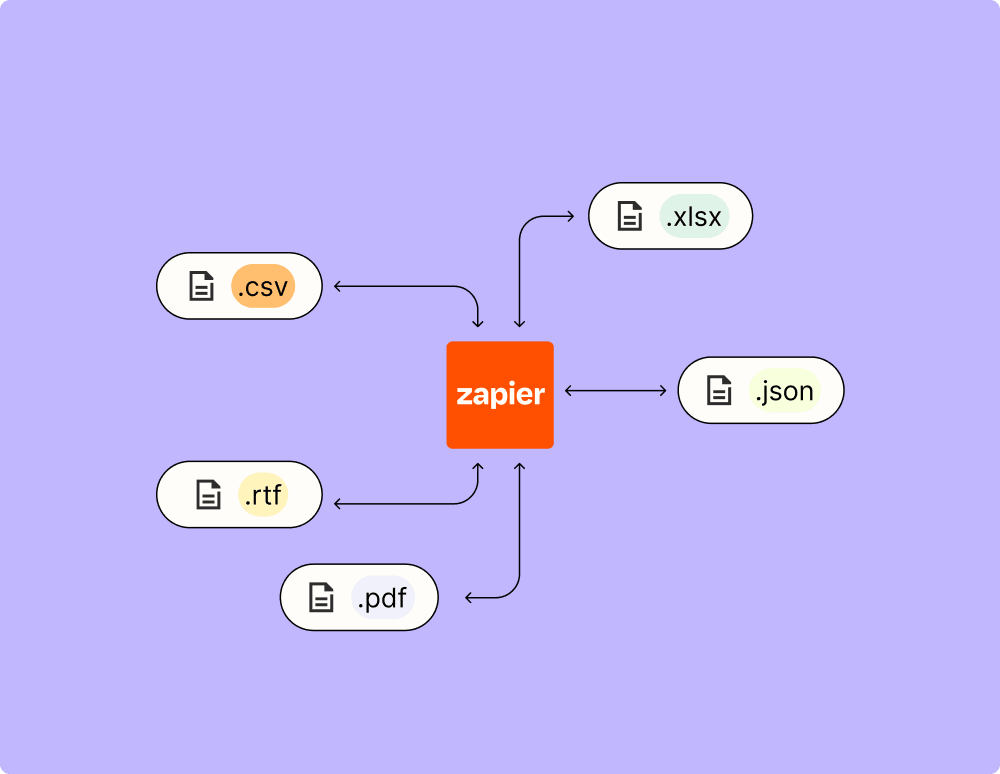
Automate your way to actionable, up-to-date data
The days of manually exporting and importing data are over. With Zapier, you can send data where it needs to go, in the format you need it—so you can centralize your data and unlock more insights.
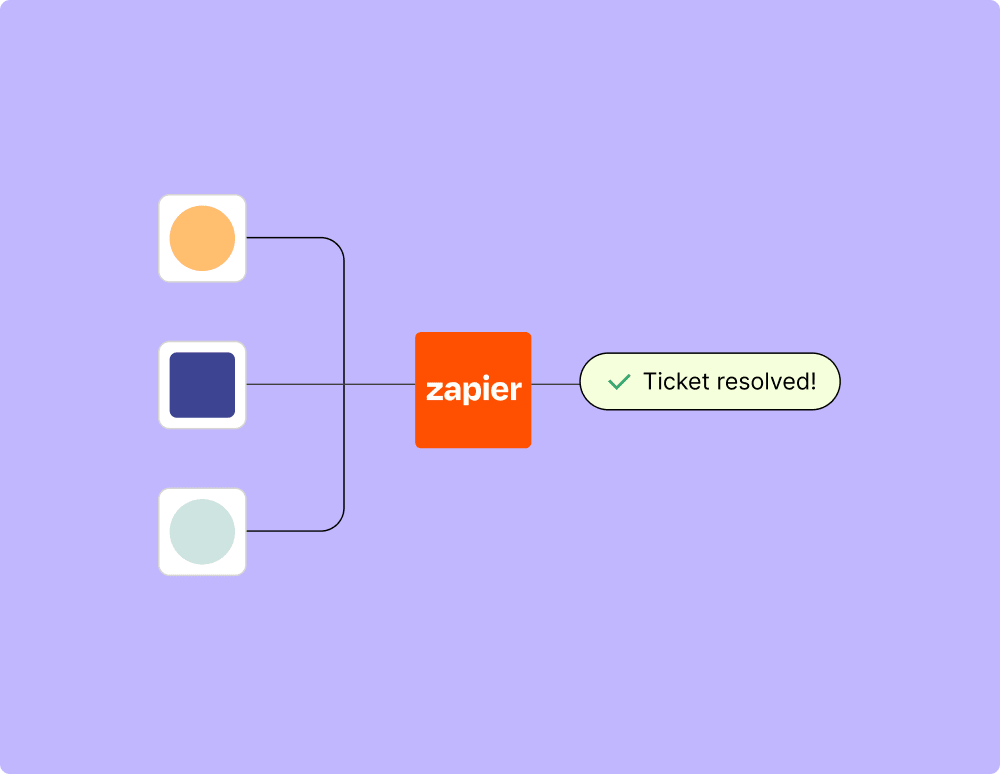
Resolve incidents faster with automation
Your technical support team wants to focus on tech tickets rather than admin work. With Zapier, you can automate everything from ticket creation to routing to inter-team communication—eliminating friction from incident management and increasing speed to resolution.
Learn how to automate FreshBooks on the Zapier blog
Make work flow with AI
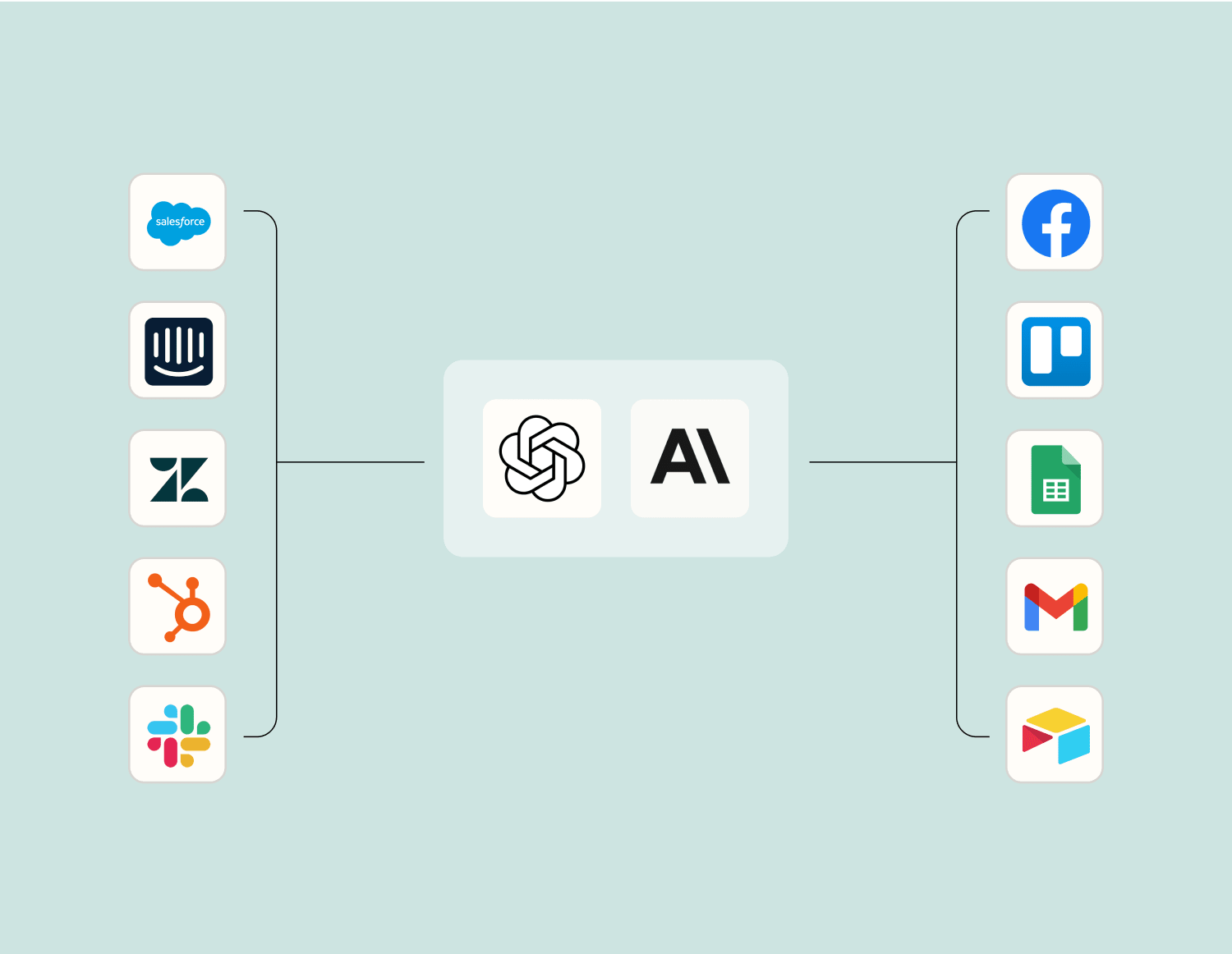
Level up your Calculator Studio to FreshBooks integration with AI. Extract, summarize, and transform your integration data with leading AI models like OpenAI, Anthropic, and more.
Frequently Asked Questions about Calculator Studio + FreshBooks integrations
New to automation with Zapier? You're not alone. Here are some answers to common questions about how Zapier works with Calculator Studio and FreshBooks
My AI agent already connects to my apps. Why add Zapier?
Your AI agent’s built-in or native connectors cover a limited set of popular apps. Zapier reaches 10,000+ apps and 90,000+ triggers and actions. Zapier also adds what your AI agent can’t: one place to manage logins and credentials, so you never paste an API key; automations that keep running after the chat closes, with fixes you can review when a run hits a snag; and the freedom to switch agent interfaces without starting over.
Can’t my AI agent already run tasks on a schedule?
Most popular AI agents can run scheduled tasks. And for simple recurring jobs, that might be all you need. Automations that run on Zapier can run on a schedule too, but they can also start the moment something happens in your apps—like when a new lead/ticket comes in or you get an email reply. Zapier also uses AI only in the steps that need judgment, so routine steps like posting to Slack or updating Salesforce don’t burn model tokens.
Why not have my AI agent write me a script?
You can, and the first version will probably work. The trouble comes later: a script needs somewhere to run, a way to hear about events, and someone to keep it going. If an API changes or a login expires, your script can quietly stop until you notice. It also holds your keys, often in a repo, where a leak can expose your accounts. With Zapier, your agent builds the automation, and you publish it. Zapier hosts it, handles your logins and credentials, and records every run. If a run fails, Zapier diagnoses what went wrong and prepares a fix you can review. Or you can decide which fixes Zapier can apply for you.
About Calculator Studio
Calculator Studio is a tool to build & publish smart website calculators, powered by simple spreadsheet logic - no code needed!
FreshBooks is a cloud accounting software designed exclusively for self-employed professionals and their teams. Send invoices, track expenses, manage your time, and collaborate on projects.