Top companies trust Zapier to automate work that solves their unique business problems—no coding required.
How Zapier works
Zapier makes it easy to integrate Wave with Zoho CRM - no code necessary. See how you can get setup in minutes.
100%
Help
Wave
Wave
1. Choose trigger event
Zoho CRM
Zoho CRM
2. Choose action
1. Select the event
Setup
Test
Wave
Choose a trigger event
Choose a trigger
A trigger is the event that starts your Zap—like a "New Customer" from Wave.
Add your action
An action happens after the trigger—such as "Add Attachment" in Zoho CRM.
You’re connected!
Zapier seamlessly connects Wave and Zoho CRM, automating your workflow.
Supported triggers and actions
Zapier helps you create workflows that connect your apps to automate repetitive tasks. A trigger is an event that starts a workflow, and an action is an event a Zap performs.
Triggers when a new contact is added or modified in Zoho. If you are on a paid plan for the Zoho CRM then it is advisable to use New/Updated Module Entry (Instant) trigger.
Triggers when a new lead is added or modified in Zoho. If you are on a paid plan for the Zoho CRM then it is advisable to use New/Updated Module Entry (Instant) trigger.
Create a new record or update an existing record in your app.
Lead
Required
Notify lead owner
Notify new entity owner
Account ID
Overwrite
Contact ID
Assign to
Move Attachments to
Create a new deal
Contact Tags
Account Tags
Deal Tags
Action
This is an event a Zap performs.
Write
Create a new record or update an existing record in your app.
Module
Required
Layout
Required
Entry ID
Required
Trigger
Action
This is an event a Zap performs.
Write
Create a new record or update an existing record in your app.
Module
Required
Layout
Required
Trigger
duplicate check fields
Action
This is an event a Zap performs.
Write
Create a new record or update an existing record in your app.
Module
Required
Field name
Required
Value
Required
Optional_copy
Field name 2
Value 2
Action
This is an event a Zap performs.
Search
Find existing data in your app
Module
Required
Field name
Required
Value
Required
Optional_copy
Field name 2
Value 2
Layout
Required
Trigger
Action
This is an event a Zap performs.
Search or write
Find existing data in your app, or create a new record if no data is found
For AI agents & developers
Use Wave and Zoho CRM with AI agents and code
Beyond Zap workflows. Call Wave and Zoho CRM actions directly from your AI client or your codebase, using the same 9,000+ app integrations Zapier already runs.
No code
Connect via Zapier MCP
Expose Wave and Zoho CRM actions as tools in any MCP client. Authenticate once, then call them in natural language.
Example actions on this page
Create Customer
Add Attachment
Works with
Claude · ChatGPT · Cursor · any MCP-compatible client
There is no Python package yet. SDK is TypeScript-only (@zapier/zapier-sdk). The MCP server URL is personal to your account; get it at zapier.com/mcp.
Zapier is the automation platform of choice for 87% of Forbes Cloud 100 companies in 2023
93%
Customers who say using Zapier has made them better at their job
25m
Customers have created over 25 million Zaps on the platform
6 mins
The average user takes less than 6 minutes to set up a Zap
Practical ways you can use Wave and Zoho CRM
Add new Zoho CRM leads to Wave as customers
When a new lead is added to Zoho CRM, Zapier creates a corresponding customer in Wave automatically. This ensures your customer database in Wave mirrors your leads in Zoho CRM, making it easier to manage finances as your sales pipeline grows.
Sync new customers in Wave to Zoho CRM as contacts
With every new customer added in Wave, Zapier will automatically add them as contacts in Zoho CRM. This streamlines the process of keeping your CRM updated for targeted email campaigns and marketing efforts.
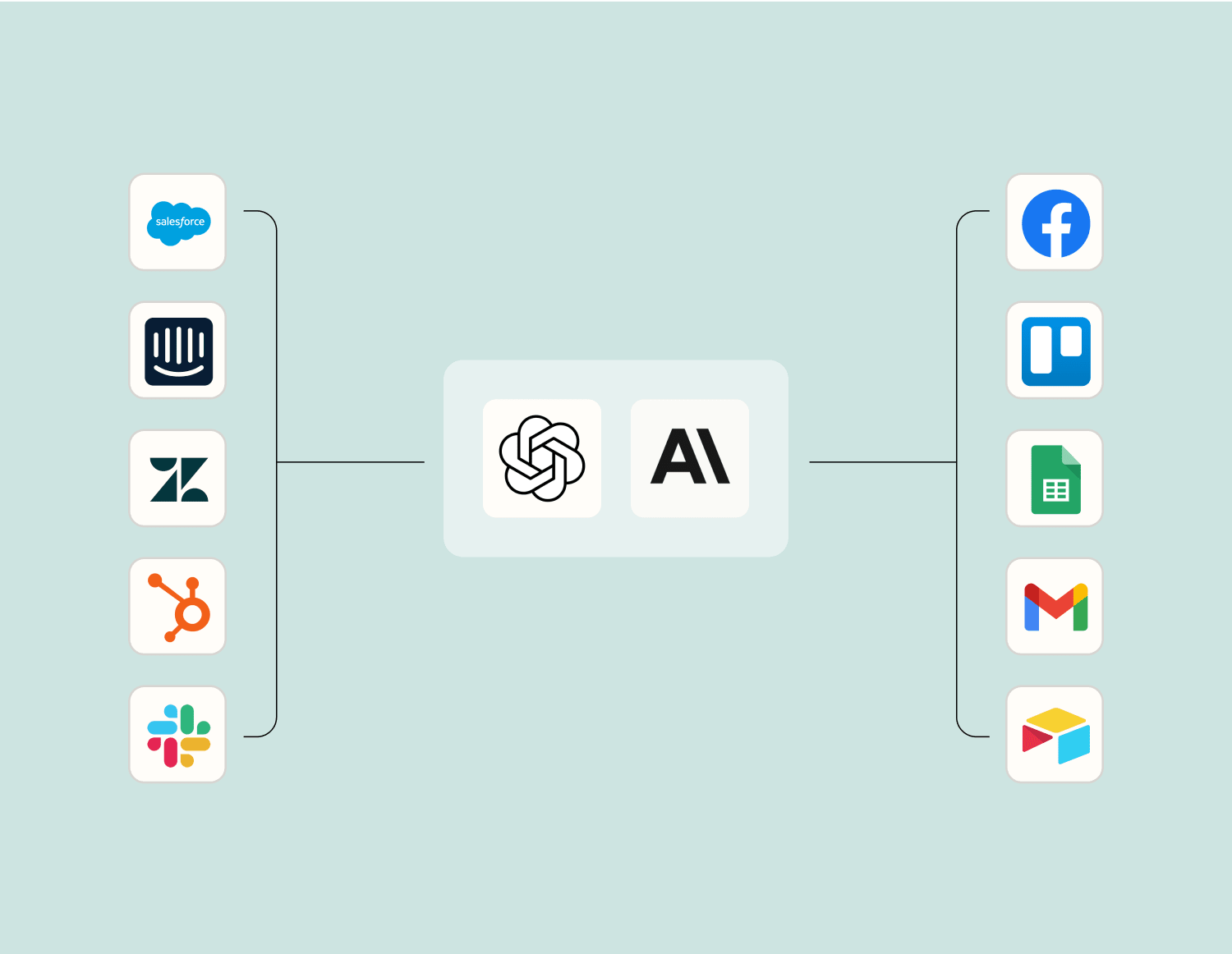
Level up your Wave to Zoho CRM integration with AI. Extract, summarize, and transform your integration data with leading AI models like OpenAI, Anthropic, and more.
Frequently Asked Questions about Wave + Zoho CRM integrations
New to automation with Zapier? You're not alone. Here are some answers to common questions about how Zapier works with Wave and Zoho CRM
How can I connect Wave with Zoho CRM through our service?
To connect Wave with Zoho CRM, you need to set up a Zap using our platform. Begin by selecting Wave as the trigger app and choose a specific trigger event like 'New Customer' or 'New Invoice.' Next, select Zoho CRM as the action app and specify an action such as 'Create/Update Contact' or 'Create Lead.' This integration enables data to flow seamlessly between the two platforms based on your configuration.
What are the trigger options available when integrating Wave with Zoho CRM?
When integrating Wave with Zoho CRM via our platform, the available triggers from Wave include events like 'New Customer,' 'New Invoice,' and 'Invoice Paid.' Each of these triggers initiates an action in Zoho CRM, which you set up during the integration process.
Can I update existing records in Zoho CRM using information from Wave?
Yes, you can update existing records in Zoho CRM using information from Wave. By setting a Zap where the trigger is an event like 'Invoice Paid' in Wave, you can choose actions such as 'Update Contact' or 'Update Lead' in Zoho CRM to modify existing records based on the incoming data.
Is it possible to only transfer specific invoices from Wave to Zoho CRM?
While integrating through our service, you can filter which invoices are transferred from Wave to Zoho CRM by applying filter steps within your Zap. Set conditions that suit your needs, like transferring only paid invoices or those that exceed a certain amount. This way, only relevant data will be pushed into your Zoho CRM.
How do I handle errors during integration between Wave and Zoho CRM?
During integration setup between Wave and Zoho CRM, any errors encountered will be logged in your task history for review. You can troubleshoot issues by checking these logs for error messages or contact our support for further assistance. Ensure all fields are correctly mapped and that both accounts have appropriate permissions set.
What types of actions can be triggered in Zoho CRM when a new customer is added in Wave?
When a new customer is added in Wave and used as a trigger via our service, actions in Zoho CRM can include creating a new contact entry, updating existing contact information if it matches certain criteria, or even generating a follow-up task for your sales team.
Do I require technical skills to integrate Wave with Zoho CRM using this service?
No technical skills are required to integrate Wave with Zoho CRM using our platform. The process involves selecting triggers and actions from dropdown menus and linking accounts through user-friendly prompts. We provide step-by-step guidance throughout the setup process ensuring ease of use even for beginners.
About Wave
Wave's invoicing and accounting software is completely free, and has no usage limits or restrictions. Optional Payment Processing and Payroll services are fully integrated to create a seamless platform for your business finances.