Top companies trust Zapier to automate work that solves their unique business problems—no coding required.
How Zapier works
Zapier makes it easy to integrate ServiceM8 with Zoho CRM - no code necessary. See how you can get setup in minutes.
100%
Help
ServiceM8
ServiceM8
1. Choose trigger event
Zoho CRM
Zoho CRM
2. Choose action
1. Select the event
Setup
Test
ServiceM8
Choose a trigger event
Choose a trigger
A trigger is the event that starts your Zap—like a "Job Completed" from ServiceM8.
Add your action
An action happens after the trigger—such as "Add Attachment" in Zoho CRM.
You’re connected!
Zapier seamlessly connects ServiceM8 and Zoho CRM, automating your workflow.
Supported triggers and actions
Zapier helps you create workflows that connect your apps to automate repetitive tasks. A trigger is an event that starts a workflow, and an action is an event a Zap performs.
Triggers when a new contact is added or modified in Zoho. If you are on a paid plan for the Zoho CRM then it is advisable to use New/Updated Module Entry (Instant) trigger.
Triggers when a new lead is added or modified in Zoho. If you are on a paid plan for the Zoho CRM then it is advisable to use New/Updated Module Entry (Instant) trigger.
Create a new record or update an existing record in your app.
Lead
Required
Notify lead owner
Notify new entity owner
Account ID
Overwrite
Contact ID
Assign to
Move Attachments to
Create a new deal
Contact Tags
Account Tags
Deal Tags
Action
This is an event a Zap performs.
Write
Create a new record or update an existing record in your app.
Module
Required
Layout
Required
Entry ID
Required
Trigger
Action
This is an event a Zap performs.
Write
Create a new record or update an existing record in your app.
Module
Required
Layout
Required
Trigger
duplicate check fields
Action
This is an event a Zap performs.
Write
Create a new record or update an existing record in your app.
Module
Required
Field name
Required
Value
Required
Optional_copy
Field name 2
Value 2
Action
This is an event a Zap performs.
Search
Find existing data in your app
Module
Required
Field name
Required
Value
Required
Optional_copy
Field name 2
Value 2
Layout
Required
Trigger
Action
This is an event a Zap performs.
Search or write
Find existing data in your app, or create a new record if no data is found
For AI agents & developers
Use ServiceM8 and Zoho CRM with AI agents and code
Beyond Zap workflows. Call ServiceM8 and Zoho CRM actions directly from your AI client or your codebase, using the same 9,000+ app integrations Zapier already runs.
No code
Connect via Zapier MCP
Expose ServiceM8 and Zoho CRM actions as tools in any MCP client. Authenticate once, then call them in natural language.
Example actions on this page
Create Client
Add Attachment
Works with
Claude · ChatGPT · Cursor · any MCP-compatible client
There is no Python package yet. SDK is TypeScript-only (@zapier/zapier-sdk). The MCP server URL is personal to your account; get it at zapier.com/mcp.
Zapier is the automation platform of choice for 87% of Forbes Cloud 100 companies in 2023
93%
Customers who say using Zapier has made them better at their job
25m
Customers have created over 25 million Zaps on the platform
6 mins
The average user takes less than 6 minutes to set up a Zap
Practical ways you can use ServiceM8 and Zoho CRM
Add new ServiceM8 clients to Zoho CRM as contacts
When a new client is added to ServiceM8, Zapier automatically creates a contact in Zoho CRM. This ensures your customer database stays synchronized, giving you an efficient way to maintain relationships and manage customer data across platforms.
Track updated Zoho Contacts in ServiceM8 efficiently
Whenever a Zoho CRM contact is updated, Zapier updates the corresponding client in ServiceM8. This automation removes the time spent on manual data sync, enabling your support team to provide seamless assistance without worrying about outdated information.
Sync completed ServiceM8 jobs as opportunities in Zoho CRM
When a job is marked as completed in ServiceM8, Zapier creates an opportunity in Zoho CRM. This gives your marketing team insight into completed projects, making it easier to analyze trends and evaluate future campaigns.
Learn how to automate ServiceM8 on the Zapier blog
Learn how to automate Zoho CRM on the Zapier blog
Make work flow with AI
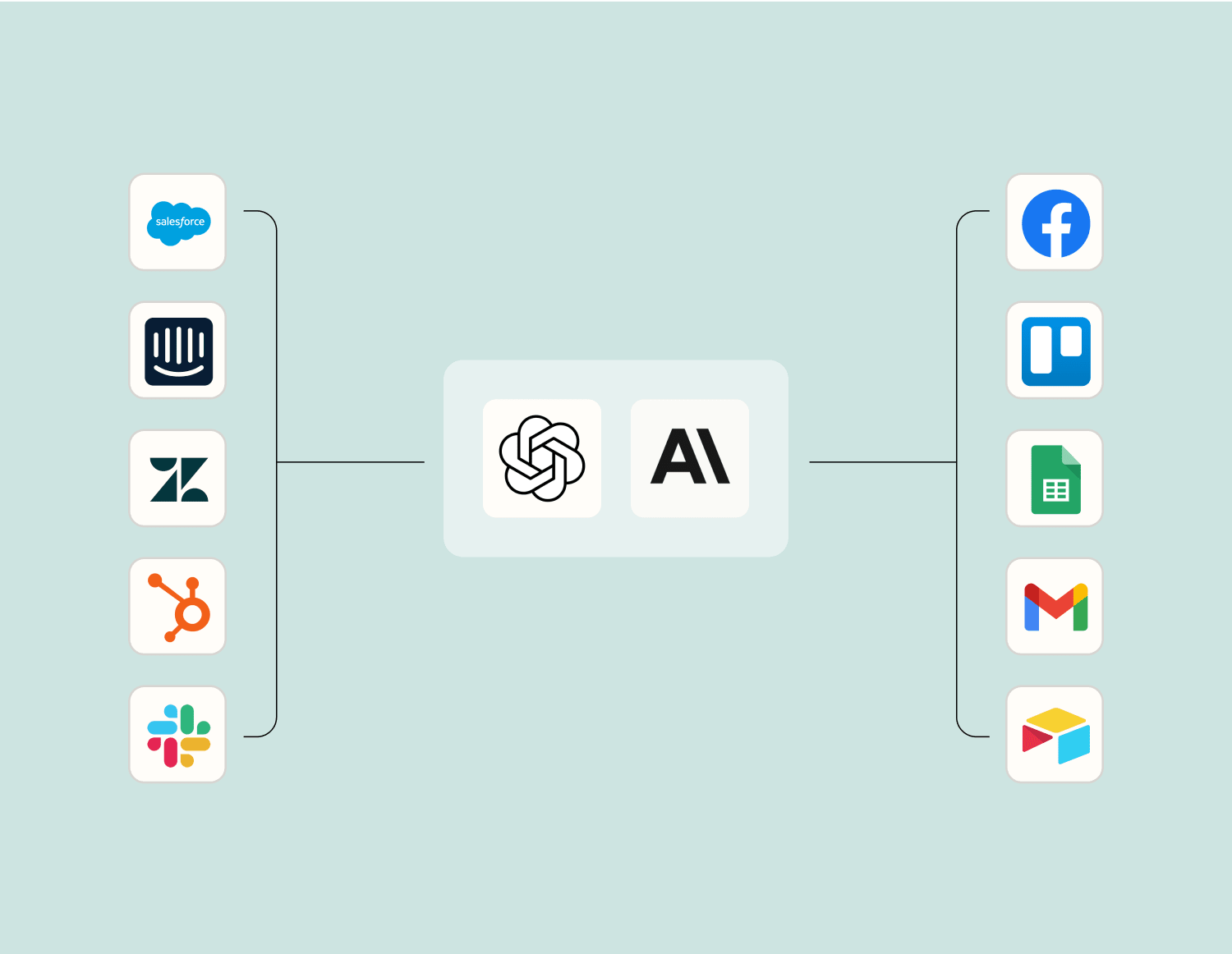
Level up your ServiceM8 to Zoho CRM integration with AI. Extract, summarize, and transform your integration data with leading AI models like OpenAI, Anthropic, and more.
Frequently Asked Questions about ServiceM8 + Zoho CRM integrations
New to automation with Zapier? You're not alone. Here are some answers to common questions about how Zapier works with ServiceM8 and Zoho CRM
How do I integrate ServiceM8 with Zoho CRM using your platform?
You can integrate ServiceM8 with Zoho CRM through our platform by creating a 'Zap'. This involves setting triggers and actions. For example, when a new job is created in ServiceM8, you can set an action to create or update a contact in Zoho CRM.
What triggers are available for ServiceM8 integration?
Our platform supports various triggers for ServiceM8 such as New Job, Job Completed, or New Client. These triggers allow you to automatically initiate actions in Zoho CRM when specific events occur in ServiceM8.
What actions can I perform in Zoho CRM once integrated with ServiceM8?
Once integrated with ServiceM8, you can perform actions like creating or updating leads, contacts, and tasks in Zoho CRM whenever a trigger event occurs in ServiceM8.
Is there a way to update existing contacts in Zoho CRM when details change in ServiceM8?
Yes, you can set up an integration where updates to clients or jobs in ServiceM8 trigger an action that updates existing contacts' details in Zoho CRM automatically.
Can I automate job creation in ServiceM8 from Zoho CRM activities?
While the integration primarily initiates actions from ServiceM8 triggers to Zoho CRM actions, you might need additional configurations or custom setups for reverse automation such as creating jobs based on activities from Zoho CRM.
Do I need any technical expertise to set up the integration between ServiceM8 and Zoho CRM?
No technical expertise is required. Our easy-to-use drag-and-drop interface guides you through selecting triggers and setting corresponding actions without needing any coding skills.
Are there any limits on the number of Zaps I can create between ServiceM8 and Zoho CRM?
The number of Zaps you can create depends on your subscription plan. You can check our pricing page for detailed information about limits related to different plans.
About ServiceM8
ServiceM8 is a field service app and small business management platform for your computer, iPhone and iPad. Track staff locations, navigate to jobs, and control your estimates, invoicing, scheduling, safety reports, clients & more.