Facebook Pages + Google AI Studio (Gemini) + Slack
Top companies trust Zapier to automate work that solves their unique business problems—no coding required.
How Zapier works
Zapier makes it easy to integrate Slack with Google AI Studio (Gemini) - no code necessary. See how you can get setup in minutes.
100%
Help
Slack
Slack
1. Choose trigger event
Google AI Studio (Gemini)
Google AI Studio (Gemini)
2. Choose action
1. Select the event
Setup
Test
Slack
Choose a trigger event
Choose a trigger
A trigger is the event that starts your Zap—like a "New Public Message Posted Anywhere" from Slack.
Add your action
An action happens after the trigger—such as "Understand Audio" in Google AI Studio (Gemini).
You’re connected!
Zapier seamlessly connects Slack and Google AI Studio (Gemini), automating your workflow.
Supported triggers and actions
Zapier helps you create workflows that connect your apps to automate repetitive tasks. A trigger is an event that starts a workflow, and an action is an event a Zap performs.
Create a new record or update an existing record in your app.
Conversation ID
Required
Scheduled As
Required
Scheduled Message ID
Required
Action
This is an event a Zap performs.
Write
Create a new record or update an existing record in your app.
Channel
Required
Add Zapier app to channel automatically?
Message Text
Required
Send as a bot?
Bot Name
Bot Icon
Include a link to this automation?
Attach Image by URL
Auto-Expand Links?
Link Usernames and Channel Names?
Schedule At
File
Thread
Send Channel Message?
Zap_id
Action
This is an event a Zap performs.
Write
Create a new record or update an existing record in your app.
Allowed_delete_copy
Conversation ID
Required
Message TS (ID)
Required
Posted By
Action
This is an event a Zap performs.
Write
Create a new record or update an existing record in your app.
Canvas ID
Required
Operation
Required
Action
This is an event a Zap performs.
Write
Create a new record or update an existing record in your app.
Channel Name
Required
Action
This is an event a Zap performs.
Write
Create a new record or update an existing record in your app.
Channel
Required
Message
Required
Reaction
Required
Action
This is an event a Zap performs.
Write
Create a new record or update an existing record in your app.
Channel
Required
Topic
Required
Topic set by
Action
This is an event a Zap performs.
Write
Create a new record or update an existing record in your app.
Status Text
Status Emoji
Expiration Time
Action
This is an event a Zap performs.
Write
Create a new record or update an existing record in your app.
Remove User from Channel
This action removes a specified user from a specified channel in Slack.
Action
This is an event a Zap performs.
Write
Create a new record or update an existing record in your app.
Edit Message
This action updates a specific message sent by the same Authenticated user on Slack. You need to provide the Channel ID, the Timestamp of the message to be edited, and the new text for the message.
Action
This is an event a Zap performs.
Write
Create a new record or update an existing record in your app.
Find Public Channel
This action will find a public channel in Slack using either the channel's ID or name.
Action
This is an event a Zap performs.
Write
Create a new record or update an existing record in your app.
Delete Message
This action deletes an existing message in a specific channel on Slack. You need to provide the channel ID and the message timestamp as inputs.
Action
This is an event a Zap performs.
Write
Create a new record or update an existing record in your app.
Conversation ID
Required
Action
This is an event a Zap performs.
Search
Find existing data in your app
Conversation ID
Required
Message ID (ts)
Required
Action
This is an event a Zap performs.
Search
Find existing data in your app
Search Query
Required
Sort By
Sort Direction
Include Bot Messages in Search Results?
Action
This is an event a Zap performs.
Search
Find existing data in your app
ID
Required
Return Raw Results?
Action
This is an event a Zap performs.
Search
Find existing data in your app
Guidance_copy
Username
Required
Return Raw Results?
Action
This is an event a Zap performs.
Search
Find existing data in your app
API Version
Model
Required
System Instructions
Message
Required
Memory Key
Temperature
Top P
Top K
Stop Sequences
TestingCopy
Action
This is an event a Zap performs.
Write
Create a new record or update an existing record in your app.
API Version
Model
Required
Prompt
Required
Voice name
Action
This is an event a Zap performs.
Write
Create a new record or update an existing record in your app.
API Version
Model
Required
Prompt
Required
Action
This is an event a Zap performs.
Write
Create a new record or update an existing record in your app.
API Version
Model
Required
Video URL
Required
Prompt
Required
Action
This is an event a Zap performs.
Write
Create a new record or update an existing record in your app.
Create a new record or update an existing record in your app.
Conversation ID
Required
Action
This is an event a Zap performs.
Write
Create a new record or update an existing record in your app.
Channel
Required
Users
Required
Action
This is an event a Zap performs.
Write
Create a new record or update an existing record in your app.
Title
Content
Channel ID
Action
This is an event a Zap performs.
Write
Create a new record or update an existing record in your app.
Send Multi Message
Message Text
Required
Send as a bot?
Include a link to this automation?
Attach Image by URL
Auto-Expand Links?
Link Usernames and Channel Names?
Schedule At
Zap_id
Action
This is an event a Zap performs.
Write
Create a new record or update an existing record in your app.
Allowed_edit_copy
Conversation ID
Required
Message TS (ID)
Required
Posted By
Content Type
Reply Broadcast
Action
This is an event a Zap performs.
Write
Create a new record or update an existing record in your app.
Channel
Required
Add Zapier app to channel automatically?
Message Text
Required
Send as a bot?
Bot Name
Bot Icon
Include a link to this automation?
Attach Image by URL
Auto-Expand Links?
Link Usernames and Channel Names?
Schedule At
Zap_id
File
Thread
Send Channel Message?
Action
This is an event a Zap performs.
Write
Create a new record or update an existing record in your app.
Status_copy
Approval request message
Required
Send message as
Required
Approval type
Required
Zap_id
Include a link to this automation?
Approve button URL
Approve button label
Add decline button
Add details button
Require confirmation
Action
This is an event a Zap performs.
Write
Create a new record or update an existing record in your app.
First Name
Last Name
Title
Email
Display Name
User
Action
This is an event a Zap performs.
Write
Create a new record or update an existing record in your app.
Stop on error
Required
HTTP Method
Required
URL
Required
Query string parameters
Additional request headers
Body
Action
This is an event a Zap performs.
Write
Create a new record or update an existing record in your app.
Get Message by Timestamp
This action retrieves a specific message from a conversation history in Slack using the message's timestamp.
Action
This is an event a Zap performs.
Write
Create a new record or update an existing record in your app.
Retrieve Thread Messages
This action retrieves all the messages sent to a specific thread in a selected channel.
Action
This is an event a Zap performs.
Write
Create a new record or update an existing record in your app.
Create Private Channel
This action creates a private channel in Slack.
Action
This is an event a Zap performs.
Write
Create a new record or update an existing record in your app.
Conversation ID
Required
Action
This is an event a Zap performs.
Search
Find existing data in your app
Conversation ID
Required
Message ID (ts)
Required
Action
This is an event a Zap performs.
Search
Find existing data in your app
Conversation ID
Required
Message TS (ID)
Required
Action
This is an event a Zap performs.
Search
Find existing data in your app
Email
Required
Return Raw Results?
Action
This is an event a Zap performs.
Search
Find existing data in your app
Guidance_copy
Full Name
Required
Return Raw Results?
Action
This is an event a Zap performs.
Search
Find existing data in your app
API Version
Model
Required
Audio URL
Required
Prompt
Required
Action
This is an event a Zap performs.
Write
Create a new record or update an existing record in your app.
API Version
Model
Required
Document URL
Required
Prompt
Required
Action
This is an event a Zap performs.
Write
Create a new record or update an existing record in your app.
API Version
Model
Required
Prompt
Required
Action
This is an event a Zap performs.
Write
Create a new record or update an existing record in your app.
API Version
Model
Required
System Instructions
Prompt
Required
Google Search Grounding
Max Output Tokens
Temperature
Top P
Top K
Stop Sequences
Treat empty model response as an error
TestingCopy
Action
This is an event a Zap performs.
Write
Create a new record or update an existing record in your app.
API Version
Model
Required
YouTube URL
Required
Start offset
End offset
Prompt
Required
Action
This is an event a Zap performs.
Write
Create a new record or update an existing record in your app.
For AI agents & developers
Use Slack and Google AI Studio (Gemini) with AI agents and code
Beyond Zap workflows. Call Slack and Google AI Studio (Gemini) actions directly from your AI client or your codebase, using the same 10,000+ app integrations Zapier already runs.
No code
Connect via Zapier MCP
Expose Slack and Google AI Studio (Gemini) actions as tools in any MCP client. Authenticate once, then call them in natural language.
Example actions on this page
Add Reaction
Understand Audio
Works with
Claude · ChatGPT · Cursor · any MCP-compatible client
There is no Python package yet. SDK is TypeScript-only (@zapier/zapier-sdk). The MCP server URL is personal to your account; get it at zapier.com/mcp.
Zapier is the automation platform of choice for 87% of Forbes Cloud 100 companies in 2023
93%
Customers who say using Zapier has made them better at their job
25m
Customers have created over 25 million Zaps on the platform
6 mins
The average user takes less than 6 minutes to set up a Zap
Connect Slack and Google AI Studio (Gemini) to integrate crucial parts of your business
With Zapier, you can integrate everything from basic data entry to end-to-end processes. Here are some of the business-critical workflows that people automate with Zapier.
Lead management
Marketing campaigns
Customer support
Data management
Tickets and incidents
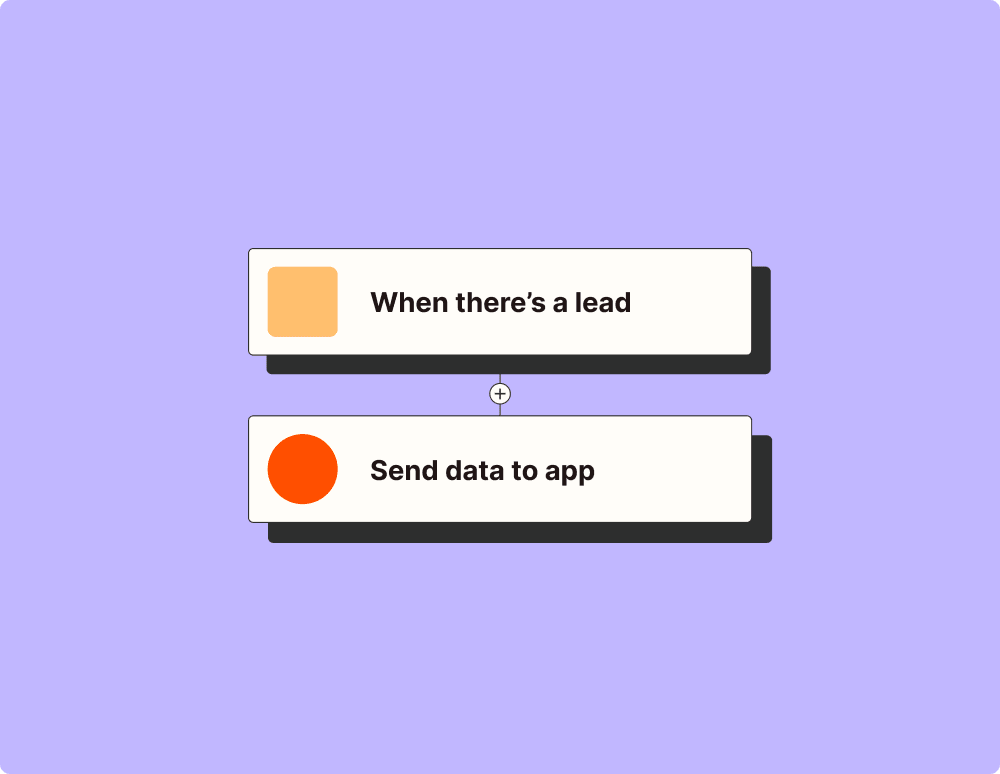
Automate your lead management and improve conversions
With Zapier, you can automate every part of your lead funnel and give yourself the best chance at converting leads. Automate everything from lead capture to outreach to reporting—and close more deals as a result.
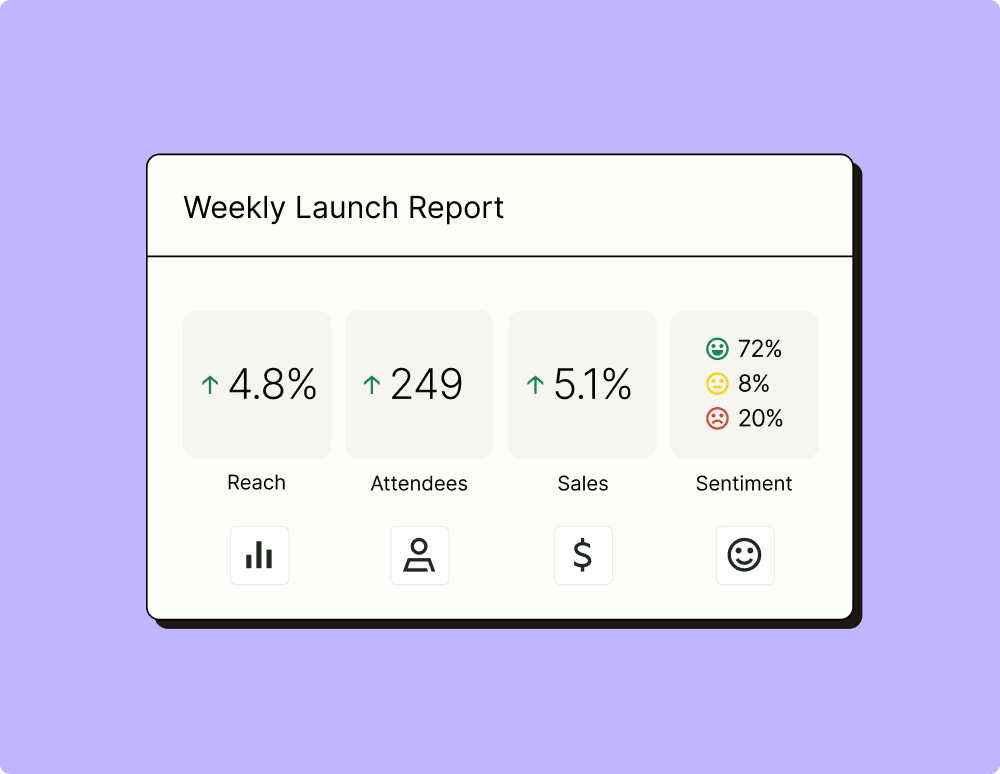
Create more impactful campaigns with automation
Measuring campaign performance across platforms can get chaotic. Plus, digging up the right metrics costs you precious time and effort. With Zapier, you can create a centralized view of your performance, skillfully manage your lists, and ensure your campaigns drive ROI across the business.
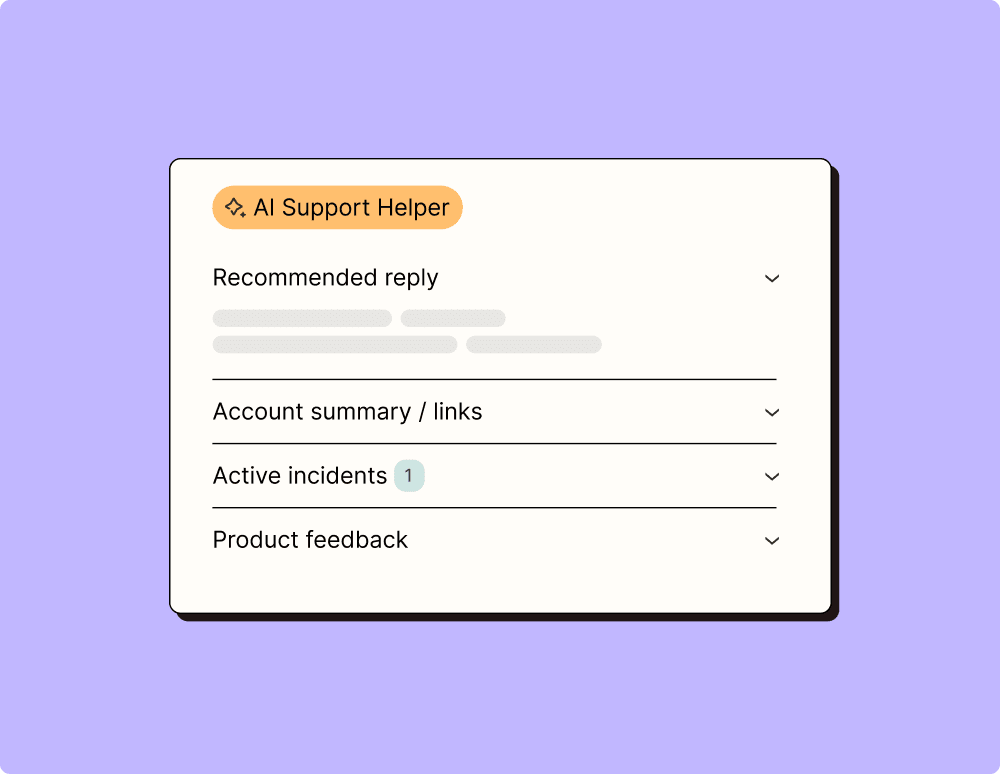
Provide world-class support with a little help from automation
Support reps can't be productive when they have to track down crucial information for every incident or ticket. With Zapier, you can automatically send your reps the context they need to resolve tickets quickly and create a seamless customer experience.
Automate your way to actionable, up-to-date data
The days of manually exporting and importing data are over. With Zapier, you can send data where it needs to go, in the format you need it—so you can centralize your data and unlock more insights.
Resolve incidents faster with automation
Your technical support team wants to focus on tech tickets rather than admin work. With Zapier, you can automate everything from ticket creation to routing to inter-team communication—eliminating friction from incident management and increasing speed to resolution.
Learn how to automate Slack on the Zapier blog
Learn how to automate Google AI Studio (Gemini) on the Zapier blog
Make work flow with AI
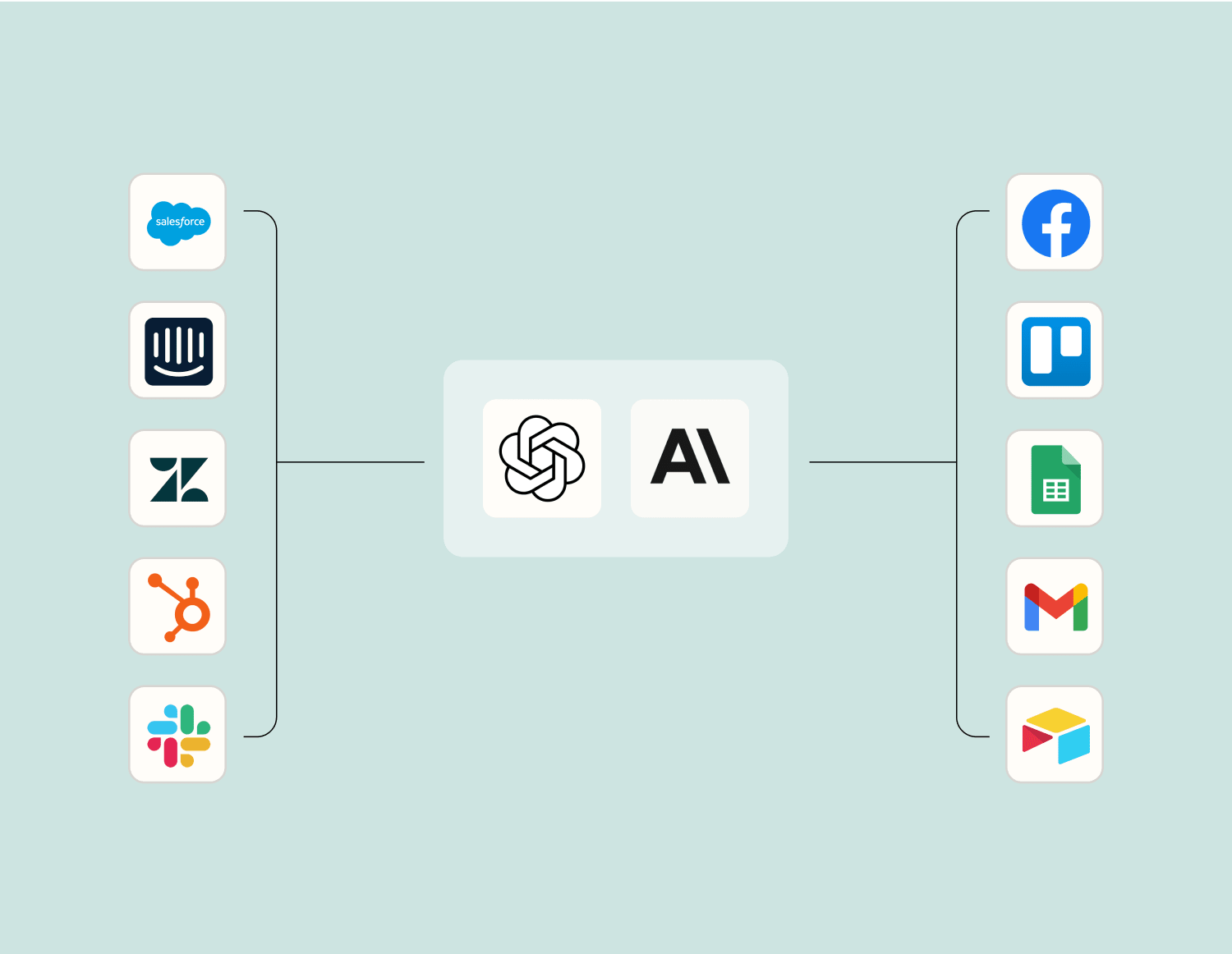
Level up your Slack to Google AI Studio (Gemini) integration with AI. Extract, summarize, and transform your integration data with leading AI models like OpenAI, Anthropic, and more.
Frequently Asked Questions about Slack + Google AI Studio (Gemini) integrations
New to automation with Zapier? You're not alone. Here are some answers to common questions about how Zapier works with Slack and Google AI Studio (Gemini)
How do I set up the integration between Slack and Google AI Studio?
You can set up the integration by visiting our platform and selecting Slack and Google AI Studio (Gemini) under connected apps. Follow the prompts to authenticate both services. You’ll be able to select triggers like a new message in a channel for Slack and actions such as sending data to Google AI Studio.
Can we trigger automated responses in Slack based on certain criteria in Google AI Studio?
Yes, you can configure triggers from Google AI Studio that prompt automated responses in Slack. For instance, specific data outputs or thresholds reached in Google AI Studio can trigger a Slack message to alert your team.
What types of data can be shared between Slack and Google AI Studio with this integration?
Our integration allows you to share text-based updates, notifications, and data outputs efficiently between Slack and Google AI Studio. Data includes progress visuals, textual analytics summaries, or real-time notification of new model results.
Is it possible for us to use this integration to update a shared dataset on both platforms?
Currently, our integration supports notifications rather than direct data updates across platforms. However, you can notify team members on Slack when a dataset is updated within Google AI Studio.
Can we customize the triggers between these two services?
Definitely! You have the flexibility to customize triggers according to your specific needs. Whether it's detecting when new data is added in Slack or when an analysis completes in Google AI Studio, our platform makes it customizable.
Are there limitations on the number of channels I can sync between Slack and Google AI Studio?
There are currently no limitations on the number of channels you can sync with our integration service. Feel free to connect multiple channels as necessary for your workflows.
Do we need any specific permissions within Slack or Google AI Studio for integration?
Yes, certain permissions will be requested during setup. You’ll need admin access to authenticate both apps through our platform for seamless functionality of triggers and actions.
My AI agent already connects to my apps. Why add Zapier?
Your AI agent’s built-in or native connectors cover a limited set of popular apps. Zapier reaches 10,000+ apps and 90,000+ triggers and actions. Zapier also adds what your AI agent can’t: one place to manage logins and credentials, so you never paste an API key; automations that keep running after the chat closes, with fixes you can review when a run hits a snag; and the freedom to switch agent interfaces without starting over.
Can’t my AI agent already run tasks on a schedule?
Most popular AI agents can run scheduled tasks. And for simple recurring jobs, that might be all you need. Automations that run on Zapier can run on a schedule too, but they can also start the moment something happens in your apps—like when a new lead/ticket comes in or you get an email reply. Zapier also uses AI only in the steps that need judgment, so routine steps like posting to Slack or updating Salesforce don’t burn model tokens.
Why not have my AI agent write me a script?
You can, and the first version will probably work. The trouble comes later: a script needs somewhere to run, a way to hear about events, and someone to keep it going. If an API changes or a login expires, your script can quietly stop until you notice. It also holds your keys, often in a repo, where a leak can expose your accounts. With Zapier, your agent builds the automation, and you publish it. Zapier hosts it, handles your logins and credentials, and records every run. If a run fails, Zapier diagnoses what went wrong and prepares a fix you can review. Or you can decide which fixes Zapier can apply for you.
About Slack
Slack is a platform for team communication: everything in one place, instantly searchable, available wherever you go. Offering instant messaging, document sharing and knowledge search for modern teams.