Top companies trust Zapier to automate work that solves their unique business problems—no coding required.
How Zapier works
Zapier makes it easy to integrate Google Ads with Telegram - no code necessary. See how you can get setup in minutes.
100%
Help
Google Ads
Google Ads
1. Choose trigger event
Telegram
Telegram
2. Choose action
1. Select the event
Setup
Test
Google Ads
Choose a trigger event
Choose a trigger
A trigger is the event that starts your Zap—like a "New Campaign" from Google Ads.
Add your action
An action happens after the trigger—such as "React to Message" in Telegram.
You’re connected!
Zapier seamlessly connects Google Ads and Telegram, automating your workflow.
Supported triggers and actions
Zapier helps you create workflows that connect your apps to automate repetitive tasks. A trigger is an event that starts a workflow, and an action is an event a Zap performs.
Create a new record or update an existing record in your app.
Chat_id
Required
Poll Question Text
Required
Should the poll be anonymous?
Required
Poll Type
Required
How long should the poll be open?
Send Closed Poll?
Send Silently?
Protect Content from forwarding and saving?
Action
This is an event a Zap performs.
Write
Create a new record or update an existing record in your app.
For AI agents & developers
Use Google Ads and Telegram with AI agents and code
Beyond Zap workflows. Call Google Ads and Telegram actions directly from your AI client or your codebase, using the same 9,000+ app integrations Zapier already runs.
No code
Connect via Zapier MCP
Expose Google Ads and Telegram actions as tools in any MCP client. Authenticate once, then call them in natural language.
Example actions on this page
Add Contact to Customer List With Email
React to Message
Works with
Claude · ChatGPT · Cursor · any MCP-compatible client
There is no Python package yet. SDK is TypeScript-only (@zapier/zapier-sdk). The MCP server URL is personal to your account; get it at zapier.com/mcp.
Zapier is the automation platform of choice for 87% of Forbes Cloud 100 companies in 2023
93%
Customers who say using Zapier has made them better at their job
25m
Customers have created over 25 million Zaps on the platform
6 mins
The average user takes less than 6 minutes to set up a Zap
Practical ways you can use Google Ads and Telegram
Telegram alerts for new Google Ads campaigns.
Streamline ad management by having Zapier send a Telegram message whenever a new Google Ads campaign is created. This keeps business owners updated in real time, ensuring they remain aware of new advertising efforts.
Notify the team about new Google Ads leads in Telegram.
When a new Google Ads lead form entry is created, Zapier will automatically send a message in Telegram to notify the marketing team. This ensures that every potential lead is highlighted promptly, reducing response time and improving lead engagement.
Learn how to automate Google Ads on the Zapier blog
Learn how to automate Telegram on the Zapier blog
Make work flow with AI
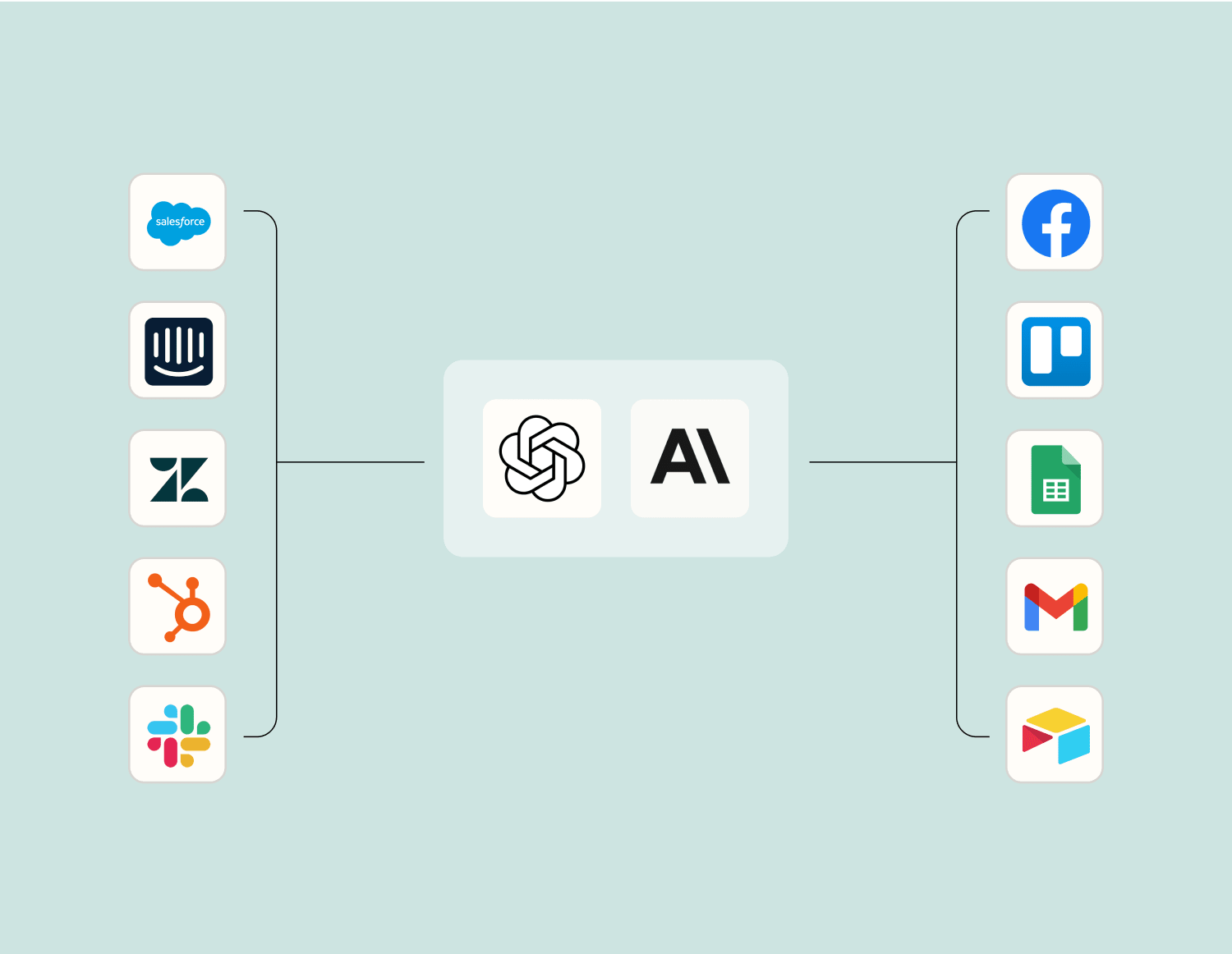
Level up your Google Ads to Telegram integration with AI. Extract, summarize, and transform your integration data with leading AI models like OpenAI, Anthropic, and more.
Frequently Asked Questions about Google Ads + Telegram integrations
New to automation with Zapier? You're not alone. Here are some answers to common questions about how Zapier works with Google Ads and Telegram
How can I integrate Google Ads with Telegram using your service?
You can set up a workflow where certain actions in Google Ads trigger messages in Telegram. For example, whenever you receive a new lead from Google Ads, we can automatically send a message to your Telegram group or channel.
What triggers are available for Google Ads in this integration?
The triggers for integration include events like receiving a new lead form entry or when an ad campaign goes live. We help automate the message sending process to Telegram based on these triggers.
Can I choose specific actions on Telegram after an event on Google Ads?
Yes, you can choose from several actions on Telegram such as sending a custom message, updating channel posts, or even notifying specific users depending on the event triggered in Google Ads.
Is it possible to filter what gets sent from Google Ads to Telegram?
Certainly! We enable you to set specific conditions under which messages are sent from Google Ads to Telegram. For example, you might choose to only notify your team about leads above a certain budget threshold.
Do I need any technical skills to set up this integration?
No technical skills are required. Our platform provides an intuitive interface where you can easily define trigger-action workflows between Google Ads and Telegram without any coding.
How do I test if my integration setup between Google Ads and Telegram is working?
After setting up your triggers and actions, you can use our test feature to simulate events. This helps ensure that messages are sent correctly from Google Ads to your chosen Telegram channel or contact.
What happens if the connection between Google Ads and Telegram fails temporarily?
If there's a temporary failure in the connection, our system will queue your data and attempt to resend it once the connection is restored. This ensures that no important notifications are lost.
About Google Ads
Google Ads (formerly Google AdWords) is an online advertising platform developed by Google, where advertisers pay to display brief advertisements, service offerings, product listings, video content, and generate mobile application installs within the Google ad network to web users.