Top companies trust Zapier to automate work that solves their unique business problems—no coding required.
How Zapier works
Zapier makes it easy to integrate Airtable with PDF.co - no code necessary. See how you can get setup in minutes.
100%
Help
Airtable
Airtable
1. Choose trigger event
PDF.co
PDF.co
2. Choose action
1. Select the event
Setup
Test
Airtable
Choose a trigger event
Choose a trigger
A trigger is the event that starts your Zap—like a "New Record" from Airtable.
Add your action
An action happens after the trigger—such as "Add Barcode to PDF" in PDF.co.
You’re connected!
Zapier seamlessly connects Airtable and PDF.co, automating your workflow.
Supported triggers and actions
Zapier helps you create workflows that connect your apps to automate repetitive tasks. A trigger is an event that starts a workflow, and an action is an event a Zap performs.
Create a new record or update an existing record in your app.
Name
Required
Workspace ID
Required
Number of Tables
Required
Action
This is an event a Zap performs.
Write
Create a new record or update an existing record in your app.
Base
Required
Table
Required
Helptext
Primary lookup field
Required
Secondary lookup field
Append attachments
Action
This is an event a Zap performs.
Write
Create a new record or update an existing record in your app.
Base
Required
Table
Required
Record
Required
Action
This is an event a Zap performs.
Write
Create a new record or update an existing record in your app.
Base
Required
Table
Required
Record
Required
Append attachments
Action
This is an event a Zap performs.
Write
Create a new record or update an existing record in your app.
Api_docs_info
Stop on error
Required
HTTP Method
Required
URL
Required
Query string parameters
Additional request headers
Body
Action
This is an event a Zap performs.
Write
Create a new record or update an existing record in your app.
Base
Required
Table
Required
Record ID
Required
Action
This is an event a Zap performs.
Search
Find existing data in your app
Base
Required
Table ID
Required
Action
This is an event a Zap performs.
Search
Find existing data in your app
Base ID
Required
Action
This is an event a Zap performs.
Search
Find existing data in your app
Base
Required
Action
This is an event a Zap performs.
Search
Find existing data in your app
Base
Required
Table
Required
Search by Field
Search Value
Search type
Search Formula
Limit to View
Action
This is an event a Zap performs.
Search or write
Find existing data in your app, or create a new record if no data is found
Source File URL
Required
Id
Required
X Coordinate
Required
Y Coordinate
Required
Type
Required
Initial Value
Size
Pages
Action
This is an event a Zap performs.
Write
Create a new record or update an existing record in your app.
Source File URL
Required
Text to add
Required
X Co-ordinate
Required
Y Co-ordinate
Required
Advance Options
Action
This is an event a Zap performs.
Write
Create a new record or update an existing record in your app.
Barcode Value
Required
Barcode Type
Generate Inline URL (optional)
Advanced Options
Action
This is an event a Zap performs.
Write
Create a new record or update an existing record in your app.
Input Format
Required
File Name (optional)
Custom Profiles (optional)
Action
This is an event a Zap performs.
Write
Create a new record or update an existing record in your app.
PDF.co API Endpoint
Required
URL Input Parameter Override (optional)
Input JSON (optional)
Execute Job Check Immediately
Action
This is an event a Zap performs.
Write
Create a new record or update an existing record in your app.
Source File URL
Required
Template Id (optional)
Custom Profiles (optional)
Action
This is an event a Zap performs.
Write
Create a new record or update an existing record in your app.
Source File URL
Required
Extract Fillable Fields (optional)
Custom Profiles (optional)
Action
This is an event a Zap performs.
Write
Create a new record or update an existing record in your app.
Source File URL
Required
OCR Language (optional)
File Name (optional)
Custom Profiles (optional)
Action
This is an event a Zap performs.
Write
Create a new record or update an existing record in your app.
Source File URL
Required
Operation Type
Required
OCR Language for auto-rotate (optional)
Page Numbers (optional)
Custom Profiles (optional)
Action
This is an event a Zap performs.
Write
Create a new record or update an existing record in your app.
Source File URL (optional)
Text Annotations (fill at least one)
Image Embeds (fill at least one)
Fillable Form Fields (fill at least one)
File Name (optional)
Allow Empty Text and Image Objects (optional)
Auto-trim Input Values (optional)
Template Data (optional)
Custom Profiles (optional)
Action
This is an event a Zap performs.
Write
Create a new record or update an existing record in your app.
Source File URL
Required
Operation Mode (optional)
Owner Password (fill at least one for Remove Security)
User Password (fill at least one for Remove Security)
Encryption Algorithm (optional)
Allow Printing (optional)
Define Printing Quality (optional)
Enable Document Assembly (optional)
Enable Content Copying (optional)
Enable Content Copying for Accessibility (optional)
Enable Document Modification (optional)
Enable Form Field Filling (optional)
Enable Commenting (optional)
File Name (optional)
Custom Profiles (optional)
Action
This is an event a Zap performs.
Write
Create a new record or update an existing record in your app.
Source File URL
Required
Text to Locate
Required
Replacement Text
Required
Target Pages
Enable Regular Expressions (optional)
Case-Sensitive Search (optional)
Replacement Limit (optional)
Custom Profiles (optional)
Action
This is an event a Zap performs.
Write
Create a new record or update an existing record in your app.
Source File URL
Required
Search Query
Required
Enable Regular Expressions (optional)
Page Range (optional)
Custom Profiles (optional)
Action
This is an event a Zap performs.
Write
Create a new record or update an existing record in your app.
Source File URL
Required
Barcode Search String
Required
Exclude Pages with Identified Barcodes (optional)
File Name (optional)
Custom Profiles (optional)
Action
This is an event a Zap performs.
Write
Create a new record or update an existing record in your app.
For AI agents & developers
Use Airtable and PDF.co with AI agents and code
Beyond Zap workflows. Call Airtable and PDF.co actions directly from your AI client or your codebase, using the same 9,000+ app integrations Zapier already runs.
No code
Connect via Zapier MCP
Expose Airtable and PDF.co actions as tools in any MCP client. Authenticate once, then call them in natural language.
Example actions on this page
Add Comment to Record
Add Barcode to PDF
Works with
Claude · ChatGPT · Cursor · any MCP-compatible client
There is no Python package yet. SDK is TypeScript-only (@zapier/zapier-sdk). The MCP server URL is personal to your account; get it at zapier.com/mcp.
Zapier is the automation platform of choice for 87% of Forbes Cloud 100 companies in 2023
93%
Customers who say using Zapier has made them better at their job
25m
Customers have created over 25 million Zaps on the platform
6 mins
The average user takes less than 6 minutes to set up a Zap
Connect Airtable and PDF.co to integrate crucial parts of your business
With Zapier, you can integrate everything from basic data entry to end-to-end processes. Here are some of the business-critical workflows that people automate with Zapier.
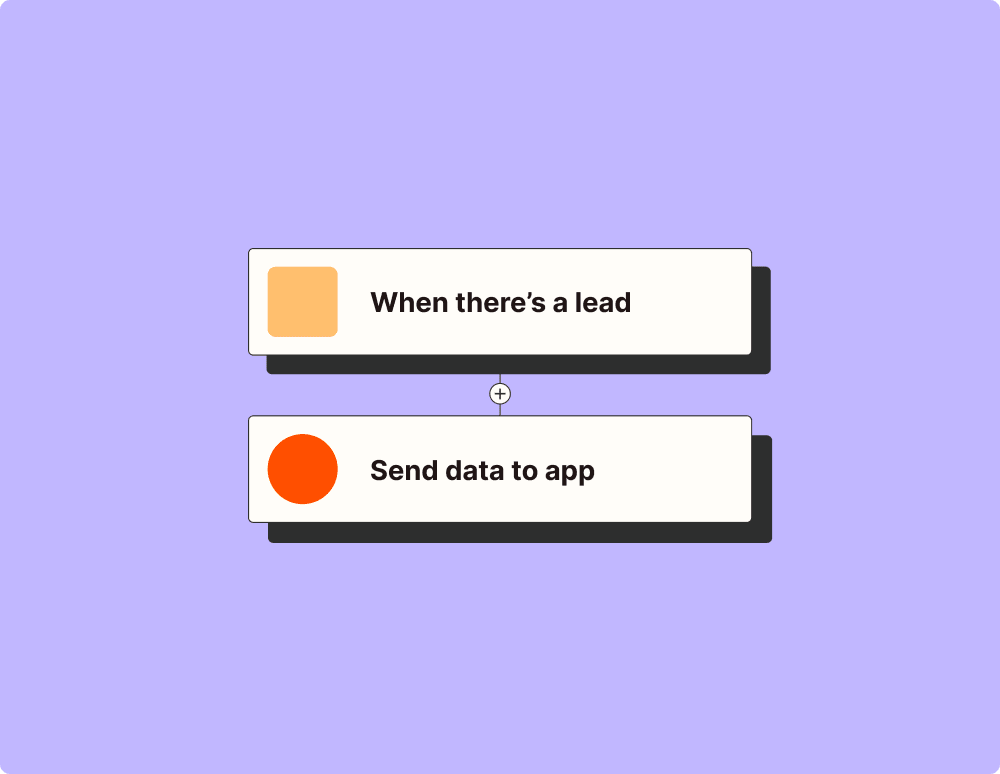
Automate your lead management and improve conversions
With Zapier, you can automate every part of your lead funnel and give yourself the best chance at converting leads. Automate everything from lead capture to outreach to reporting—and close more deals as a result.
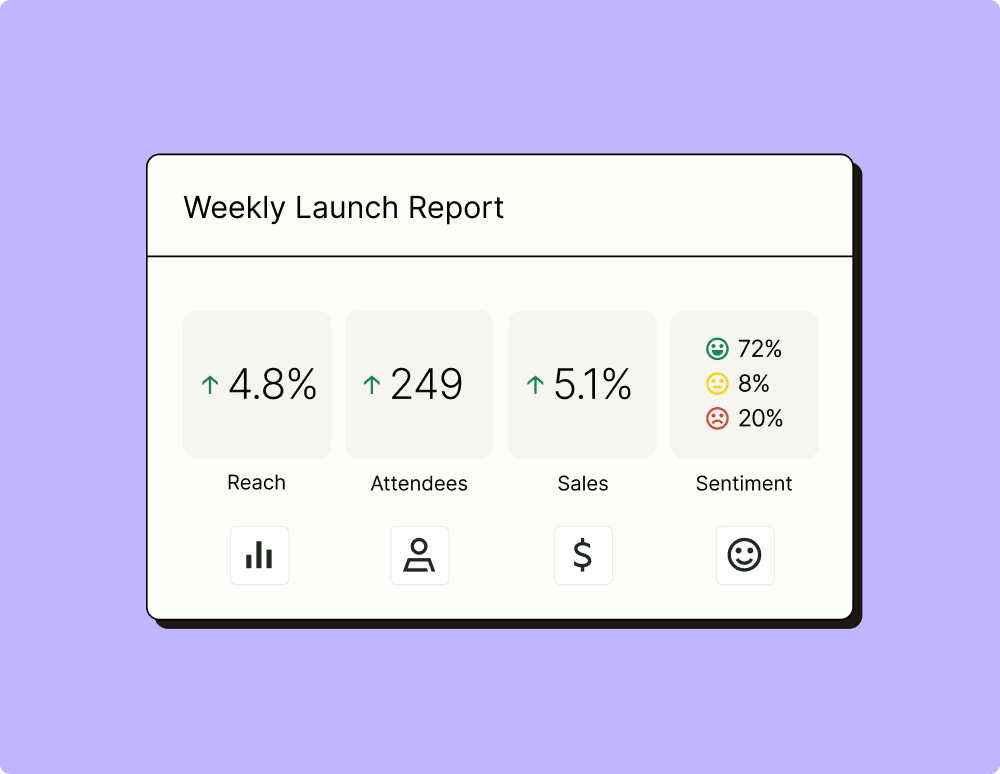
Create more impactful campaigns with automation
Measuring campaign performance across platforms can get chaotic. Plus, digging up the right metrics costs you precious time and effort. With Zapier, you can create a centralized view of your performance, skillfully manage your lists, and ensure your campaigns drive ROI across the business.
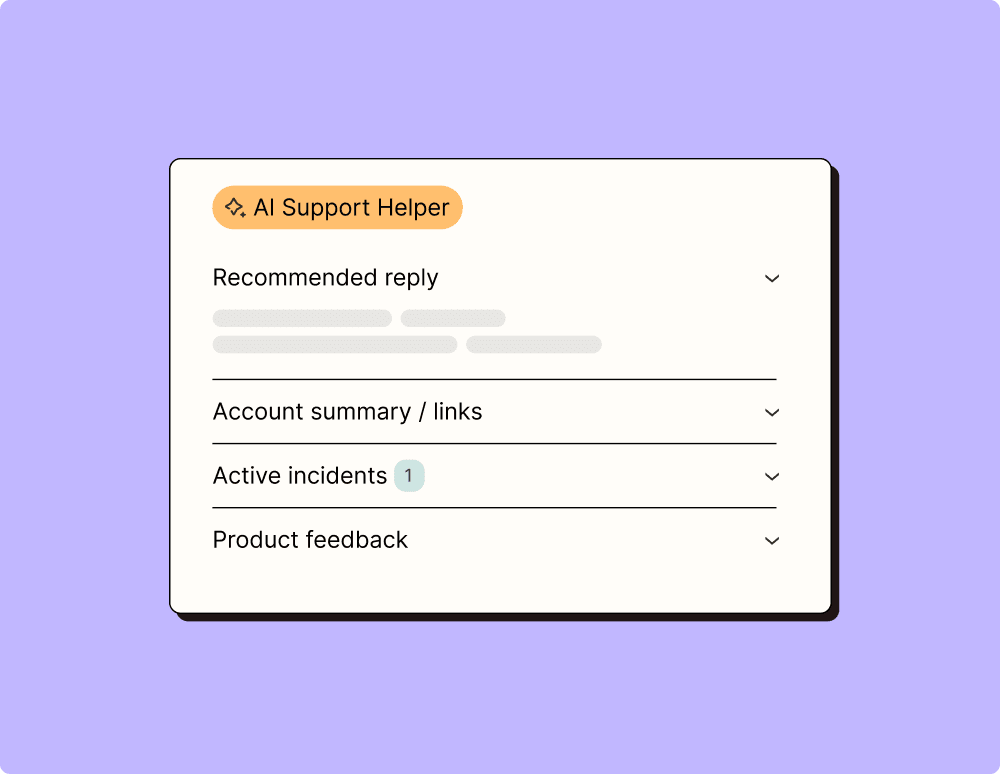
Provide world-class support with a little help from automation
Support reps can't be productive when they have to track down crucial information for every incident or ticket. With Zapier, you can automatically send your reps the context they need to resolve tickets quickly and create a seamless customer experience.
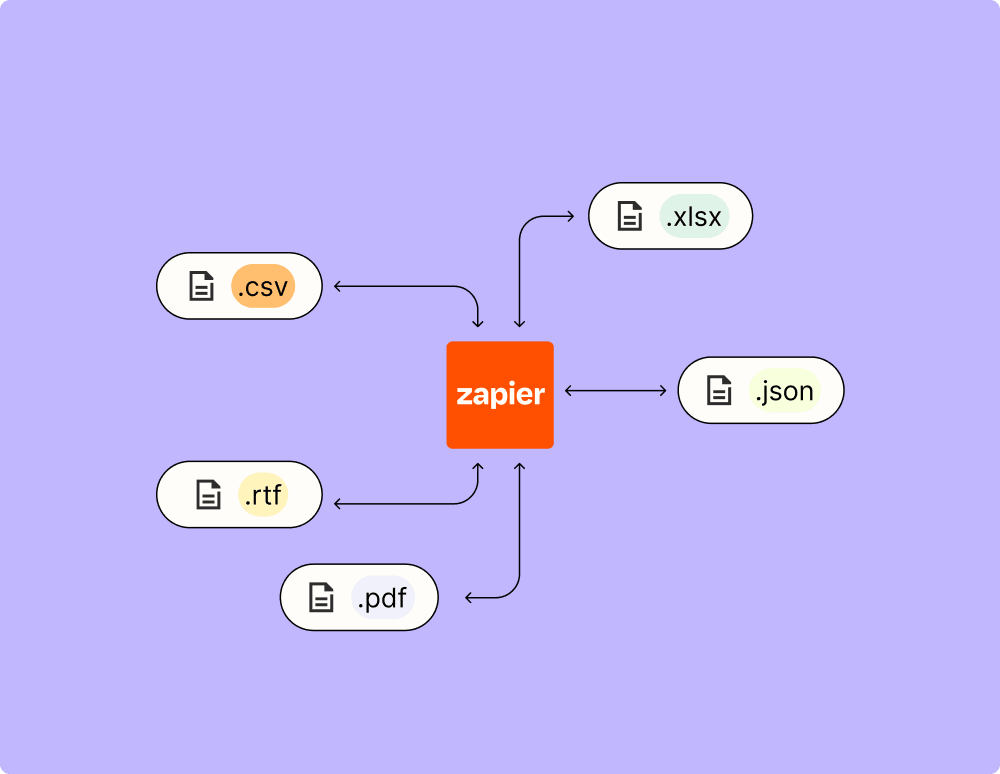
Automate your way to actionable, up-to-date data
The days of manually exporting and importing data are over. With Zapier, you can send data where it needs to go, in the format you need it—so you can centralize your data and unlock more insights.
Resolve incidents faster with automation
Your technical support team wants to focus on tech tickets rather than admin work. With Zapier, you can automate everything from ticket creation to routing to inter-team communication—eliminating friction from incident management and increasing speed to resolution.
Learn how to automate Airtable on the Zapier blog
Learn how to automate PDF.co on the Zapier blog
Make work flow with AI
Level up your Airtable to PDF.co integration with AI. Extract, summarize, and transform your integration data with leading AI models like OpenAI, Anthropic, and more.
Frequently Asked Questions about Airtable + PDF.co integrations
New to automation with Zapier? You're not alone. Here are some answers to common questions about how Zapier works with Airtable and PDF.co
How do I integrate Airtable with PDF.co?
To integrate Airtable with PDF.co, you can use our platform to set up triggers and actions. Start by selecting an event in Airtable to trigger the workflow, such as a new record creation. Then, choose an action in PDF.co, like generating a PDF from that record's data.
What triggers can be used for the integration between Airtable and PDF.co?
You can use various triggers from Airtable for integration with PDF.co, including when a new record is created, updated, or when a specific field changes.
Can I automate the generation of PDFs from Airtable records?
Yes, you can automate PDF generation using our integration. By setting up a trigger in Airtable when a record is added or modified, you can automatically generate and save PDFs using PDF.co.
Is it possible to update a PDF file via the integration when data in Airtable changes?
Yes, it's possible. With our platform's automation capabilities, you can set an Airtable record update as a trigger that will prompt PDF.co to modify or regenerate a corresponding PDF file.
What kind of data can be transferred from Airtable to create PDFs?
You can transfer almost any type of data stored in your Airtable records to create PDFs. This includes text fields, attachments, dates, numbers and more. The key is mapping these fields correctly during setup.
Do I need coding skills to set up the integration between Airtable and PDF.co?
No coding skills are required. Our user-friendly interface allows you to set up complex workflows using simple triggers and actions without needing to write code.
How secure is the data transferred between Airtable and PDF.co through your integration?
Data security is paramount for us. All data transfers between Airtable and PDF.co are encrypted and comply with industry-standard security protocols to ensure your information remains safe during processing.
About Airtable
Organize anything with Airtable, a modern database created for everyone. Airtable is a fast and flexible way to create tables to keep track of anything, from sales leads to vacation planning to inventory management.