Top companies trust Zapier to automate work that solves their unique business problems—no coding required.
How Zapier works
Zapier makes it easy to integrate Pressable with Delay by Zapier - no code necessary. See how you can get setup in minutes.
100%
Help
Pressable
Pressable
1. Choose trigger event
Delay by Zapier
Delay by Zapier
2. Choose action
1. Select the event
Setup
Test
Pressable
Choose a trigger event
Choose a trigger
A trigger is the event that starts your Zap—like a "Data Transfer Failed" from Pressable.
Add your action
An action happens after the trigger—such as "Delay For" in Delay by Zapier.
You’re connected!
Zapier seamlessly connects Pressable and Delay by Zapier, automating your workflow.
Supported triggers and actions
Zapier helps you create workflows that connect your apps to automate repetitive tasks. A trigger is an event that starts a workflow, and an action is an event a Zap performs.
Data Transfer Failed
Triggers when a Data Transfer between two of your Pressable sites fails. A Data Transfer copies files, the database, or both from one site to another. Migrations from other hosts don't trigger this. Details explains the failure and often includes how to fix it. Failure Code is a stable reason you can filter on, and Failure Summary explains it in a sentence. Both are empty when Pressable did not classify the failure. Some failures aren't reported. Canceling a transfer may send nothing, or a failure about whatever the cancellation interrupted. Nothing is sent if the destination site was deleted first. In those cases, check the dashboard for failed transfers. If the source site has been deleted, only its ID is included.
Triggers when a site's edge cache is purged from the dashboard, the API, a Zap, or by Pressable support. It also fires for some automatic purges: security plugin and theme updates, PHP version updates, site conversions, multisite changes, hacked-site cleanup, and bulk cache clears (one event per site). It doesn't fire for purges during a deploy, repository sync, restore, site sync, scheduled plugin update, plugin or mu-plugin install, or maintenance-mode change.
Triggers when a Git deployment to a site succeeds. Requires the GitHub integration on the site. Commit SHA and Pushed By are filled in for deploys started by a GitHub push and empty for deploys started through the Pressable API. Details is always empty, since Pressable only records a message when a deploy fails.
Triggers when a performance report is ready. It fires for every report, not just poor scores, including the monthly report for each live site, reports you request, and reports taken around a scheduled plugin update. To act on a threshold, add a Zapier filter on the score fields. Scores are sometimes blank when Pressable can't confirm they match the report, so add an "exists" condition before any threshold.
Triggers when an on-demand backup finishes and is stored. It also fires for backups Pressable takes automatically, such as before a site transfer. Use Customer Requested to tell them apart. Failed backups don't trigger anything.
Triggers when any plugin update fails, whether it was started from the dashboard, the API, the Update Plugins action, or a security alert. The event doesn't say which. It only reports failures, so no event doesn't mean success. The same failure can arrive more than once. Error text isn't included because it can contain file paths or license keys. Requested Version is the version asked for. "latest" means no specific version was requested, not what was installed. The site's name and URL are current.
Triggers when a site restore fails, whether it was started from the dashboard, the API, or by Pressable support. The site's name and URL are current, not from the time of the restore. Failure Code is a stable reason you can filter on, and Failure Summary explains it in a sentence. Both are empty when Pressable did not classify the failure.
Create a new record or update an existing record in your app.
Site to Clone
Required
New Site Internal Name
Required
Clone Type
Datacenter
Action
This is an event a Zap performs.
Write
Create a new record or update an existing record in your app.
Site Internal Name
Required
Site Type
Required
PHP Version
Software to Install
Datacenter
WordPress Admin Username
WordPress Admin Email
Action
This is an event a Zap performs.
Write
Create a new record or update an existing record in your app.
Site
Required
Confirm Site Internal Name
Required
Action
This is an event a Zap performs.
Write
Create a new record or update an existing record in your app.
Site
Required
Action
This is an event a Zap performs.
Write
Create a new record or update an existing record in your app.
Site
Required
Edge Cache
Required
Action
This is an event a Zap performs.
Write
Create a new record or update an existing record in your app.
Site
Required
Maintenance Mode
Required
Action
This is an event a Zap performs.
Write
Create a new record or update an existing record in your app.
Site
Required
WordPress MCP Plugin
Required
Action
This is an event a Zap performs.
Write
Create a new record or update an existing record in your app.
Site
Required
Plugin
Required
Version
Action
This is an event a Zap performs.
Write
Create a new record or update an existing record in your app.
Time Delayed For (value)
Required
Time Delayed For (unit)
Required
Action
This is an event a Zap performs.
Write
Create a new record or update an existing record in your app.
Date/Time Delayed Until
Required
How should we handle dates in the past?
Action
This is an event a Zap performs.
Write
Create a new record or update an existing record in your app.
Data Transfer Succeeded
Triggers when a Data Transfer between two of your Pressable sites succeeds. A Data Transfer copies files, the database, or both from one site to another. Migrations from other hosts don't trigger this. Site names and URLs are current, and if the source site has been deleted, only its ID is included. There's no timestamp field because Pressable doesn't send a completion time.
Triggers when a Git deployment to a site fails. Details gives the reason, such as "Could not clone repo". Deploys interrupted by a connection or timeout error don't send this event, so it won't catch every failure.
Triggers when Pressable marks one of your sites as hacked and disables it. Only Pressable Support can mark it safe again. Still Flagged shows whether the site is still marked hacked when the Zap runs.
Triggers when a site's PHP version is changed from the dashboard, the API, or by Pressable support. Previous PHP Version is blank for now, because Pressable doesn't send it yet. It doesn't fire for automatic rollbacks of failed upgrades, some bulk changes across many sites, or versions changed outside Pressable.
Triggers when a site's primary domain is set from the dashboard, the API, or automatically when a domain is added to a site without one. It also fires when the site is reset to its staging URL (Is Staging URL is true). It fires when the primary domain is removed and another domain takes over, and when a staging or sandbox site gets a custom staging domain as primary (Staging Site is true). One change can send several events, and a new domain can arrive twice with different Domain IDs. DNS and SSL may not be ready yet. It doesn't fire when a site is deleted or for changes made outside Pressable.
Triggers when a site restore succeeds, whether it was started from the dashboard, the API, or by Pressable support. The site's name and URL are current, not from the time of the restore.
Create a new record or update an existing record in your app.
Site
Required
Action
This is an event a Zap performs.
Write
Create a new record or update an existing record in your app.
Site
Required
Backup Type
Required
Action
This is an event a Zap performs.
Write
Create a new record or update an existing record in your app.
Site
Required
Email
Required
Role
Required
Action
This is an event a Zap performs.
Write
Create a new record or update an existing record in your app.
Site
Required
Plugin
Required
Version
Action
This is an event a Zap performs.
Write
Create a new record or update an existing record in your app.
Site
Required
Basic Authentication
Required
Action
This is an event a Zap performs.
Write
Create a new record or update an existing record in your app.
Site
Required
Lightweight 404
Required
Action
This is an event a Zap performs.
Write
Create a new record or update an existing record in your app.
Site
Required
Domain
Required
Action
This is an event a Zap performs.
Write
Create a new record or update an existing record in your app.
Site
Required
Tags
Required
Action
This is an event a Zap performs.
Write
Create a new record or update an existing record in your app.
Search By
Required
Value
Required
Action
This is an event a Zap performs.
Search
Find existing data in your app
Queue_title
Zap_step_id
Time Delayed For (value)
Required
Time Delayed For (unit)
Required
Action
This is an event a Zap performs.
Write
Create a new record or update an existing record in your app.
For AI agents & developers
Use Pressable and Delay by Zapier with AI agents and code
Beyond Zap workflows. Call Pressable and Delay by Zapier actions directly from your AI client or your codebase, using the same 9,000+ app integrations Zapier already runs.
No code
Connect via Zapier MCP
Expose Pressable and Delay by Zapier actions as tools in any MCP client. Authenticate once, then call them in natural language.
Example actions on this page
Activate Plugins
Delay For
Works with
Claude · ChatGPT · Cursor · any MCP-compatible client
There is no Python package yet. SDK is TypeScript-only (@zapier/zapier-sdk). The MCP server URL is personal to your account; get it at zapier.com/mcp.
Zapier is the automation platform of choice for 87% of Forbes Cloud 100 companies in 2023
93%
Customers who say using Zapier has made them better at their job
25m
Customers have created over 25 million Zaps on the platform
6 mins
The average user takes less than 6 minutes to set up a Zap
Connect Pressable and Delay by Zapier to integrate crucial parts of your business
With Zapier, you can integrate everything from basic data entry to end-to-end processes. Here are some of the business-critical workflows that people automate with Zapier.
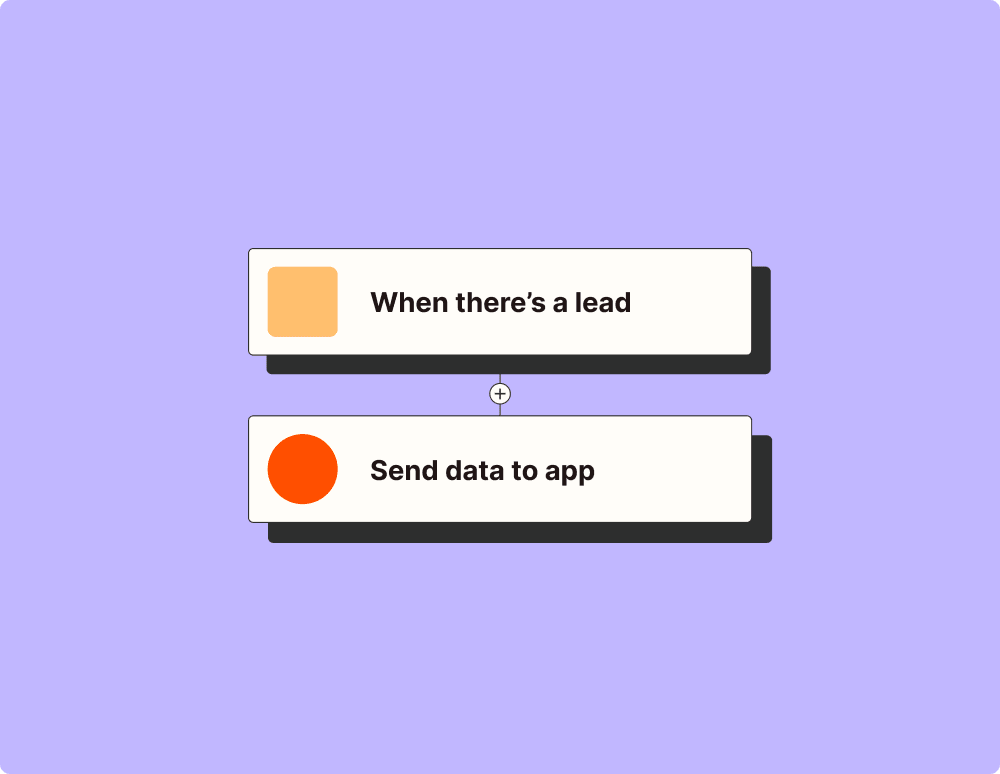
Automate your lead management and improve conversions
With Zapier, you can automate every part of your lead funnel and give yourself the best chance at converting leads. Automate everything from lead capture to outreach to reporting—and close more deals as a result.
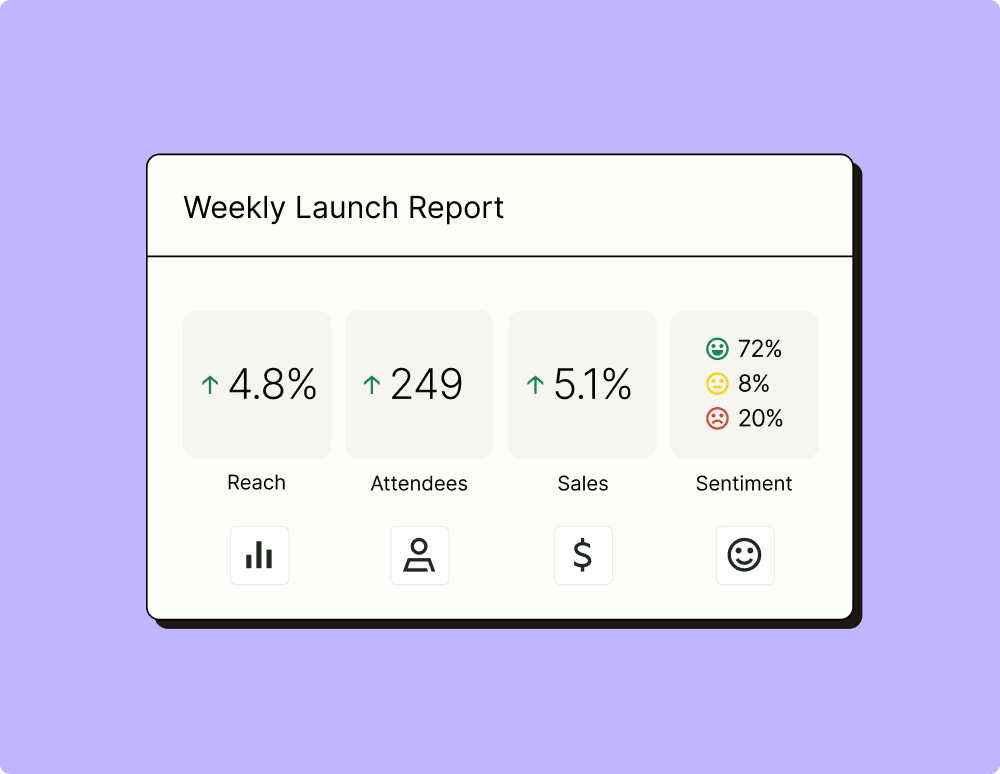
Create more impactful campaigns with automation
Measuring campaign performance across platforms can get chaotic. Plus, digging up the right metrics costs you precious time and effort. With Zapier, you can create a centralized view of your performance, skillfully manage your lists, and ensure your campaigns drive ROI across the business.
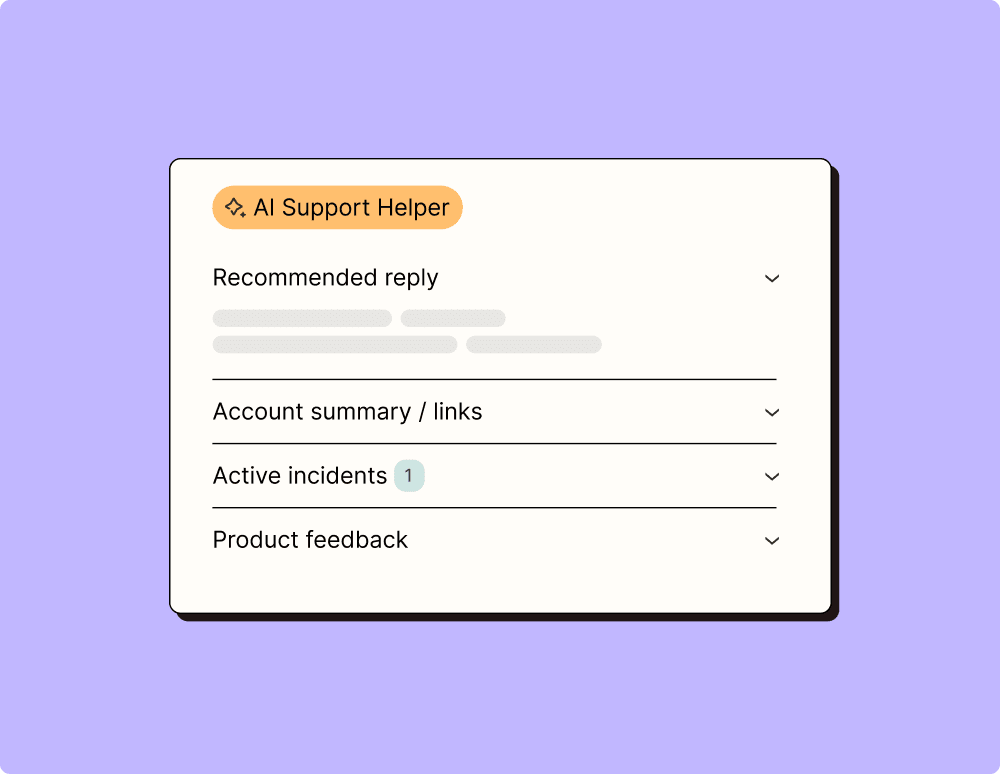
Provide world-class support with a little help from automation
Support reps can't be productive when they have to track down crucial information for every incident or ticket. With Zapier, you can automatically send your reps the context they need to resolve tickets quickly and create a seamless customer experience.
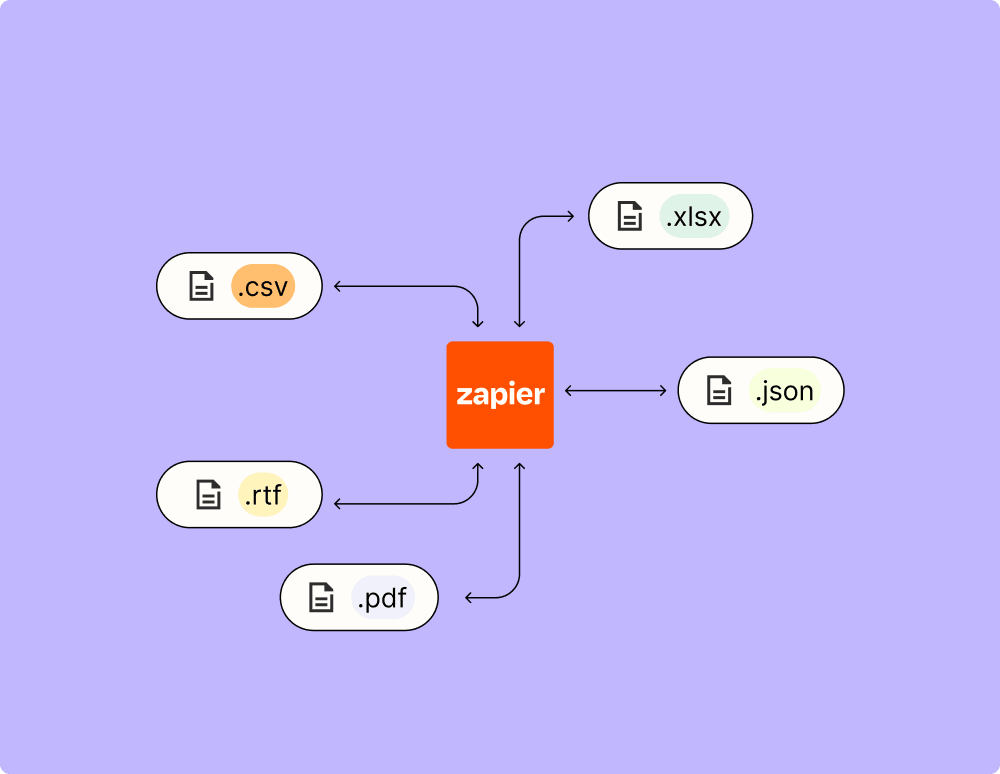
Automate your way to actionable, up-to-date data
The days of manually exporting and importing data are over. With Zapier, you can send data where it needs to go, in the format you need it—so you can centralize your data and unlock more insights.
Resolve incidents faster with automation
Your technical support team wants to focus on tech tickets rather than admin work. With Zapier, you can automate everything from ticket creation to routing to inter-team communication—eliminating friction from incident management and increasing speed to resolution.
Learn how to automate Delay by Zapier on the Zapier blog
Make work flow with AI
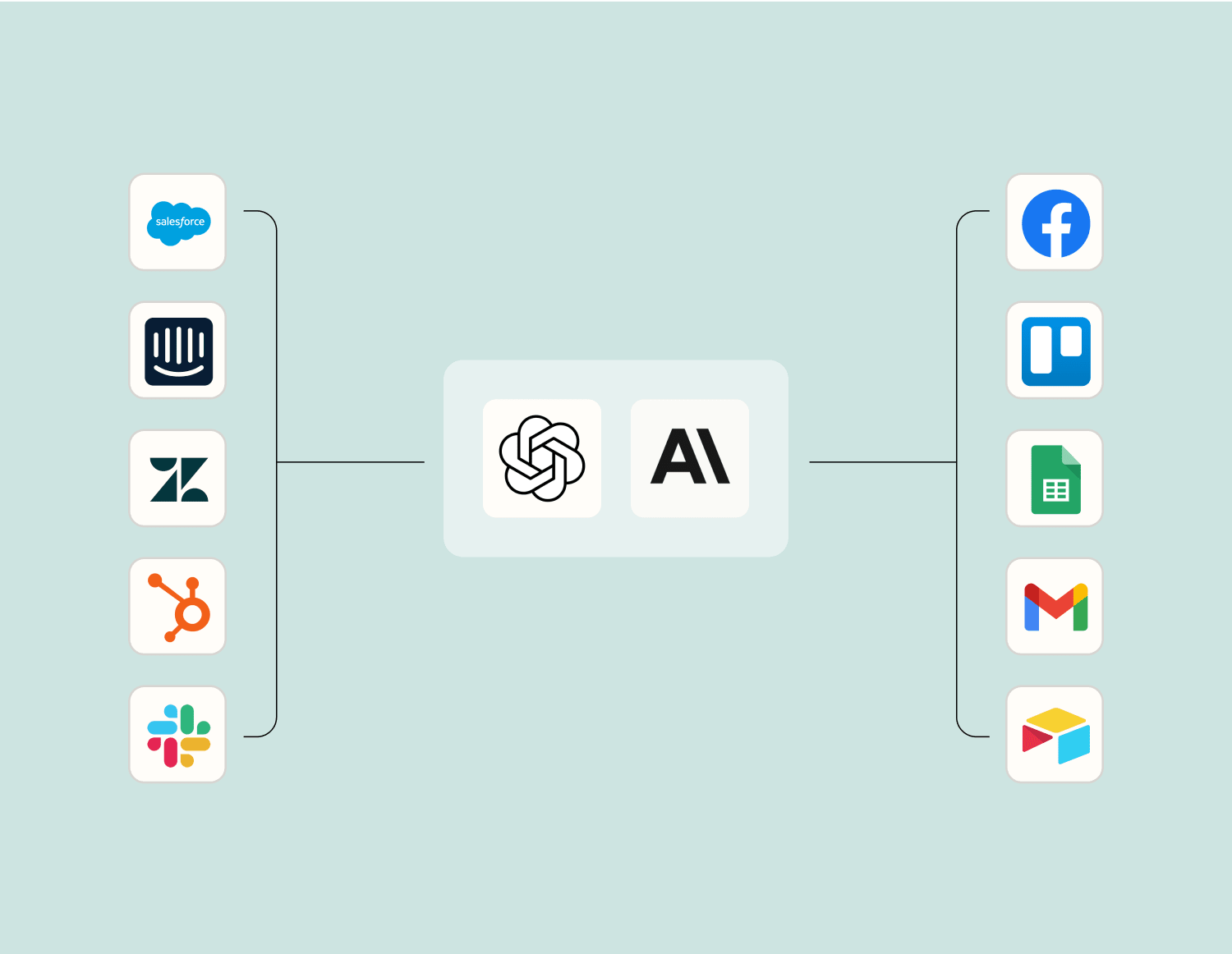
Level up your Pressable to Delay by Zapier integration with AI. Extract, summarize, and transform your integration data with leading AI models like OpenAI, Anthropic, and more.
Put your Actions on hold for a specified amount of time before sending data to another app. You can set up scheduled emails, get notified of incomplete tasks, send automatic follow-ups, and automate other tasks on your timeline.