Marketing teams juggle a lot: capturing leads, nurturing them across channels, tracking campaign performance, and personalizing every touchpoint—all while managing an ever-growing stack of tools. Doing that manually isn't just time-consuming—it's unsustainable. That's where marketing automation comes in.
Now you can start from the AI tool you already work in. Add Zapier to your AI assistant, describe the campaign you want running, and your agent turns it into a Zap. Zapier takes over from there, so follow-ups keep going long after the chat is closed. Rather work in the visual editor? You can build there instead.
Build automations from wherever you work. Describe the outcome you want, and Zapier connects your tools, runs the steps, and stays on the job after you close the chat. Combine AI with reliable, deterministic automation across 9,000+ apps. Get started for free.
Table of contents:
What is marketing automation?
Marketing automation is the process of using software and digital tools to automate marketing and sales tasks across multiple channels—like nurturing leads, sending email campaigns, managing social media, tracking customer behavior, and beyond.
Marketing automation essentially helps businesses manage every customer interaction automatically—from generating initial interest to upselling to existing clients. By automating these end-to-end processes, marketers can deliver more personalized (and consistent) experiences at scale, while nudging potential customers down the sales funnel.
Marketing automation tools
Because marketing touches so many channels, different types of tools fall under the marketing automation umbrella. And while there's no one-size-fits-all solution, the best marketing automation tools are the ones that integrate smoothly with your existing tech stack and scale with your team's needs.
Here are some popular types of marketing automation tools—and what they're used for:
CRM platforms like HubSpot, Salesforce, and Zoho CRM help you manage contacts, track activity, and automate follow-ups with prospects.
Marketing automation platforms like Klaviyo, ActiveCampaign, and Customer.io combine behavior-based automation, segmentation, and multi-channel messaging into one system.
Email marketing software like Mailchimp, Brevo, and Flodesk make it easy to design and schedule email campaigns—like welcome sequences, product updates, or re-engagement emails—based on list segments or custom triggers.
Advertising tools like LinkedIn Ads, Facebook Ads, and Google Ads allow you to sync audiences, capture leads directly, and track conversions.
Social media scheduling tools like Buffer and Hootsuite help you plan and publish content consistently across your social media platforms.
Learn more about Pipedrive marketing automation and HubSpot marketing automation.
Build marketing automations from your AI assistant
The easiest way to build marketing automations is directly from the AI tool you already work in:
Connect Zapier with your AI tool. Add Zapier to your AI assistant, like Claude, ChatGPT, or Cursor, and connect the apps you use, like HubSpot, Mailchimp, Facebook Lead Ads, and Slack. You connect once, and the same connections follow you if you switch AI tools.
Describe the job. Tell your agent what should happen in plain language: "When someone submits my Facebook Lead Ad, add them to HubSpot, start the welcome sequence in Mailchimp, and post a note in #marketing in Slack."
Your agent turns it into a Zap. A Zap is an automated workflow that runs on its own. Your agent drafts it, deploys it to Zapier, and walks you through what it built so you can check it before you rely on it.
Zapier runs it. The Zap starts the moment something happens in an app, like a new lead or a registration, or on a schedule you set, and it keeps going whether or not your laptop is open.
Because Zapier connects to 9,000+ apps, the same setup can reach your ad platforms, CRM, email tool, and spreadsheets in one go.
Why automate marketing with Zapier
A scheduled prompt in your AI tool can only check in at set times, but marketing runs on moments: a form comes in, a cart gets left behind, a webinar ends. Here's what building on Zapier adds:
It starts when something happens. A Zap kicks off the instant a lead form is submitted, a cart is abandoned, or someone registers, or on a schedule like every Friday morning. It isn't an AI re-running every step on a timer, so the follow-up goes out while the lead is still warm.
It reaches your whole stack. Zapier connects to 9,000+ apps. Built-in connectors in AI tools tend to cover a handful of popular apps. Your agent can go further, like sending a Facebook Lead Ads submission into HubSpot or feeding a closed deal back to Google Ads as a conversion.
It runs the same way every time. A lead gets the same welcome email, the same CRM record, and the same Slack ping on a Sunday night as on a Monday morning. Zaps use AI only for steps that need judgment, like scoring a lead or tagging its intent, and run everything else as regular steps, which are faster and cheaper.
It fixes itself. If your Mailchimp connection expires or someone renames the HubSpot field your Zap writes to, your nurture emails stop going out. Zapier finds the problem and proposes a fix you can approve, or applies fixes on its own if you let it. Over time, Zapier can also turn repeated AI steps, like tagging each lead by interest, into regular ones, so your Zaps get cheaper and steadier the longer they run.
Your agent gets access, not your keys. Zapier manages the logins to your ad accounts, CRM, and email tool, so you never paste API keys into a chat. Move to a different AI tool and your connections stay put. Every Zap your agent builds shows up in one place in Zapier.
Marketing automations to ask your agent to build
Not sure what to ask for? Try one of these with Zapier connected to your AI assistant, whether that's Claude, ChatGPT, or Cursor.
Report on your campaigns. "Every Monday at 9 a.m., pull last week's spend and new leads from Google Ads and Facebook Lead Ads into a row in Google Sheets, and post the totals in #marketing in Slack."
Repurpose your content. "When I publish a new post in WordPress, draft a LinkedIn post and a short email teaser in my voice, and save both as drafts for me to review."
Hand leads to sales. "When a contact in HubSpot becomes a marketing qualified lead, create a task for the assigned rep in Asana and send them a Slack message with the lead's source and last page visited."
Ask for reviews. "A week after an order is fulfilled in Shopify, email the customer asking for a review and add them to my past customers list in Mailchimp."
Sort replies by intent. "When someone replies to a campaign email, label the reply as interested, not now, or unsubscribe, update their status in HubSpot, and alert me in Slack for the interested ones." Only the labeling uses AI here, because it takes judgment. The HubSpot update and the Slack alert are regular steps.
How does marketing automation work?
At its core, marketing automation replaces manual, repetitive marketing tasks with software that responds to customer behavior in real time. Instead of sending every email or updating every CRM record manually, marketing automation uses predefined rules and triggers to deliver the right message at the right time.
When you use marketing automation services, this is how it typically works behind the scenes:
Customer activity is tracked across your marketing channels—like website visits, abandoned carts, ad clicks, or new subscribers. These touchpoints help build detailed customer profiles.
Audience segmentation happens automatically. Based on the behavior and data collected, your audience is grouped into segments—like new leads, warm prospects, or existing customers.
Personalized messaging is triggered. With the audience segmented, automation tools send targeted emails, SMS messages, newsletters, or product announcements based on user behavior. For example, someone who downloads a guide might be added to a nurture sequence, while someone who abandons a cart could receive a reminder.
Content is optimized through A/B testing. Many automation platforms allow you to test different subject lines, messages, or timing. The system can automatically adjust which version is used based on performance, helping you refine your messaging without manual intervention.
Tasks are coordinated across tools. That might mean creating a task in your project management app when a high-quality lead enters your CRM, or syncing contact data between apps to keep everything aligned.
You stay top of mind with scheduled and triggered campaigns. Regular touchpoints—like newsletters, re-engagement messages, or product announcements—can be scheduled in advance or triggered by specific actions. This keeps your brand visible and relevant as customer needs evolve.

Benefits of marketing automation: what it can do for your business
Marketing automation doesn't just save time—it transforms how you engage with leads and customers at every stage of the journey. By automating repetitive tasks and delivering personalized, timely communication, your team can focus on strategy and scale without sacrificing quality.
Here are some of the most impactful benefits:
More efficient email marketing
Email marketing automation allows you to send the right message at the right time—without manually managing lists or scheduling every campaign. When you automate email marketing, you can set up email drip campaigns that nurture leads over days or weeks, automatically triggered by user behavior (like a form submission or link click). This keeps leads engaged without constant oversight.
Smarter CRM management
With CRM and lead management automation, your contact records stay up to date and your sales team is always in the loop. You can automatically assign leads to reps based on deal size, trigger follow-up tasks when prospects take action, and move leads between deal stages—all without touching a spreadsheet.
Dynamic content marketing
Marketing automation helps you get more mileage out of your content. You can automatically share new blog posts, create videos from social posts, repurpose high-performing content into email campaigns, or trigger follow-ups based on content engagement (like downloading a guide or watching a video). Automation makes your content work for you—long after you hit publish.
Consistent social media output
Social media marketing automation helps maintain a steady presence without needing to post in real time. You can schedule posts in advance, automatically share blog content across platforms, and even trigger follow-ups when someone engages with your content. This keeps your brand visible and your audience engaged around the clock.
Tailored strategies for B2C vs. B2B marketing
Automated marketing looks a little different depending on your audience. For B2B businesses, automation often focuses on longer sales cycles, account-based marketing, and multi-touch email nurturing. For B2C, it's more likely to include time-sensitive campaigns, SMS offers, and behavioral automation. In both cases, every message will feel timely and relevant to the person receiving it.
Marketing automation with Zap templates
Even the best digital marketing tools end up fragmented if nothing connects them, and then it's hard to tell what's working. Prefer to start from a template? Below are pre-made Zaps for the marketing jobs people automate most. Click "Try it" on any of them to open it in Zapier and set it up there. If you'd rather have your agent build the automation, use one of the prompts above instead.
Lead capture and lead nurturing
The faster you follow up with a lead, the more likely you'll convert them. And with automation, you can do it instantly. Instead of manually exporting CSVs or monitoring form submissions, you can set up workflows that move leads through your funnel automatically.
For example, when someone fills out a form on your site, subscribes to your newsletter, or submits their details through Facebook Lead Ads, Zapier can automatically send that data to your CRM. Whether you're using HubSpot, Salesforce, or Pipedrive, CRM and marketing automation lets you instantly create or update contact records—without you lifting a finger.
Create or update HubSpot contacts from new Facebook Lead Ads leads


Create or update HubSpot CRM contacts for new subscribers on Mailchimp


From there, you can trigger a welcome email or start a multi-touch nurture sequence in tools like Mailchimp or ActiveCampaign. That way, new leads hear from you right away—with personalized content tailored to their specific movements.
Add new Salesforce contacts to ActiveCampaign as subscribers

Pro tip: Use a paths step to route leads into different nurture campaigns based on their behavior or engagement. For example, you might send someone who downloaded a pricing guide into a sales-focused email sequence, while someone who attended a webinar gets a more educational drip campaign.
Discover more ways to automate lead management
Lead tracking and reporting
Capturing leads through social ads is only half the equation—knowing what happens after is what helps you optimize and scale. Marketing automation makes it easy to track every lead's journey and feed that data back into the tools your team relies on for performance and decision-making.
With Zapier, you can automatically send lead conversion events back to platforms like Google Ads, Facebook Lead Ads, and LinkedIn Ads. This helps you accurately track ROI, improve attribution, and optimize your ad targeting based on what's actually converting—not just who's clicking.
Send Facebook leads to HubSpot and report a conversion event in Facebook Conversions


You can also log campaign data in real time in tools like Google Sheets or Zapier Tables. Whether you're tracking form submissions, sales activity, or ad performance, these auto-updated dashboards give your marketing and sales teams full visibility without the need for manual reporting.
Add new leads in LinkedIn Ads to Google Sheets rows

Create records in Zapier Tables for new leads from Facebook Lead Ads

Create Google Sheets rows for new Google Ads leads

Discover more ways to automate your ad campaigns
Boost repeat sales and recover abandoned carts
In eCommerce, timing is everything—and automation helps you stay one step ahead of your customers without manually chasing every opportunity.
With these Zaps, you can automatically send abandoned cart reminders from Shopify or WooCommerce using your email or SMS marketing platform of choice, like Mailchimp or touchSMS. These reminders nudge shoppers back to complete their purchase, boosting revenue with minimal effort.
You can also set up automated upsell and cross-sell campaigns that trigger after a customer buys something. For example, if someone purchases running shoes, you can automatically send them a retargeting email recommending socks, water bottles, or apparel—or send them SMS offers to sign up for loyalty programs.
Send sms for new paid orders in Shopify using SMS by Zapier


Send SMS offers via touchSMS to new WooCommerce customers after a specified time


Pro tip: Use a delay step to stagger post-purchase messages once a customer purchases something—so your follow-ups feel thoughtful, not spammy.
Discover more ways to automate your eCommerce business
Manage webinars and events automatically
Live events are stressful, and it's easy for details to slip through the cracks. You might be able to throw an amazing conference that has your entire industry buzzing. But if you can't capture anyone's contact information, it's going to be difficult to translate that excitement into leads and profits.
These automated workflows will help you tackle the administrative stuff so you can focus on your attendees.

Add new Ticket Tailor customers to Brevo subscriber lists


Add new Zoom registrants to Mailchimp as subscribers

Discover more ways to automate your events
Use AI to segment and score customers based on actions
Segmentation is the foundation of personalized marketing—but manually categorizing contacts based on behavior or CRM tags can only take you so far. With AI-powered automation, you can take customer segmentation to the next level.
Using Zapier, you can automatically send new leads or customer data to an AI tool—like ChatGPT or AI by Zapier—to analyze, score, or enrich that data. For example, AI can infer a lead's intent based on CRM fields or generate a lead score using your own sales criteria in your prompt.
Once enriched, the lead is automatically routed into the right segment in your SMS or email marketing platform (think Mailchimp or ActiveCampaign). From there, you can trigger personalized drip campaigns tailored to their location, interests, engagement level, or predicted value.
Segment Salesforce leads with ChatGPT and send Brevo email

Segment Pipedrive leads with ChatGPT and add to ActiveCampaign campaign


Send Mailchimp campaigns to specific HubSpot leads with ChatGPT
Send personalized SMS with OpenAI when Mailchimp links are clicked
Discover more ways of automating AI for sales and marketing
Make social media manageable
With marketing automation, you can extend the reach of every one of your social posts by instantly sharing it across your social media platforms.
Use these Zaps to automatically cross-post content from one platform to another or post content on a schedule. Share your latest Instagram posts to Facebook and Pinterest, or post new YouTube videos directly to your Facebook Page—without switching tabs or copying links.
It's a simple way to keep your brand visible across channels and get more value out of every piece of content you create.


Share your new Instagram posts to your Facebook page

Send new YouTube videos in a channel to a Facebook Page


Learn more ways of automating your social media marketing
Streamline marketing automation at scale
Modern marketing isn't about automating a handful of tasks. It's about making sure every lead, cart, and registration gets the right next step without anyone chasing it. Your agent builds the Zaps above, and Zapier keeps them running after the chat is closed. When a connection expires or a field gets renamed, Zapier finds the problem and proposes a fix you can approve, or applies fixes on its own if you let it.
With the right automation in place, you can scale your efforts without sacrificing personalization or control, and because Zapier connects to 9,000+ apps, the same setup reaches the rest of your marketing stack. See what you can build today.
Marketing automation FAQs
How do you automate marketing?
Start wherever you like to work. In your AI tool: with Zapier connected to your AI assistant, describe what should happen, like "When someone registers for my webinar, add them to HubSpot and start the reminder emails in Mailchimp," and your agent builds the Zap. In Zapier itself: choose a Zap template above or start from scratch in the Zap editor, connect your apps, and turn it on. Either way, once the Zap is on, it runs by itself.
Can you give an example of marketing automation?
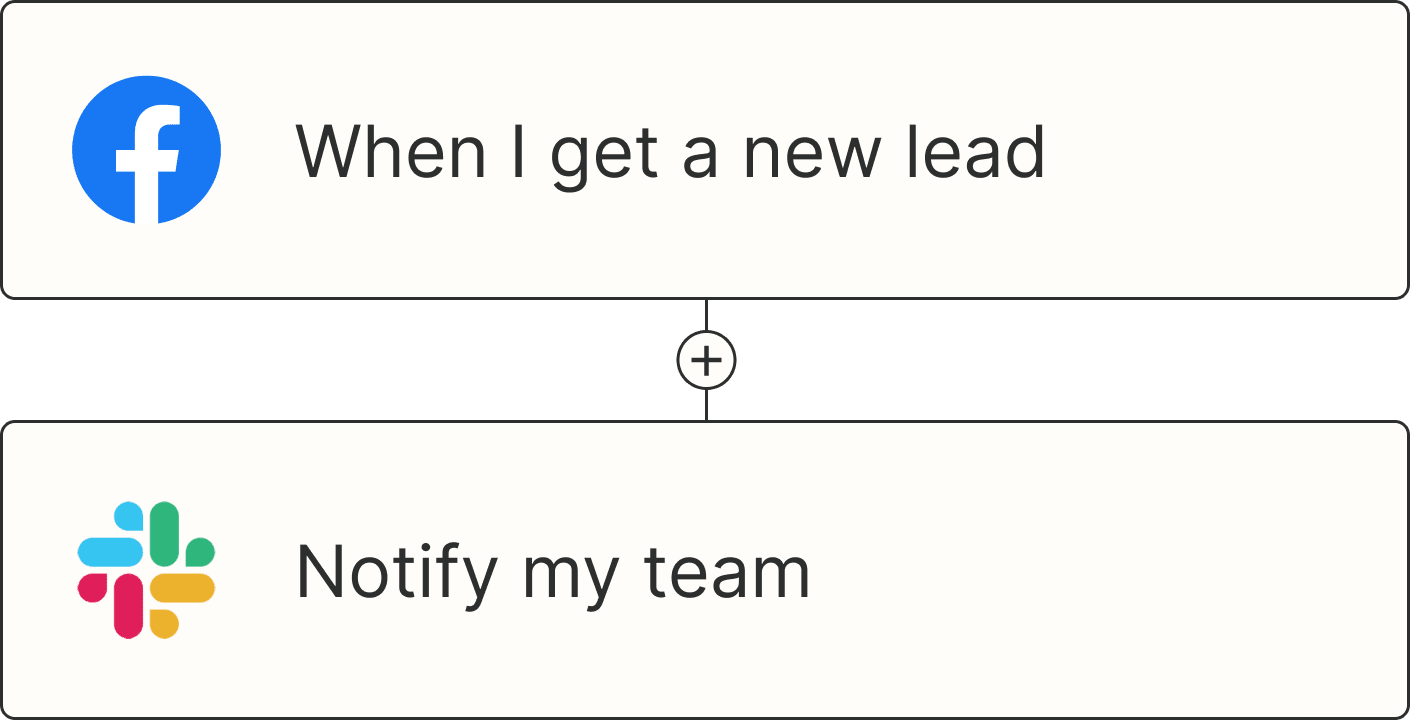
A new lead arrives from a Facebook Lead Ad. A Zap adds them to your CRM, starts a welcome sequence in your email tool, and tells the right rep in Slack, all within moments and without anyone copying data between tabs. For more, see our marketing automation examples for lead nurture.
Which tools are commonly used for marketing automation?
It depends on the job. CRMs like HubSpot and Salesforce track contacts, email platforms like Mailchimp and ActiveCampaign send campaigns, and ad and social tools handle paid and organic reach. Zapier sits between them so a lead captured in one reaches all the others. For a side-by-side look, see our roundup of the best marketing automation software.
Can AI automate my marketing?
Yes. AI can score leads, tag intent, summarize replies, and draft follow-ups. It's most dependable inside a Zap, where AI handles only the steps that need judgment, like deciding whether a lead looks like a good fit, and regular steps handle the rest, like updating your CRM or posting to Slack.
This piece was originally published in May 2020, with previous contributions by Nick Moore and Krystina Martinez. It was most recently updated in November 2026.