
My early 2010s tech drawer was a disaster. I had an Android phone, a MacBook, and—if you can remember this short-lived icon—a Zune music player. All different companies; hundreds of different cords; nothing was compatible. Thankfully, USB-C is now the standard, and a single cord can connect to my phone, laptop, iPad, and even the electronic salt and pepper grinders in my kitchen.
If you look closely at your tech stack, you may be living through your own early-2010s crisis. One of the most impactful ways to use AI tools is to connect them to your apps, tools, and workflows, but you need a "cord" to do so. A model context protocol (MCP) server can be your USB-C, so you can bridge the gap between an LLM and your business using a single, universal language—rather than building a custom connection for every single use case.
There are MCP servers for all sorts of business apps, so which ones should you start with? I've done the legwork to research what's out there, talk to other builders who are also using MCP, and come up with this list of the best MCP servers. Of course, your picks will depend on your tech stack, but these are a great place to start.
The best MCP servers
Zapier for building safely across your tech stack
GitHub for repository management
Kubernetes for container orchestration
Google for Google users
AWS for Amazon Web Services users
Supabase for app development
Slack for team communication
Vercel for web devs
What makes the best MCP server?
How we evaluate and test apps
Our best apps roundups are written by humans who've spent much of their careers using, testing, and writing about software. Unless explicitly stated, we spend dozens of hours researching and testing apps, using each app as it's intended to be used and evaluating it against the criteria we set for the category. We're never paid for placement in our articles from any app or for links to any site—we value the trust readers put in us to offer authentic evaluations of the categories and apps we review. For more details on our process, read the full rundown of how we select apps to feature on the Zapier blog.
MCP servers are connectors between your AI tool and the rest of your software stack. Instead of jumping between Claude and Slack, you stay in Claude and tell it what you need; the MCP server handles the round trip to Slack on your behalf. That said, MCP can only expose what the connected app is actually capable of. If Slack doesn't have a feature, the MCP server can't invent one; it can only surface what's already there.
MCP servers come in two primary forms. Most are community-built, open-source packages—typically hosted on GitHub—that you install and run yourself, either locally or on your own infrastructure. The other type is first-party: native MCP servers built and maintained by the software company itself, like Slack or Vercel, shipping official support directly. The MCP scene is dominated by the former, but first-party servers are growing, so I made sure to include some of the latter, too.
During my evaluation, I also prioritized the following criteria—if it didn't make the cut for all of these, it's not on my list:
Context efficiency: LLMs have a finite memory called a context window, and every prompt or action you take costs time and money. Unless you're Mr. Moneybags, you should care about that. I looked for tools that prioritize relevance to pull only the essential data—not entire API payloads—needed to complete a task without "stuffing" the window with noise.
Semantic discoverability: MCP servers enable LLMs and your apps to communicate. I made sure each tool used JSON schemas and other relevant features to let the LLM/AI agent know exactly when, how, and why to use your apps.
Enterprise security: When you connect LLMs to your apps, you open up your data to breaches and security issues. Each tool on my list provides comprehensive enterprise security, ensuring AI agents operate safely within a company's existing permission structures. Human-in-the-Loop (HITL) gates and audit logs were also key areas of focus.
Integration depth: An MCP server needs to allow for a lot of actions; otherwise, your capabilities are hampered. Each option below allows you to build workflows that can chain events into multi-step actions.
The best MCP servers at a glance
Best for | Pricing | |
|---|---|---|
Building safely across your tech stack | Free plan available; paid plans start at $19.99/month | |
Repository management | Open source | |
Container orchestration | Open source; further pricing is based on cloud provider control plane pricing | |
Google Drive users | Open source | |
Amazon Web Services users | Open source; related AWS services are priced on a per-usage basis | |
App development | Free plan available; paid plans start at $25/month | |
Team communication | Free plan available; paid plans start at $8.75/user/month | |
Web devs | Free plan available; paid plans start at $20/month |
Best MCP server for building safely across your tech stack
Zapier (Web)

Zapier pros:
Connect to 9,000+ apps with governed, OAuth-managed access
Easy setup with expanded developer features
Build safely: SOC 2 Type II certified and no credentials exposed to the model
Zapier cons:
Each MCP tool call draws two tasks from your Zapier plan quota
With Zapier MCP, you can work with any AI client that speaks MCP (including favorites like Cursor, Claude, and ChatGPT). It expands what your AI assistant can do by giving it access to 9,000+ apps through one connection. Unlike single-app MCP servers or platform-specific AI tools (like Copilot or Gemini), Zapier MCP works with every AI client and every app—with the same governance model applied across all of them.
Setup is easy through the Zapier MCP dashboard. You'll choose which of the 9,000+ apps to allow your AI tools to access, which actions to allow your AI tools to take, then connect the Zapier MCP server URL to your AI tool of choice. No coding is required, and you can complete the setup process in just a few clicks.
Once you're in, you can perform your desired actions using natural language commands; just tell the AI tool what you need, and it will carry out actions for you right in the chat interface. And at any point, you can check the history log on Zapier to see what's happened.
Here's some of what you could do with a single prompt in Zapier MCP (and if you're hungry for more, check out these examples):
Find, add, and update data in PostgreSQL from Claude
Find a meeting time that works with all of your attendees and schedule a call from ChatGPT
Summarize everything you missed on Slack while you were out from Cursor
Pull information from your CRM, email, team chat, and the web to create a pre-call meeting brief from Claude Code
No matter what apps you're connecting to, auth is handled by Zapier—which is also SOC 2 Type II, SOC 3, GDPR, and CCPA compliant—and if you need tighter guardrails, you can use AI Guardrails by Zapier to keep things even more locked down.
Zapier MCP tops this list for two reasons. First, it does a lot with just one connection—9,000+ apps is huge. But more importantly, it's secure, with OAuth-managed auth and compliance certifications baked in. Zapier has been managing app connections for 13+ years, and with MCP, credentials are handled the same way they always have been. If you want a second opinion, take a look at how Zapier customers keep their organizations running with Zapier.
Zapier pricing: Free plan available; paid plans from $19.99/month.
Best MCP server for repository management
GitHub (Web)

GitHub pros:
Official support and maintenance from GitHub
Full "Write" access for repository management
GitHub cons:
Ecosystem lock-in (doesn't support GitLab or Bitbucket)
High-volume searches are subject to API rate limits
GitHub is a web-based platform where you can store, create, and collaborate on coding projects; it's kind of like a coding social media page, or a Wikipedia for source code.
The official GitHub MCP server allows your AI tools to read your code files, extract specific information from your project, and perform tasks such as creating bug reports or submitting code changes. All of this replaces the need for you to manually copy and paste code from your computer into a chat window.
Using the GitHub MCP server with Claude Code is a great setup. Calude works well with local files, but it doesn't natively interact with remote services like GitHub. By connecting the GitHub MCP server, you give Claude structured access to GitHub so it can create pull requests, review code, and interact with your repo as part of your team's workflow.
You can also integrate GitHub with Zapier to connect your repository to more than 9,000+ apps and link your entire tech stack. Learn more about how to automate GitHub, or get started with a template.
GitHub pricing: Free (open source)
Best MCP server for container orchestration
Kubernetes (Web)

Kubernetes pros:
Natural language access to cluster operations without running kubectl commands manually
Configurable safety modes
Multi-cluster support (can interact with multiple Kubernetes clusters simultaneously)
Kubernetes cons:
Steep learning curve
Users could encounter high operational overhead for smaller projects
When I first encountered Kubernetes, I thought I had stumbled onto a logistics site. Containers of what? But as I dove further into the product over the coming weeks and months, I came to grips with my initial stupidity.
Kubernetes is pretty much the standard for deploying, managing, and scaling containerized cloud applications. If you add MCP to this environment, you can translate natural language requests into structured JSON-RPC calls against the Kubernetes Control Plane.
The MCP uses JSON schema to talk with Kubernetes resources like Pods, ConfigMaps, and Deployments. After you connect it, the AI has a clear pathway to work with your containers, including monitoring cluster health, performing updates, and executing troubleshooting routines within your role-based access policies.
One of my favorite features of the Kubernetes MCP is the ability to add AI to your control loops. A control loop is a pattern that monitors your cluster's current state and takes corrective action if it isn't in your desired state. So, if your desired state is something like "I want 5 copies of this app running at all times," the AI works with Kubernetes to make it happen behind the scenes, even if it runs into error messages or traffic spikes.
Kubernetes is a lot, and I wouldn't recommend it to anyone who isn't deeply entrenched in the software world (or has access to someone who is). You also have to weigh the price—Kubernetes itself is free, but the managed control planes you'll likely use can cost $0.10 to $0.60/cluster/hour. Plus, worker nodes are charged separately.
That said, if you read through my write-up without pulling out a dictionary or CS 101 textbook, it's a supremely powerful tool that can help you integrate AI into your container-based workflows.
Kubernetes pricing: Free (open source); further pricing is based on cloud provider control plane pricing.
Best MCP server for Google users
Google (Web)

Google MCP pros:
Full integration with the Google suite
No-maintenance managed hosting
Google MCP cons:
Ecosystem lock-in
In December 2025, Google announced it was dipping its big toe into MCP. Before, there wasn't a good way to connect an AI model directly to Google's offerings without a third-party intermediary. That all changed with Google MCP.
With Google's MCP, you get OAuth 2.0 for identity injection and tools for Drive file manipulation, Gmail thread retrieval, and Calendar event orchestration. That last part is where this platform is worth its weight in gold in my eyes.
With Google MCP, you can create your own AI assistant that works across your entire Google Workspace. For example, if you wanted to know the specifics of a Google Doc you created around 2024, or the summary of a culmination of Drive documents, all you have to do is ask your AI tool, and it'll do it for you.
It can even perform cross-functional tasks. For example, you could ask it, "Look at my last three emails from the project manager and find a time to meet next Tuesday that doesn't conflict with my next underwater basketweaving match," or "Summarize the feedback from my last three Sheets into a new Google Doc and email it to my team."
Google pairs its MCP server with its Agent2Agent (A2A) protocol, allowing agents to discover and connect to each other, making complex, multi-step tasks easier for developers. If you'd like to take your Google workflows even further, Zapier MCP connects all your Google apps (plus 9,000+ others), letting you run tech-stack-spanning commands from a single connection. Learn more about how to automate Google apps.
Google MCP pricing: Open source
Best MCP server for Amazon Web Services users
AWS (Web)

AWS pros:
15,000+ APIs across the AWS ecosystem
Pre-built agent Skills with validated AWS best practices
Native CloudWatch and CloudTrail integration
AWS cons:
Potentially high token overhead if your workflow spans across the AWS platform
Since all the tech giants roll out similar technologies, I don't typically include one on my list without at least one other to balance things out. So, you just got Google; now you get AWS.
AWS MCP exposes over 15,000 AWS APIs. It utilizes a managed server architecture that consolidates the AWS API and Knowledge servers into a single, unified discovery layer.
MCP takes AWS to the next level, and the possibilities are far too vast to fit into a handful of paragraphs. You could execute multi-step workflows that can autonomously deploy serverless applications or create production VPCs. You could create full-scale infrastructure audits that analyze CloudWatch and CloudTrail events to spot, investigate, and debug failures. You can even train the AI on your existing AWS IAM roles and policies, so it won't go off-script and do things you'd fire a developer on the spot for.
One major downside here is that, like Google, AWS works best within its own infrastructure. The hedge is that you can connect Amazon services like S3 and Bedrock to Zapier, and bring your AI AWS workflows to your entire organization. Learn more about how to automate Amazon.
AWS pricing: Open source; related AWS services are priced on a per-usage basis.
Best MCP server for app development
Supabase (Web)
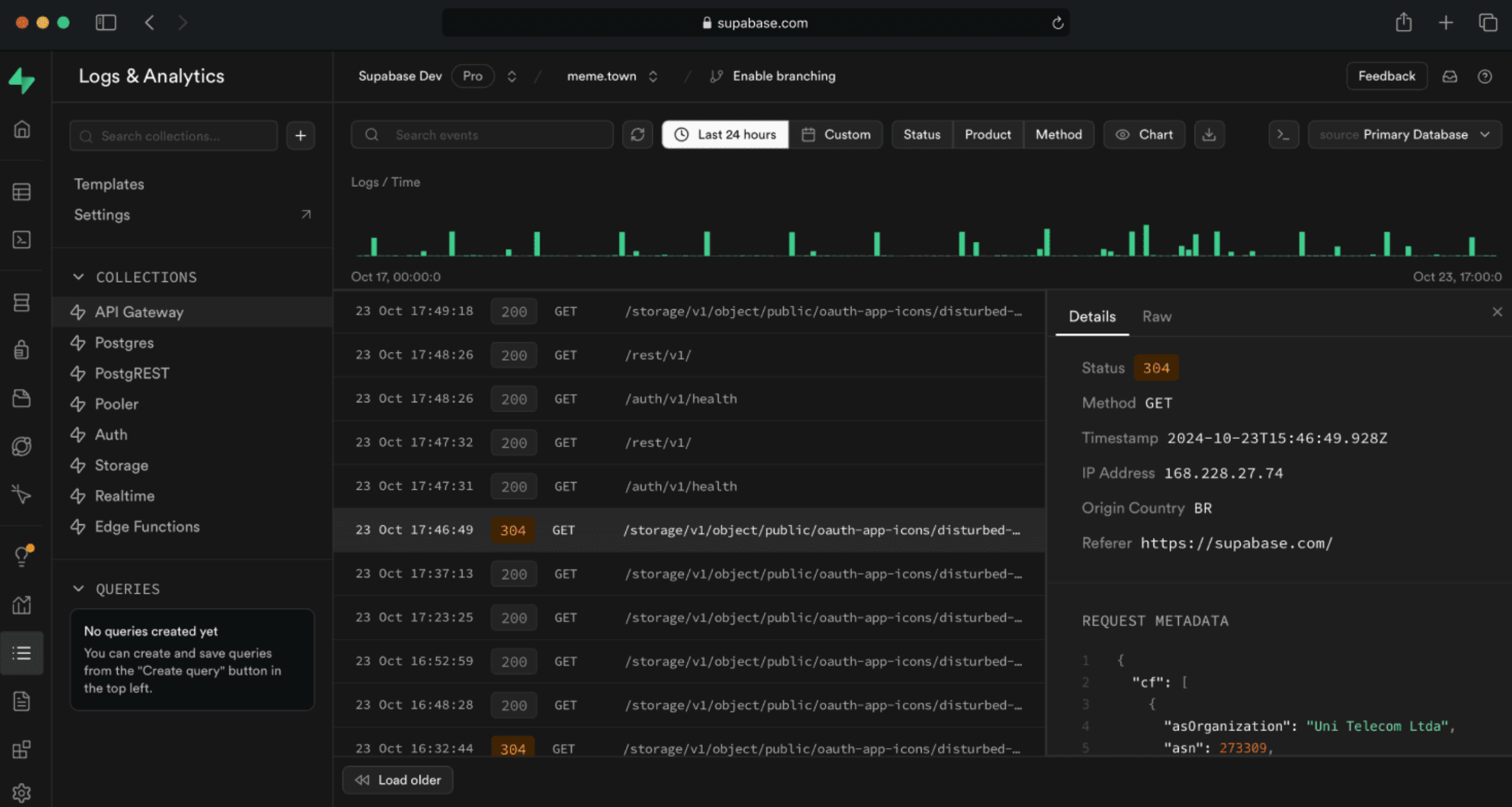
Supabase pros:
Native pgvector support
Full AI project management, including edge functions and database migrations
Supabase cons:
Massive price and capability disparity between the Pro plan and the Team plan; this could be restrictive for smaller businesses
Have you ever encountered one of those deals that says "two for the price of one" but it's really just two pieces of crap? Or they just jacked up the price to make it seem like a deal? Here, I'm giving you an actual 2-for-1 with PostgreSQL and Supabase.
PostgreSQL is a world-class, open-source database that has been the industry standard for decades. Supabase is a backend-as-a-service platform built directly on PostgreSQL, with additional capabilities like authentication, real-time updates, edge functions, and vector search. In short, PostgreSQL is like the Boxer Engine; Supabase is the entire Porsche.
Many people love Supabase for app development, and adding an MCP into the mix gives the platform Supapowers. A key standout here is that Supabase supports pgvector, which enables semantic search rather than just keyword matching; though developers should note that embedding generation still needs to be configured separately.
While the Supabase MCP does so much, it's kind of hard to conceptualize—really, anything you can do on the Supabase, you can streamline with AI. The Supabase MCP rollout video has a really good example: you could design tables, populate them with example seed data, and write complex RLS policies, all without having to do the work. Just ask your AI agent to do it in a text window.
As a cherry on top, Supabase MCP uses row-level security to ensure the AI model can't run wild and access documents it shouldn't see, meaning your sensitive information isn't open to any AI shenanigans.
Overall, the Supabase MCP is an outstanding choice for anyone looking to add advanced AI capabilities to their app development, and I'd recommend it to anyone in the space.
Supabase pricing: Free plan available; paid plans starting at $25/month.
Best MCP server for team communication
Slack (Web, iOS, Android)
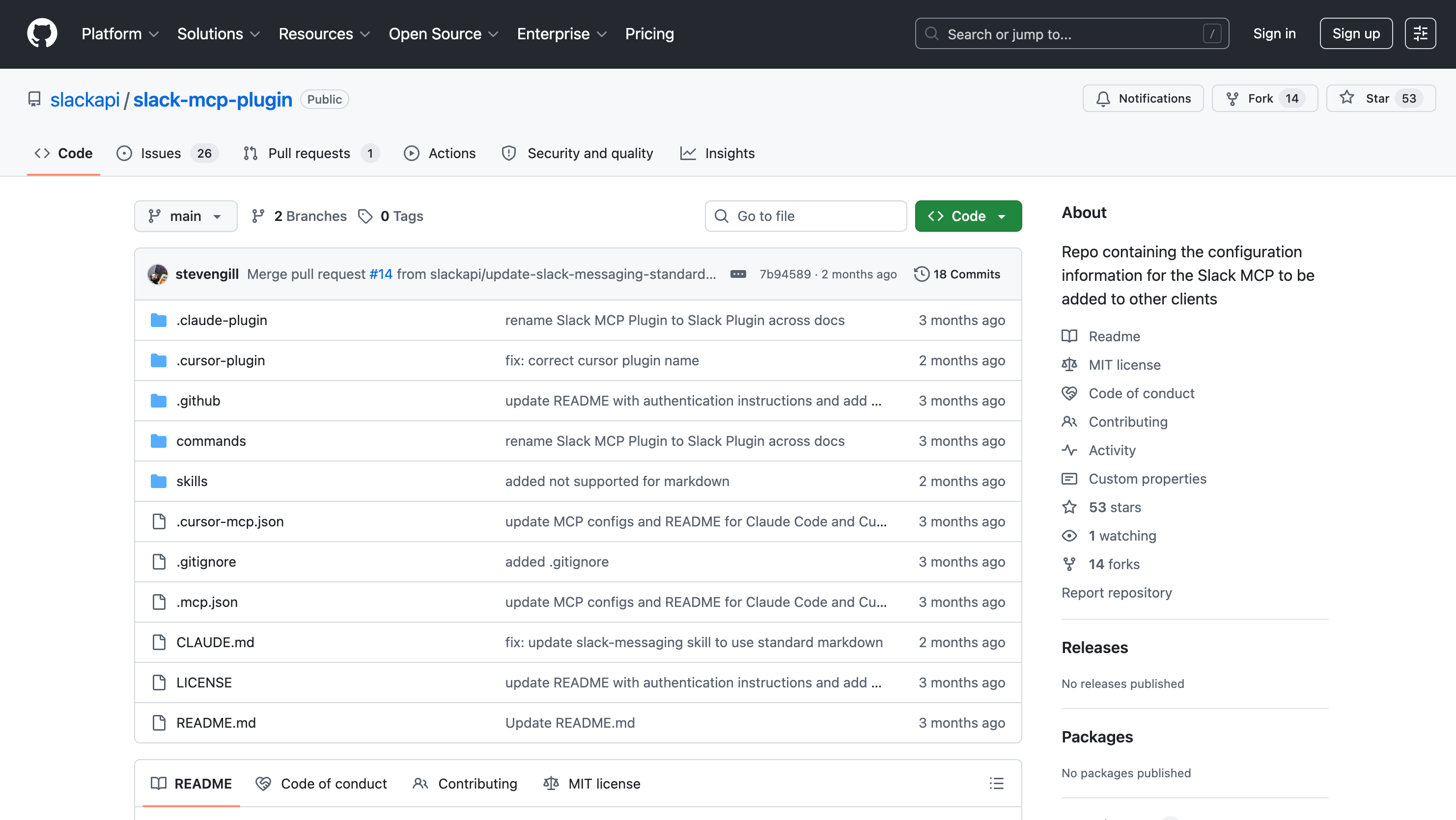
Slack pros:
Real-time search for access to live conversations
Bi-directional interaction; the AI can read and send messages
Native Slack Canvas support
Slack cons:
Rate limits in place
Some complexity navigating private channels and restricted DMs
Everyone knows Slack: it's where you chat with teammates, run projects, and sidebar your favorite coworker to talk about last night's Survivor episode. Now, it's unveiled a slew of MCP capabilities so you can spend even less time interacting with humans. And it currently works from a growing roster of roughly a dozen AI tools, including Claude, ChatGPT, and Perplexity.
After getting the MCP up and running, you can streamline every Slack action from your AI tools. It can search through messages and channels, send and draft messages, and manage canvases and users. So you could use it to find information within your account (e.g., "Which one of my coworkers wished me a Happy Birthday last year?"), complete actions (e.x, "Take the key points from this brainstorming thread and turn them into a new Slack Canvas"), or create an AI assistant.
One thing I find particularly useful about the Slack MCP is that it uses real-time context grounding; this means it searches for the most recent data in every prompt, rather than parsing stale messages from three weeks ago.
Overall, I find the Slack MCP to be a useful addition to the software, albeit a tad limiting (as it only works with Slack). If you want to access Slack alongside the rest of your tech stack, Zapier MCP lets you do it all from a single AI connection, no separate Slack MCP setup required.
Slack pricing: Free plan available; paid plans start at $8.75/user/month.
Best MCP server for web devs
Vercel (Web)
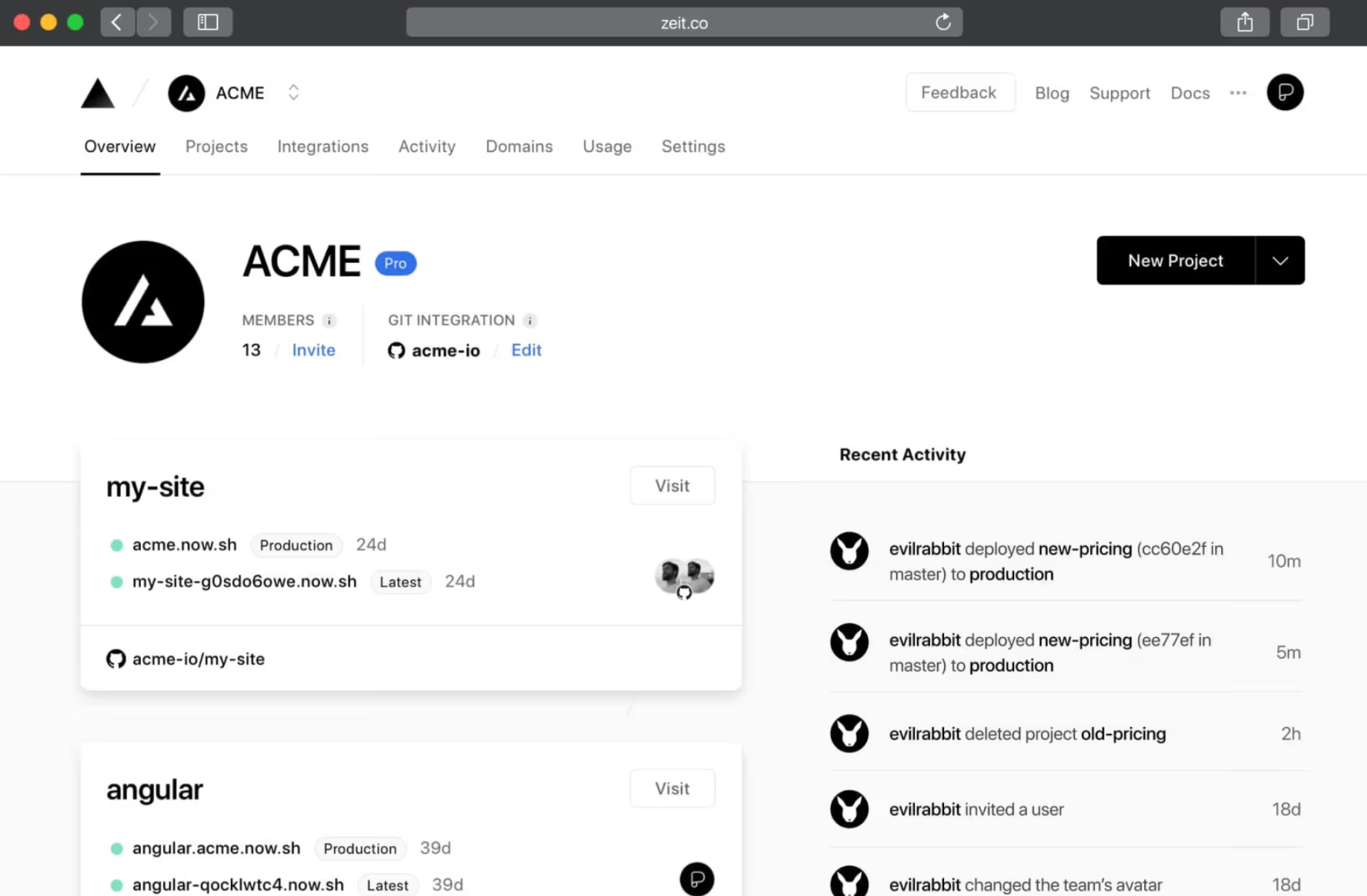
Vercel pros:
Instant log retrieval
Several LLM options
OAuth-based authentication; human confirmation for deployments recommended as a security best practice
Vercel cons:
Ecosystem lock-in
Token usage could add up if parsing large volumes of data logs
I'd be remiss if I made it this far without shouting out a tool for the web devs out there. Vercel—and its MCP capabilities—is that tool.
If you're not a web developer and would still like to be included in the conversation, allow me to make a quick introduction. Vercel is a cloud-native platform designed to simplify the development, deployment, and scaling of modern web applications. In the past few years, it's leaned into being an "AI cloud" that automates the boring stuff like server management, global content delivery, and security so developers can just focus on writing code.
I'm pleasantly surprised by how many LLMs you can use with Vercel. Some options on my list only offer a select few; the Vercel MCP has 12 options, from Gemini to Goose (and props if you've even heard of Goose).
Once you're in, the MCP essentially acts as a dedicated site reliability engineer. If a deployment fails, you don't need to manually scroll through thousands of lines of build logs—just ask the AI, "Why did this fail?" The AI can then fetch the logs, identify the specific dependency error or missing variable, and offer to fix the code for you right then and there. You can also use the AI to bridge the gap between your local development and your global infrastructure, so you can automatically manage project environment variables and feature rollouts.
All in all, the Vercel MCP is perfect for any web developer who wants to level up their workday. If you'd like to do even more with Vercel, you can connect it to Zapier and integrate it with your entire tech ecosystem.
Vercel pricing: Free plan available; paid plans from $20/month/seat.
Other MCP servers worth trying
I'd love to type 10,000 more words on MCP servers, but my fingers couldn't handle that, and I don't think your attention span could, either (respectfully). So here are a few more options that I absolutely love, but didn't quite make the cut.
Brave Search: This MCP server lets your AI browse the live web, using an independent index to feed real-time, privacy-protected data and news directly into your model's context. It's the gold standard for grounding AI responses in current events without the tracking that traditional search engines require.
MongoDB: This server allows your AI to explore schemas and run complex queries across your database using natural language. It's particularly useful for developers who want an AI to perform database operations and Atlas cluster management without touching a CLI.
Postman: The Postman MCP server enables AI agents to run API collections, generate client code from API definitions, and manage Postman workspaces. It's great for teams that want their AI to write code that's actually compatible with their existing internal API definitions.
Cloudflare: Built for security-conscious teams, this server helps teams sandbox AI agent code and secure connections with a Zero Trust architecture. It ensures that when your AI executes a script, it does so in a safe, isolated environment that won't compromise your network.
Context7: This is the ultimate memory tool, providing AI assistants with instant access to version-specific documentation for thousands of coding libraries. It eliminates hallucinations caused by outdated training data by injecting the exact, current documentation your AI needs to write modern code.
Safely connect your AI tools to your entire tech stack with Zapier
MCPs are now the standard for connecting AI tools to your apps. Most MCPs on this list, however, only connect you to one app.
Zapier MCP gives your AI access to 9,000+ apps through a single connection without writing any code. And because Zapier manages auth and access controls, your credentials are never exposed to the model. Zapier is SOC 2 Type II certified and built on 13+ years of managing app connections, so you can move fast and work across your entire tech stack without skipping the safety questions.
Related reading:


