Skip to content
  • Home

  • Automation with Zapier

  • Zapier tutorials

Zapier tutorials

1 min read

Integration how to: Connect Gmail to Asana

Create tasks from starred emails

By Joey Blanco · June 12, 2019
create-asana-tasks-starred-ema primary img

How to Connect Gmail to Asana and Create Tasks from Starred Emails

Try the Zap from the video for yourself and watch as your starred emails become tasks in an instant:

Add new starred Gmail emails as tasks in Asana [Business Gmail Accounts Only]

Add new starred Gmail emails as tasks in Asana [Business Gmail Accounts Only]
  • Gmail logo
  • Asana logo
Gmail + Asana

Get productivity tips delivered straight to your inbox

We’ll email you 1-3 times per week—and never share your information.
mentioned apps

Related articles

Improve your productivity automatically. Use Zapier to get your apps working together.

Sign up
See how Zapier works
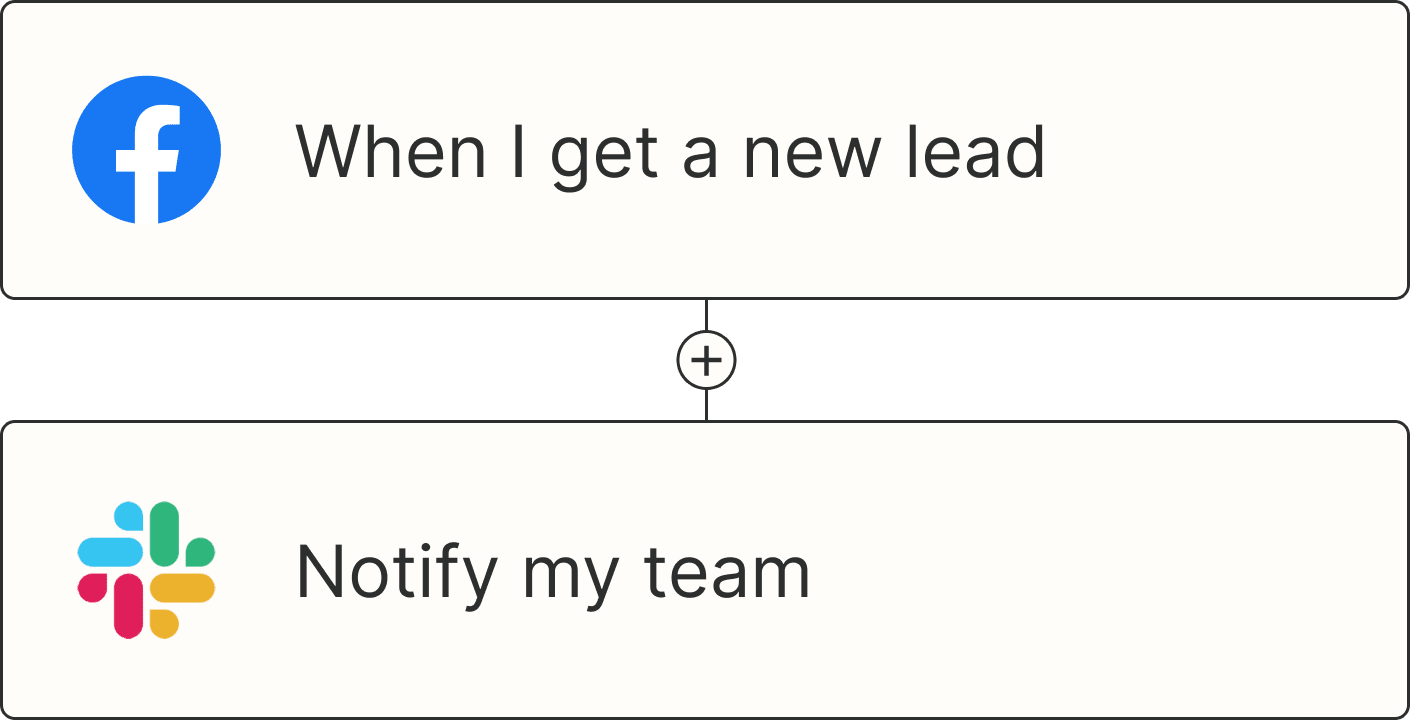
A Zap with the trigger 'When I get a new lead from Facebook,' and the action 'Notify my team in Slack'