For longer than I care to go on the public record for, I thought OAuth stood for "one authorization." As in, you authorize a login once, and you're golden forever.
I was very wrong. But, in my defense, the vibes weren't entirely off. At its core, OAuth (short for Open Authorization) really is about making it easy to securely share access across apps—I just had the mechanism completely backward. It's not one key that opens everything. It's more like a system that makes sure every door gets a unique key, and you get to decide which doors stay open.
You've already used OAuth, even if you didn't realize it. Every time you hit "Sign in with Google," or connect Slack to basically anything, that's OAuth working in the background.
Here's everything you need to know about what OAuth is, how it works, and why it's critical in the age of AI agents.
Table of contents:
What is OAuth?
OAuth is an authorization protocol that lets you grant one app limited access to your data in another app. The app that wants access never sees your login credentials for the other app. Instead, it gets a token—a temporary pass that only works for the specific data you approved.

Say you're setting up a project management tool and it asks to connect to your Google account so it can pull in your to-dos from Google Tasks. The project management tool redirects you to Google's login page. You tell Google it's ok to let the app see your tasks, so Google issues a token to the tool, and that's what it uses from now on. Your password stays with Google, and the project management app only gets access to what you approved (reading your task list). If you change your mind later on, you revoke the token, and the connection is gone.
How does OAuth work?
When you check into a hotel, the front desk doesn't hand you a master key that opens every door in the building. Instead, they give you a key card that opens your room, maybe the gym, and that's it. It expires when you check out, and if you lose it, the hotel can deactivate it instantly without changing any locks.
OAuth works the same way. Specifically, here's what's happening behind the scenes:
Initiate the app connection. You're in one app—say, a scheduling tool like Calendly—and you click "Connect your Google Calendar."
Log in and approve access. Calendly sends you over to Google's login page. You're now on Google's turf, so Calendly never sees your login credentials. Google shows you exactly what Calendly is asking for ("View and edit your calendar events"), and you approve it.
Generate an access token. Google creates a token—a temporary, limited-access pass that stands in for your password—to Calendly.
Access data with the token. From now on, Calendly shows that token to Google whenever it needs your calendar data. If you ever want to cut off access, you revoke the token and the connection is gone.
The important part: your password never leaves Google. Calendly only gets the specific access you approved.
What is OAuth used for?
OAuth shows up pretty much any time one app needs access to your data in another. Here are the most common cases.
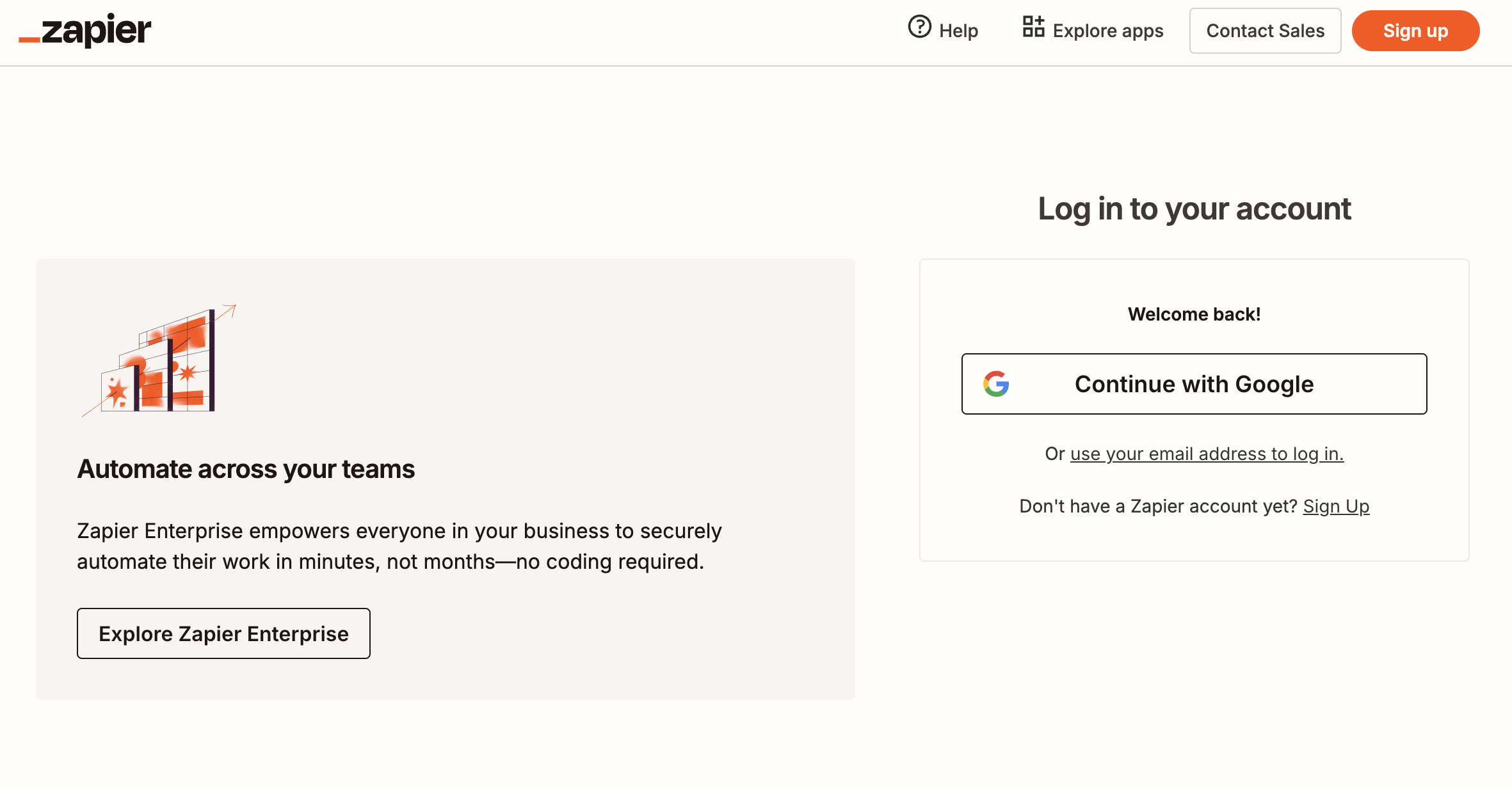
Third-party login. OAuth shows up when a site sends you to a provider you already use—like Google or Apple—to sign in. That detour still follows OAuth 2.0's pattern: leave the first app, log in to the provider app, and come back with tokens instead of sharing your password. But the part that actually proves who you are for login is via OpenID Connect (OIDC), the identity layer built on OAuth 2.0. Many SSO setups work the same way: you sign in once with the provider that already knows you, then other apps trust that login—often with OpenID Connect on OAuth 2.0; some use SAML instead.
API authorization. OAuth grants an app permission to make API calls on your behalf, allowing it to read, write, or update your data in another service without that app ever storing your password. For example, when you use the Zapier SDK from a script or coding agent, your code can call actions across Zapier's app catalog while Zapier handles the OAuth-style permissions, token refresh, and governance layer—so you're not hand-wiring auth for every vendor API or pasting long-lived secrets into the model.
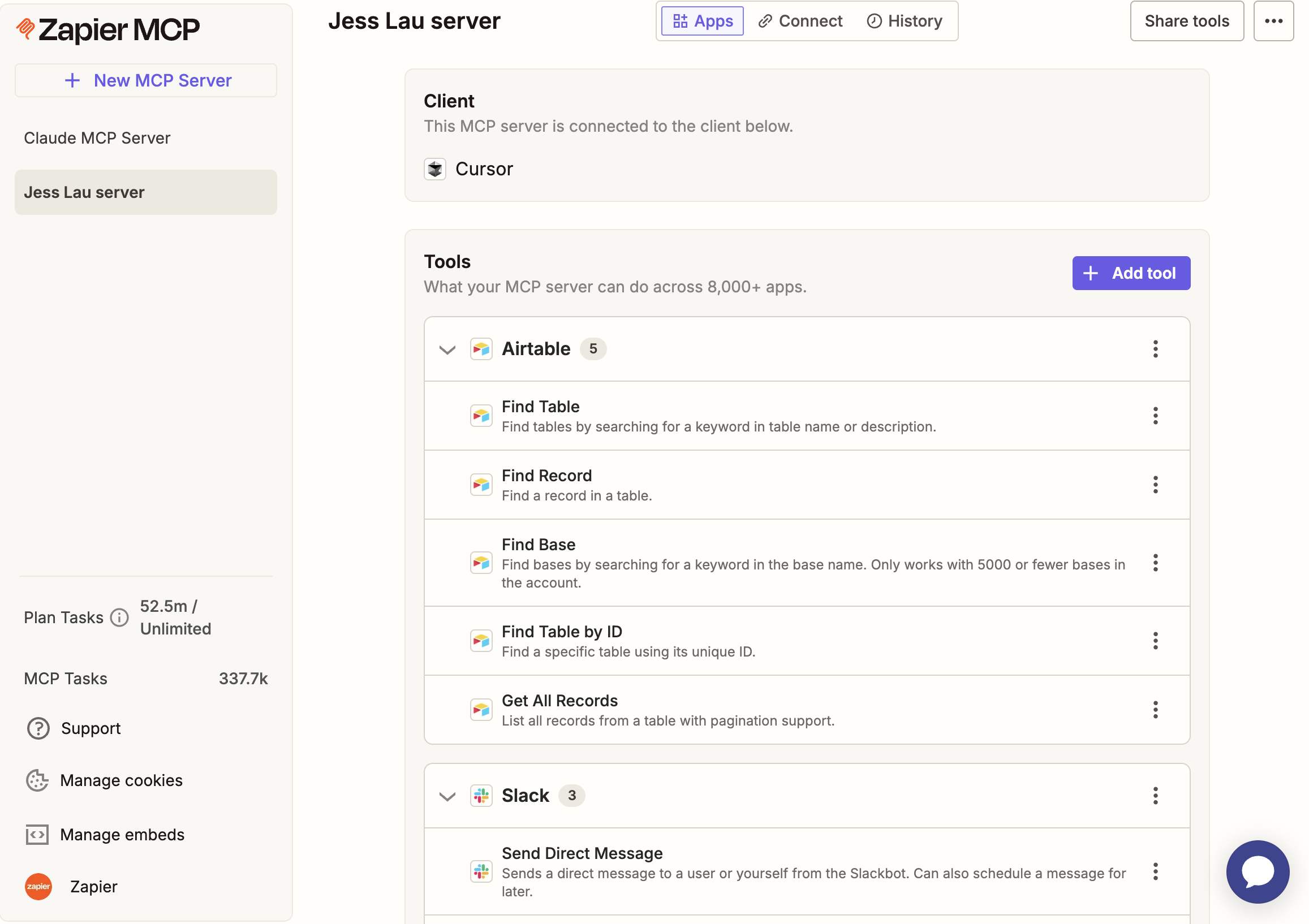
App-to-app integrations. OAuth handles the authentication and permission exchange when two tools need to automatically share data. That includes connections set up by AI agents, which are increasingly doing this kind of work on behalf of users. For example, Zapier MCP lets an AI chatbot run a curated menu of actions across different apps in one conversation; each app still trusts the work because you connected and scoped those tools in Zapier first, even though the chat is where you're giving instructions.


Why OAuth matters more now than ever
A few years ago, OAuth was mostly about you connecting your apps. You clicked the button, approved the access, and then got on with your day.
Now, AI agents are doing that connecting for you. For example, a coding agent using Zapier might run a nightly job that reads new leads from your CRM, updates that data in Google Sheets, and flags high-value leads in Slack. Each step still goes through OAuth-backed permissions in Zapier, even when the thing "clicking" is automation instead of you. That kind of automation is exactly what fast-moving companies want.
When those types of connections are happening at scale—dozens or even hundreds of AI agents across your org, each touching different tools and data—admins need to know what was accessed and what was changed. OAuth makes that possible because every connection is limited to specific permissions. For example, read-only access to contacts (not free rein over your entire Salesforce account)—and every authorization is logged.
This is exactly why OAuth has gone from a nice-to-have to a non-negotiable infrastructure. It's the mechanism that ensures apps, including your AI tools, get only the minimum access they need, along with a clear audit trail.
Safe, governed access—that's where Zapier comes in
OAuth isn't glamorous. Nobody's putting it on a conference keynote slide with confetti. But it's the reason you can connect all your apps without a single one of them knowing your password—and the reason AI agents can take action across your tools without turning your tech stack into a security liability.
That's also why OAuth is core to how Zapier works. When you layer Zapier with your AI tools—whether that's Claude, ChatGPT, Cursor, or something else—you get OAuth-managed access to thousands of apps out of the box. No credentials are ever exposed to the model; your connections are run through a SOC 2 Type II–certified layer, governance is built in, and you can set permissions at the app and action level so your agents only touch what you've approved.
You don't have to build authentication from scratch, manage API connections, or worry about access expiring. Zapier handles it all.
Related reading: