
The concept of "less is more" doesn't seem to have made it to Silicon Valley. Every time I blink, it seems like there's yet another AI agent available on the market. And right on cue, another AI bombshell has entered the villa: Muse is a personal AI agent from Meta (of Facebook fame) that can do things on your behalf, like opening a browser, filling out forms, and sending emails.
But a personal agent is only as useful as what it can reach. Muse comes with roughly 40 native connectors, covering Google Workspace, Dropbox, Notion, and a handful of others. For everything else in your stack, Zapier is now a built-in connector inside Muse. That means Muse can search, create, and update records across 9,000+ apps without you ever leaving the chat window.
There are two ways to bring Muse and Zapier together: add Muse Spark's reasoning to workflows you already run on Zapier, or let Muse kick off Zapier actions directly from a conversation. Here's how both work.
Table of contents:
Add Muse Spark's brain to your existing workflows (AI by Zapier)
Zapier already handles complex, multi-step workflows across your tech stack, and sometimes those workflows benefit from a burst of AI reasoning right in the middle. AI by Zapier lets you drop a Muse Spark step into any Zap, exactly where it's useful, without setting up a separate Meta developer account.
Adding Muse to your workflows is helpful because you usually don't want AI running every step of a workflow—just the ones that actually need judgment. For example, routing a new lead from a form into your CRM doesn't need any reasoning at all and can be handled by deterministic automation. But summarizing a support call, drafting a reply based on a customer's order history, or deciding which of 200 inbound resumes deserve a second look is where Muse Spark could come in handy.
Here's an example: say your team collects product feedback through a form. Instead of reading every response by hand, you build a Zap that triggers on new submissions, sends the response to a Muse Spark step with a prompt like "Summarize this feedback and flag anything that mentions a bug," then posts flagged items to your product team's Slack channel. Muse Spark only fires when there's a new response to process. Everything else runs the same way every time.

You stay in control of the step itself: write and test your prompt, attach knowledge sources, and turn on agentic tool calling if the task calls for it.

You pick the Muse Spark model from a dropdown in the Zap editor, and the cost comes out of your Zapier task count instead of a separate Meta bill. Every time Meta ships a new Muse Spark version, it gets added to the AI by Zapier lineup, and you can swap models later without rebuilding the workflow around it.

Read more: Which AI models can you automate on Zapier?
Muse Spark automation use cases
Here are a few ways you might use AI by Zapier to bring Muse Spark into your workflows:
Draft follow-ups from call notes. When a sales call wraps in your meeting tool, send the transcript to Muse Spark to pull out commitments, objections, and next steps, then log the summary to your CRM.
Triage support tickets. Have Muse Spark read incoming tickets, assign a priority level, and route anything urgent to the right Slack channel before a human opens it.
Turn a blog post into social copy. Feed a new article to Muse Spark and get platform-ready drafts for LinkedIn and X, then send them straight to your social scheduler.
Score inbound leads. When a form submission comes in, have Muse Spark enrich and score it against your ideal customer profile, then route the strongest ones to sales.
Summarize what happened while you were out. Schedule a Zap that pulls yesterday's Slack activity or support volume each morning and has Muse Spark write a short recap.
Automate workflows directly from Muse (Zapier MCP)
If you'd rather work directly from Muse, that's what the Zapier connector is for. It gives Muse governed access to all 9,000+ apps in Zapier's library, and you decide exactly which apps and actions it's allowed to touch.
Setup happens entirely inside Muse. You don't need to create anything on Zapier's side first.
Open Muse's Settings, then Connectors, and search for Zapier.
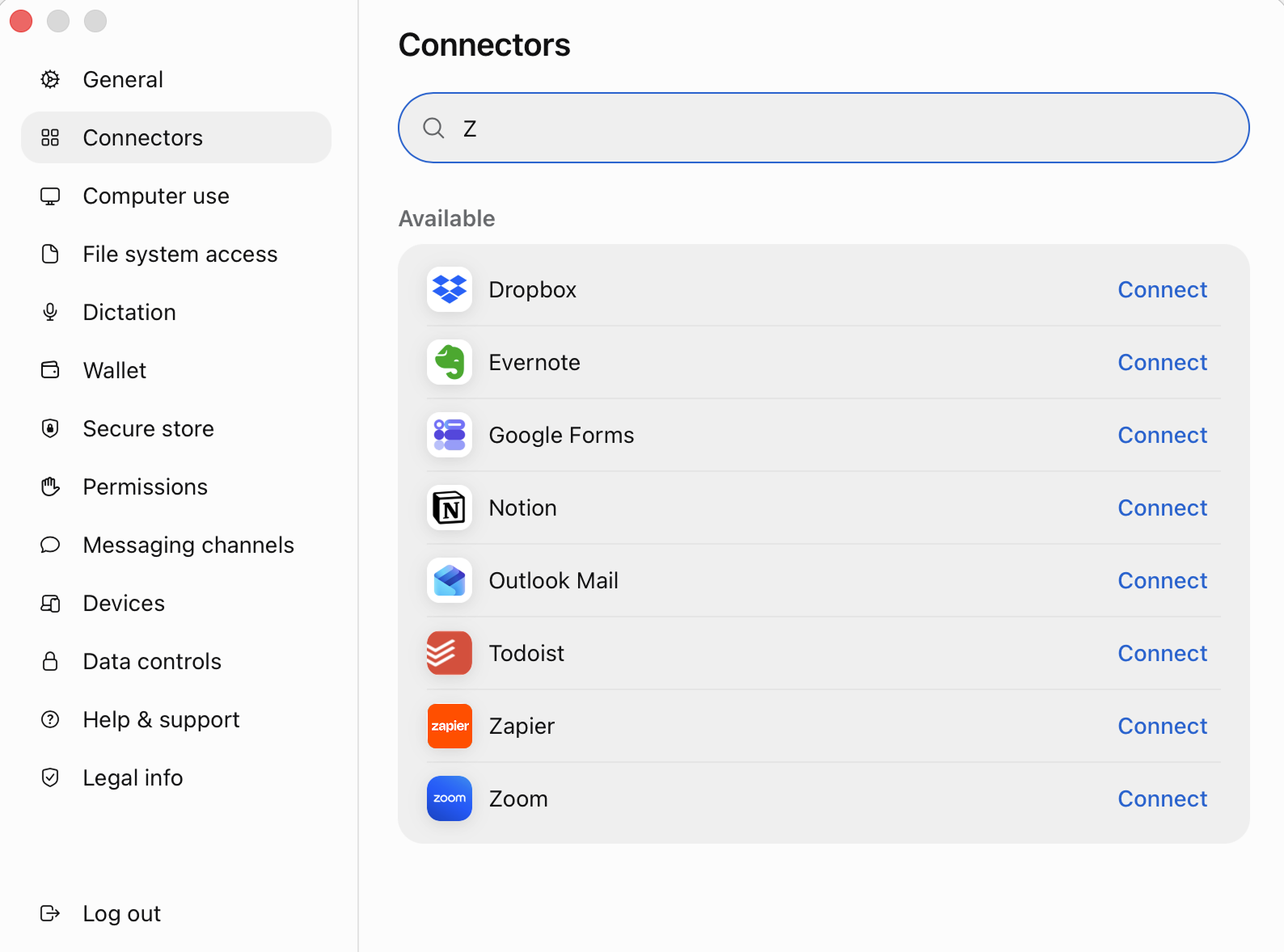
Click Connect, review the permissions card Muse shows you, and click Continue.
Sign in to Zapier, or create a free account, and click Allow. Zapier automatically creates an MCP server for Muse and turns on actions for the apps you've already connected. You can adjust permissions for apps and actions in Zapier at any time.
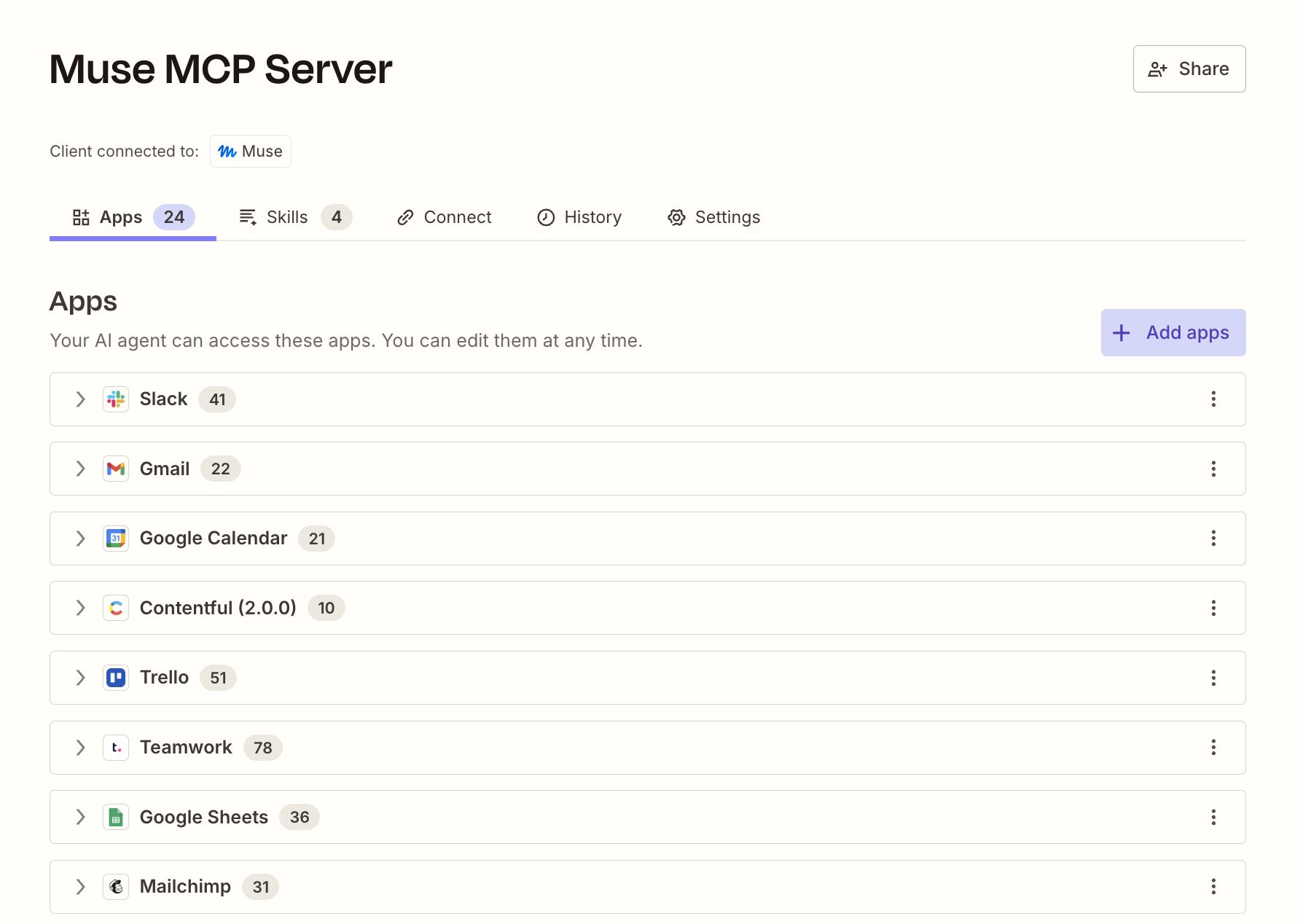
Back in Settings > Permissions, you control how often Muse checks in before acting. By default, Muse asks before it takes an action it flags as needing a second look.


Once Zapier is installed, you can ask Muse to do things like:
"Find my last five HubSpot deals, calculate weighted pipeline, and post a summary to Slack."
"When someone books me on Calendly, add them to my client list in Airtable."
"Check my email for anything from a client this week and add the open items to my Todoist."
None of that requires opening another app. Muse runs the whole thing from the chat window, the same way it books a restaurant or fills out a form on your behalf.
Each successful action draws from your existing Zapier task allowance, the same one your Zaps already use, so your Zapier bill stays simple. And because Zapier manages the credentials, Muse never has to ask you for an API key or password. Muse signs in once through Zapier, and every app connection it touches afterward stays governed the way it would in any other Zapier workflow.
Muse automation FAQ
How do I connect Zapier to Meta Muse?
Open Muse, go to Settings > Connectors, and search for Zapier. Click Connect, sign in to your Zapier account (or create a free one), and click Allow. Muse can then use any action you've turned on for the apps already connected to your Zapier account.
What can Muse do with Zapier?
Once connected, Muse can search, read, create, update, and send information across 9,000+ apps through Zapier, including apps it doesn't natively support, like Zendesk, HubSpot, Airtable, and QuickBooks. You choose which actions Muse can run, and it asks before taking any it flags as needing review.
Is Zapier free to use inside Muse?
Connecting Zapier to Muse is free, and it works on every Zapier plan, including the free one. Each successful action uses a small number of tasks from your existing plan, the same allowance your Zaps already draw from.
What's the difference between using Muse Spark in AI by Zapier and using the Zapier connector in Muse?
AI by Zapier lets you add a Muse Spark reasoning step inside a workflow, which is useful when AI needs to handle one part of an otherwise predictable process. The Zapier connector in Muse is for when you want your AI to handle everything, straight from the chat window. It lets Muse build automations and kick off actions across your apps directly from a chat.
Automate Muse with Zapier
Whether you want a workflow humming in the background or you'd rather just ask Muse to handle a task mid-conversation, Zapier gives Muse a governed way to reach the rest of your stack.
Either path runs through Zapier's managed authentication, so Muse never has to ask you for a password, your credentials stay in one place, and every action follows the same permissions you'd set for any other part of your workflow.
Related reading:


