Unfortunately for me and my appallingly long TBR list, they still haven't invented a way to hand off my entire workload to a robot so I can curl up on the couch with my Border Collie mix and binge fantasy novels instead. But AI agents are the closest thing to it.
AI agents work autonomously to accomplish tasks. You can set one up from the AI tool you already use, like Claude or ChatGPT, or build it directly in Zapier—either way, Zapier keeps it running even after the chat closes.
These agentic workflows can take action for you inside 10,000+ apps across your business. They can do everything from processing leads to managing support tickets and kickstarting project workflows, so you can focus on your most high-value work. (Or, you know, take a long lunch to finish that latest R.F. Kuang book. To each their own.)
Table of contents:
What is an AI agent?
The AI agents I'm talking about don't wear sunglasses or chase Keanu Reeves through a maze of scrolling green code. Or at least, not during business hours.
I'm talking about the kind of agent you can put to work inside your business: AI-powered helpers that can run on their own once you've given them a set of rules and a goal.
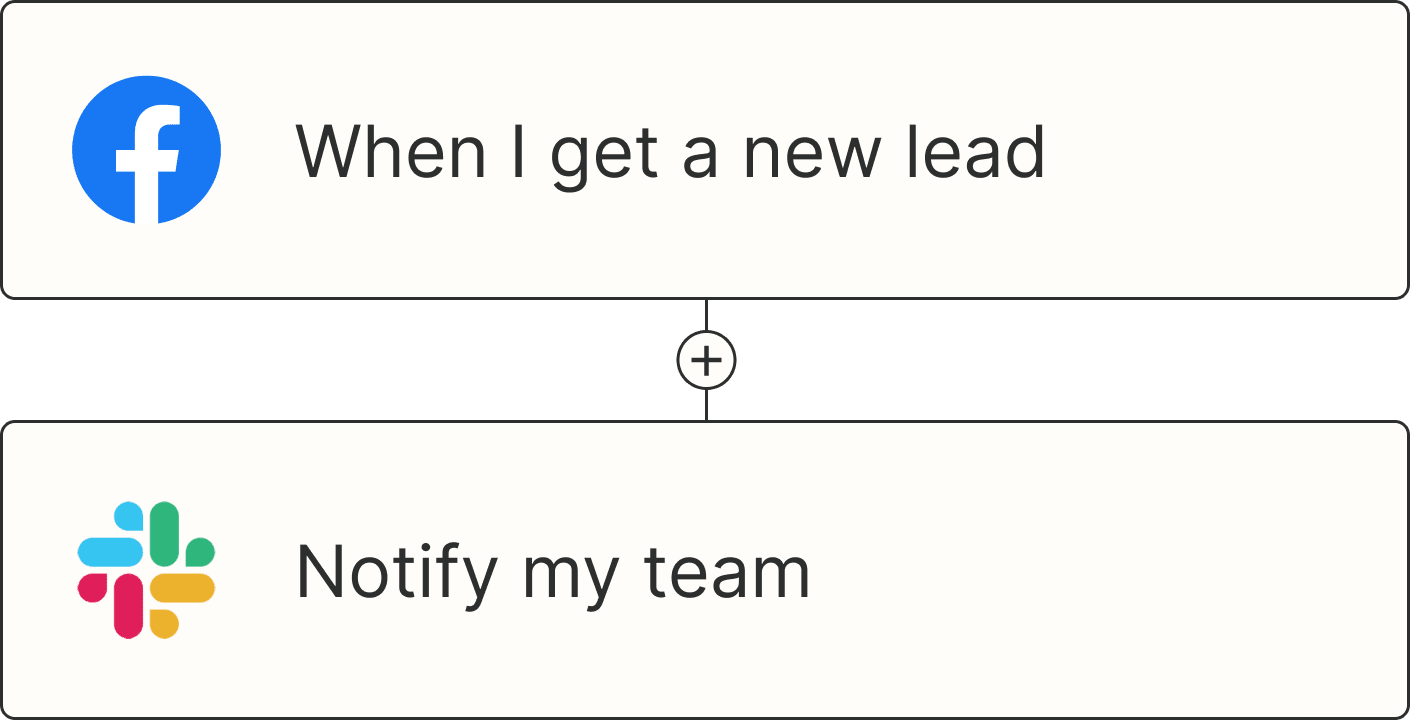
Instead of waiting for you to constantly feed it prompts or following a step-by-step automation, an AI agent can watch for triggers—like a new lead coming in or a support ticket being created—and then make decisions and take action on your behalf. Agents can do things like analyze customer sentiment, generate and qualify leads, or scale content creation for your brand, all autonomously.
In short: AI agents for business are digital coworkers that help streamline processes, reduce manual work, and keep things moving, even when you're not around.
How to build an AI agent
If you want to build an AI agent, you've got a few different paths you can take—ranging from "I basically live in Python" to "if I never see a line of code in my life, it'll be too soon."
1. Build from scratch (full-code)
This is the DIY route. You're setting up the infrastructure, stitching together APIs, managing data flows, and writing the logic that powers your agent. The upside is complete control—you can design an agent that does exactly what you need, down to the tiniest detail. But the downside is that it takes time, technical expertise, and usually a whole team of engineers to maintain.
2. Use a low-code platform
Low-code tools give you a head start. Instead of building everything from the ground up, you get frameworks, templates, and drag-and-drop builders—but you can still sprinkle in your own code when you need to customize.
It's a solid middle ground for teams with engineering resources that don't want to reinvent the wheel.
3. Build from your AI tool and run it on Zapier
Here's where it gets fun: you don't have to build the whole thing from scratch or keep a server alive to run it. Install Zapier in the AI tool you already work in, like Claude, ChatGPT, or Cursor, tell it what you want your agent to do, and it builds the automation for you. Zapier then runs it across your apps, whether or not you're still in the chat. Prefer to build it yourself? You can do that in Zapier directly, too.
How Zapier keeps your AI agent running
AI agents are great for one-off tasks based on prompts, but when you want your agent to run based on triggers, and work consistently, Zapier is your best bet.
Install Zapier in your AI assistant, then describe what should happen; like "when a new lead comes in, check it against our CRM, score it, and tell the right rep in Slack." Your assistant drafts a Zap and deploys it to Zapier. Zapier starts the automation when something happens in your apps and runs it the same way every time. AI comes in only where a step needs judgment, like scoring a lead, and every run is logged. And because Zapier connects to 10,000+ apps, it can work across your entire tech stack.
Here's what that looks like for a sales team. A new lead comes in through a web form. The Zap checks your CRM for duplicates, enriches the record, scores it, assigns it to the right rep, and posts a summary in Slack. The duplicate check and the routing run the same way every time, AI handles the scoring, and you can add a checkpoint so a person reviews anything high-stakes, like an email to a customer, before it goes out.
If something breaks, Zapier finds the problem and proposes a fix. Everything your assistant builds shows up in Zapier, so you can open any Zap, see every run, and change it later, from the AI tool that built it or in the visual editor. Zapier also handles each app's login, so you never paste an API key into a chat, and you can turn an app's access off in one place.
Tips for building an AI agent
Of course, just because you can build an agent doesn't mean it'll automatically go swimmingly (just ask my editor, whose first agent's instructions were too vague and resulted in approximately fifty duplicate entries in our content planning database).
That's why it's important to follow a few best practices for designing and managing an agent for long-term success. Here are some practical tips to make sure your agents are reliable, effective, and actually make life easier instead of messier.
Start with a clearly defined purpose
The most common mistake is asking your agent to do too much. Keep its scope tight. A good agent should have a clear job description—like routing new leads, triaging support tickets, or managing renewals. You can always build more agents for other processes later.
Document the rules of engagement
Write down the decision points, exceptions, and "what to do if…" cases that come up in your workflow. Giving your agent strong guardrails will prevent surprises. Think of it like onboarding a new team member: you wouldn't just say "handle sales" and walk away.
Make data the fuel, not the afterthought
Agents are only as good as the data they can access. Connect your CRM, knowledge base, or other internal systems, and make sure the data is accurate and up to date. Garbage in, garbage out applies even more with AI.
Keep humans in the loop where it matters
For critical decisions like emailing a customer or reassigning ownership, add a "pause and ask" step. This keeps control where you want it while still letting the agent do the heavy lifting in the background.
Build for transparency
Your agents should leave a paper trail. Make sure every action gets logged somewhere your team can see. This makes debugging easier, but it also builds trust: people are more likely to rely on agents when they can see what happened and why.
Test with real-world scenarios
Don't just run a demo lead or a dummy ticket. Test with messy, real data—the kind your business actually generates. That's where you'll spot edge cases like incomplete forms, duplicate records, or unusual customer requests.
Plan for scale
If your process works for 10 leads a day but breaks at 1,000, you'll have a bad time. As you design, think about how the workflow scales, both in volume and complexity, and whether you'll need multiple specialized agents.
Let your agent build it and Zapier keep it running
AI agents are already reshaping how real teams get work done, but an agent that only acts while you're chatting with it isn't much of a coworker. Turn the work you repeat into a Zap and it keeps going on its own, across the apps your team already uses.
When you give repetitive work to agents, you create space for people to do their best work. (Meanwhile, I'll be over here trying to shrink my own TBR pile, one Zap at a time.)
Related reading: