Top companies trust Zapier to automate work that solves their unique business problems—no coding required.
How Zapier works
Zapier makes it easy to integrate ClickUp with Facebook Pages - no code necessary. See how you can get setup in minutes.
100%
Help
ClickUp
ClickUp
1. Choose trigger event
Facebook Pages
Facebook Pages
2. Choose action
1. Select the event
Setup
Test
ClickUp
Choose a trigger event
Choose a trigger
A trigger is the event that starts your Zap—like a "New Message Posted to Channel" from ClickUp.
Add your action
An action happens after the trigger—such as "Change Page Profile Photo" in Facebook Pages.
You’re connected!
Zapier seamlessly connects ClickUp and Facebook Pages, automating your workflow.
Supported triggers and actions
Zapier helps you create workflows that connect your apps to automate repetitive tasks. A trigger is an event that starts a workflow, and an action is an event a Zap performs.
Create a new record or update an existing record in your app.
Page
Required
Photo
Required
Description
Action
This is an event a Zap performs.
Write
Create a new record or update an existing record in your app.
Page
Required
Message
Required
Photo
Link_url
Save as draft
Action
This is an event a Zap performs.
Write
Create a new record or update an existing record in your app.
For AI agents & developers
Use ClickUp and Facebook Pages with AI agents and code
Beyond Zap workflows. Call ClickUp and Facebook Pages actions directly from your AI client or your codebase, using the same 9,000+ app integrations Zapier already runs.
No code
Connect via Zapier MCP
Expose ClickUp and Facebook Pages actions as tools in any MCP client. Authenticate once, then call them in natural language.
Example actions on this page
Archive or Delete Task
Change Page Profile Photo
Works with
Claude · ChatGPT · Cursor · any MCP-compatible client
There is no Python package yet. SDK is TypeScript-only (@zapier/zapier-sdk). The MCP server URL is personal to your account; get it at zapier.com/mcp.
Zapier is the automation platform of choice for 87% of Forbes Cloud 100 companies in 2023
93%
Customers who say using Zapier has made them better at their job
25m
Customers have created over 25 million Zaps on the platform
6 mins
The average user takes less than 6 minutes to set up a Zap
Practical ways you can use ClickUp and Facebook Pages
Post task updates to Facebook Page.
Keep your audience informed of progress. When a new task is created in ClickUp about a significant business milestone, Zapier can automatically generate a post on your Facebook Page to update your followers. This automation enhances customer engagement and saves time on manual posts.
Centralize content tracking for better oversight. When a new post is made to your Facebook Page, Zapier can create a new task in ClickUp to log the activity. This helps IT ensure compliance and maintain a well-documented content history while saving time on manual records.
Never miss a review! When a new review is posted on your Facebook Page, Zapier can create a task in ClickUp. This ensures your marketing team can quickly respond and address customer feedback, improving response time and customer satisfaction overall.
Learn how to automate Facebook Pages on the Zapier blog
Make work flow with AI
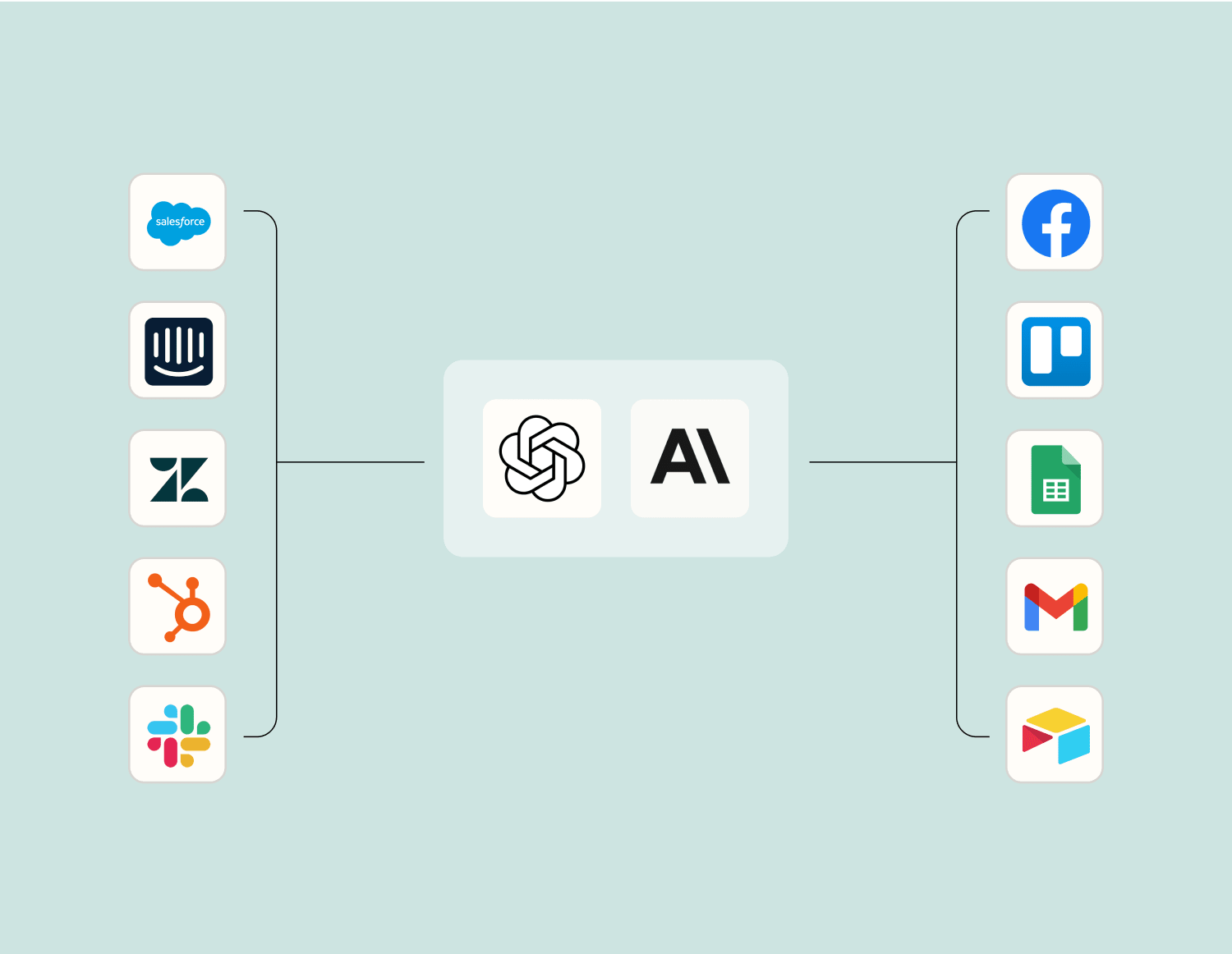
Level up your ClickUp to Facebook Pages integration with AI. Extract, summarize, and transform your integration data with leading AI models like OpenAI, Anthropic, and more.
Frequently Asked Questions about ClickUp + Facebook Pages integrations
New to automation with Zapier? You're not alone. Here are some answers to common questions about how Zapier works with ClickUp and Facebook Pages
What triggers are available when integrating ClickUp with Facebook Pages?
When integrating ClickUp with Facebook Pages, you can use triggers such as 'New Task' created in ClickUp or 'New Post' published on Facebook Pages. These triggers can prompt actions like creating a new post on your Facebook Page when a task is marked complete in ClickUp.
Can I automate the posting of tasks from ClickUp to my Facebook Page?
Yes, you can automate posting tasks from ClickUp to your Facebook Page. By setting up an integration, whenever a new task is created in a specific list in ClickUp, it can automatically be posted as an update on your Facebook Page.
How does the integration handle comments on Facebook posts?
Currently, the integration primarily focuses on task and post synchronization rather than handling comments. However, you can set up actions to create tasks in ClickUp when specific posts receive comments on your Facebook Page.
Is it possible to update a task in ClickUp when something changes on my Facebook Page?
Yes, by using specific triggers, changes such as a 'New Comment' or 'New Reaction' on a post can prompt updates to related tasks in ClickUp. This way, you stay informed about interactions directly through task updates.
Are there any limitations in syncing data between ClickUp and Facebook Pages?
While our integration covers many essential functions like posting updates and creating tasks based on page activities, it currently does not support syncing multimedia content directly between platforms or handling personal messages.
What actions can I perform within Facebook Pages as part of the integration?
Actions like posting updates automatically when tasks reach certain statuses or creating posts when deadlines are near are part of our integration capabilities. However, more detailed post customizations might still need manual inputs.
Can I customize which tasks get posted from ClickUp to my Facebook Page?
Yes, during the setup of the integration parameters, you can specify conditions under which certain tasks get posted—such as based on tags used in the task or priority levels—ensuring only relevant information is shared on your page.
About ClickUp
ClickUp is an all-in-one app to plan, track, and manage your work in a beautifully intuitive environment.
Facebook Pages lets you connect with your customers, fans and followers on the world's largest social network. Share relevant content to engage people who Like your page, create events to build and grow your community, and run a Facebook ad campaign by targeting location, age and more.