Improve lead quality with Zapier and Meta
Automatically send sales, demos, and real customer outcomes from your CRM into Facebook—no code, no manual uploads.
See how much better your ads can get with 100,000 free tasks/month for 6 months.
OR
Trusted by 3.4 million companies


Turn Meta clicks into customers automatically
Meta’s powerful Conversions API for CRM is powered by Zapier’s code-free Facebook Conversions integration This way, you can send real sales back to Meta, and let the algorithm find more buyers while you focus on growth.
Sync every lead instantly
Teach Meta to find buyers
Future-proof your tracking
Want to see how much better your ads can perform?
Send up to 100,000 sales signals to Meta Ads Manager every month for six months—for free.
Sit back, and watch your ads improve their targeting and speed up your insights.
Performance marketers have already seen:
- 35% reduction in CPL
- 47% increase revenue
- 4x faster testing cycles
All by sending Facebook the data on what their leads actually do next. It’s that simple.

Why tracking clicks isn’t enough anymore
Most advertisers track clicks and form fills—but that’s only half the picture. Without seeing which leads become actual customers, you're still guessing.
Here's what to do instead
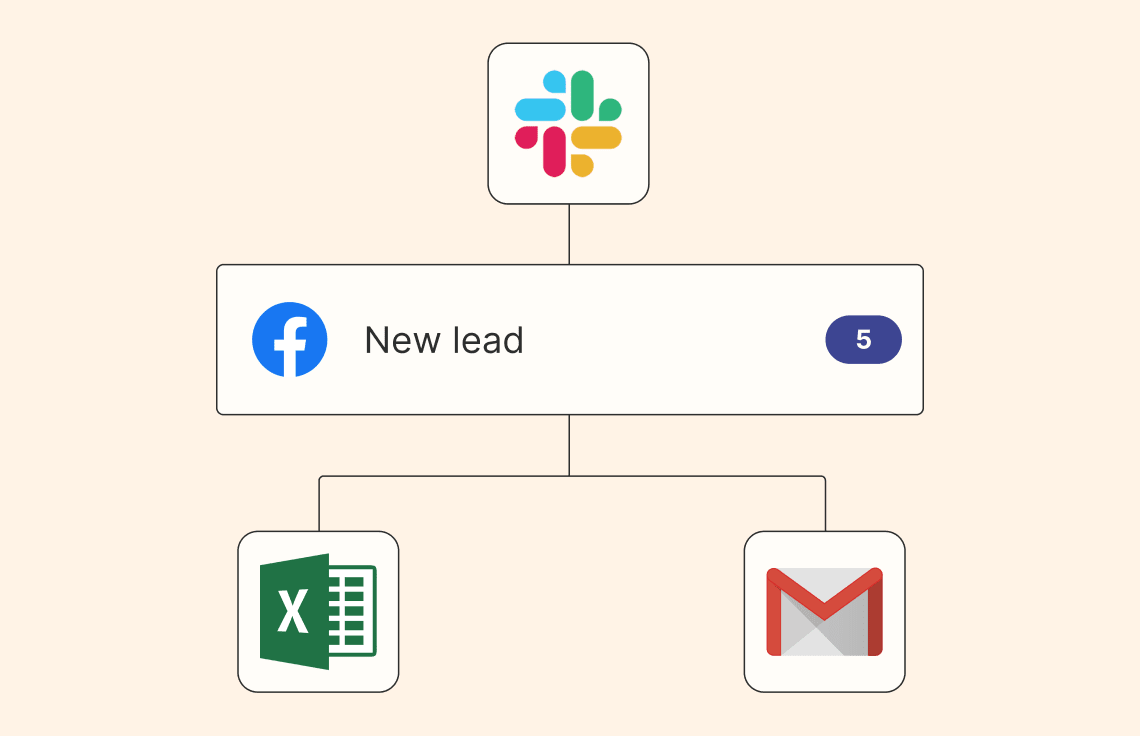
To get the most out of your ad budget, you need to send real customer outcomes automatically from your CRM—like closed deals, booked demos, or paying customers—directly back to Facebook.
This way, you will:
- Optimize your ad spend toward leads who actually buy.
- Clearly see the ROI of each campaign, instead of guessing.
- Automate everything—no spreadsheets, manual uploads, or technical setups needed.
“"The work Zapier handles would’ve required a full team to manage manually. Today, it’s driving over a 10x ROI. It’s become a core part of how the business runs."”
founder of Matix Flows

Quick-start tips
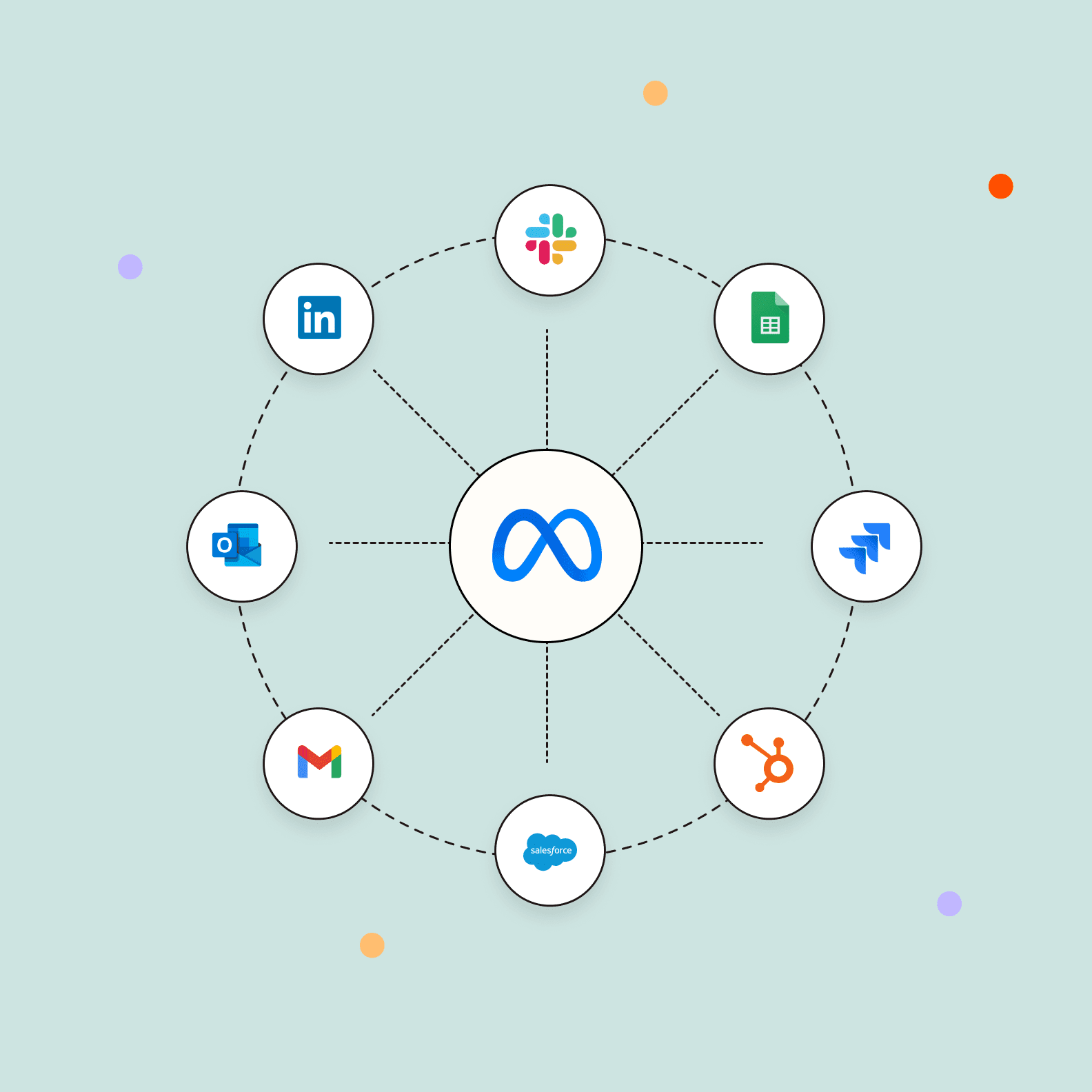
Step-by-step: Build a full-funnel Meta conversion workflow in 10 minutes
How to optimize Facebook ads: 4 ways to cut costs and boost ROI
How it works
1. Connect
Pick your CRM in Facebook Events Manager and copy the access token—this links your CRM data to Meta CAPI for CRM.
2. Choose your goal
In Zapier, open the Facebook Conversions integration and pick the action that matches your goal:
Send Funnel Event: Push closed deals or demos (free for all Zapier users)
Send Lead Event: Capture every Facebook form fill
Send Custom Event: Log any milestone you define (trial started, invoice paid, etc.)
3. Automate and activate
Map the fields (Deal Value, Demo Date, Customer ID), turn on your Zap, and you’re live.
You’ll automatically track up to 100,000 Send Funnel Events every month—free for six months.
All other Facebook Conversions actions run under your normal Zapier task limits, so you can mix and match as your funnel grows.
“"[With Zapier] when I ask for more budget, I can show exactly which campaigns generate revenue, making the case much stronger."”
Sr. Performance Marketing Manager at Synthesia

Watch the demo
See a Meta product marketer and a Zapier Solution Partner build the exact workflows you need to improve your ad ROI—then hear how Synthesia cut lead processing time by 10+ hours/week and optimized ads 4× faster.
Connect the apps you love
Zapier supports over 8,000 apps, so you can tame the chaos and turn your tools into processes all in one place.
Frequently asked questions
How do I get the 100,000 free tasks?
Just start using the Send Funnel Event action with either of these apps:
No forms, no hoops—your offer kicks in automatically the moment your first eligible Zap runs.
You’ll get 100,000 free tasks every month, applied specifically to those Send Funnel Event → Facebook Conversions steps.
What happens when I hit the 100,000-event limit in a month?
Extra Send Funnel Events simply count against your normal Zapier task limit. Nothing breaks—you just start using your plan’s tasks until the next monthly refresh.
Can someone set this up for me?
Absolutely. If you’d rather not build it yourself, a Zapier Solution Partner can handle everything for you.
They’ll get your CRM and Meta Ads Manager talking, make sure data flows smoothly, and tailor the workflow to your business. You get the benefits without lifting a finger.
Who can use this tool?
Marketers and sales ops who run Facebook/Instagram Lead Ads and want to feed CRM outcomes back to Meta
No developer needed, this is built for marketing and sales teams to set up themselves
Is Conversions API for CRM automatically enabled if I choose the leads performance goal in Ads Manager?
The integration is not automatically enabled, but it's highly recommended as conversions leads performance goal works best when Meta knows what a successful conversion looks like for your business. So, it'll help you meet your lead goals faster to integrate your CRM with Conversions API using Zapier.
What is the difference between integrating your CRM for leads retrieval and a CRM integration with the Conversions API?
CRM integrations for leads retrieval pull lead data from Meta directly to your CRM. A CRM integration with the Conversions API sends lead data from the CRM back to Meta to optimize your ads.
I already have Conversions API set up for web events. Am I done?
You're almost there! You might already have Meta’s Conversions API set up for your business to upload server events for your web traffic. If you’re using Facebook or Instagram to generate leads for your business, you can also use Conversions API to upload offline events from your CRM. This is a separate integration from your current Conversions API setup because the required parameters are different, and the data comes from your CRM system rather than your web servers.
Improve your ad ROI with Zapier today
Plus, access your free tasks to improve ad targeting, insights, and cost efficiency.
OR