Zapier vs. Make
Published: 9/16/2026 | By Ryan Kane
Looking for a Make alternative that won't charge you for every step in your workflow? Switch to Zapier for an AI orchestration platform that charges only for completed work—not for triggers, filters, tests, or the errors you're busy debugging—while giving every team, technical or not, a faster path to a working automation.
Here's what you'll get with Zapier:
Pay only for what gets done: Skip Make's per-step credit meter. Zapier charges for completed work actions only, so filtering, testing, and branching logic stay free.
Build without the learning curve: Get workflows running the same day, even complex ones, without Make's hours of Academy training or a consultant on retainer.
Connect with 9,000+ apps: Reach nearly three times more apps than Make, all governed by Zapier, so an API change on the other end never breaks your workflow without warning.
Comparison
See how Zapier and Make compare
Reviews
See why customers choose Zapier
Features
Learn about the features Zapier and Make offer
FAQ
Get answers to your questions
Zapier vs. Make comparison
| Zapier | Make | |
|---|---|---|
| Overview | Zapier is a cloud-based AI orchestration platform that helps businesses build and govern automations, agents, and AI workflows across the entire organization. | Make is a visual automation platform built for technical teams that want deep, branching control over complex workflows. |
| Pricing | Pay only for completed work actions—triggers, filters, and failed steps are free. Professional starts at $19.99/month, Team at $69/month for 25 users; Enterprise has custom pricing. | Lower sticker price starting at $12/month (Core plan, billed annually), but every step—including polling, testing, and errors—draws down your credit balance. |
| Implementation | Most workflows run the same day you build them, even complex, branching ones. | Minutes for simple scenarios; longer for complex branching logic, given the learning curve. |
| Integrations | 9,000+ apps, governed by Zapier. | 3,500+ apps; many are community-maintained. |
| Ease of use | No-code and AI-assisted (Copilot) for every team; access available via AI assistants too. | Visual builder with a learning curve; Maia, Make's AI cobuilder, is still in public beta. |
| AI capabilities | AI built into every layer: automations, agents, tables, and forms. Connect an AI tool through Zapier MCP, and it can take action right away; no workflow has to be built first, and agents can act freely across any connected app. | Automations, agents, and data stores; agents can only run scenarios you've already built. |
| Security & governance | SOC 2 Type II, SOC 3, GDPR, and CCPA certified, plus SAML SSO, audit logs, and role-based access control starting on the Team plan, with SCIM provisioning and app- and action-level restrictions added at Enterprise. | SOC 2 Type II, SOC 3, and GDPR certified, with social-login SSO (Google/Facebook/GitHub) and 30-day log retention on every plan; team roles start on the Teams plan, and Enterprise adds custom SSO, extended data retention, and ISO 27001-certified infrastructure. No app allowlisting or pre-publish approval at any tier. |
| Reliability & performance | Outage detection, intelligent throttling, and automatic API-change handling at scale; 3.4 million companies run on Zapier. | Can run reliably for well-scoped workflows, but has roughly a tenth of Zapier's customer base and a shorter track record at enterprise scale. |
What customers say about Zapier

"Zapier is much more robust and has more applications compared to make.com."
—Franki Fasce, SaaShop
G2 review
"Zapier makes me feel invincible. I never feel like I need an engineer to create the solutions I need."
—Jocelyne Mendez-Guzman, CX Operations Specialist, BioRender
Customer testimonial
"Zapier powers our tech stack. As a result of Zapier's automations and integrations, we've been able to ease busy work for a number of our staff, tackle new projects more quickly, and continue to innovate."
—Bonnie B., Digital Systems Manager, Non-Profit Organization Management
Capterra review
"Zapier has become a critical part of Superhuman's operating backbone. By putting automation directly in the hands of our teams, Zapier lets us scale smarter, not just bigger. When we can design workflows, we can respond to stakeholder needs without relying on engineering resources."
—Nina Mirabella, Senior Director, Marketing Operations, Superhuman
Customer testimonial
Trusted by 3.4 million companies



















AI automation starts and scales with Zapier
Build reliable, consistent workflows across tools, people, and processes. Access 9,000+ apps securely from any surface, and add AI to the mix only when you need it.
Compare features: Zapier vs. Make
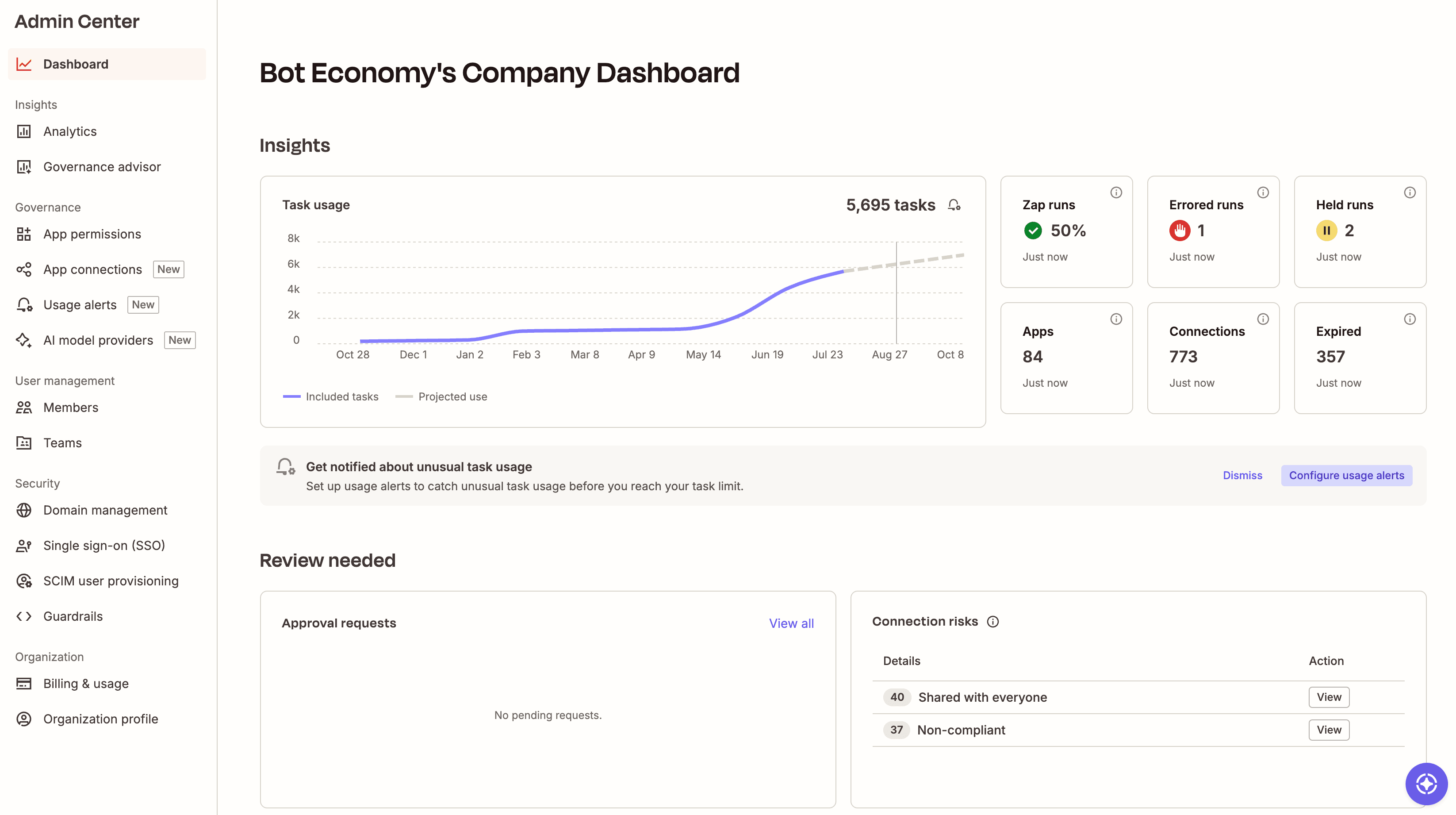
Zapier makes it easier to scale automation and AI across your business without watching a usage meter or hiring a specialist to manage it. Compared with Make's credit-based, technical-builder model, Zapier offers more predictable pricing, a much larger governed integration library, and a faster path from idea to working automation for every team, not just the technical ones.
Pricing
Make's pricing looks attractive in head-to-head plan comparisons, offering thousands of credits for a low monthly rate. Its free plan offers 1,000 credits/month and two active scenarios, with a 15-minute minimum interval between runs. Core starts at $12/month (billed annually) for 10,000 credits, unlimited active scenarios, and API access. Pro runs $21/month for the same 10,000 credits plus full-text log search and priority execution when things get busy, and Teams is $38/month once you need shared scenario templates and team roles.
But despite this lower headline rate, you might not actually be saving money. Here's why:
Every step in your Make workflows counts against your budget, including internal logic, polling triggers, and even failed runs.
Testing your workflows also consumes credits.
Most actions use one credit, but some actions use more based on file size, run time, or AI usage.
As a consequence, tracking, diagnosing, and optimizing credit usage imposes a hidden cost. Make's support forum is full of users trying to figure out why their workflows are using more credits than expected, and discussing workaround strategies (like using external cron jobs) to avoid burning through credits unnecessarily.
By contrast, Zapier's task-based model is transparent and easy to understand. You're charged only for "work" actions, with unlimited use of platform features like filtering, formatting, looping, and errors.
Zapier | Make | |
Filtering and formatting data | ♾️ Unlimited | ♾️ Unlimited |
Testing a workflow step | ♾️ Unlimited | Credits used |
Checking for new data in your trigger app | ♾️ Unlimited | Credits used |
Getting an error on a step | ♾️ Unlimited | Credits used |
Referencing data in built-in tables | ♾️ Unlimited | Credits used |
Executing an action in an integrated app | Tasks used | Credits used |
Let's look at an example. A Make workflow that polls an API every 5 minutes burns 20 credits per hour, whether or not it finds new data; the same workflow in Zapier could run on a webhook trigger (free) and filter (free), using zero tasks until there's work to do.
From an enterprise perspective, Zapier's model is easier to forecast for budgeting and procurement. It also requires less overhead: you don't need consultants to build and maintain complex workflows, and you won't burden your technical staff with cost management tasks (like optimizing workflows to use fewer credits). If you ever do go over your Zapier task limit, you have the option to pay for a few more tasks incrementally using pay-per-task billing rather than upgrading your plan.
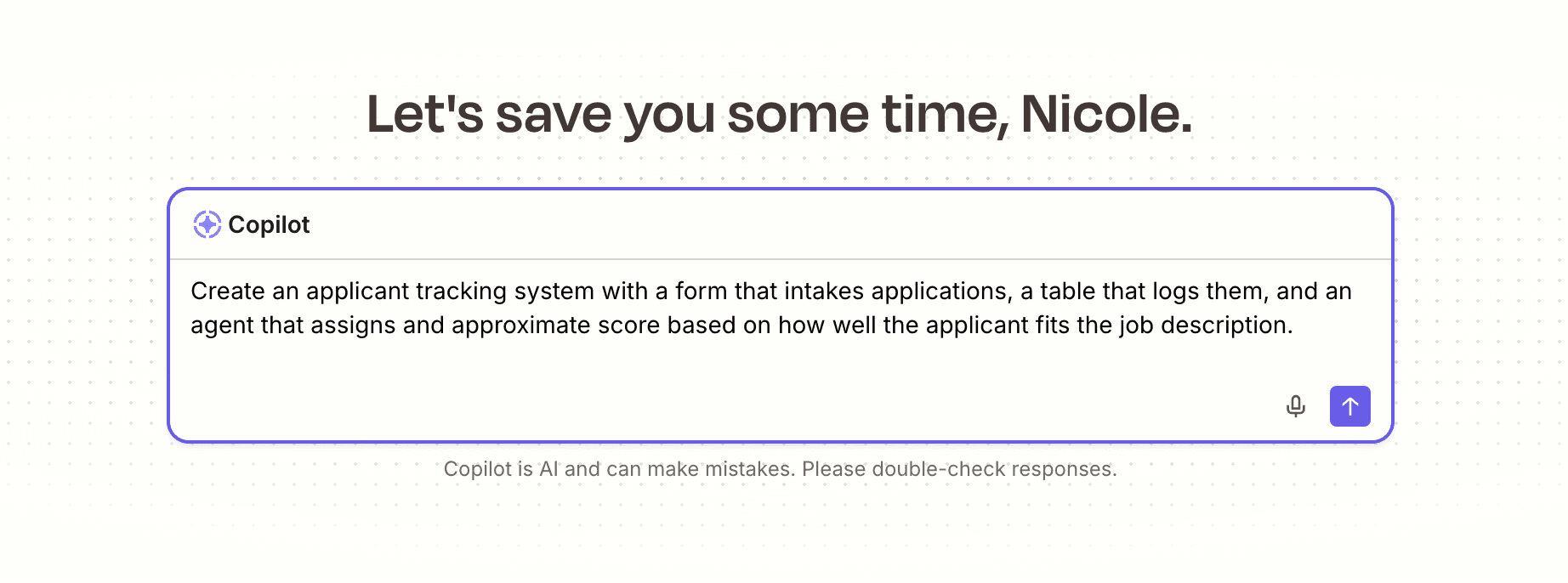
And unlike Make, Zapier's plans bundle databases, forms, and AI orchestration into the price, so you're paying for a full system your whole team can use, not just a workflow builder.
FAQ: Zapier vs. Make
Is Make the same as Integromat?
Yes. Make was known as Integromat before it rebranded, and it's the same automation platform under a new name: same visual builder and scenario-based workflows, now with an expanded AI toolkit layered on top. If you used Integromat before, everything you learned still applies; only the branding changed.
Why is Make cheaper than Zapier—and when isn't it?
Make isn't necessarily cheaper than Zapier. Make's entry-level plan does start lower ($12/month vs. Zapier's $19.99/month), but Make bills for every step—triggers, filters, polling, and even errors—while Zapier only charges for completed work actions. As workflows grow more complex or run more often, Make's credit usage tends to climb faster than Zapier's task count, so the "cheaper" plan can end up costing more once you're actually building.
Which is better for small businesses: Zapier or Make?
For most small businesses, Zapier is the easier starting point. Non-technical teams can build working automations in minutes, without the learning curve Make's visual builder requires. Make can work well for a small, technical team that wants deep control over branching logic and has time to master the canvas, but that's a narrower fit than most small businesses need.
Which is more reliable: Zapier or Make?
Zapier is generally more reliable at scale, with built-in outage detection, intelligent throttling, and automatic handling of API changes across 3.4 million customer accounts. Make can be reliable for well-scoped workflows, but it has a fraction of Zapier's customer base and less of a track record running mission-critical automations at enterprise volume.
Is Make better than Zapier for complex workflows?
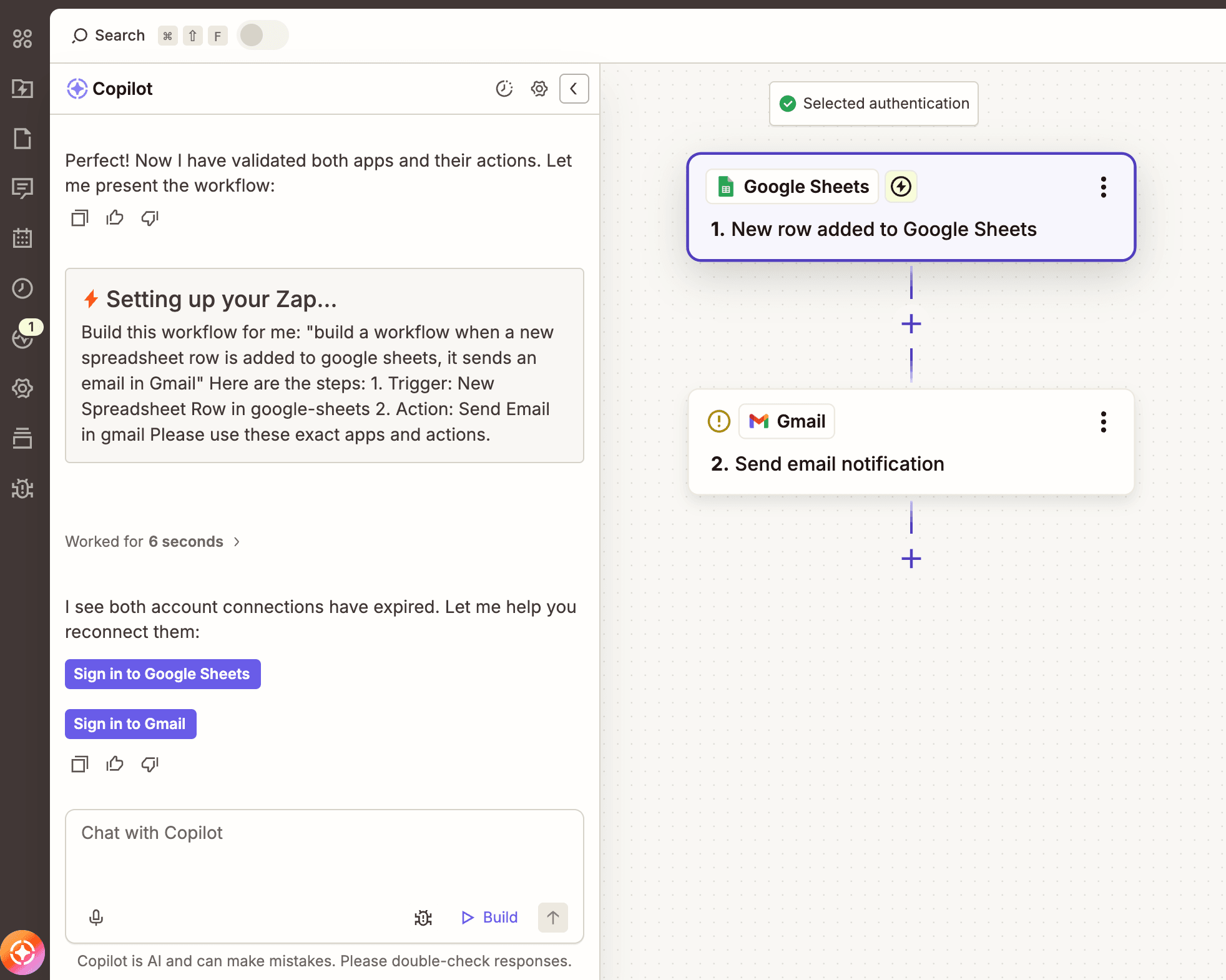
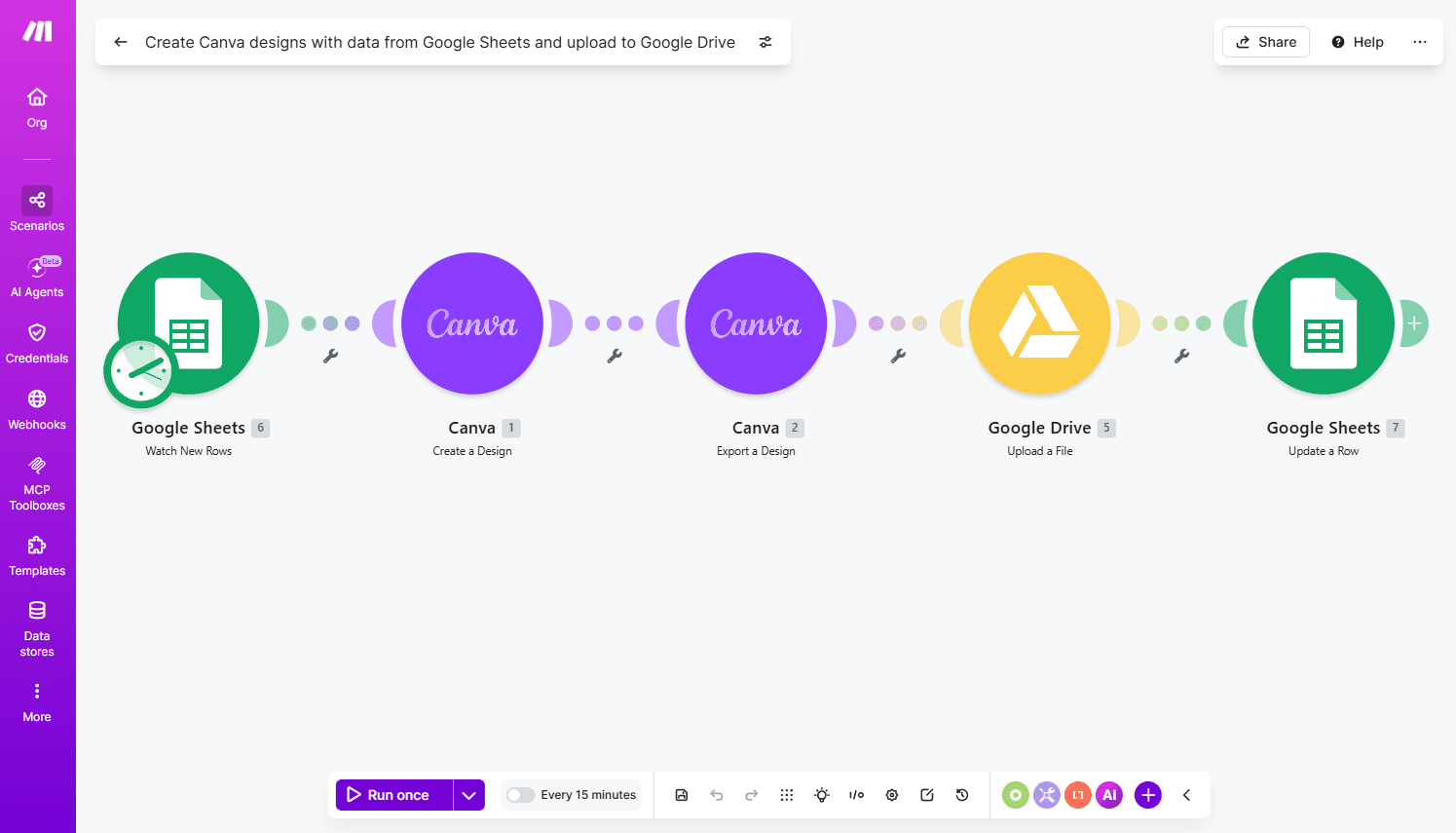
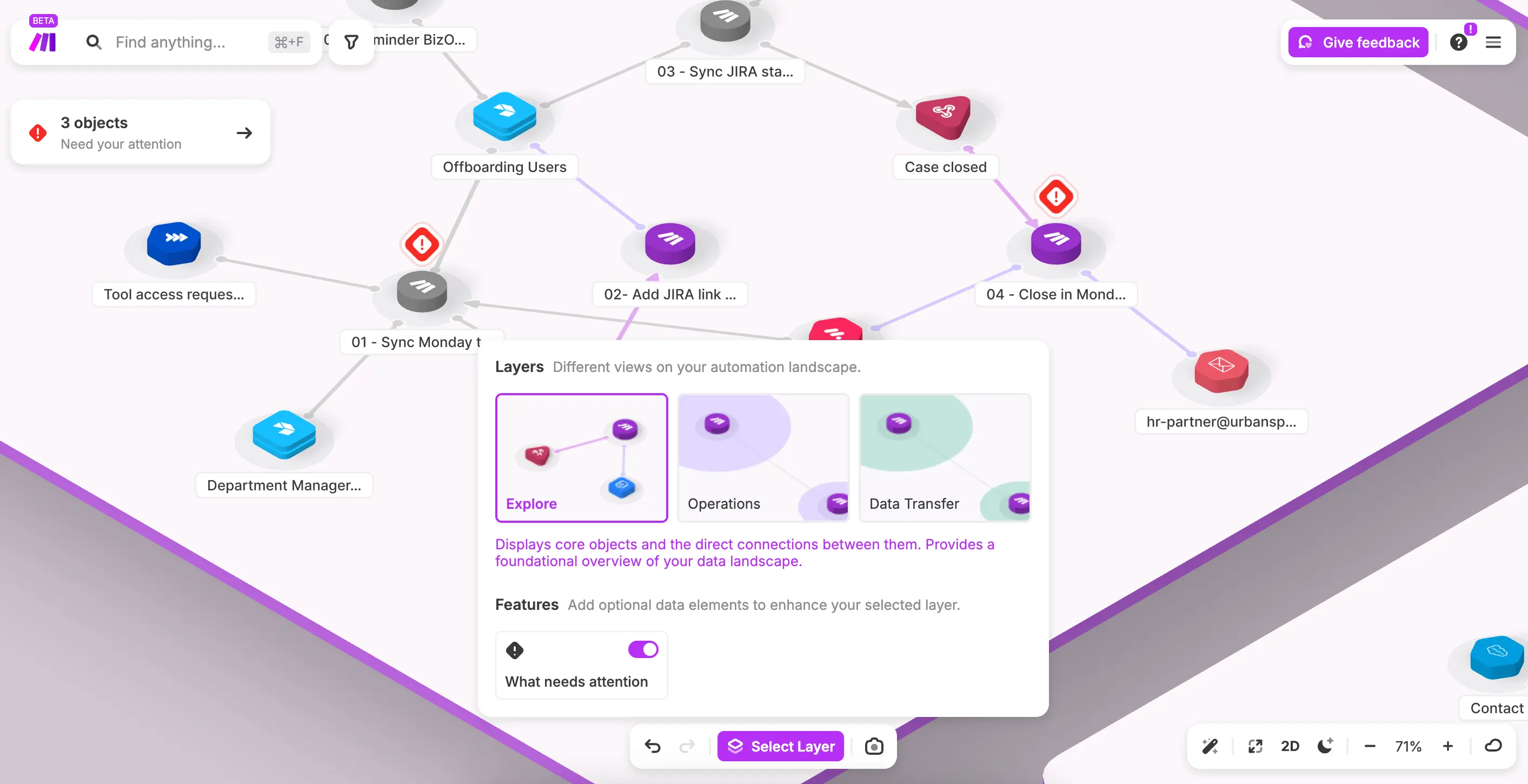
For deeply branching, highly technical workflows, Make's visual scenario canvas is strong. Routers, Iterators, and Aggregators give experienced builders fine-grained control that's satisfying to work with. But Zapier has closed much of that gap with Paths, Looping, Sub-Zaps, and Code by Zapier, and pairs it with AI-assisted building and a much larger integration library, so most teams don't have to trade power for accessibility.
What do reviews say about Zapier vs. Make?
Zapier has 6x more customer reviews on G2 than Make does and earns higher marks specifically for ease of use, ease of setup, and ease of admin. Reviewers consistently point to Zapier's shorter time-to-value and lower technical barrier as the differentiator, alongside integration breadth and support quality, as reasons they chose Zapier over Make.
How do I migrate my Make scenarios to Zapier?
Migrating means rebuilding your scenarios as Zap workflows. You'll need to recreate your triggers and actions, reconnect your apps, and test each workflow before you retire the original. Since Zapier supports thousands more apps than Make, most connections carry over directly. Scenarios that lean on Make's HTTP modules or heavy custom logic may take more manual rebuilding, but Code by Zapier can usually cover that gap.
AI automation starts and scales with Zapier
Build reliable, consistent workflows across tools, people, and processes. Access 9,000+ apps securely from any surface, and add AI to the mix only when you need it.
About the author: Ryan Kane is a writer and marketer based in Mérida, Mexico. He writes about SaaS, AI, and marketing while building fun Internet side projects. Learn more: ryankane.co.