Top companies trust Zapier to automate work that solves their unique business problems—no coding required.
How Zapier works
Zapier makes it easy to integrate Webflow with ChatGPT (OpenAI) - no code necessary. See how you can get setup in minutes.
100%
Help
Webflow
Webflow
1. Choose trigger event
ChatGPT (OpenAI)
ChatGPT (OpenAI)
2. Choose action
1. Select the event
Setup
Test
Webflow
Choose a trigger event
Choose a trigger
A trigger is the event that starts your Zap—like a "New Form Submission" from Webflow.
Add your action
An action happens after the trigger—such as "Analyze Images" in ChatGPT (OpenAI).
You’re connected!
Zapier seamlessly connects Webflow and ChatGPT (OpenAI), automating your workflow.
Supported triggers and actions
Zapier helps you create workflows that connect your apps to automate repetitive tasks. A trigger is an event that starts a workflow, and an action is an event a Zap performs.
Create a new record or update an existing record in your app.
Site
Required
Order
Required
Send Order Fulfilled Email
Required
Action
This is an event a Zap performs.
Write
Create a new record or update an existing record in your app.
Site
Required
Collection
Required
Is Draft
Archived
Item
Required
Action
This is an event a Zap performs.
Write
Create a new record or update an existing record in your app.
Stop on error
Required
HTTP Method
Required
URL
Required
Query string parameters
Additional request headers
Body
Action
This is an event a Zap performs.
Write
Create a new record or update an existing record in your app.
Site
Required
Collection
Required
Help Text
Name
Slug
Action
This is an event a Zap performs.
Search
Find existing data in your app
Message
Image
Required
Max Tokens
Action
This is an event a Zap performs.
Write
Create a new record or update an existing record in your app.
Text to Be Analyzed
Required
Info_1
Max Tokens
Model
Required
Temperature
Action
This is an event a Zap performs.
Write
Create a new record or update an existing record in your app.
User Message
Required
Model
Required
Use Latest Stable Version
Memory Key
User Name
Assistant Name
Assistant Instructions
Max Tokens
Temperature
Top P
Info_2
Action
This is an event a Zap performs.
Write
Create a new record or update an existing record in your app.
Text to Be Classified
Required
Categories
Required
Model
Required
Max Tokens
Temperature
Top P
Action
This is an event a Zap performs.
Write
Create a new record or update an existing record in your app.
Text to embed
Required
Model
Dimensions
Encoding format
Action
This is an event a Zap performs.
Write
Create a new record or update an existing record in your app.
File
Required
Prompt
Response Format
Timestamp Granularity
Language of the Audio
Temperature
Action
This is an event a Zap performs.
Write
Create a new record or update an existing record in your app.
Unstructured Text
Required
Model
Required
Description
Required
Values to Extract
Required
Action
This is an event a Zap performs.
Write
Create a new record or update an existing record in your app.
Prompt
Required
Model
User
Action
This is an event a Zap performs.
Write
Create a new record or update an existing record in your app.
Text to Be Summarized
Required
Model
Required
Max Tokens
Temperature
Top P
Action
This is an event a Zap performs.
Write
Create a new record or update an existing record in your app.
File
Required
Prompt
Response Format
Temperature
Action
This is an event a Zap performs.
Write
Create a new record or update an existing record in your app.
Stop on error
Required
HTTP Method
Required
URL
Required
Query string parameters
Additional request headers
Body
Action
This is an event a Zap performs.
Write
Create a new record or update an existing record in your app.
Filename To Search For
Required
File_purpose_to_search_for
Action
This is an event a Zap performs.
Search
Find existing data in your app
Video
Required
Action
This is an event a Zap performs.
Search
Find existing data in your app
Filename To Search For
Required
File_purpose_to_search_for
File
Required
Purpose
Action
This is an event a Zap performs.
Search or write
Find existing data in your app, or create a new record if no data is found
For AI agents & developers
Use Webflow and ChatGPT (OpenAI) with AI agents and code
Beyond Zap workflows. Call Webflow and ChatGPT (OpenAI) actions directly from your AI client or your codebase, using the same 9,000+ app integrations Zapier already runs.
No code
Connect via Zapier MCP
Expose Webflow and ChatGPT (OpenAI) actions as tools in any MCP client. Authenticate once, then call them in natural language.
Example actions on this page
Create Item
Analyze Images
Works with
Claude · ChatGPT · Cursor · any MCP-compatible client
There is no Python package yet. SDK is TypeScript-only (@zapier/zapier-sdk). The MCP server URL is personal to your account; get it at zapier.com/mcp.
Zapier is the automation platform of choice for 87% of Forbes Cloud 100 companies in 2023
93%
Customers who say using Zapier has made them better at their job
25m
Customers have created over 25 million Zaps on the platform
6 mins
The average user takes less than 6 minutes to set up a Zap
Practical ways you can use Webflow and ChatGPT (OpenAI)
Generate content ideas for new form submissions.
When someone submits a form on your Webflow site, Zapier sends the submission to ChatGPT. The AI analyzes the content and generates a list of potential blog ideas or marketing content topics based on the submission. This automation streamlines content brainstorming and ensures faster content pipeline development.
Summarize project feedback from Webflow into actionable insights.
After receiving a new comment on a Webflow project, Zapier sends the comment to ChatGPT to generate a concise summary or actionable insight. Simplifies project updates by transforming long feedback threads into easily digestible information, boosting team productivity and decision-making speed.
Learn how to automate ChatGPT (OpenAI) on the Zapier blog
Make work flow with AI
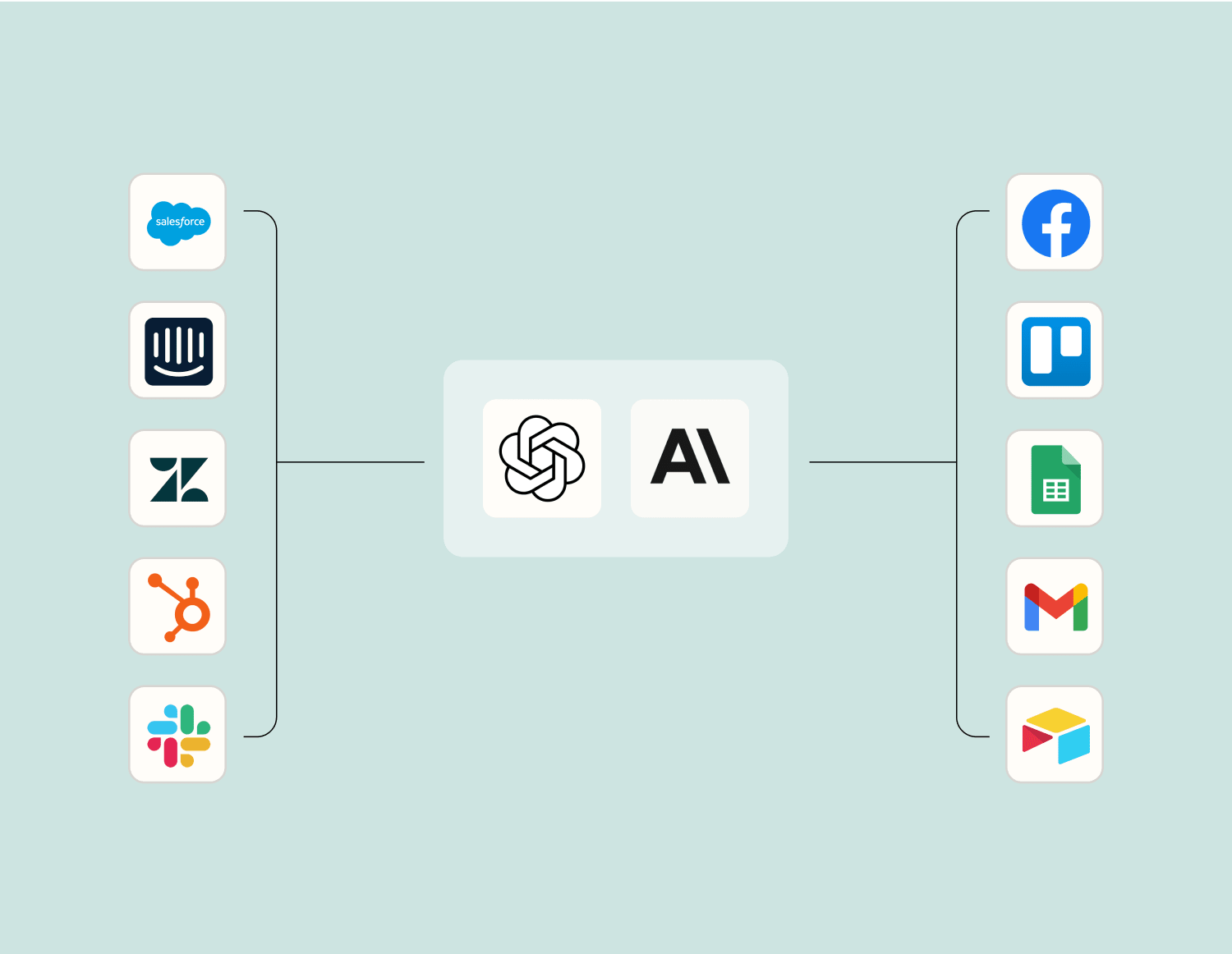
Level up your Webflow to ChatGPT (OpenAI) integration with AI. Extract, summarize, and transform your integration data with leading AI models like OpenAI, Anthropic, and more.
Frequently Asked Questions about Webflow + ChatGPT (OpenAI) integrations
New to automation with Zapier? You're not alone. Here are some answers to common questions about how Zapier works with Webflow and ChatGPT (OpenAI)
How can I integrate Webflow with ChatGPT for automating responses on my website?
You can connect Webflow with ChatGPT by using our automation platform to trigger actions and create workflows. When a user submits a form on your Webflow site, our system captures the data and sends it to ChatGPT as a trigger. This enables ChatGPT to generate responses based on the input, which can then be sent back to users via Webflow.
Can ChatGPT send information back to my Webflow CMS?
Yes, after capturing data from your users and generating a response with ChatGPT, we can push this information back into your Webflow CMS. For instance, new entries or updates in the CMS can be triggered by specific chat interactions or inquiries processed through ChatGPT.
Is it possible to notify me when a specific query is answered by ChatGPT on my Webflow site?
Absolutely. We provide notification triggers that alert you once certain conditions are met within an interaction between a user and ChatGPT. You can set up alerts via email or integrate with other messaging services whenever specific queries are handled by the AI.
What should I do if my Webflow forms are not triggering actions in ChatGPT correctly?
First, ensure that your form fields correspond precisely with those expected in the workflow settings. Any discrepancies might prevent triggers from activating accurately. Double-check our setup guide or reach out for support if issues persist.
Can I customize the responses generated by ChatGPT before they are sent back to users via Webflow?
Yes, you have the flexibility to process and modify the responses generated by ChatGPT within our platform before they are delivered back through your website. It allows you to maintain tone consistency or add specific instructions depending on user interactions.
How do I test my Webflow and ChatGPT integration before going live?
We offer a sandbox environment where you can simulate interactions without affecting real user data. Deploy test cases that mimic typical user scenarios and adjust trigger actions as necessary before publishing live to ensure everything works smoothly.
What kind of trigger events can initiate an action in this integration between Webflow and ChatGPT?
Trigger events include new form submissions, specific keyword inputs during initial interactions, updates within your Webflow CMS content, or even timed triggers based on user behavior analytics collected through the site.
About Webflow
Design and build professional websites with a CMS from scratch online with Webflow.