Looking to move off Airtable? Try Zapier Tables.
Securely connect to 9,000+ apps when you use Zapier Tables, the database built for automation at scale. Zapier Tables is included in every Zapier plan, with unlimited tables. The built-in importer helps you move your Airtable bases over quickly.
Trusted by 3.4 million companies



















Designed for workflows
Built to make your data work
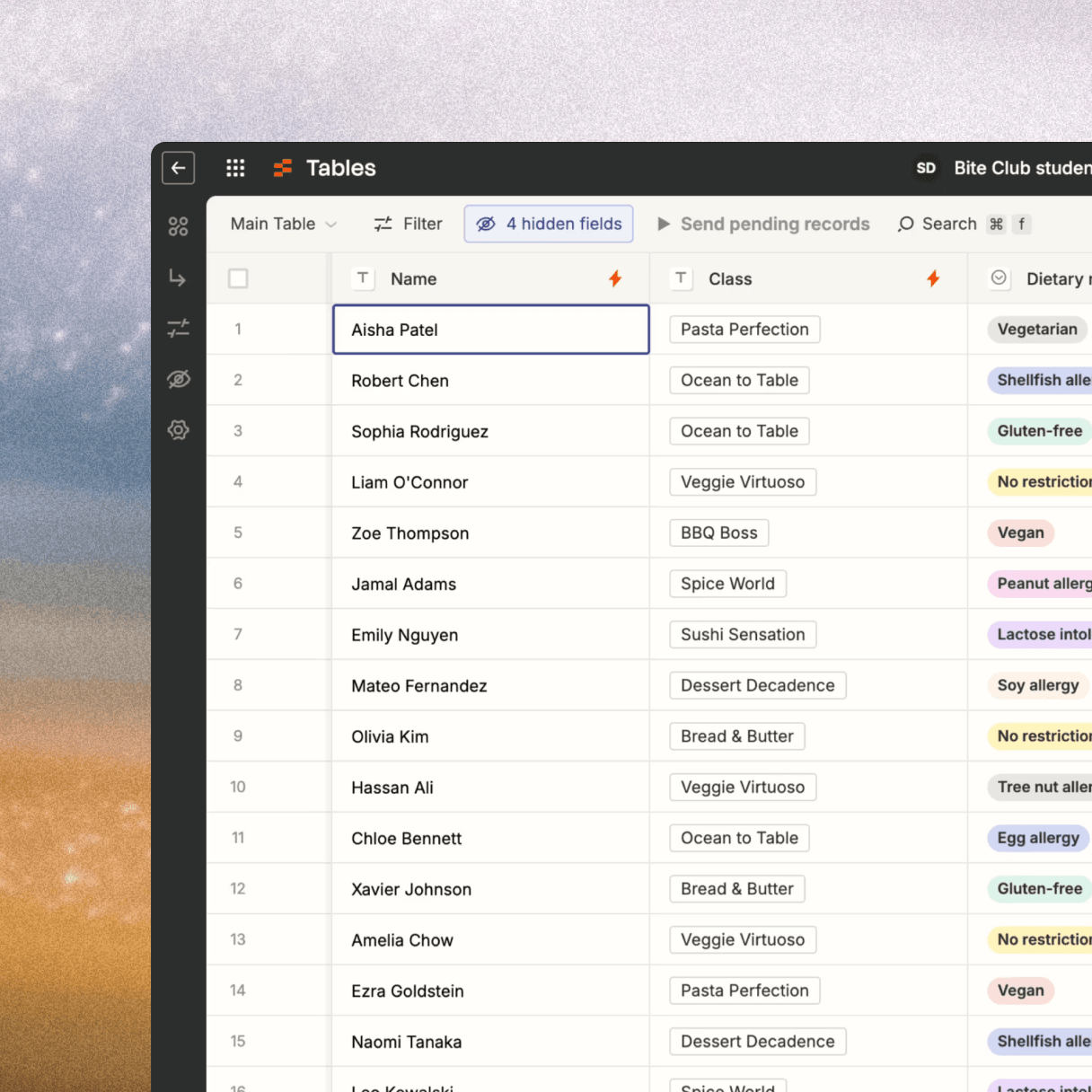
Zapier Tables is a database designed for automation first. Your records connect to 9,000+ apps and aren't limited by an API meter.
Free tasks, every plan
Automation is included on all Zapier plans (including the free plan), and any actions to and from Zapier Tables in your workflows don't consume tasks.
9,000+ apps
Each table connects to your automated workflows, so you can trigger workflows from new records or a button click—and write data back to your table from the rest of your tech stack.
Add AI, only when you need it
Deterministic steps in Zapier workflows run the same way every time, and you can add AI steps and agents wherever you need them. Your tools, your rules, any AI model.
Compare Airtable and Zapier Tables
| What matters | Airtable | Zapier Tables |
|---|---|---|
Pricing | Metered runs by plan | Tables tasks are free |
Rate limits | 5 requests/sec per base. Monthly API caps: 1,000 calls on Free, 100,000 on Team | 450 requests/min for every Zap on a table. No meter. |
App support | Limited integrations available | 9,000+ apps on Zapier |
Moving your data | Manual CSV exports | Built-in Airtable importer with field selection |
FAQs
Do I need a paid Zapier plan?
No. Tables is included with every Zapier plan, including our free plan. Make as many tables as you need, no matter what plan you're on. Tables are limited to 100 fields, and there are plan-level limits on records and custom views.
Is my Airtable base changed by the import?
No. The importer only reads from Airtable. Your base stays exactly as it was, so you can run both side by side while you transition.
How long does the import take?
Depending on the size of the table, seconds to minutes. Larger imports continue loading in the background while you start building in your new table.
How does it work?
Sign up for a Zapier account (or log in if you're already a Zapier user), then use our importer to get started. You'll need to connect your Airtable account, pick a base and table, choose the fields you want to move over, and then import.
What about lookups and comments?
Some Airtable features don't have a Tables equivalent yet. Your data will move over, but a few behaviors may require you to create a Zap or a slightly different setup.