Zapier vs. Airtable
Published: 9/16/2026 | By Ryan Kane
Airtable is great for turning spreadsheet-style data into a flexible database, complete with linked records, views, and internal apps that non-technical teams can build themselves. But Airtable's automations only reach as far as its limited integrations. Zapier is an AI orchestration platform built to pick up exactly where Airtable's automations stop: connecting Airtable—and every other app your business runs—into automated workflows and AI agents that scale across your whole organization.
Here's what you'll get with Zapier:
Connect 40x more apps: 9,000+ integrations, governed by Zapier, compared with Airtable's roughly 200 native and third-party connections—so your data can reach any tool your business runs, not just what's on Airtable's list.
Build an automation-first database: Zapier Tables gives you your own flexible database, plus unlimited automations with conditional paths, branching logic, and multi-app workflows built right on top of it. Airtable caps how many automations you get per base and keeps most of them working inside Airtable itself.
Pay for completed work, not logged-in seats: Zapier's task-based pricing scales with what actually gets automated. Airtable charges per editor seat, so costs climb with headcount regardless of how much automation any one person uses.
Comparison
Compare Zapier and Airtable pricing, integrations, and more
Reviews
See why customers choose Zapier
Features
Review Zapier and Airtable features in depth
FAQ
Get answers to your questions
Zapier vs. Airtable comparison
| Zapier | Airtable | |
|---|---|---|
| Overview | Zapier is an AI orchestration platform—including a flexible database tool—that gives every team governed access to build workflows and agents across 9,000+ apps | Airtable is a relational database and app-building platform that lets non-technical teams turn spreadsheet-style data into visual apps, portals, and internal workflows |
| Implementation | Most first-time users publish a working automation in 15-20 minutes; import data from anywhere (including Airtable) | Build a base from scratch in minutes; native automations are built visually inside each base |
| Integrations | 9,000+ apps, governed by Zapier; connections are automatically maintained | ~30 native integrations and ~160 third-party extensions; anything else requires custom API work |
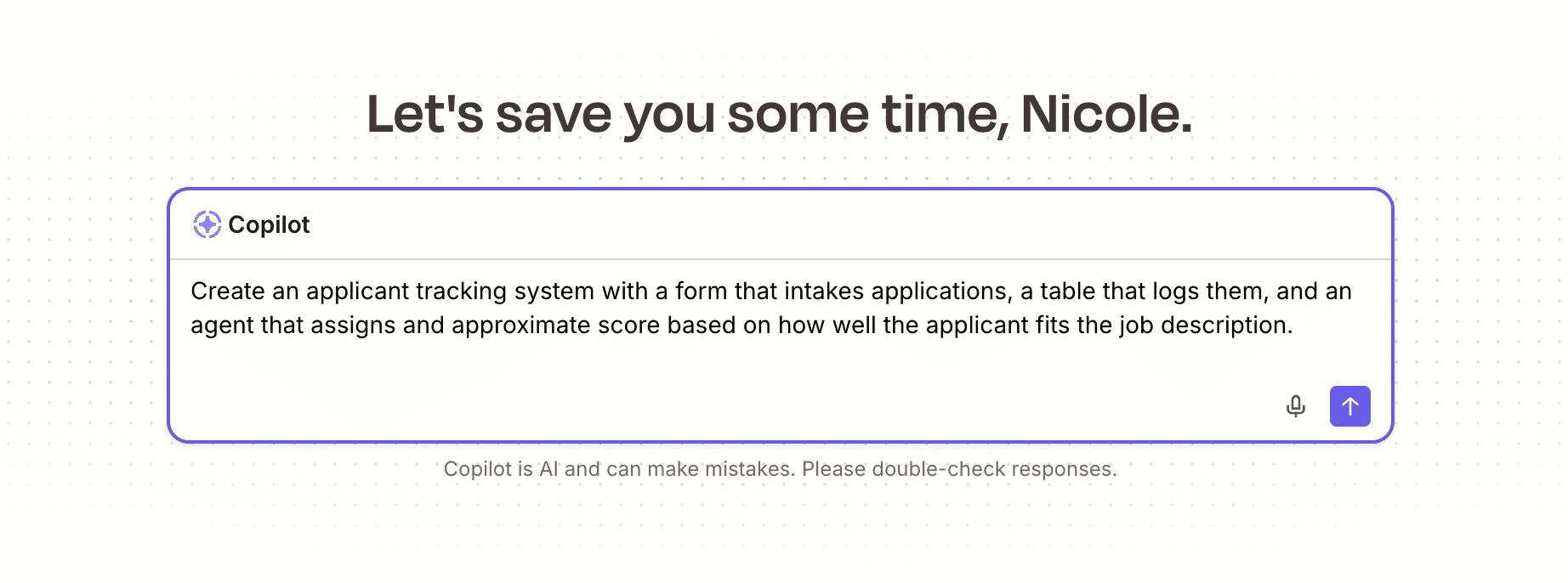
| Ease of use | Thousands of templates; AI copilot builds automations and multi-app workflows from a prompt | ~200 templates; Omni AI assistant builds apps and interfaces but doesn't reliably create automations |
| AI capabilities | AI by Zapier plugs into any workflow across any app, with human-in-the-loop controls like Slack approvals before an agent acts; MCP lets you take action from your AI tools | AI-powered field agents work well for in-base tasks (updating records, sending emails); AI layer doesn't extend past Airtable's own automation limits |
| Security & governance | SOC 2 Type II, SOC 3, GDPR, and CCPA certified, plus SAML SSO, audit logs, and role-based access control starting on the Team plan, with SCIM provisioning and app- and action-level restrictions added at Enterprise | SOC 2 Type II, ISO 27001, GDPR, CCPA, SAML SSO, SCIM, granular field/table permissions, 180-day audit logs, data residency, IP allowlisting, HIPAA (Enterprise Scale) |
| Pricing | Task-based; free plan available, $19.99/month for solo users, $69/month for teams of up to 25; custom enterprise pricing | Per-seat; free plan for up to 5 editors, $20/user/month Team plan, $45/user/month Business plan; custom enterprise pricing |
| Reliability & performance | 15 years as an automation-first platform; task history, error handling, and auto-retry by default on every plan | Reliable for internal workflows; automations depending on an external service can fail without retrying |
What customers say about Zapier

"There's absolutely no excuse as to why you can't build something today."
—Chris Morrison, Business Analyst and AI Lead, Erewhon
Customer testimonial
"The AI is very slick and much better than Make or Airtable today. Integrations [are] simple, especially when using the AI, as it will prompt you for everything needed. UI/UX is nice as well."
—Jason Miller, PWI
Customer testimonial
"We don't have thousands of dollars to build a custom app, so the fact that we could build this in five hours with Zapier is huge for us."
—Mike Freeman, Marketing Automation Consultant, One More Day
Customer testimonial
"With engineering, it's always 'what sprint will this be a part of?' With Zapier, I can just block off an hour and figure it out myself."
—Megan Tsang, Marketing Operations Manager, Superhuman
Customer testimonial
Trusted by 3.4 million companies



















AI automation starts and scales with Zapier
Build reliable, consistent workflows across tools, people, and processes. Access 9,000+ apps securely from any surface, and add AI to the mix only when you need it.
Compare features: Zapier vs. Airtable
As powerful as Airtable is for data, it's not the best solution for cross-platform automation. Even enterprises that use Airtable for data storage often turn to Zapier's 9,000+ integrations and powerful AI orchestration tools to put that data to work across their tech stack. Zapier also offers a built-in database solution, Zapier Tables, so you can store, analyze, and act on your data all from one place. I've been using Zapier and Airtable for years, both separately and apart. Based on my experiences in both apps, here's how they actually stack up.
Implementation
Zapier and Airtable are both extremely user-friendly and make it easy to get to a working product in minutes.
Airtable is an enterprise-grade database platform that can handle up to 500,000 records per base (or as many as 100 million records using synced datasets with Airtable HyperDB). Even at scale, it's incredibly flexible. It has excellent templates, and you can access grid views for spreadsheet-style editing, calendar views for scheduling, Kanban boards for project management, gallery views for visual content, and Gantt chart and timeline views for project planning. Using Airtable's relational database features, you can link records between tables, create lookups that pull data across relationships, and use rollups to aggregate information.
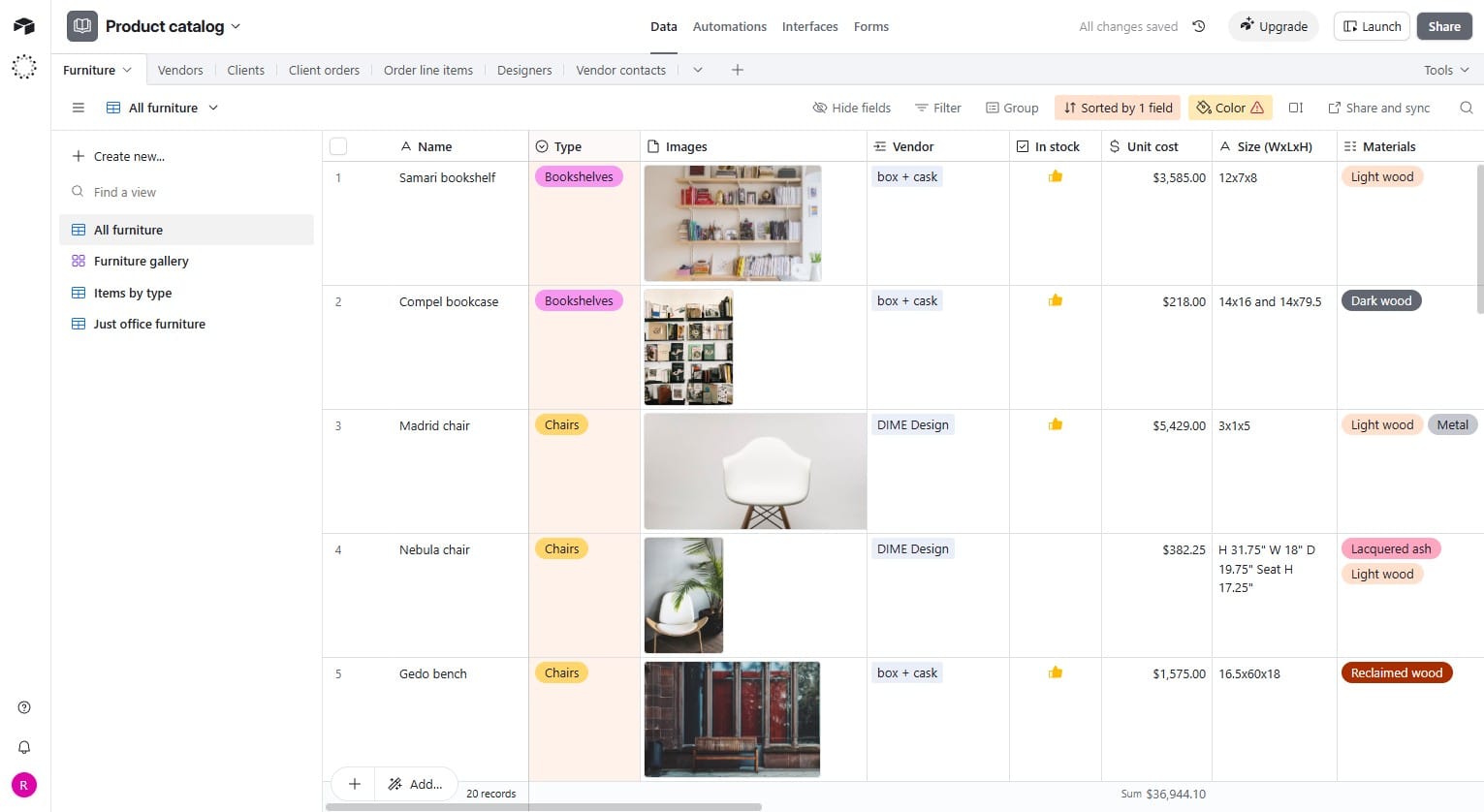
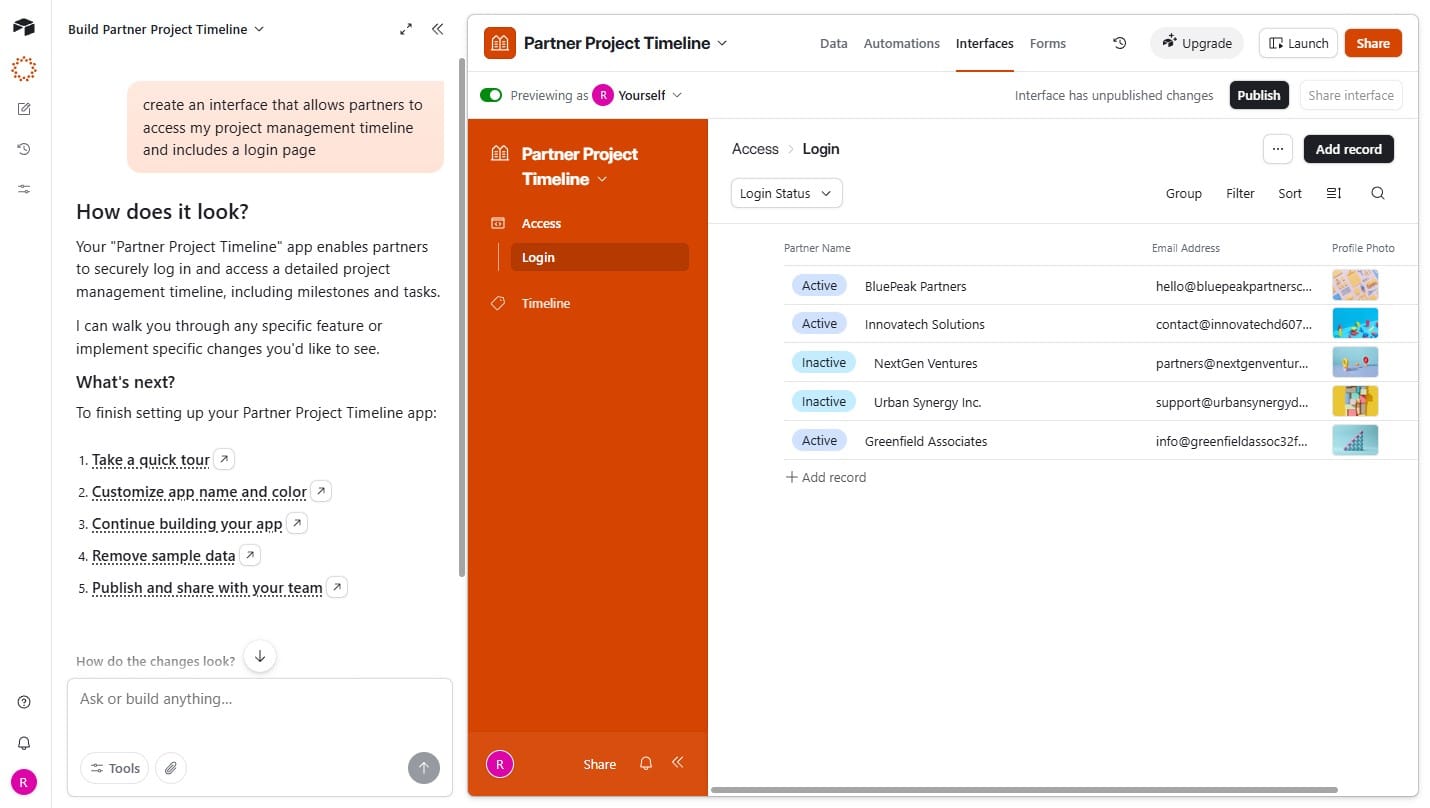
Airtable also lets you turn your data into apps that can be used by colleagues and customers.
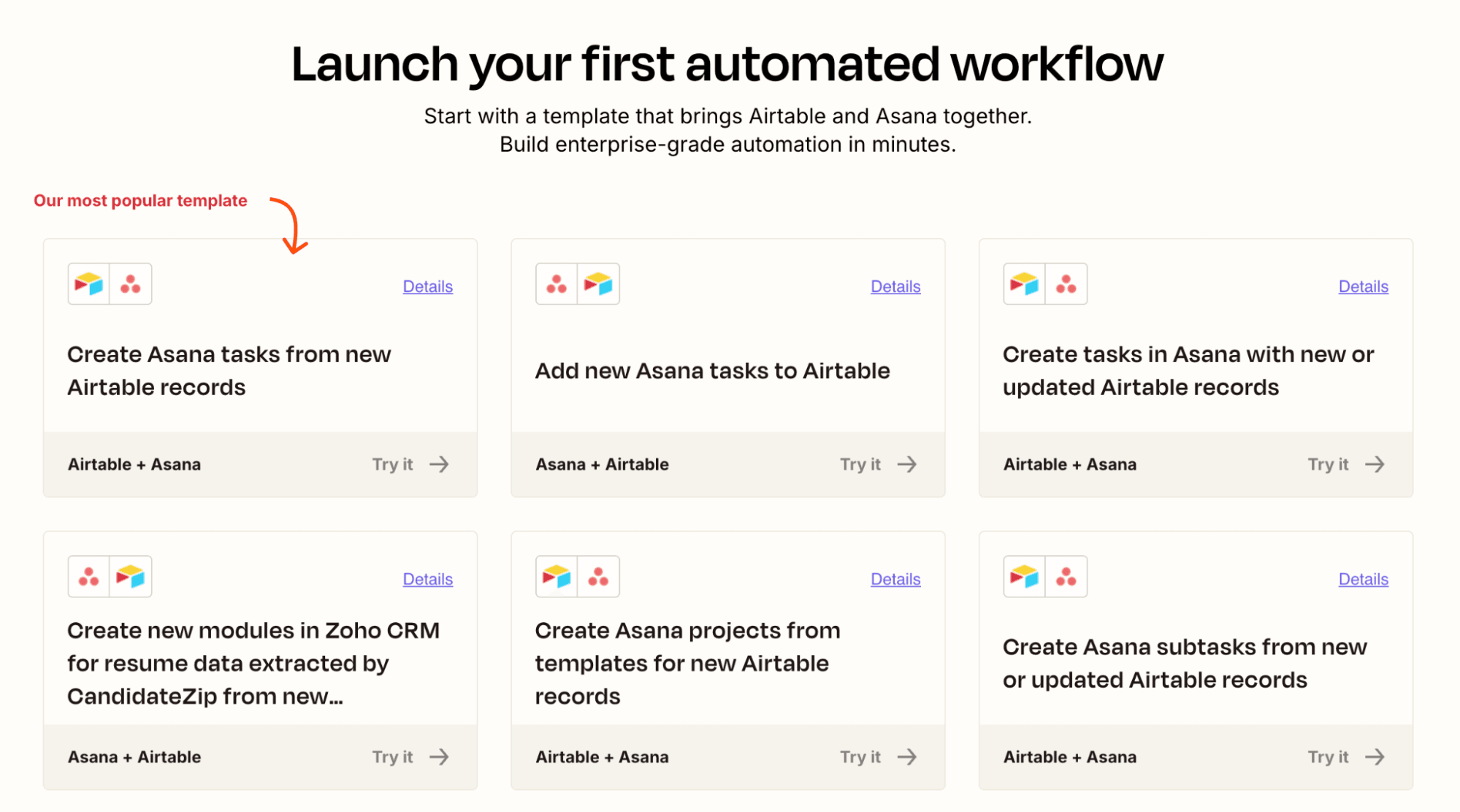
You can create automations with Airtable, but they come with limitations. You only get a small number of automations per base, and you're limited to automating within Airtable or using one of ~30 native integrations unless you're willing to develop custom integrations. Airtable automations—especially with the new AI-powered field agents—work well if you're updating records, sending emails, or posting Slack messages, but it's not built for complex multi-app workflows.
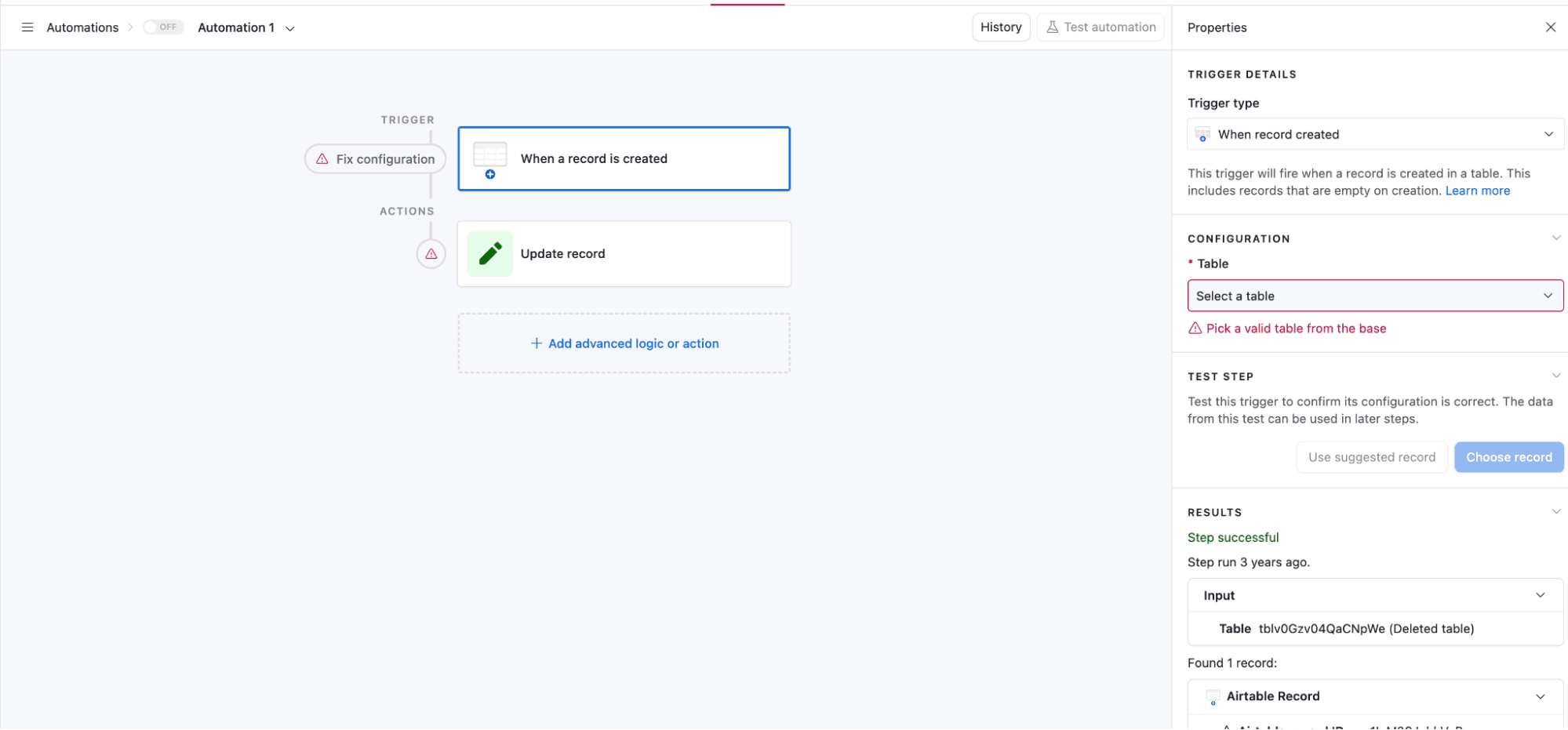
As a result, many enterprises turn to Zapier to connect Airtable to a wider range of apps. Zapier's 9,000+ integrations make it possible to trigger workflows from virtually any app to any other. Zapier also empowers you to build complex automations with conditional logic, filters, data transformations, delays, loops, and branching paths.
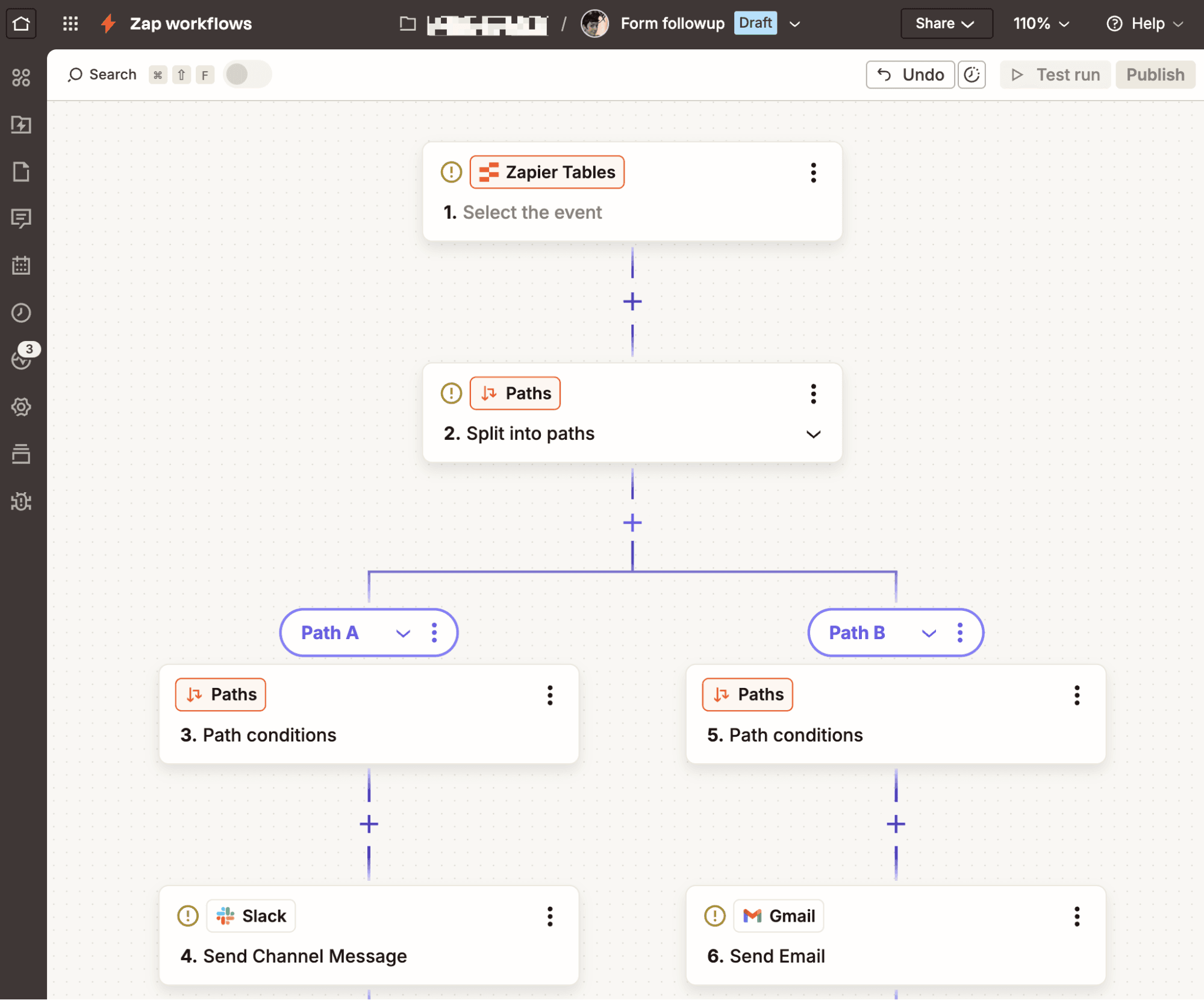
If your primary use case is automation, but Airtable's database features appeal to you, Zapier Tables is an automation-first replacement for many of Airtable's core features. It's perfect for organizing data to use within Zapier automations.
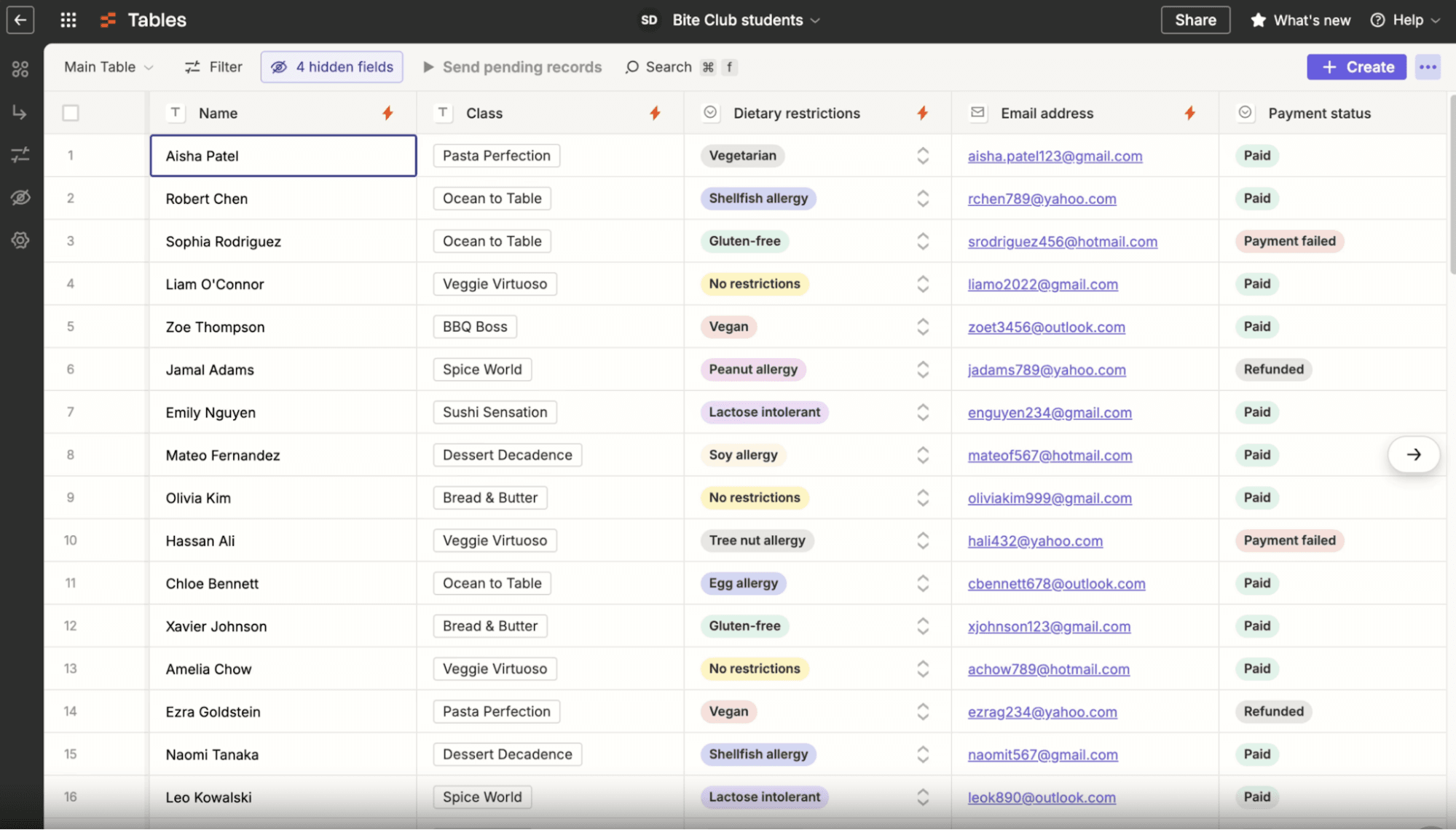
For teams with complex database needs, the best option is to build the base in Airtable, then connect it to Zapier so that data can trigger, and be triggered by, everything else the business runs on. But if your data is straightforward, and it's just one part of a larger workflow, Zapier can handle it all in one place.
FAQ: Zapier vs. Airtable
Do Zapier and Airtable compete or work together?
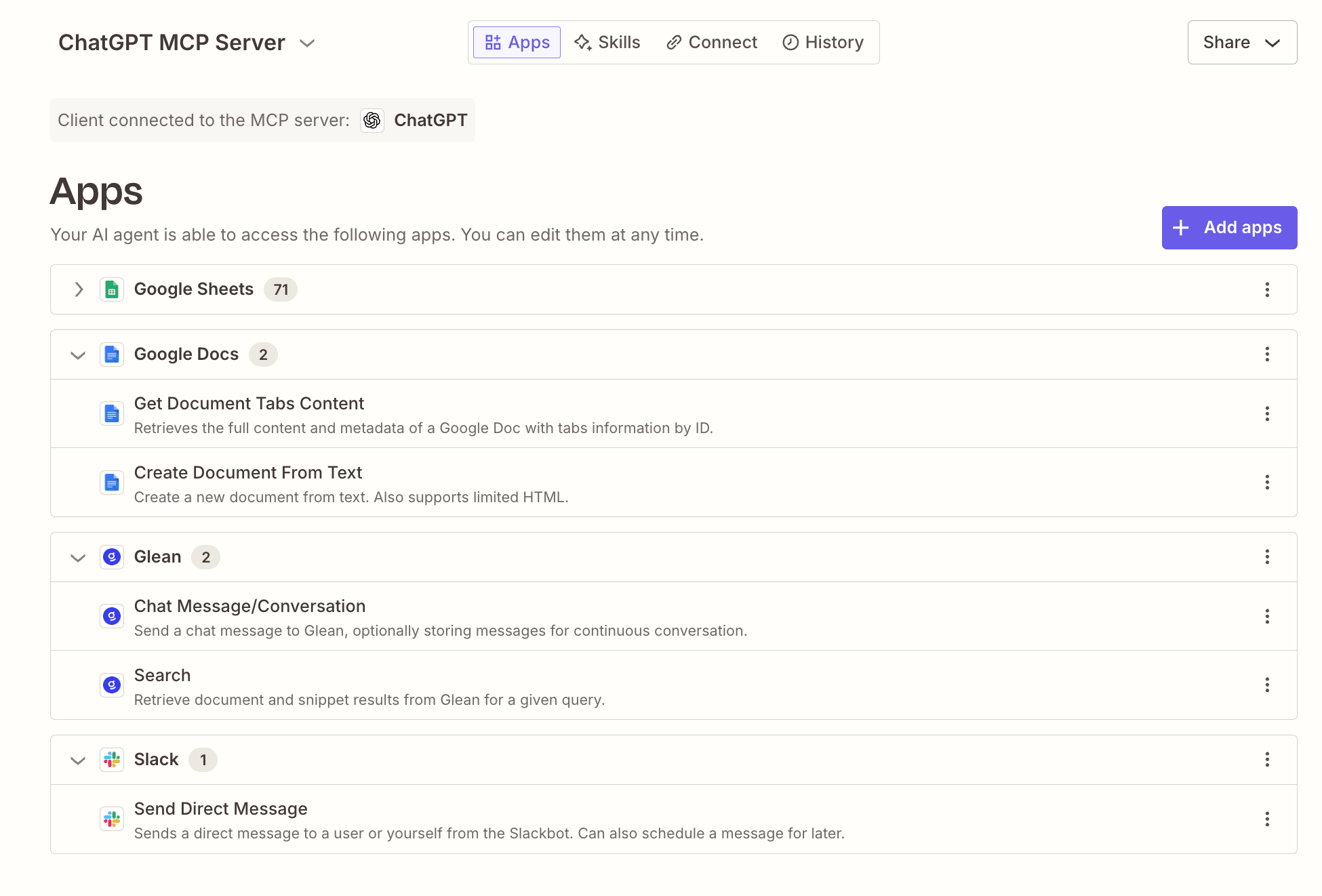
Both, honestly. Airtable's automations work well for keeping data updated inside a single base, and Zapier extends that same data into automated workflows and AI agents across every other app your business runs. Zapier even has a native integration with Airtable, so most teams don't have to choose: they can use Airtable to structure their data and Zapier to put it to work everywhere else. But Zapier does have an automation-first database tool, Zapier Tables, so if your database needs aren't overly complex, you can handle it all on Zapier.
How do Zapier and Airtable automations differ?
Airtable's automations run inside a base, triggered by record changes, and are limited to Airtable's automations-per-base cap and roughly 200 connected apps. Zapier's automations run across your entire tech stack, connecting 9,000+ apps with conditional logic, branching paths, and multi-app workflows that aren't tied to any single database. If your automation needs to touch more than Airtable itself, Zapier is built for that; if it just needs to update records inside one base, Airtable can usually handle it alone.
Whose templates are better for getting started?
It depends on what you're building. Airtable's roughly 200 templates are strong for quickly building databases and internal apps, from CRMs to facility trackers. Zapier's thousands of templates cover automations connecting any combination of its 9,000+ apps, so they're the better starting point once you need a workflow that reaches outside Airtable itself.
What does each cost?
Airtable charges per user: $20/month/user for the Team plan, $45/month/user for Business, plus a custom Enterprise Scale tier. Zapier charges per completed task instead of per seat. It's free for 100 tasks, $19.99/month for 750 tasks, and $69/month for teams of up to 25 and 2,000 tasks, with custom Enterprise pricing. Which is cheaper depends on your team size and how much you're actually automating, not just headcount.
When is Airtable enough on its own?
If your whole workflow lives inside a database—tracking projects, managing a small team's data, and running a handful of internal automations—Airtable's native automations can cover you without adding another platform. Once you need to connect apps outside Airtable's small library of integrations, run complex multi-step logic, or automate anything beyond a single base, that's when most teams bring in Zapier.
AI automation starts and scales with Zapier
Build reliable, consistent workflows across tools, people, and processes. Access 9,000+ apps securely from any surface, and add AI to the mix only when you need it.
About the author: Ryan Kane is a writer and marketer based in Mérida, Mexico. He writes about SaaS, AI, and marketing while building fun Internet side projects. Learn more: ryankane.co.