Top companies trust Zapier to automate work that solves their unique business problems—no coding required.
How Zapier works
Zapier makes it easy to integrate Autotask with Mailchimp - no code necessary. See how you can get setup in minutes.
100%
Help
Autotask
Autotask
1. Choose trigger event
Mailchimp
Mailchimp
2. Choose action
1. Select the event
Setup
Test
Autotask
Choose a trigger event
Choose a trigger
A trigger is the event that starts your Zap—like a "New Company" from Autotask.
Add your action
An action happens after the trigger—such as "Archive Subscriber" in Mailchimp.
You’re connected!
Zapier seamlessly connects Autotask and Mailchimp, automating your workflow.
Supported triggers and actions
Zapier helps you create workflows that connect your apps to automate repetitive tasks. A trigger is an event that starts a workflow, and an action is an event a Zap performs.
Create a new record or update an existing record in your app.
Campaign
Required
Action
This is an event a Zap performs.
Write
Create a new record or update an existing record in your app.
Audience
Required
Tag name
Required
Action
This is an event a Zap performs.
Write
Create a new record or update an existing record in your app.
Name
Required
Company
Required
Address1
Required
Address2
City
Required
State
Required
Zip
Required
Country
Required
Phone
Permission_reminder
Required
Email_type_option
Required
From_name
Required
From_email
Required
Subject
Required
Language
Required
Notify_on_subscribe
Notify_on_unsubscribe
Double_optin
Marketing_permissions
Use_archive_bar
Action
This is an event a Zap performs.
Write
Create a new record or update an existing record in your app.
Audience
Required
Email Address
Required
Deletion_info
Action
This is an event a Zap performs.
Write
Create a new record or update an existing record in your app.
Audience
Required
Tag
Required
Email Address
Required
Action
This is an event a Zap performs.
Write
Create a new record or update an existing record in your app.
SMS Campaign
Required
Action
This is an event a Zap performs.
Write
Create a new record or update an existing record in your app.
Audience
Required
Tag
Required
Email Address
Required
Action
This is an event a Zap performs.
Write
Create a new record or update an existing record in your app.
Stop on error
Required
HTTP Method
Required
URL
Required
Query string parameters
Additional request headers
Body
Action
This is an event a Zap performs.
Write
Create a new record or update an existing record in your app.
Store
Required
Email Address
Required
Action
This is an event a Zap performs.
Search
Find existing data in your app
Search
Required
Audience
Action
This is an event a Zap performs.
Search
Find existing data in your app
Audience
Required
Tag name
Required
Action
This is an event a Zap performs.
Search or write
Find existing data in your app, or create a new record if no data is found
For AI agents & developers
Use Autotask and Mailchimp with AI agents and code
Beyond Zap workflows. Call Autotask and Mailchimp actions directly from your AI client or your codebase, using the same 9,000+ app integrations Zapier already runs.
No code
Connect via Zapier MCP
Expose Autotask and Mailchimp actions as tools in any MCP client. Authenticate once, then call them in natural language.
Example actions on this page
Create Company
Archive Subscriber
Works with
Claude · ChatGPT · Cursor · any MCP-compatible client
There is no Python package yet. SDK is TypeScript-only (@zapier/zapier-sdk). The MCP server URL is personal to your account; get it at zapier.com/mcp.
Zapier is the automation platform of choice for 87% of Forbes Cloud 100 companies in 2023
93%
Customers who say using Zapier has made them better at their job
25m
Customers have created over 25 million Zaps on the platform
6 mins
The average user takes less than 6 minutes to set up a Zap
Practical ways you can use Autotask and Mailchimp
Automatically add new customers to an email list.
When a new customer is created in Autotask, Zapier will automatically add their information as a subscriber to a Mailchimp audience. This ensures new customers receive welcome emails or promotional offers without the need for manual entry, driving engagement and encouraging repeat business.
When a new ticket is created in Autotask, Zapier can automatically send a notification email or Slack message to the IT team. This keeps them informed in real-time and ensures no ticket goes unattended, improving response times and team efficiency.
When a new project is created in Autotask, Zapier will notify a Mailchimp audience by sending an email campaign. This automation keeps stakeholders updated and minimizes the risk of overlooked communication, helping improve collaboration.
Learn how to automate Mailchimp on the Zapier blog
Make work flow with AI
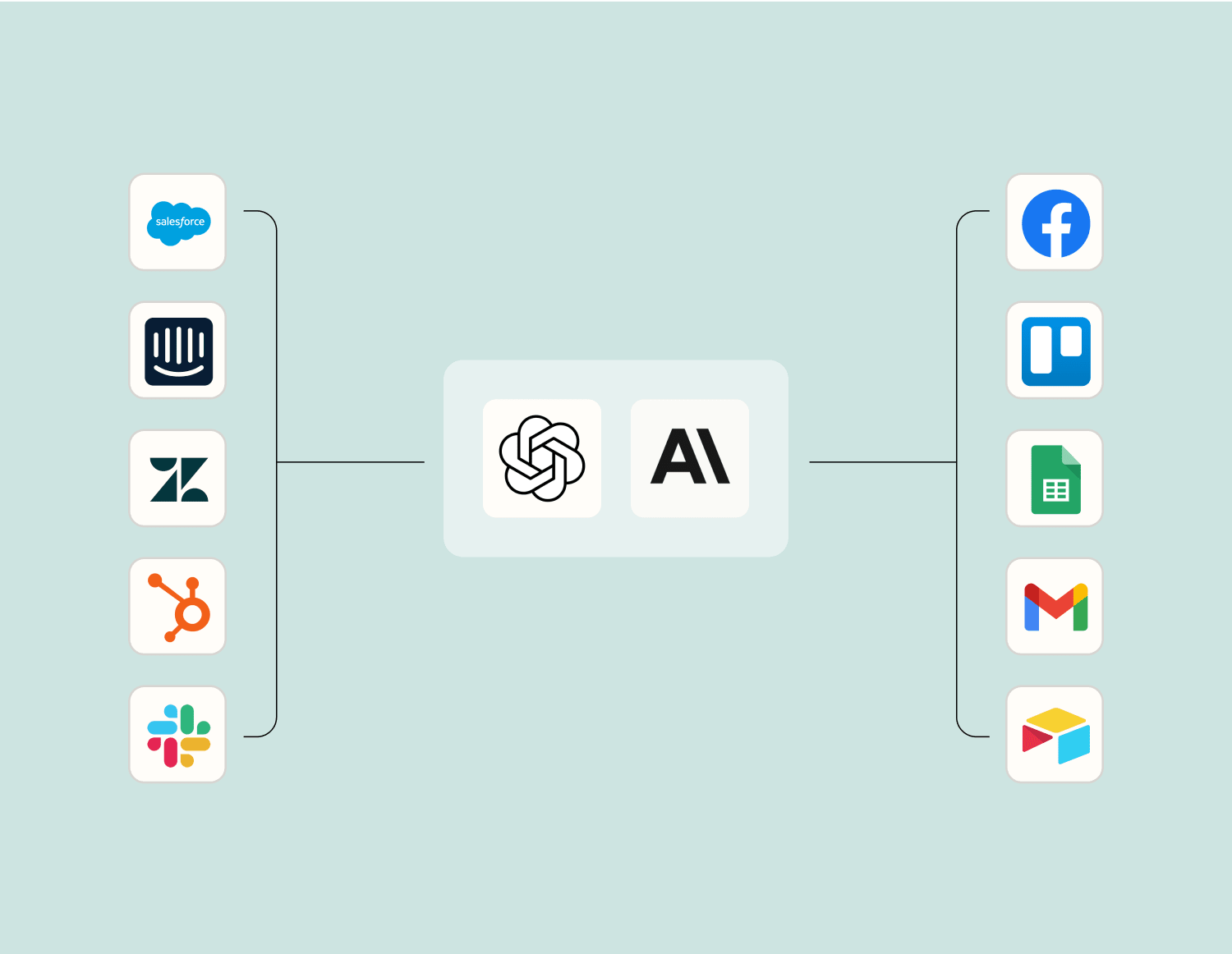
Level up your Autotask to Mailchimp integration with AI. Extract, summarize, and transform your integration data with leading AI models like OpenAI, Anthropic, and more.