Top companies trust Zapier to automate work that solves their unique business problems—no coding required.
How Zapier works
Zapier makes it easy to integrate Slack with OpsGenie - no code necessary. See how you can get setup in minutes.
100%
Help
Slack
Slack
1. Choose trigger event
OpsGenie
OpsGenie
2. Choose action
1. Select the event
Setup
Test
Slack
Choose a trigger event
Choose a trigger
A trigger is the event that starts your Zap—like a "New Public Message Posted Anywhere" from Slack.
Add your action
An action happens after the trigger—such as "Create Alert" in OpsGenie.
You’re connected!
Zapier seamlessly connects Slack and OpsGenie, automating your workflow.
Supported triggers and actions
Zapier helps you create workflows that connect your apps to automate repetitive tasks. A trigger is an event that starts a workflow, and an action is an event a Zap performs.
Create a new record or update an existing record in your app.
Conversation ID
Required
Scheduled As
Required
Scheduled Message ID
Required
Action
This is an event a Zap performs.
Write
Create a new record or update an existing record in your app.
Channel
Required
Add Zapier app to channel automatically?
Message Text
Required
Send as a bot?
Bot Name
Bot Icon
Include a link to this automation?
Attach Image by URL
Auto-Expand Links?
Link Usernames and Channel Names?
Schedule At
File
Thread
Send Channel Message?
Zap_id
Action
This is an event a Zap performs.
Write
Create a new record or update an existing record in your app.
Allowed_delete_copy
Conversation ID
Required
Message TS (ID)
Required
Posted By
Action
This is an event a Zap performs.
Write
Create a new record or update an existing record in your app.
Canvas ID
Required
Operation
Required
Action
This is an event a Zap performs.
Write
Create a new record or update an existing record in your app.
Channel Name
Required
Action
This is an event a Zap performs.
Write
Create a new record or update an existing record in your app.
Channel
Required
Message
Required
Reaction
Required
Action
This is an event a Zap performs.
Write
Create a new record or update an existing record in your app.
Channel
Required
Topic
Required
Topic set by
Action
This is an event a Zap performs.
Write
Create a new record or update an existing record in your app.
Status Text
Status Emoji
Expiration Time
Action
This is an event a Zap performs.
Write
Create a new record or update an existing record in your app.
Remove User from Channel
This action removes a specified user from a specified channel in Slack.
Action
This is an event a Zap performs.
Write
Create a new record or update an existing record in your app.
Edit Message
This action updates a specific message sent by the same Authenticated user on Slack. You need to provide the Channel ID, the Timestamp of the message to be edited, and the new text for the message.
Action
This is an event a Zap performs.
Write
Create a new record or update an existing record in your app.
Find Public Channel
This action will find a public channel in Slack using either the channel's ID or name.
Action
This is an event a Zap performs.
Write
Create a new record or update an existing record in your app.
Delete Message
This action deletes an existing message in a specific channel on Slack. You need to provide the channel ID and the message timestamp as inputs.
Action
This is an event a Zap performs.
Write
Create a new record or update an existing record in your app.
Create a new record or update an existing record in your app.
Conversation ID
Required
Action
This is an event a Zap performs.
Write
Create a new record or update an existing record in your app.
Channel
Required
Users
Required
Action
This is an event a Zap performs.
Write
Create a new record or update an existing record in your app.
Title
Content
Channel ID
Action
This is an event a Zap performs.
Write
Create a new record or update an existing record in your app.
Send Multi Message
Message Text
Required
Send as a bot?
Include a link to this automation?
Attach Image by URL
Auto-Expand Links?
Link Usernames and Channel Names?
Schedule At
Zap_id
Action
This is an event a Zap performs.
Write
Create a new record or update an existing record in your app.
Allowed_edit_copy
Conversation ID
Required
Message TS (ID)
Required
Posted By
Content Type
Reply Broadcast
Action
This is an event a Zap performs.
Write
Create a new record or update an existing record in your app.
Channel
Required
Add Zapier app to channel automatically?
Message Text
Required
Send as a bot?
Bot Name
Bot Icon
Include a link to this automation?
Attach Image by URL
Auto-Expand Links?
Link Usernames and Channel Names?
Schedule At
Zap_id
File
Thread
Send Channel Message?
Action
This is an event a Zap performs.
Write
Create a new record or update an existing record in your app.
Status_copy
Approval request message
Required
Send message as
Required
Approval type
Required
Zap_id
Include a link to this automation?
Approve button URL
Approve button label
Add decline button
Add details button
Require confirmation
Action
This is an event a Zap performs.
Write
Create a new record or update an existing record in your app.
First Name
Last Name
Title
Email
Display Name
User
Action
This is an event a Zap performs.
Write
Create a new record or update an existing record in your app.
Stop on error
Required
HTTP Method
Required
URL
Required
Query string parameters
Additional request headers
Body
Action
This is an event a Zap performs.
Write
Create a new record or update an existing record in your app.
Get Message by Timestamp
This action retrieves a specific message from a conversation history in Slack using the message's timestamp.
Action
This is an event a Zap performs.
Write
Create a new record or update an existing record in your app.
Retrieve Thread Messages
This action retrieves all the messages sent to a specific thread in a selected channel.
Action
This is an event a Zap performs.
Write
Create a new record or update an existing record in your app.
Create Private Channel
This action creates a private channel in Slack.
Action
This is an event a Zap performs.
Write
Create a new record or update an existing record in your app.
Conversation ID
Required
Action
This is an event a Zap performs.
Search
Find existing data in your app
Conversation ID
Required
Message ID (ts)
Required
Action
This is an event a Zap performs.
Search
Find existing data in your app
Conversation ID
Required
Message TS (ID)
Required
Action
This is an event a Zap performs.
Search
Find existing data in your app
Email
Required
Return Raw Results?
Action
This is an event a Zap performs.
Search
Find existing data in your app
Guidance_copy
Full Name
Required
Return Raw Results?
Action
This is an event a Zap performs.
Search
Find existing data in your app
Message
Required
Priority
Tags
Teams
Actions
Source
Entity
Alias
Description
Note
User
Action
This is an event a Zap performs.
Write
Create a new record or update an existing record in your app.
For AI agents & developers
Use Slack and OpsGenie with AI agents and code
Beyond Zap workflows. Call Slack and OpsGenie actions directly from your AI client or your codebase, using the same 9,000+ app integrations Zapier already runs.
No code
Connect via Zapier MCP
Expose Slack and OpsGenie actions as tools in any MCP client. Authenticate once, then call them in natural language.
Example actions on this page
Add Reaction
Create Alert
Works with
Claude · ChatGPT · Cursor · any MCP-compatible client
There is no Python package yet. SDK is TypeScript-only (@zapier/zapier-sdk). The MCP server URL is personal to your account; get it at zapier.com/mcp.
Zapier is the automation platform of choice for 87% of Forbes Cloud 100 companies in 2023
93%
Customers who say using Zapier has made them better at their job
25m
Customers have created over 25 million Zaps on the platform
6 mins
The average user takes less than 6 minutes to set up a Zap
Practical ways you can use Slack and OpsGenie
Notify Support Team in Slack about OpsGenie Alerts
Ensure the customer support team is quickly updated on IT incidents by creating a Slack alert whenever there's a new OpsGenie notification. This keeps the team informed and ready for any customer impact.
Alert Engineers in Slack for new OpsGenie incidents
When a new incident is logged in OpsGenie, Zapier can notify the engineering team in a specific Slack channel. This helps engineers stay on top of critical issues, reducing response delays and improving system reliability.
Automatically send critical incident alerts from OpsGenie to a designated Slack channel. With this integration, IT teams can streamline their workflow, ensuring they see high-priority notifications as soon as they're logged.
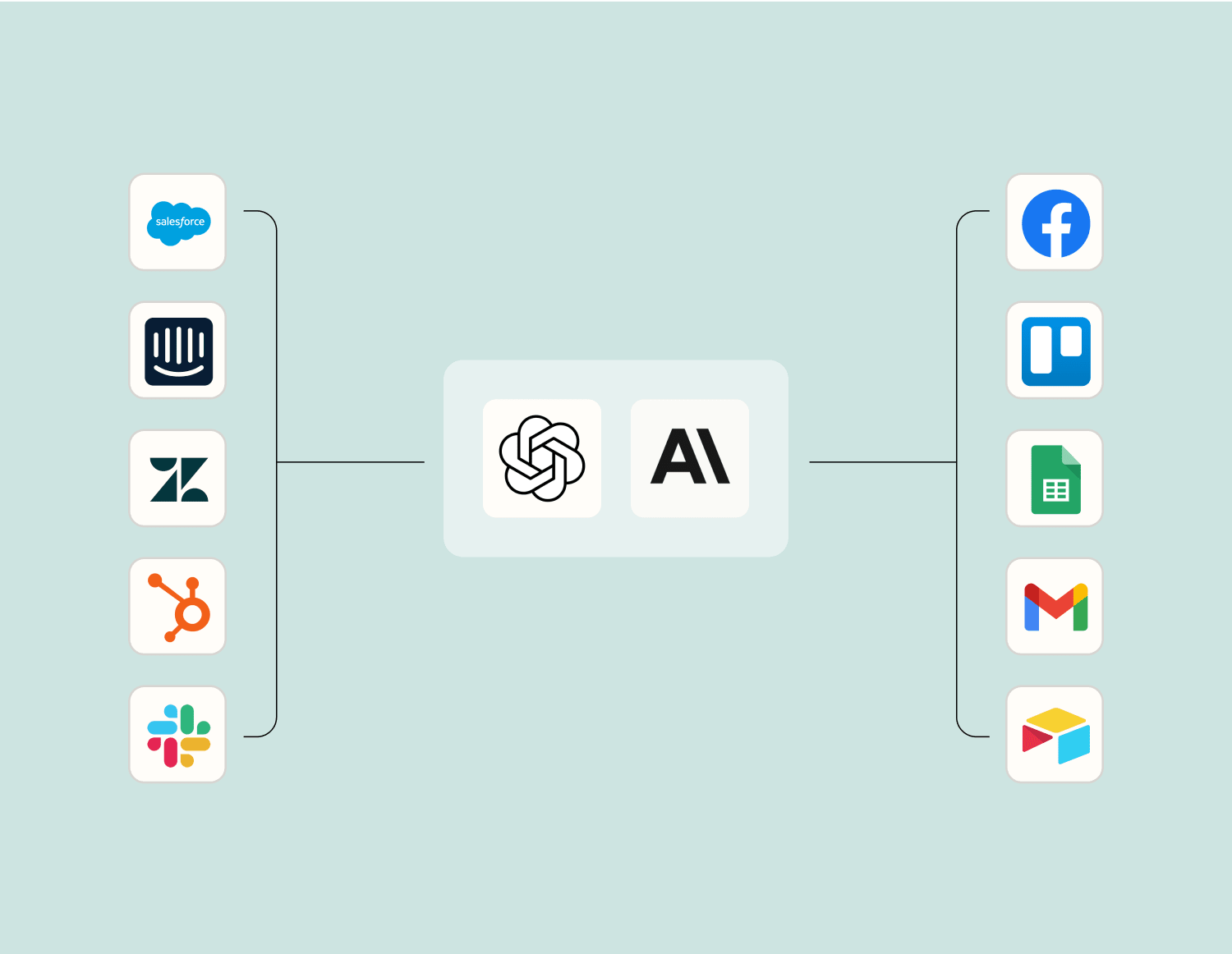
Level up your Slack to OpsGenie integration with AI. Extract, summarize, and transform your integration data with leading AI models like OpenAI, Anthropic, and more.
Frequently Asked Questions about Slack + OpsGenie integrations
New to automation with Zapier? You're not alone. Here are some answers to common questions about how Zapier works with Slack and OpsGenie
Can I create an alert in OpsGenie from a Slack message?
Yes, you can create alerts in OpsGenie using Slack messages. By setting triggers based on specific keywords or phrases in a Slack channel, we can configure actions to automatically create alerts in OpsGenie. This seamless connection ensures prompt incident management.
How do I set up a trigger for a new OpsGenie alert to appear in Slack?
To set up a trigger for new OpsGenie alerts in Slack, integrate the two platforms and configure the integration settings. When an alert is created or updated in OpsGenie, the system can automatically send a notification to your designated Slack channel, keeping your team informed instantly.
Is it possible to update an existing alert in OpsGenie via Slack?
While direct updates of alerts aren't supported through Slack by default, custom workflows can be developed by leveraging our API configuration capabilities. This would allow you to change the status or details of an alert directly from a Slack command.
Can I resolve an OpsGenie alert through a Slack command?
Yes, you can resolve alerts directly from Slack using specific commands integrated with our system. These commands are predefined during the integration setup between Slack and OpsGenie and help streamline incident resolution workflows.
What permissions do I need for integrating Slack with OpsGenie?
Integration requires admin permissions on both platforms for setup. You need access rights to manage configurations and automation rules that govern how information is shared and what actions are available between OpsGenie and Slack.
Is there support for bi-directional communication between these tools?
Bi-directional communication is supported, which means changes made in one platform can reflect on the other. For instance, resolving an issue in OpsGenie could automatically update related discussions or tags within your selected channels on Slack.
How do I troubleshoot failed notifications from OpsGenie to Slack?
If notifications fail to reach Slack from OpsGenie, check that both integrations are correctly configured and authenticated. Ensure that network permissions allow communication between our services and verify that triggers are correctly set up without conflicting conditions.
About Slack
Slack is a platform for team communication: everything in one place, instantly searchable, available wherever you go. Offering instant messaging, document sharing and knowledge search for modern teams.
OpsGenie extends IT Operations Management to mobile devices. OpsGenie gets alerts from IT management systems and notify the users via iPhone/Android push notifications, email, text messages and voice to text phone calls. OpsGenie automates the notification process, empowering users to receive alert notifications and rapidly respond to them directly from OpsGenie apps.