Connect Google Calendar and Google Vertex AI to power AI-driven automation
- No-code AI automation
- Full audit trails and controls
- SOC 2 and GDPR compliant
- Easy visual workflow builder
- 9,000+ apps, 450+ AI tools
- Free tier available
Launch your first automated workflow
Start with a template that brings Google Calendar and Google Vertex AI together. Build enterprise-grade automation in minutes.
Our most popular template


How Zapier works
Zapier makes it easy to integrate Google Calendar with Google Vertex AI - no code necessary. See how you can get setup in minutes.

Choose a trigger
A trigger is the event that starts your Zap—like a "New Calendar" from Google Calendar.
Add your action
An action happens after the trigger—such as "Analyze Document" in Google Vertex AI.
You’re connected!
Zapier seamlessly connects Google Calendar and Google Vertex AI, automating your workflow.
Supported triggers and actions
Zapier helps you create workflows that connect your apps to automate repetitive tasks. A trigger is an event that starts a workflow, and an action is an event a Zap performs.
- New Calendar
Triggers when a calendar is created.
Try ItTriggerPolling - CalendarRequired
- Search_term
Try ItTriggerPolling- CalendarRequired
- Expand Recurring Events
Try ItTriggerInstant- CalendarRequired
- Search_termRequired
- Trigger on newly created events only?
Try ItTriggerPolling
- CalendarRequired
Try ItTriggerPolling- CalendarRequired
- Time Before
- Time Before (Unit)
- Search_term
Try ItTriggerPolling- CalendarRequired
Try ItTriggerInstant- CalendarRequired
- EventRequired
- Attendee/sRequired
ActionWrite
For AI agents & developers
Use Google Calendar and Google Vertex AI with AI agents and code
Beyond Zap workflows. Call Google Calendar and Google Vertex AI actions directly from your AI client or your codebase, using the same 9,000+ app integrations Zapier already runs.
Connect via Zapier MCP
Expose Google Calendar and Google Vertex AI actions as tools in any MCP client. Authenticate once, then call them in natural language.
Example actions on this page
Works with
Claude · ChatGPT · Cursor · any MCP-compatible client
Call from code with the Zapier SDK
Trigger Google Calendar and Google Vertex AI actions from backend services, scripts, or agent code.
Install
# TypeScript / Node
npm install @zapier/zapier-sdk
Run an action
import { createZapierSdk } from '@zapier/zapier-sdk';

const zapier = createZapierSdk();
await zapier.runAction({ /* google-calendar / google-vertex-ai action */ });There is no Python package yet. SDK is TypeScript-only (@zapier/zapier-sdk). The MCP server URL is personal to your account; get it at zapier.com/mcp.
Zapier is the automation platform of choice for 87% of Forbes Cloud 100 companies in 2023




93%
Customers who say using Zapier has made them better at their job
25m
Customers have created over 25 million Zaps on the platform
6 mins
The average user takes less than 6 minutes to set up a Zap
Connect Google Calendar and Google Vertex AI to integrate crucial parts of your business
With Zapier, you can integrate everything from basic data entry to end-to-end processes. Here are some of the business-critical workflows that people automate with Zapier.
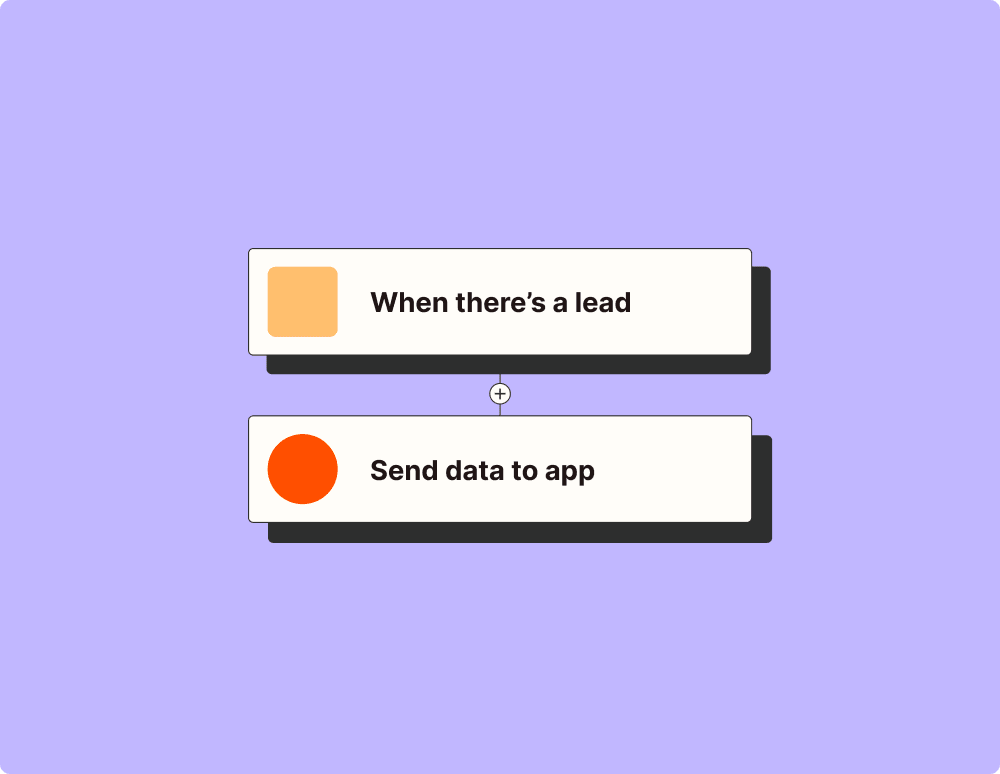
Automate your lead management and improve conversions
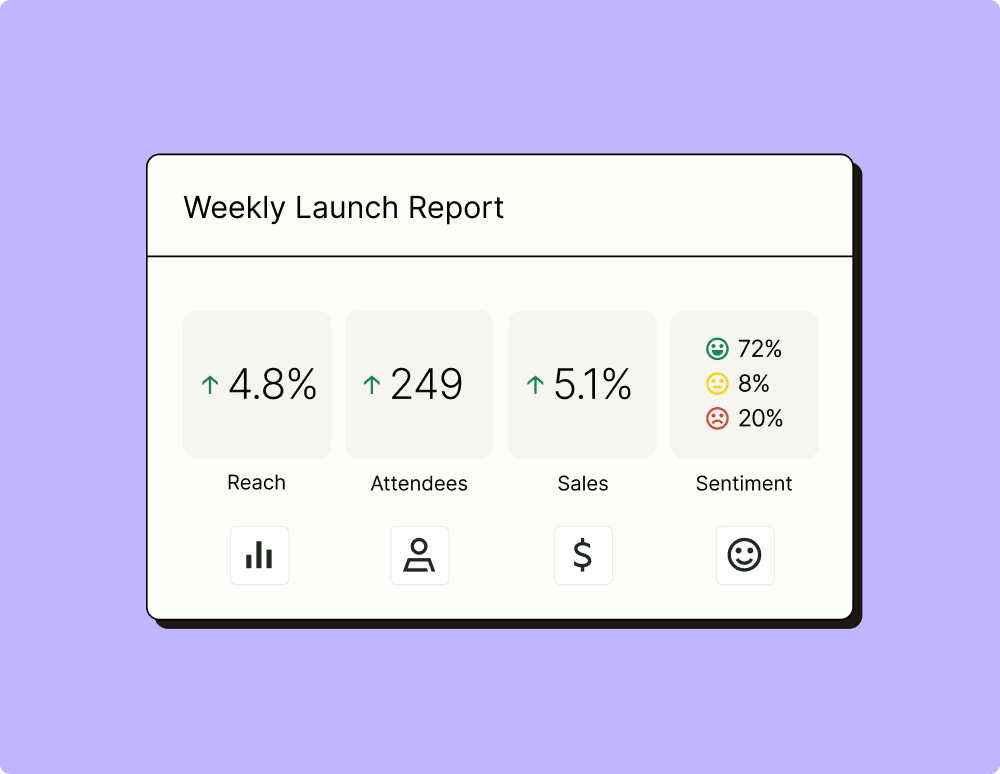
Create more impactful campaigns with automation
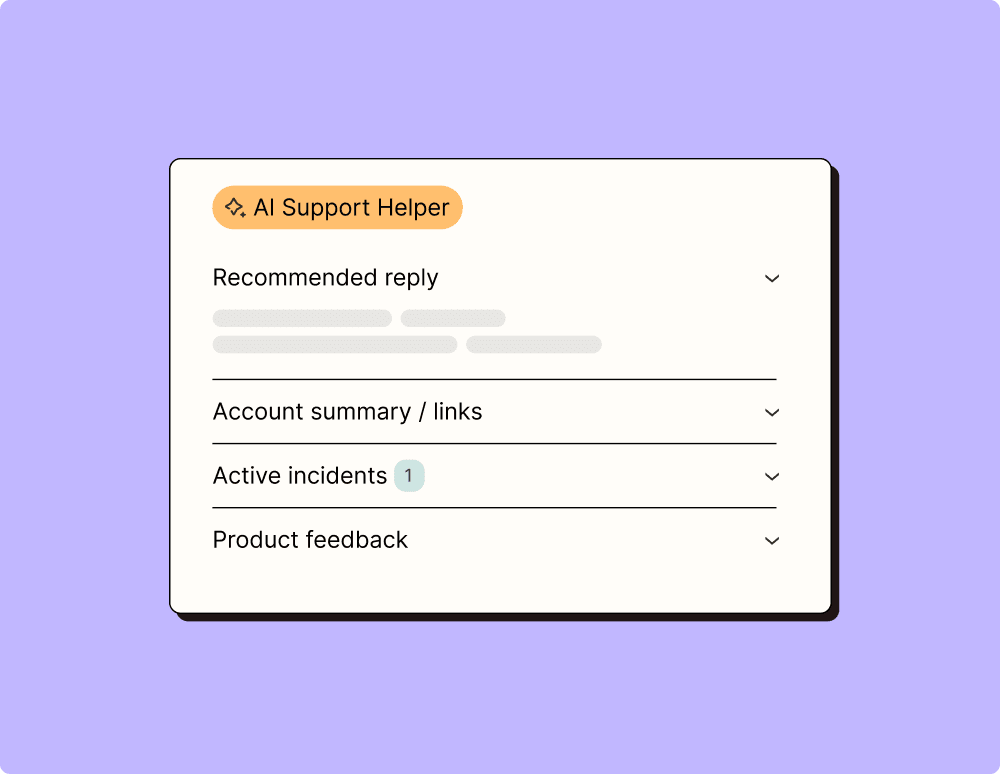
Provide world-class support with a little help from automation
Automate your way to actionable, up-to-date data
Resolve incidents faster with automation
Learn how to automate Google Calendar on the Zapier blog
Make work flow with AI

Frequently Asked Questions about Google Calendar + Google Vertex AI integrations
New to automation with Zapier? You're not alone. Here are some answers to common questions about how Zapier works with Google Calendar and Google Vertex AI
How do I connect Google Calendar to Google Vertex AI?
To connect Google Calendar with Google Vertex AI, you would typically use a service like Zapier to set up an integration, or 'Zap,' between them. This involves selecting Google Calendar as your trigger app and defining a specific event or trigger, such as 'New Event Created.' Then, choose Google Vertex AI as the action app and specify what action should be taken when the trigger occurs, such as 'Create New Prediction.'
What triggers are available for Google Calendar in the integration?
When integrating Google Calendar with Vertex AI through Zapier, you can set up various triggers like when a new event is added, an event starts, or an event ends. These triggers can be used to initiate actions in Google Vertex AI such as running a prediction model.
Can I use existing models in Vertex AI when triggered by Google Calendar events?
Yes, once you've connected your accounts via Zapier, you can utilize existing models on Vertex AI. For example, a new calendar event could trigger a pre-trained model to make predictions relevant to that event—for instance, adjusting resources based on attendance numbers.
Is it possible to update an existing model on Vertex AI using calendar triggers?
While creating new data inputs for models is possible via certain integrations, updating existing models or their training data directly from a calendar trigger isn't typically supported. However, you could automate data insertion processes which could later be used for training updates manually.
What actions can be performed in Vertex AI based on calendar events?
Actions that can be automated in Vertex AI based on calendar events include running predictions with existing models and logging data for later machine learning processes. Specify these actions in the integration setup after selecting your desired trigger from Google Calendar.
How do we handle authentication between these services?
When setting up the integration through Zapier or similar services, you'll need to authenticate each app using OAuth authorization. This ensures that both your Google Calendar and Vertex AI accounts communicate securely without exposing sensitive information.
Are there any limitations on the type of calendar events that can trigger actions in Vertex AI?
Generally, any type of event in your calendar can serve as a potential trigger; however, complex multi-step automation might require defining specific attributes of these events to ensure proper action initiation within Vertex AI.