Top companies trust Zapier to automate work that solves their unique business problems—no coding required.
How Zapier works
Zapier makes it easy to integrate Firebase / Firestore with WordPress - no code necessary. See how you can get setup in minutes.
100%
Help
Firebase / Firestore
Firebase / Firestore
1. Choose trigger event
WordPress
WordPress
2. Choose action
1. Select the event
Setup
Test
Firebase / Firestore
Choose a trigger event
Choose a trigger
A trigger is the event that starts your Zap—like a "New Child Object in a Firebase Realtime Database" from Firebase / Firestore.
Add your action
An action happens after the trigger—such as "Upload Media" in WordPress.
You’re connected!
Zapier seamlessly connects Firebase / Firestore and WordPress, automating your workflow.
Supported triggers and actions
Zapier helps you create workflows that connect your apps to automate repetitive tasks. A trigger is an event that starts a workflow, and an action is an event a Zap performs.
Create a new record or update an existing record in your app.
Name
Required
Description
Slug
Action
This is an event a Zap performs.
Write
Create a new record or update an existing record in your app.
Email
Required
Username
Required
Password
Required
First_name
Last_name
Name
Nickname
Description
Website
Role
Action
This is an event a Zap performs.
Write
Create a new record or update an existing record in your app.
Stop on error
Required
HTTP Method
Required
URL
Required
Query string parameters
Additional request headers
Body
Action
This is an event a Zap performs.
Write
Create a new record or update an existing record in your app.
Copy_search_keyword
Search Keyword
Required
Action
This is an event a Zap performs.
Search
Find existing data in your app
Copy_search_keyword
Search Keyword
Required
Email
Required
Username
Required
Password
Required
First_name
Last_name
Name
Nickname
Description
Website
Role
Action
This is an event a Zap performs.
Search or write
Find existing data in your app, or create a new record if no data is found
For AI agents & developers
Use Firebase / Firestore and WordPress with AI agents and code
Beyond Zap workflows. Call Firebase / Firestore and WordPress actions directly from your AI client or your codebase, using the same 9,000+ app integrations Zapier already runs.
No code
Connect via Zapier MCP
Expose Firebase / Firestore and WordPress actions as tools in any MCP client. Authenticate once, then call them in natural language.
Example actions on this page
Create or Replace Firebase Realtime Database Record
Upload Media
Works with
Claude · ChatGPT · Cursor · any MCP-compatible client
There is no Python package yet. SDK is TypeScript-only (@zapier/zapier-sdk). The MCP server URL is personal to your account; get it at zapier.com/mcp.
Zapier is the automation platform of choice for 87% of Forbes Cloud 100 companies in 2023
93%
Customers who say using Zapier has made them better at their job
25m
Customers have created over 25 million Zaps on the platform
6 mins
The average user takes less than 6 minutes to set up a Zap
Practical ways you can use Firebase / Firestore and WordPress
Sync Firestore updates to WordPress posts
When a new record is added to Firebase Firestore, Zapier can automatically create a new post in WordPress with the record's details. This is useful for business owners who maintain blogs or websites with content driven by backend data. It ensures their site stays updated without manual intervention, saving time and reducing errors.
Log new job applicants on the website to Firestore
When a new user fills out a recruitment form on a WordPress site, Zapier can log their details into Firebase Firestore. This streamlines applicant tracking and ensures all data is securely stored for easy retrieval in one central database.
When a new user is created in WordPress, Zapier can automatically create a corresponding record in Firebase Firestore. This helps IT teams keep a unified backend database for user management without duplicating manual efforts.
Learn how to automate Firebase / Firestore on the Zapier blog
Learn how to automate WordPress on the Zapier blog
Make work flow with AI
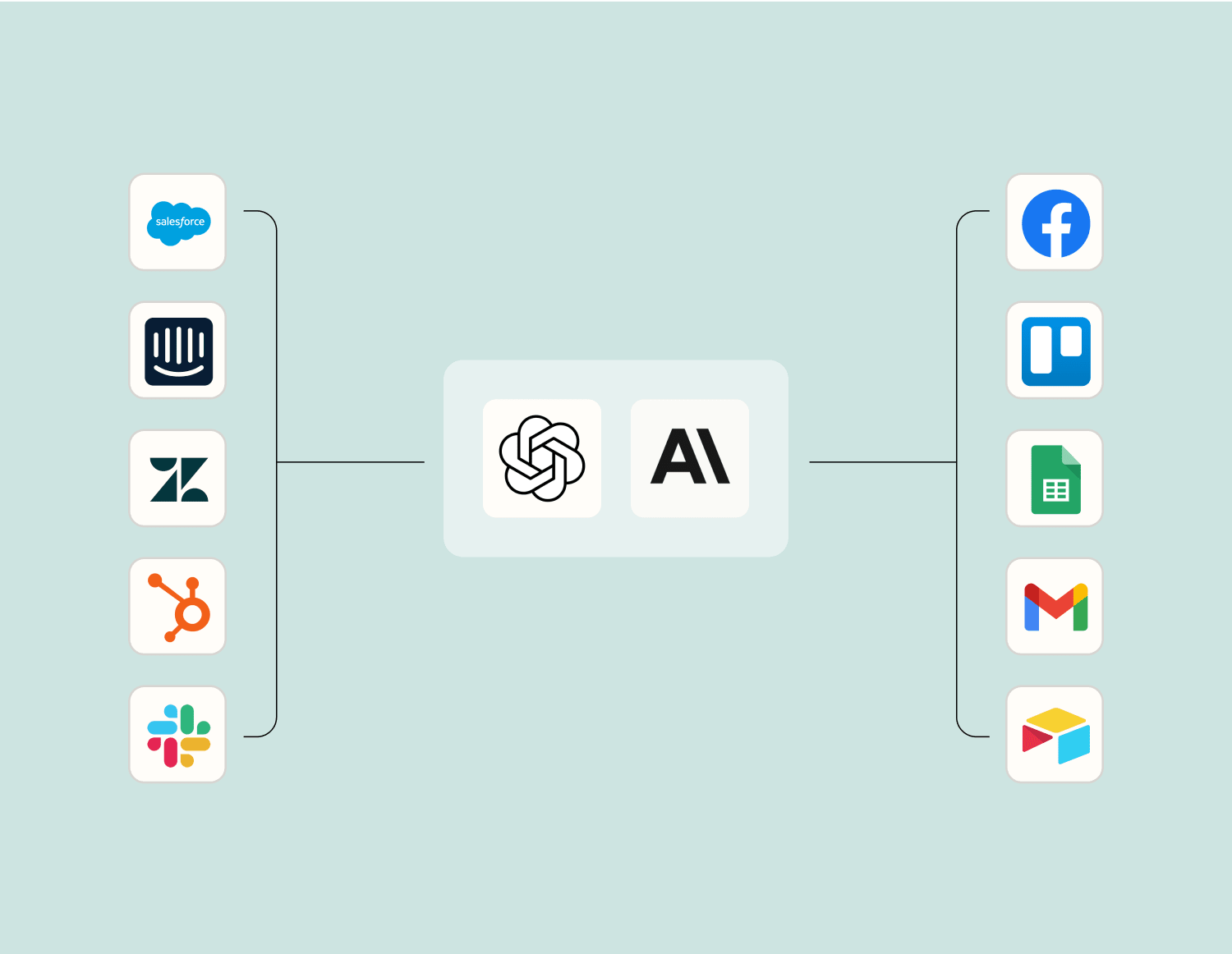
Level up your Firebase / Firestore to WordPress integration with AI. Extract, summarize, and transform your integration data with leading AI models like OpenAI, Anthropic, and more.
Frequently Asked Questions about Firebase / Firestore + WordPress integrations
New to automation with Zapier? You're not alone. Here are some answers to common questions about how Zapier works with Firebase / Firestore and WordPress
How can I integrate Firebase with WordPress?
You can integrate Firebase with WordPress by using plugins or custom code to connect your WordPress site to your Firebase project. This typically involves setting up authentication, databases, and other Firebase services through a series of API keys and configuration settings in your WordPress dashboard.
What are some common use cases for integrating Firestore with WordPress?
Common use cases include real-time data updates on WordPress sites, user authentication using Firebase Auth, and syncing content between Firestore and the WordPress database. Additionally, you might want to use Cloud Functions for Firebase to automate tasks such as sending notifications based on changes in your Firestore database.
Can I trigger a function in Firebase when a post is published in WordPress?
Yes, you can trigger a Cloud Function when a post is published in WordPress. This typically involves setting up a webhook in WordPress that sends data to a Cloud Function endpoint whenever a post status changes or is created, allowing you to automate actions based on these triggers.
Is it possible to sync user authentication between Firebase Auth and WordPress?
We provide ways to sync user authentication between Firebase Auth and WordPress by leveraging custom plugins or scripts. This setup allows users authenticated through Firebase Auth to access certain areas of a WordPress site seamlessly, using functions that handle token exchanges and verification processes.
How do I handle real-time updates from Firestore in my WordPress site?
To enable real-time updates from Firestore on your WordPress site, you can either use JavaScript libraries provided by Firebase or server-side code that listens for update events from Firestore. Implementing this allows for dynamic content changes without requiring page reloads.
What security considerations should I keep in mind when integrating Firestore with WordPress?
When integrating Firestore with WordPress, ensure that your API keys and credentials are securely stored and managed. Implementing proper security rules in Firestore is crucial to prevent unauthorized access. Additionally, monitor read/write operations closely to detect any suspicious activity.
Can I use Firestore as the main database for my WordPress site?
It's not typical or recommended due to compatibility issues; however, you can use it for specific functionalities like storing additional data or providing real-time capabilities alongside the main MySQL database of WordPress. It requires custom development efforts and careful planning.
About Firebase / Firestore
Firebase Realtime Database and Google Cloud Firestore are flexible databases that give you the ability to easily store and sync app data at global scale.
WordPress is web software you can use to create a beautiful website or blog. Nearly 20% of the top 10 million websites and over 60 million people have chosen WordPress to power the place on the web they call "home".