Top companies trust Zapier to automate work that solves their unique business problems—no coding required.
How Zapier works
Zapier makes it easy to integrate Zoho Bookings with Facebook Conversions - no code necessary. See how you can get setup in minutes.
100%
Help
Zoho Bookings
Zoho Bookings
1. Choose trigger event
Facebook Conversions
Facebook Conversions
2. Choose action
1. Select the event
Setup
Test
Zoho Bookings
Choose a trigger event
Choose a trigger
A trigger is the event that starts your Zap—like a "Appointment Canceled" from Zoho Bookings.
Add your action
An action happens after the trigger—such as "Send Funnel Event" in Facebook Conversions.
You’re connected!
Zapier seamlessly connects Zoho Bookings and Facebook Conversions, automating your workflow.
Supported triggers and actions
Zapier helps you create workflows that connect your apps to automate repetitive tasks. A trigger is an event that starts a workflow, and an action is an event a Zap performs.
Create a new record or update an existing record in your app.
Send Lead Event
Publish lead events to Conversions API
Action
This is an event a Zap performs.
Write
Create a new record or update an existing record in your app.
Send Purchase Event
Publish purchase events to Conversions API
Action
This is an event a Zap performs.
Write
Create a new record or update an existing record in your app.
For AI agents & developers
Use Zoho Bookings and Facebook Conversions with AI agents and code
Beyond Zap workflows. Call Zoho Bookings and Facebook Conversions actions directly from your AI client or your codebase, using the same 9,000+ app integrations Zapier already runs.
No code
Connect via Zapier MCP
Expose Zoho Bookings and Facebook Conversions actions as tools in any MCP client. Authenticate once, then call them in natural language.
Example actions on this page
API Request (Beta)
Send Funnel Event
Works with
Claude · ChatGPT · Cursor · any MCP-compatible client
There is no Python package yet. SDK is TypeScript-only (@zapier/zapier-sdk). The MCP server URL is personal to your account; get it at zapier.com/mcp.
Zapier is the automation platform of choice for 87% of Forbes Cloud 100 companies in 2023
93%
Customers who say using Zapier has made them better at their job
25m
Customers have created over 25 million Zaps on the platform
6 mins
The average user takes less than 6 minutes to set up a Zap
Practical ways you can use Zoho Bookings and Facebook Conversions
Track rescheduled appointments as conversion events.
When an appointment is rescheduled in Zoho Bookings, Zapier sends a funnel event to Facebook Conversions. This helps you monitor changes in customer activity related to appointments, improving your insights for decision-making.
If an appointment is canceled in Zoho Bookings, Zapier sends the event data to Facebook Conversions. This workflow allows IT to ensure your system reflects up-to-date customer interaction data and optimizes ad performance.
When a new appointment is booked in Zoho Bookings, Zapier sends a lead event to Facebook Conversions. This ensures your ad campaigns target the most recent customer interactions, enabling more personalized and effective retargeting.
Learn how to automate Facebook Conversions on the Zapier blog
Make work flow with AI
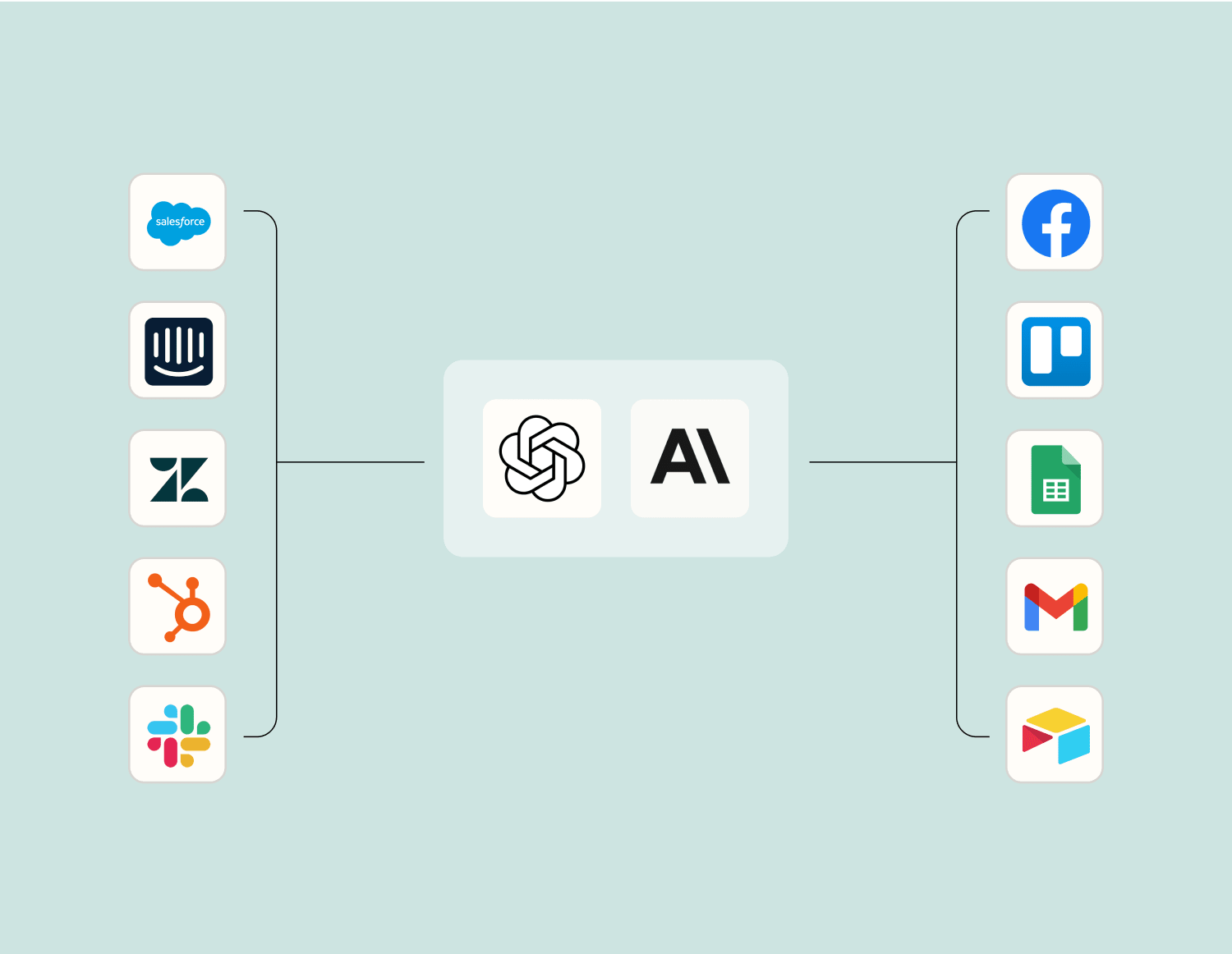
Level up your Zoho Bookings to Facebook Conversions integration with AI. Extract, summarize, and transform your integration data with leading AI models like OpenAI, Anthropic, and more.
Frequently Asked Questions about Zoho Bookings + Facebook Conversions integrations
New to automation with Zapier? You're not alone. Here are some answers to common questions about how Zapier works with Zoho Bookings and Facebook Conversions
How does the integration between Zoho Bookings and Facebook Conversions work?
The integration allows you to automatically send data from Zoho Bookings to Facebook Conversions whenever a specified trigger event occurs, such as a new booking or an updated appointment. By setting up these triggers, you can streamline your marketing efforts by ensuring conversion tracking data is always up-to-date.
What triggers are available for connecting Zoho Bookings with Facebook Conversions?
In integrating Zoho Bookings with Facebook Conversions, you can set triggers such as 'New Booking Created', 'Booking Updated', and 'Booking Cancelled'. These triggers help automate the flow of data into your Facebook ad accounts.
What actions can be executed on Facebook Conversions when integrated with Zoho Bookings?
Once you have set up triggers from Zoho Bookings, corresponding actions in Facebook Conversions might include tracking those events as conversions, sending them to specific ad campaigns, or updating existing conversion data.
Does the integration require any coding or technical skills?
No coding or technical skills are required to integrate Zoho Bookings with Facebook Conversions. Our platform provides an intuitive interface where you can simply select triggers and actions, map fields between platforms, and activate the integration.
Can I customize the triggers and actions in this integration?
Yes, our platform allows you to customize both triggers from Zoho Bookings and actions in Facebook Conversions according to your business needs. You can create tailored workflows that align with your specific marketing objectives.
How often is information synced between Zoho Bookings and Facebook Conversions?
Information between Zoho Bookings and Facebook Conversions is synced in real-time whenever a trigger event occurs. This ensures that your conversion data is updated instantly without any delays.
Is there a limit to how many bookings I can track using this integration?
There are generally no specific limits on the number of bookings you can track using our integration service. However, always check your plan details on both platforms for any constraints related to data usage or caps.
About Zoho Bookings
Zoho Bookings is an appointment scheduler that lets you find the perfect time with your customers. Book quality meetings and increase sales.
Facebook’s Conversions lets you send information about important customer events to Facebook Server-Side API directly from your website’s server, CRM or other customer information databases. This information is useful to create powerful ads that yield better conversions.