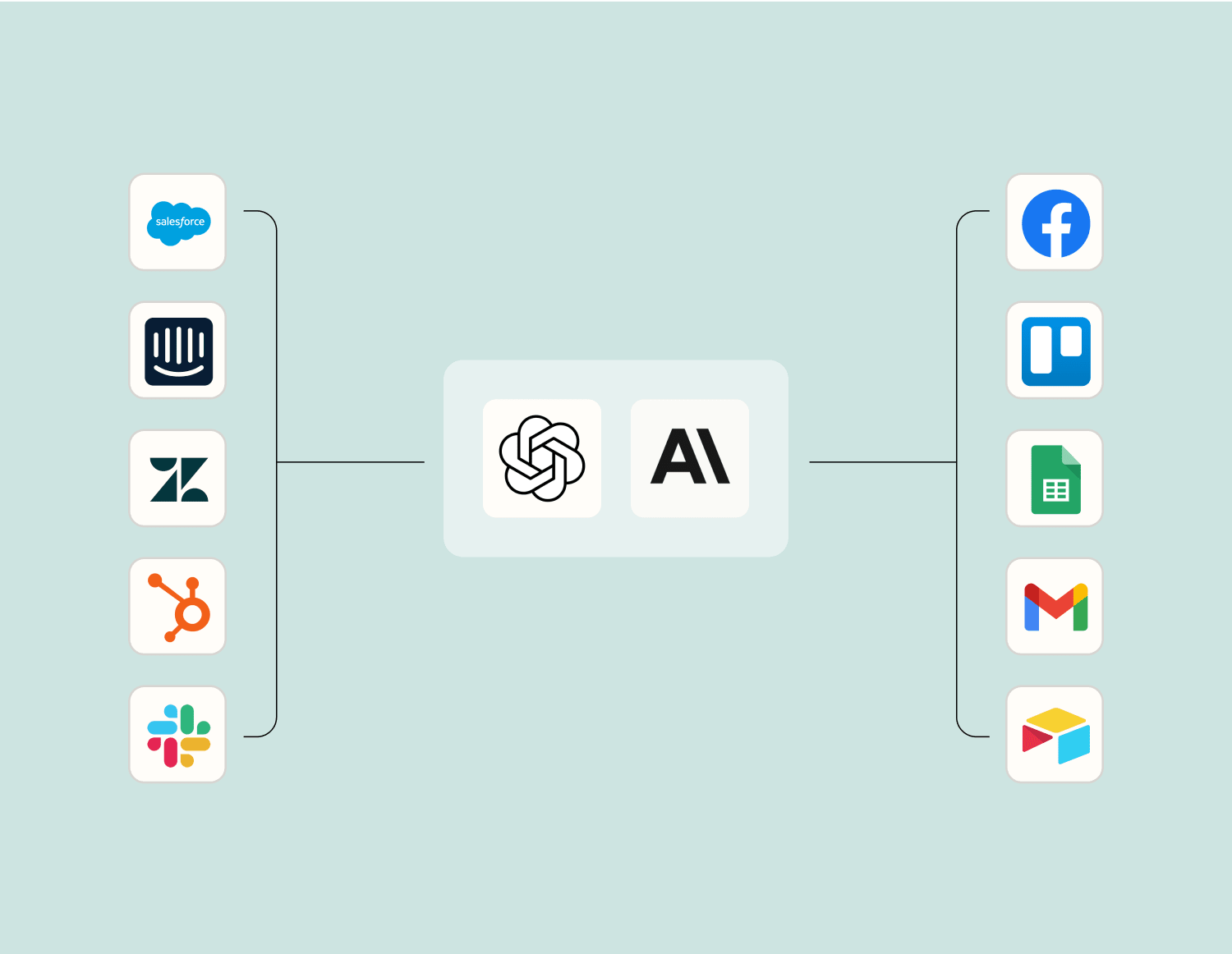
Beyond Zap workflows. Call Trello and Zoom actions directly from your AI client or your codebase, using the same 9,000+ app integrations Zapier already runs.
ノーコード
Zapier MCP経由で接続
Expose Trello and Zoom actions as tools in any MCP client. Authenticate once, then call them in natural language.
Example actions on this page
カードにチェックリスト項目を作成する
ミーティングの作成
Works with
Claude · ChatGPT · Cursor · any MCP-compatible client
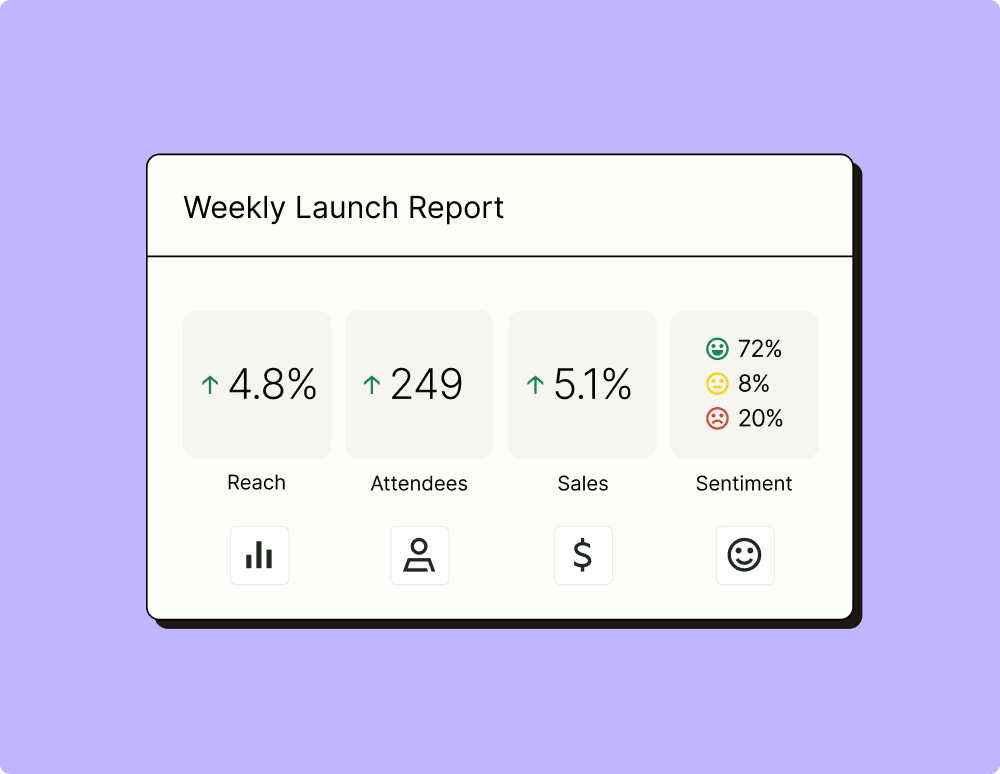
プラットフォーム間でキャンペーンのパフォーマンスを測定するのは混乱を招く可能性があります。さらに、適切な指標を掘り起こすには、貴重な時間と労力がかかります。Zapier を使用すると、パフォーマンスの一元的なビューを作成し、リストを巧みに管理し、キャンペーンによってビジネス全体の ROI を向上させることができます。
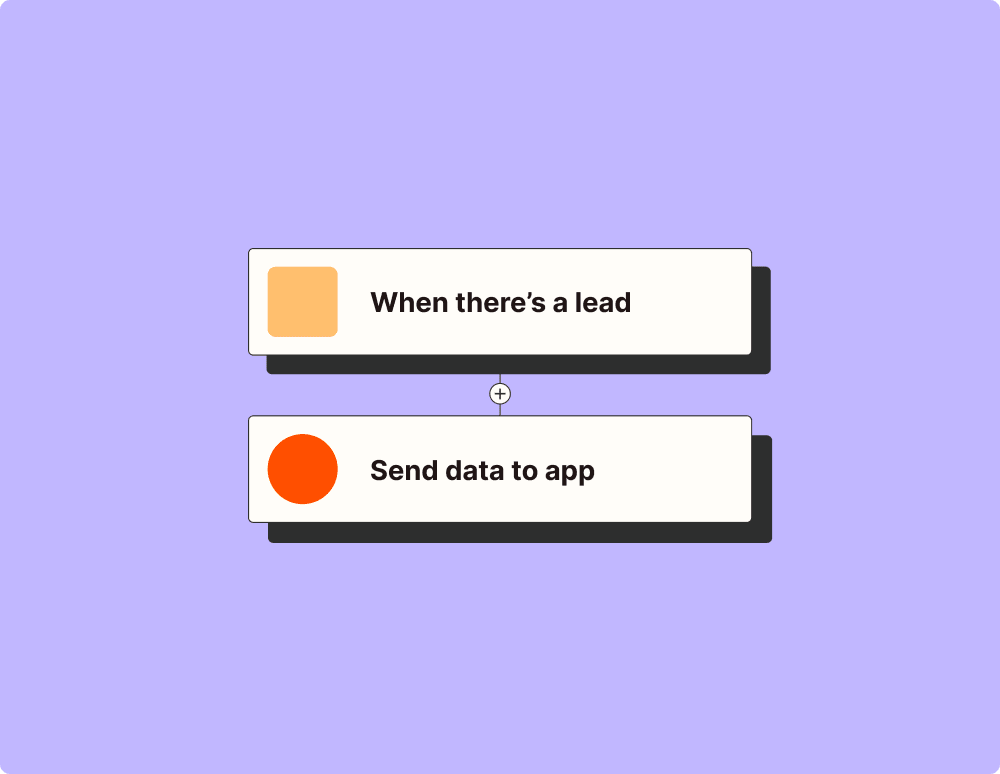
To set up an integration between Trello and Zoom, first choose a trigger from either platform. Common triggers include when a new card is created in Trello or when a new meeting is scheduled in Zoom. Then, select the corresponding action for the other app like posting a message about the meeting on a Trello board.
What triggers can I use with Trello to start an action in Zoom?
You can use triggers such as 'New Card', 'Card Moved to List', or 'Checklist Item Completed' in Trello to initiate an action like scheduling a Zoom meeting or sending out meeting reminders.
Can I start a Zoom meeting from within Trello using this integration?
Yes, you can start a Zoom meeting directly from Trello by setting up actions that trigger upon certain events, like creating or moving a card into a specific list designated for meetings.
Is there any way to automatically update Trello cards based on Zoom activities?
Absolutely! You can set actions based on Zoom triggers such as 'New Meeting' or 'Meeting Ended' that will automatically update your Trello cards with details or summaries of the meetings.
Are there limitations on how often updates occur between Trello and Zoom?
The frequency of updates depends on the service plan you are on. Typically, updates occur immediately but certain plans may have restrictions. Check our plan details for specific limits.
Do I need advanced technical skills to integrate Trello with Zoom?
No, you don't need advanced technical skills. Our platform is designed to be user-friendly and intuitive. You'll only need to follow some straightforward steps to link your accounts and configure your desired workflows.
What kind of data security measures are in place for this integration?
We prioritize data security by implementing robust encryption methods for data transmitted between Trello and Zoom, ensuring that your information remains confidential and secure at all steps of the integration process.