Top companies trust Zapier to automate work that solves their unique business problems—no coding required.
How Zapier works
Zapier makes it easy to integrate Google Forms with SignUpGenius - no code necessary. See how you can get setup in minutes.
100%
Help
Google Forms
Google Forms
1. Choose trigger event
SignUpGenius
SignUpGenius
2. Choose action
1. Select the event
Setup
Test
Google Forms
Choose a trigger event
Choose a trigger
A trigger is the event that starts your Zap—like a "New Form Response" from Google Forms.
Add your action
An action happens after the trigger—such as "Create Group Member" in SignUpGenius.
You’re connected!
Zapier seamlessly connects Google Forms and SignUpGenius, automating your workflow.
Supported triggers and actions
Zapier helps you create workflows that connect your apps to automate repetitive tasks. A trigger is an event that starts a workflow, and an action is an event a Zap performs.
Create a new record or update an existing record in your app.
Groups
Required
Select Text to Search
Required
Email
Required
First Name
Last Name
Action
This is an event a Zap performs.
Search or write
Find existing data in your app, or create a new record if no data is found
For AI agents & developers
Use Google Forms and SignUpGenius with AI agents and code
Beyond Zap workflows. Call Google Forms and SignUpGenius actions directly from your AI client or your codebase, using the same 9,000+ app integrations Zapier already runs.
No code
Connect via Zapier MCP
Expose Google Forms and SignUpGenius actions as tools in any MCP client. Authenticate once, then call them in natural language.
Example actions on this page
API Request (Beta)
Create Group Member
Works with
Claude · ChatGPT · Cursor · any MCP-compatible client
There is no Python package yet. SDK is TypeScript-only (@zapier/zapier-sdk). The MCP server URL is personal to your account; get it at zapier.com/mcp.
Zapier is the automation platform of choice for 87% of Forbes Cloud 100 companies in 2023
93%
Customers who say using Zapier has made them better at their job
25m
Customers have created over 25 million Zaps on the platform
6 mins
The average user takes less than 6 minutes to set up a Zap
Practical ways you can use Google Forms and SignUpGenius
Collect form responses and create group members.
When a new response is submitted in Google Forms (e.g., for a volunteer or event signup), Zapier automatically creates a new group member in SignUpGenius. This ensures every respondent is added to the correct group without manual effort, saving time and keeping records accurate.
When a new member is added to a group in SignUpGenius, Zapier adds their information to a Google Form response. This helps IT teams centralize data across platforms, ensuring consistent and up-to-date records in both tools without manual transfer.
Learn how to automate Google Forms on the Zapier blog
Make work flow with AI
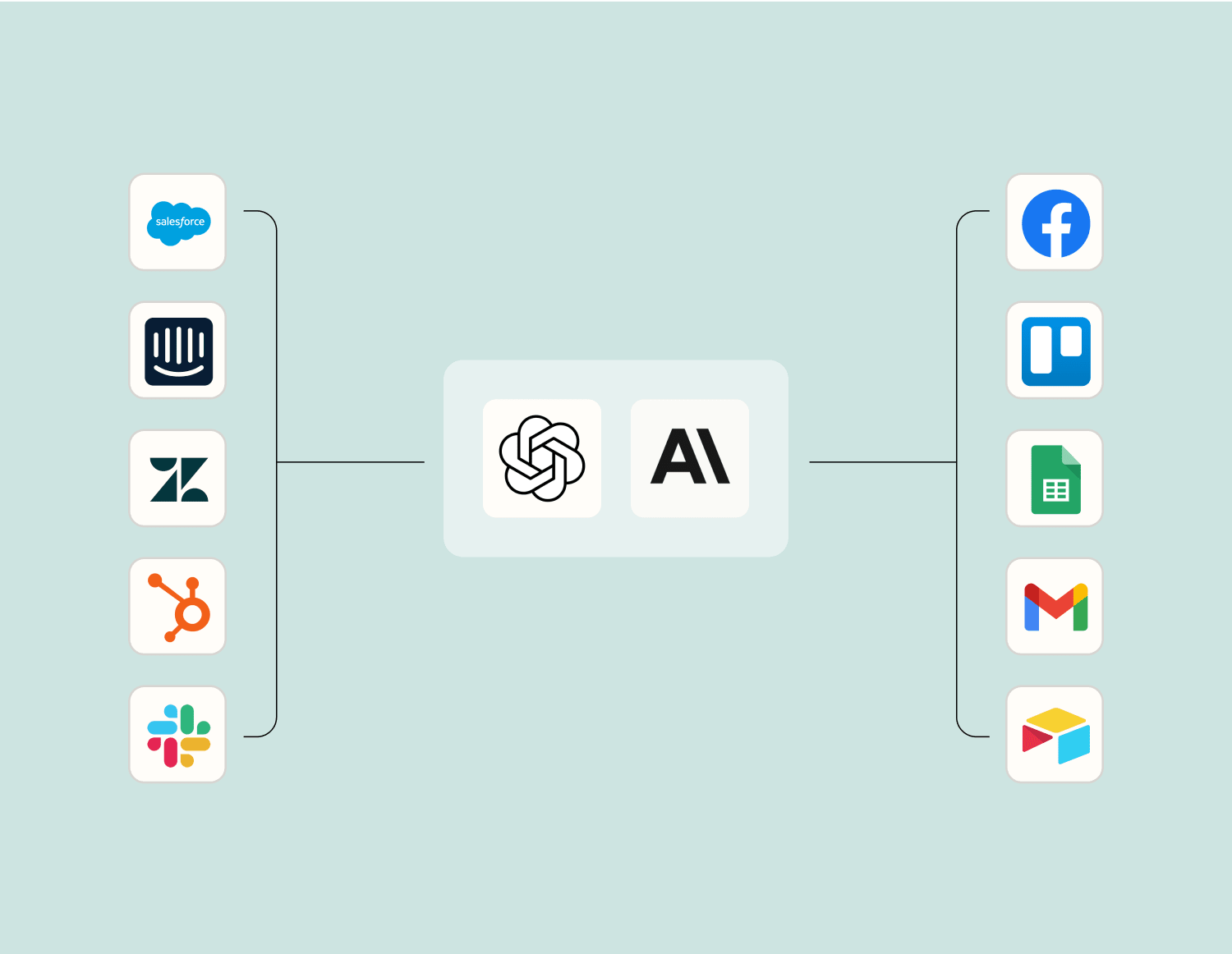
Level up your Google Forms to SignUpGenius integration with AI. Extract, summarize, and transform your integration data with leading AI models like OpenAI, Anthropic, and more.
Frequently Asked Questions about Google Forms + SignUpGenius integrations
New to automation with Zapier? You're not alone. Here are some answers to common questions about how Zapier works with Google Forms and SignUpGenius
How can I automatically create SignUpGenius events from Google Forms responses?
You can set up an integration where a new event in SignUpGenius is created every time a Google Form receives a new response. This is achieved by using the 'New Response in Spreadsheet' trigger from Google Forms and the 'Create Event' action in SignUpGenius.
Is it possible to update an existing SignUpGenius event when I receive a response on Google Forms?
Currently, our integration supports creating new events and cannot update existing ones directly. However, you can manually update events in SignUpGenius after viewing the information collected from the form response.
Can we send sign-up confirmations via Google Forms using SignUpGenius?
Sign-up confirmations are typically handled within SignUpGenius. However, with our integration, you can capture participant details through Google Forms and create corresponding events in SignUpGenius for further management.
What triggers are available for integrating Google Forms with SignUpGenius?
The main trigger available for this integration is 'New Response in Spreadsheet' when someone completes your form. This prompts actions such as creating new events or updating records elsewhere.
Are there any specific actions supported by this integration?
Our integration primarily supports creating new events on SignUpGenius from responses collected through Google Forms. More advanced actions like updating or deleting are currently handled manually within the respective platforms.
Do I need coding skills to integrate Google Forms with SignUpGenius?
No coding skills are required to integrate these platforms. Our user-friendly interface allows you to set up triggers and actions easily between Google Forms and SignUpGenius.
Can integrated data between Google Forms and SignUpGenius be customized based on my needs?
Yes, you can customize which fields from your form responses should trigger actions within SignUpGenius. This ensures that only relevant data is transferred based on your preferences.
About Google Forms
Google Forms is an easy way to collect data from the web with a simple UI and powerful editor. Works hand-in-hand with Google Sheets!
App Builder, CRM (Customer Relationship Management), Forms & Surveys, Zapier
About SignUpGenius
SignUpGenius is an organizational tool that takes away the hassle of coordinating groups so your organization can focus on its impact on your community.