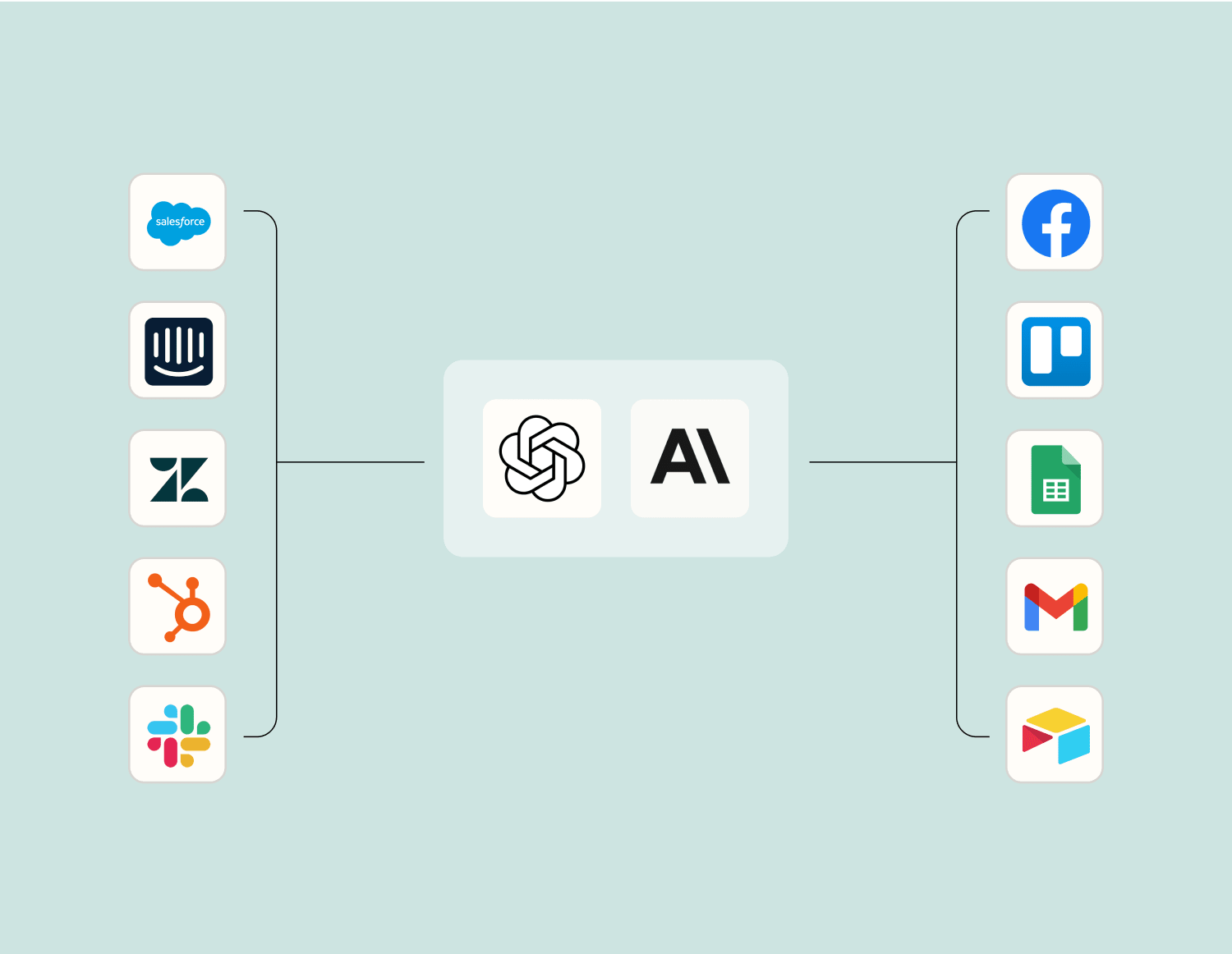
Beyond Zap workflows. Call Brevo and Gmail actions directly from your AI client or your codebase, using the same 9,000+ app integrations Zapier already runs.
ノーコード
Zapier MCP経由で接続
Expose Brevo and Gmail actions as tools in any MCP client. Authenticate once, then call them in natural language.
Example actions on this page
(Deprecated) Add or Update Contact
Eメールにラベルを追加する
Works with
Claude · ChatGPT · Cursor · any MCP-compatible client
When a Brevo marketing email campaign results in a hard bounce, Zapier can send a notification to your Gmail account. This automation ensures you stay on top of any delivery issues, helping you maintain a healthy sender reputation and effective communication channels.
When you label an email in Gmail that contains updated contact information, Zapier can automatically update the corresponding contact in Brevo. This keeps your CRM data accurate with minimal manual input, improving data reliability and efficiency.
When a contact opens a Brevo marketing email, Zapier automatically sends an email to your team with engagement details via Gmail. This provides immediate insights into campaign performance, so the marketing team can prioritize follow-ups and optimize outreach strategies.
You can connect Brevo with Gmail by using our integration platform, which allows you to automate workflows. Once connected, you can set up triggers such as receiving a new email in Gmail, which can lead to actions like creating a contact or sending a specific email through Brevo.
What kind of triggers can I set up when linking Gmail and Brevo?
When integrating Gmail and Brevo, you can use triggers such as 'new email received', 'labeled email', or 'starred email'. These triggers can initiate actions in Brevo like adding a contact, sending automated emails, or updating contact information.
Are there any limits on the number of emails I can send from Brevo when linked to Gmail?
While the integration allows seamless automation between Brevo and Gmail, the number of emails you send might be subject to limitations based on your current subscription plan in Brevo. It is advisable to review our subscription details for more information.
Can I customize the email content automatically sent from Brevo when triggered by an action in Gmail?
Yes, we allow you to customize the content of emails sent from Brevo. You can personalize these emails using dynamic fields that change according to specific attributes stored in your contacts within Brevo.
Is it possible to update my existing contacts in Brevo through actions taken in Gmail?
Absolutely. When certain triggers are activated in Gmail, such as starring an important client’s email, updates can be made automatically to their contact details stored within our platform.
How secure is the data transmission between Gmail and Brevo during integration?
We ensure that all data transmitted between Gmail and Brevo during integration is secured with encryption protocols. Your privacy and data security are our highest priority throughout this process.
Can I stop automated sequences between Gmail and Brevo once they’ve started?
Yes, you have full control over your automation sequences. Through our platform interface, you can pause or deactivate any ongoing automated workflows between Gmail and Brevo whenever necessary.