Connect Tally and Airtable to power AI-driven automation
- ノーコードAI自動化
- 完全な監査証跡とコントロール
- SOC 2 およびGDPR準拠
- 簡単なビジュアルワークフロービルダー
- 9、000+ アプリ、 450+ AI ツール
- Free階層が利用可能
最初の自動化ワークフローを起動する
Start with a template that brings Tally and Airtable together. Build enterprise-grade automation in minutes.
最も人気のあるテンプレート


Zapierの仕組み
Zapier makes it easy to integrate Tally with Airtable - no code necessary. See how you can get setup in minutes.


トリガーを選択
トリガーとは、Tally からの「新しい送信」のように、Zap を開始するイベントです。
アクションを追加する
An action happens after the trigger—such as "Add Comment to Record" in Airtable.
接続されています!
Zapierはシームレスに接続しますTallyそしてAirtable、ワークフローを自動化します。
サポートされているトリガーとアクション
Zapier は、アプリを接続して反復的なタスクを自動化するワークフローの作成に役立ちます。トリガーはワークフローを開始するイベントであり、アクションは Zap が実行するイベントです。
- フォームを選択必須
試してみるトリガーインスタント- ヘルプテキスト
- 基必須
- Table必須
- 最終変更時刻列必須
- 表示を制限する
- ファイルのコンテンツを含めますか?
- Include empty fields
試してみるトリガーポーリング- 基必須
- Table必須
アクション書く- 名前必須
- Workspace ID必須
- Number of Tables必須
アクション書く
- 基必須
- Table必須
- 表示制限
- 添付ファイルのコンテンツを含める
- Include empty fields
試してみるトリガーポーリング- 基必須
- Table必須
- 記録必須
- コメント必須
アクション書く- キャッシュコピー
- 基必須
- Table必須
アクション書く- RequirementsNotice
- HyperDB table ID必須
- ClearValueNotice
アクション書く
AIエージェントと開発者向け
Use Tally and Airtable with AI agents and code
Beyond Zap workflows. Call Tally and Airtable actions directly from your AI client or your codebase, using the same 9,000+ app integrations Zapier already runs.
Zapier MCP経由で接続
Expose Tally and Airtable actions as tools in any MCP client. Authenticate once, then call them in natural language.
Example actions on this page
Works with
Claude · ChatGPT · Cursor · any MCP-compatible client
Call from code with the Zapier SDK
Trigger Tally and Airtable actions from backend services, scripts, or agent code.
Install
# TypeScript / Node
npm install @zapier/zapier-sdk
Run an action
import { createZapierSdk } from '@zapier/zapier-sdk';

const zapier = createZapierSdk();
await zapier.runAction({ /* tally / airtable action */ });Pythonパッケージはまだありません。SDKはTypeScript専用です(@zapier/zapier-sdk)。MCPサーバーのURLはあなたのアカウント専用です。zapier.com/mcpで取得してください。
Zapier は、 2023の Forbes Cloud 100社の87 % が選択した自動化プラットフォームです。




93%
Zapierの使用により仕事の効率が上がったと語る顧客
25m
顧客はプラットフォーム上で25百万以上のZapを作成しました
6 分
平均的なユーザーはZapのセットアップに6分もかかりません
TallyとAirtableをつなぎ、ビジネスの重要な部分を統合します
Zapier を使用すると、基本的なデータ入力からエンドツーエンドのプロセスまですべてを統合できます。ここでは、Zapier を使用して自動化されているビジネスに重要なワークフローの一部を紹介します。
リード管理を自動化し、コンバージョン率を向上させる
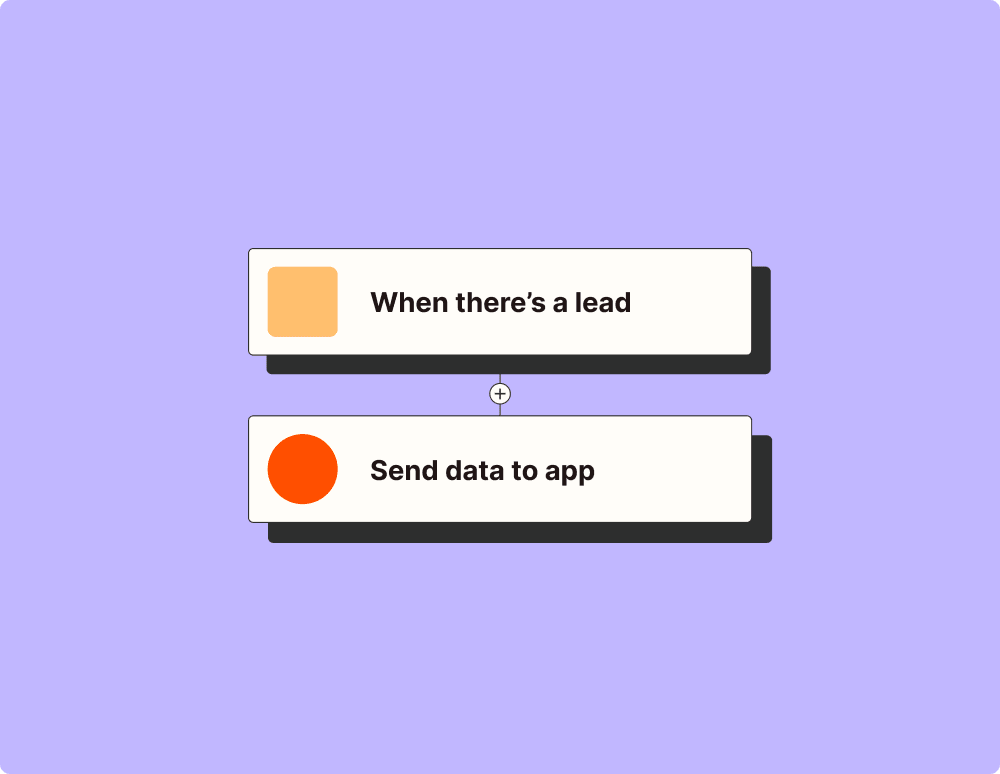
自動化でより効果的なキャンペーンを作成する
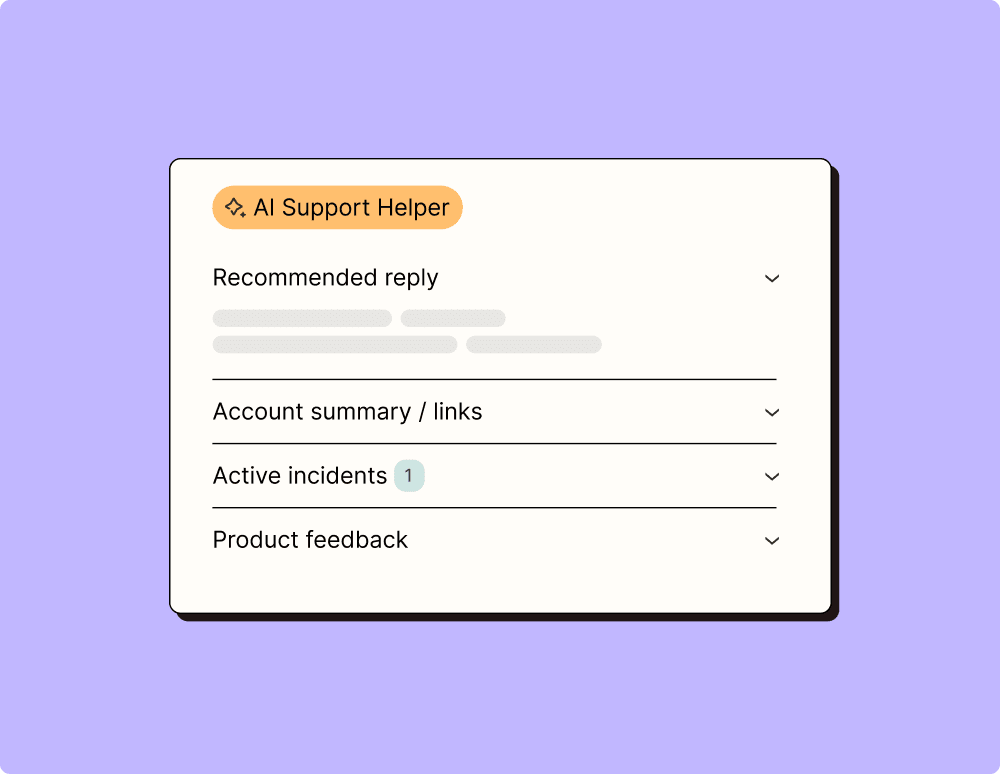
自動化の助けを借りて世界クラスのサポートを提供する
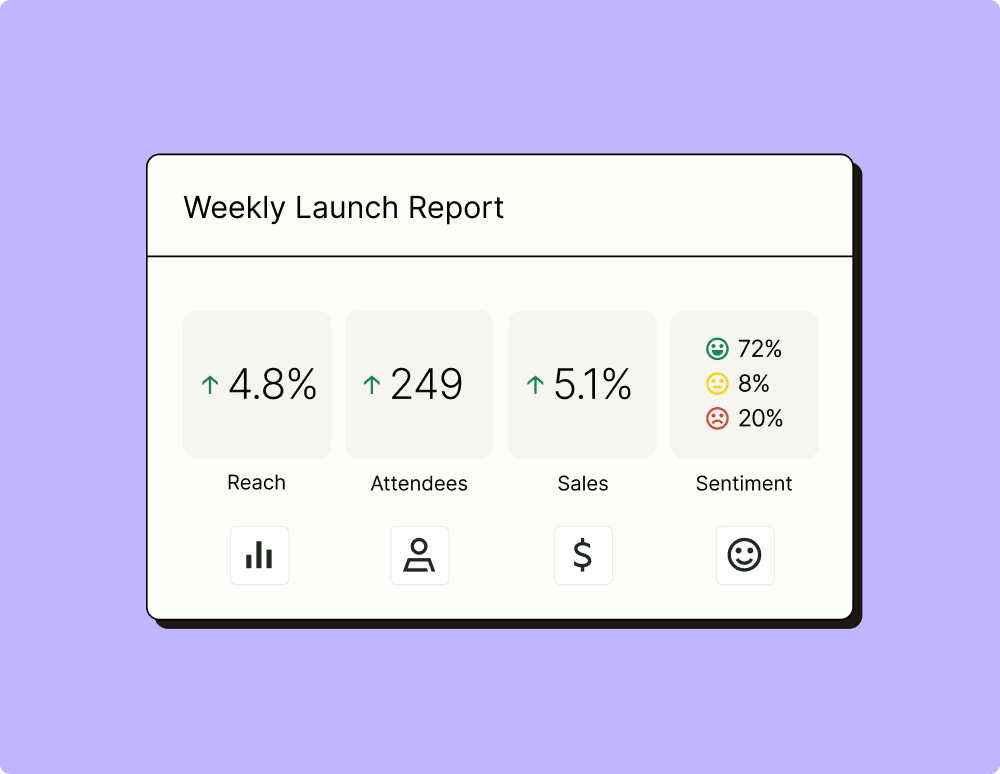
実用的な最新データへの道を自動化
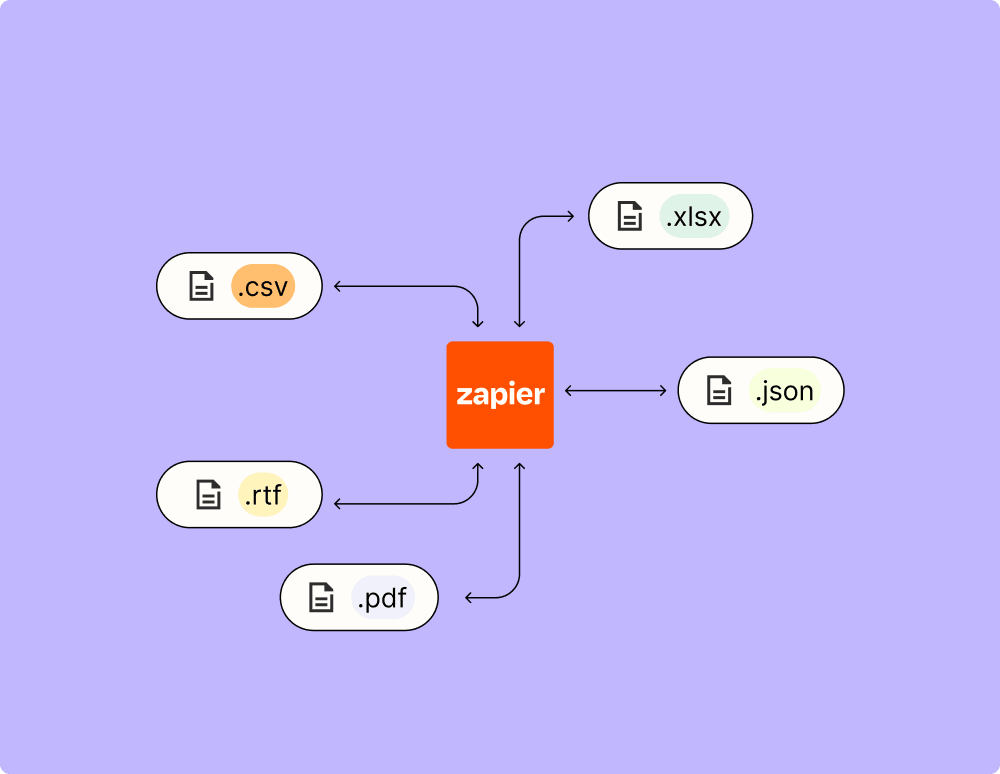
自動化でインシデントをより早く解決
ZapierブログでTallyの自動化の方法を学びましょう
ZapierブログでAirtableの自動化の方法を学びましょう
AIでワークフローを効率化

Frequently Asked Questions about Tally + Airtable integrations
Zapier自動化は初めてですか?あなただけではありません。Zapier がTallyおよびAirtableどのように連携するかについてのよくある質問への回答を以下に示します。
TallyとAirtableの統合を開始するには何が必要ですか?
Tally を Airtable と統合するには、両方のプラットフォームでアクティブなアカウントと、それらを接続するための Zapier へのアクセスが必要です。統合はデータへのアクセスと更新に依存するため、Airtable にAPIキーまたは適切な権限が設定されていることを確認してください。



