Zapier vs. OpenClaw
Published: 9/16/2026 | by Sami Akkawi
OpenClaw went from a side project to a global phenomenon in a matter of weeks, and it's easy to see why: it gives anyone an always-on AI assistant they can DM like a friend, running on their own hardware. But popularity doesn't mean it's the right tool for every job. OpenClaw is self-hosted and permissive by default, which means every security decision—from updates to credentials and installed skills—is yours to both make and own. With Zapier, automation, AI, and governance live in the same managed platform, so your team gets the benefits of agentic AI without taking on the operational and security burden of running it themselves.
Here's what you'll get with Zapier:
Skip the security tradeoffs: Managed credentials, scoped permissions, and SOC 2 Type II/SOC 3-certified infrastructure replace OpenClaw's self-hosted, permissive-by-default model. No more vetting known risks or malicious community skills yourself.
Connect 9,000+ apps instantly: Zapier's integrations are pre-built and governed by Zapier, compared with OpenClaw's 50+ built-in skills.
Build without touching a terminal: Anyone on your team can create workflows with Zapier's no-code editor and AI copilot, or work directly from a chat window; OpenClaw requires command-line installation and config-file setup.
Comparación
Compare Zapier and OpenClaw pricing, integrations, and more
Reseñas
See why customers choose Zapier
Características
Review Zapier and OpenClaw features in depth
Preguntas frecuentes
Get answers to your questions
Zapier vs. OpenClaw comparison
| Zapier | OpenClaw | |
|---|---|---|
| Descripción general | Zapier is a managed AI automation platform that gives teams secure, governed access to AI, integrations, and automation in one place | OpenClaw is a free, open-source AI agent you run and secure yourself, controlled through messaging apps like WhatsApp, Telegram, and Discord |
| Implementación | Minutes to a working automation, whether you're connecting an existing AI client, building in a code editor, or using the visual builder | Requires command-line installation, LLM API key configuration, and manual setup of each messaging platform connection |
| Integraciones | 9,000+ apps, governed by Zapier, plus Zapier MCP and the Zapier SDK for any AI client or codebase | 50+ built-in integrations, plus thousands of unvetted, community-built skills; additional connectivity through MCP servers like Zapier MCP |
| Facilidad de uso | No-code editor and Copilot let anyone on the team build and modify automations; also works from any MCP-compatible client, including OpenClaw | Built for developers; requires comfort with the command line, config files, and API keys |
| AI capabilities | Agentic AI steps like tool calling, multi-step reasoning, and human-in-the-loop, mixed with deterministic logic in the same workflow | Persistent memory and full system access (files, shell commands, browser, APIs), extended through community skills on ClawHub |
| Security & governance | SOC 2 Type II, SOC 3, GDPR, and CCPA certified, plus SAML SSO, audit logs, and role-based access control starting on the Team plan, with SCIM provisioning and app- and action-level restrictions added at Enterprise | Security is completely your responsibility |
| Precios | Free plan available; paid plans start at $19.99/month; Team plan available starting at $69/month for 25 users; custom enterprise pricing | Free and open-source (MIT license); you pay for LLM API usage and hosting, and costs can be unpredictable |
| Reliability & performance | Public status page, autoreplay, custom error handling, task histories, and version rollback included on all paid plans | No centralized status page or built-in monitoring; you're responsible for uptime, alerting, and recovery on your own instance |
What customers say about Zapier
"Zapier lets us go about our weekends knowing we won't miss something mission-critical. We're ready to respond, and we don't have to keep refreshing Slack."
—Larry Montoya, Senior Operations Manager - Customer Care, IPSY
Customer testimonial
"I find Zapier incredibly valuable for connecting various platforms and automating our business processes. Its intuitive design allows someone like me, who does not have a programming background, to easily figure out how to use it for our needs 95% of the time."
—Brian D.
G2 review
"I instantly fell in love with Zapier and became obsessed with it because it'd made my life so much easier while also making me look good at work."
—Brison Edwards, Digital Marketing Manager, SisterLove
Customer testimonial
"Zapier changed the way we build. Now we have a reliable system we can scale, adapt, and deploy across the business without starting from scratch."
—Christopher Jarvis, VP of Enterprise Digital Marketing, Great Day Improvements
Customer testimonial
Con la confianza de 3,4 millones de empresas



















AI automation starts and scales with Zapier
Build reliable, consistent workflows across tools, people, and processes. Access 9,000+ apps securely from any surface, and add AI to the mix only when you need it.
Compare features: Zapier vs. OpenClaw
OpenClaw and Zapier both let you build AI systems that take action on your behalf, but they start from opposite assumptions about who's responsible for running it safely. Zapier is built for teams that want AI automation with the guardrails already in place. OpenClaw is built for individuals who want full control over their own agent and are willing to take on everything that comes with it. I set up OpenClaw and built comparable automations in Zapier side by side, then spent additional time digging through OpenClaw's documentation, GitHub issue tracker, and third-party security research to see how its architecture holds up once you're past the initial installation. Here's how the two compare.
Implementación
OpenClaw runs on your own machine or server. You control the environment, but you're also responsible for keeping it updated and secure. Zapier runs on Zapier's infrastructure, so there are no servers to manage and no security patches to apply. That means with Zapier, your team can focus on building workflows instead of managing infrastructure.
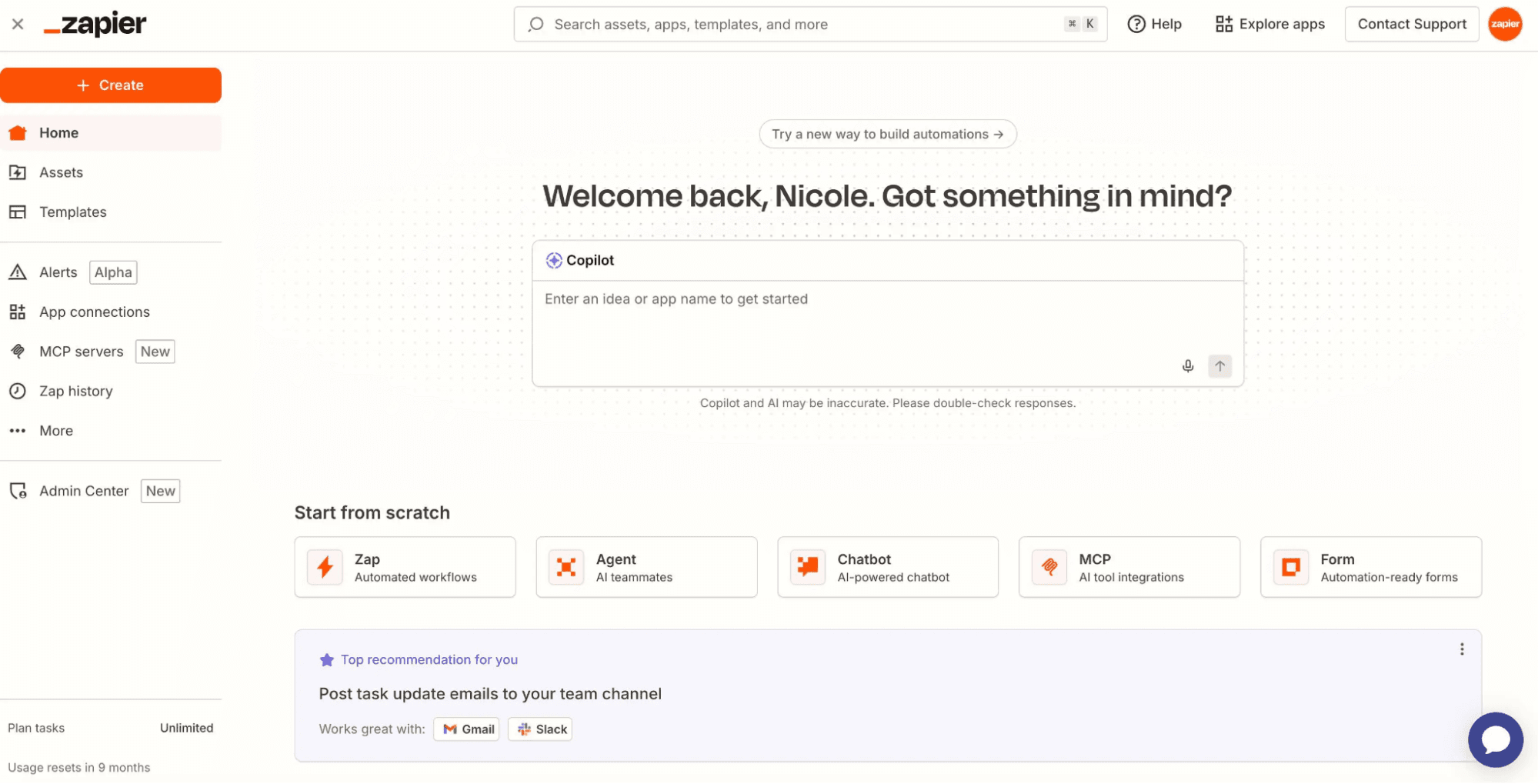
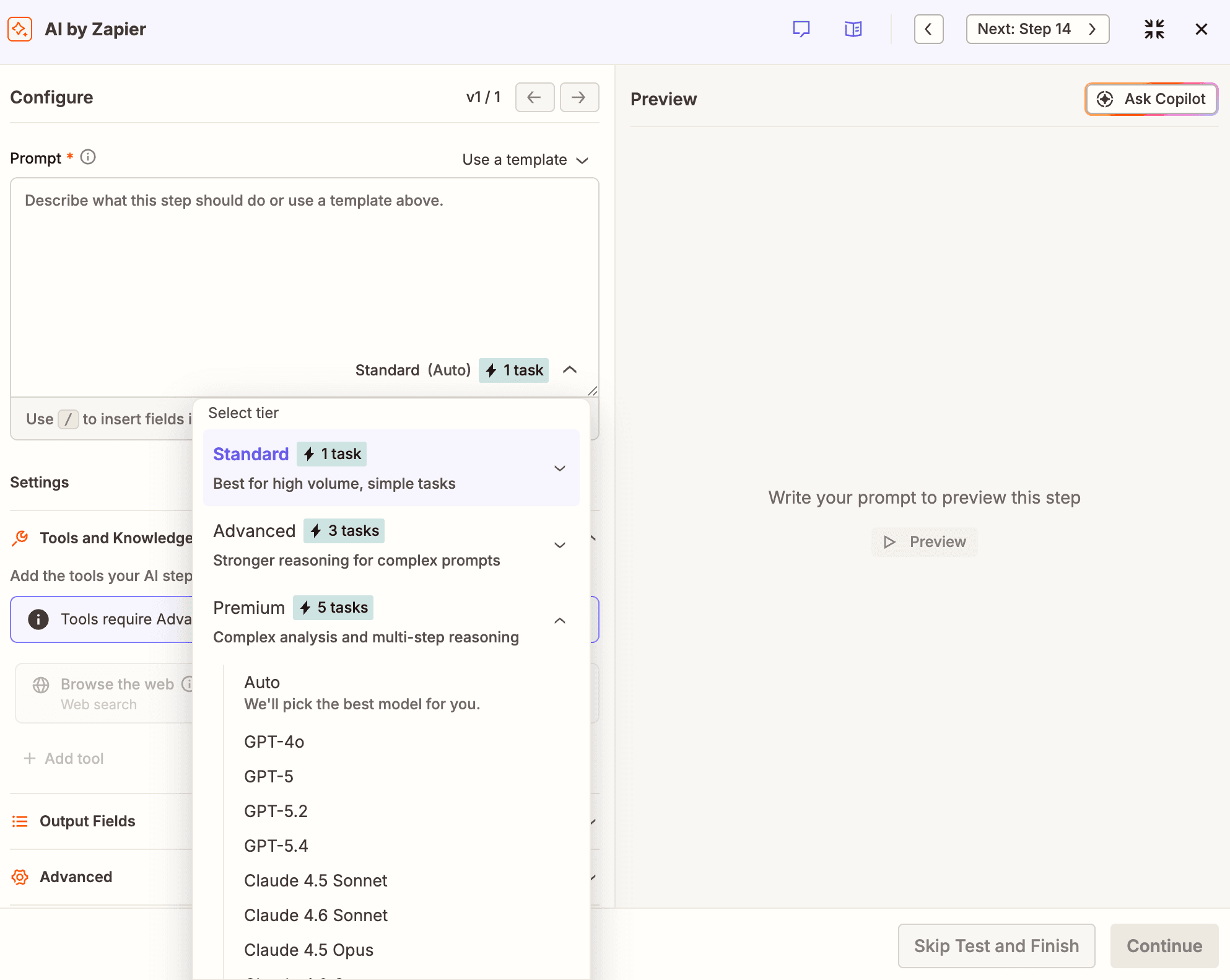
Zapier is ready in minutes, regardless of how you work. If you're connecting an existing AI client like Claude or ChatGPT, just add the Zapier MCP server, and your AI has governed access to 9,000+ apps. For developers building in a code editor, the Zapier CLI installs in one terminal command (npx zapier). And for teams that prefer a visual builder, workflows can be assembled in the drag-and-drop editor or described in plain language using Copilot.
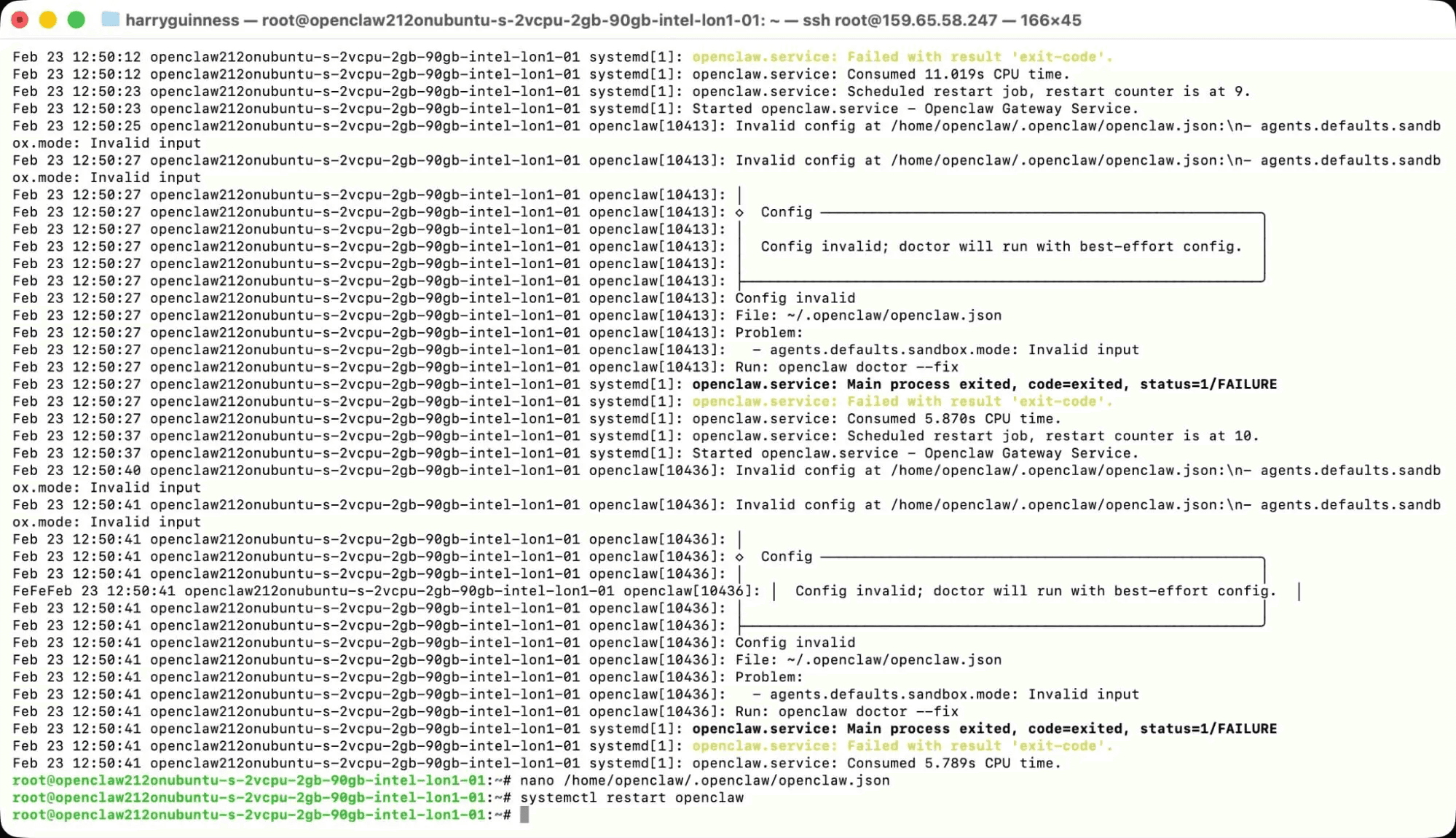
OpenClaw requires command-line installation, LLM API key configuration, and manual setup of messaging platform connections. It's straightforward for developers, but it's not a point-and-click experience. If you build with OpenClaw, you'll need to get used to screens like this:
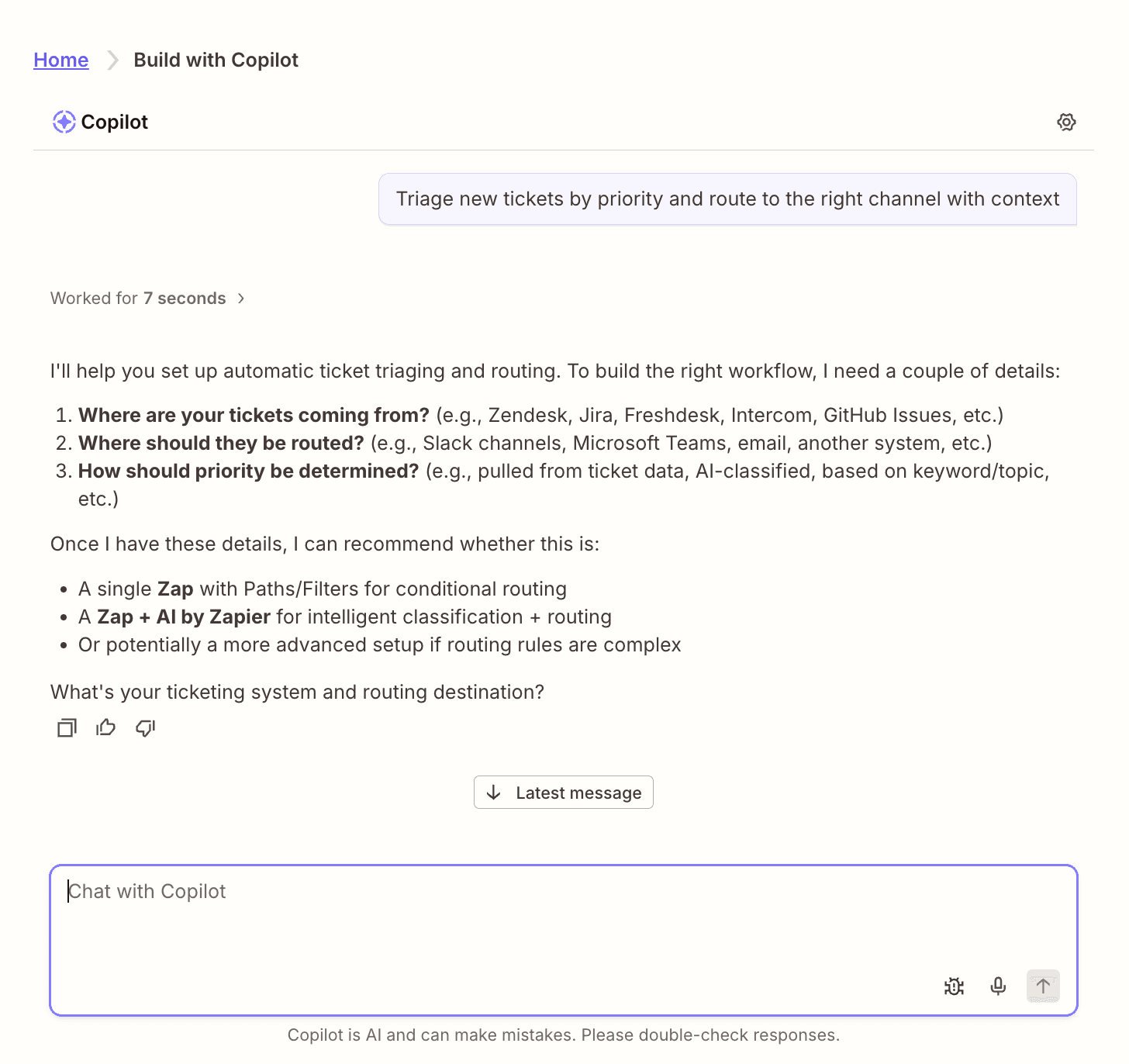
The benefit of Zapier's builder is that anyone in your organization—not just technical employees—can create and modify automations. It puts AI-powered workflows in the hands of the people who actually understand the business problems they're solving.
FAQ: Zapier vs. OpenClaw
Can Zapier and OpenClaw do the same things?
There's overlap, but they're designed for different use cases. Both can execute multi-step tasks using AI. Zapier excels at business workflow automation across 9,000+ apps, with agentic AI built into the same workflows as your other automated steps. OpenClaw excels at personal automation with deep system access and messaging-app control. They're complementary more than they are competitive.
Is OpenClaw safe to use at work?
If you connect OpenClaw to your business apps through Zapier MCP, those interactions get Zapier's managed credentials, scoped permissions, and governance controls. That said, OpenClaw's core runtime and skills still require careful configuration on your end, and security researchers have flagged governance gaps in its open architecture, including malicious skills circulating on ClawHub.
Do I need to be a developer to use OpenClaw?
No, but there is a learning curve. OpenClaw runs in the terminal and requires comfort with command-line tools, configuration files, and API keys. For non-technical users, expect to spend some time getting up to speed, and you may need a developer's help for initial setup and troubleshooting.
What is MCP and how does it connect Zapier to OpenClaw?
MCP (Model Context Protocol) is an open standard that lets AI agents connect to external tools and services. Zapier offers an MCP server that any MCP-compatible client, including OpenClaw, can use to access Zapier's app integrations. Actions that flow through Zapier MCP are governed by Zapier's security and permissions infrastructure, no matter which AI client initiated them.
Which one is cheaper?
OpenClaw is free and open-source, but you'll pay for LLM API usage and hosting, and those costs can swing unpredictably—a brief 2026 Anthropic subscription-billing change pushed some users' bills up as much as 50x overnight before it was reversed. Zapier has a free plan, with paid plans starting at $19.99/month and built-in AI that uses tasks instead of tokens, just like any other action. For business use, Zapier's managed infrastructure often costs less once you factor in the time and risk of securing and maintaining your own agent setup.
Can I migrate from OpenClaw to Zapier (or vice versa)?
They're different enough that a direct migration isn't really the right framing. You can run both: OpenClaw for personal automation and system-level tasks on your own hardware, and Zapier for business and team automation that needs to be governed, auditable, and reliable. Zapier MCP makes it easy to use them side by side.
When is OpenClaw the better choice?
If you're a developer or power user who wants a personal AI assistant running on hardware you control, with deep system access and the freedom to experiment with custom skills and local models, OpenClaw is a good choice. It's not built for teams, though—the moment more than one person needs governed access, Zapier's model fits better.
AI automation starts and scales with Zapier
Build reliable, consistent workflows across tools, people, and processes. Access 9,000+ apps securely from any surface, and add AI to the mix only when you need it.
About the author: Sami Akkawi is the co-founder and CEO of Petra Labs, an AI-powered services startup that uses the latest AI tools to work with its clients as efficiently and effectively as possible. He uses tools like Zapier, Claude Code, Claude Cowork, OpenClaw, and more on a daily basis. Previously, Sami was a strategy consultant at PwC Strategy&.