Beauftragen Sie Claude, der über Ihre Anwendungen hinweg arbeitet
Dienstag, August 18
7 PM ET
A free hands-on workshop where you'll build along live.
Connecting Claude to your apps is the easy part. Deciding what to actually hand off is where most people stall.
In Zapier's AI Workflow Index, we looked at how leading adopters use AI inside real workflows and found it almost always plays one of four roles: Communicator, Clerk, Analyst, or Coordinator. It writes for people, it extracts information and updates records, it makes a decision, or it creates tasks for teams.
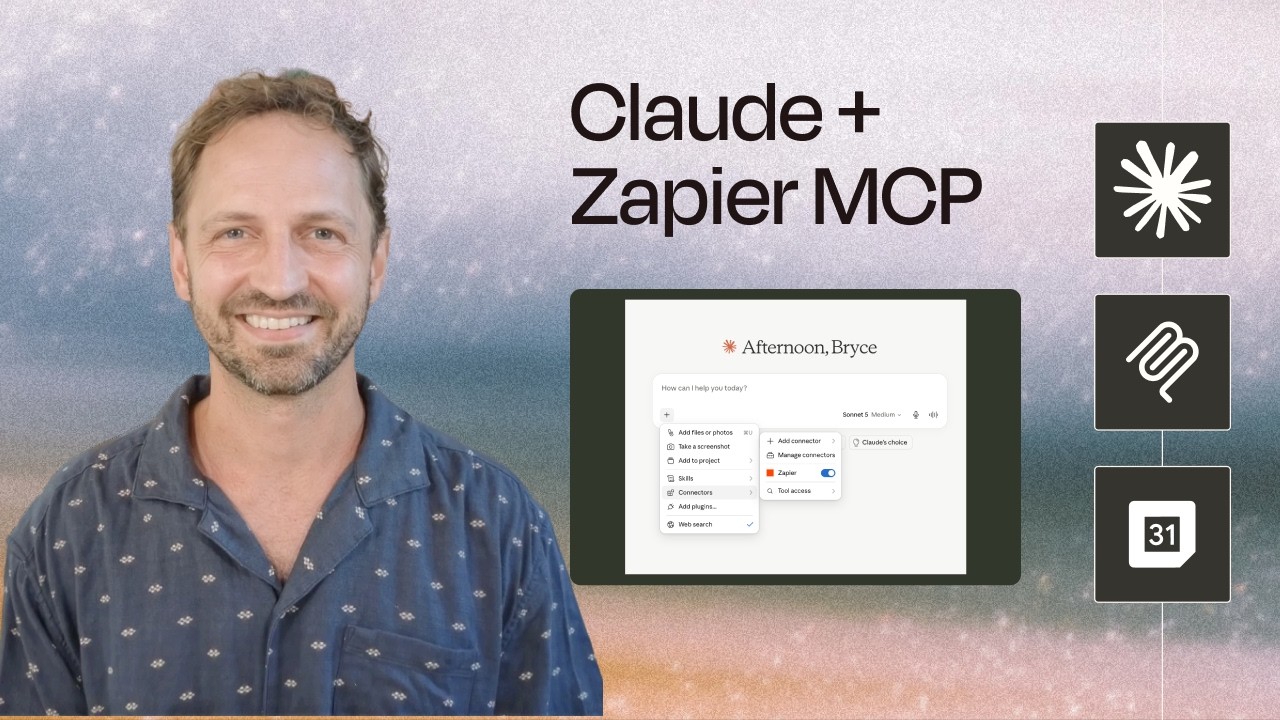
We'll build some of these roles live with Claude and your apps connected through Zapier MCP. Then we'll show you when using an automation in Zapier for the roles would be beneficial.
Come prepared with Claude connected to Zapier MCP with a few of the apps you use each day.

Who this is for:
✅ You already have Claude connected to at least one app, or to Zapier MCP
✅ You want a way to decide where AI belongs in a workflow
✅ Ops and marketing folks who own a process end to end
What we'll build live:
A Communicator job (Claude writes the message you'd otherwise write)
A Clerk job (Claude pulls details out of messy inputs and updates your records)
A Coordinator job (Claude turns a request into tasks for the right people)
An Analyst job (Claude makes a decision that a routing step acts on)
What you'll leave with:
Four roles you can use to sort any job into "hand this off" or "not yet"
A handful of jobs from your own stack worth delegating
A clear sense of what Claude needs to know about your work to do it well
When to use Claude vs an automation in Zapier
New to connecting Claude to your apps? Start with the setup video on this page so you can build along with us.