Las alertas de Google permiten mantenerse al día con los titulares sobre cualquier tema, pero tienen una gran desventaja: los titulares se envían por correo electrónico. ¿Qué pasa si prefieres mantenerte actualizado sin mantener abierta tu bandeja de entrada?
Resulta que sí puedes. A continuación, se explica cómo obtener una fuente RSS para cualquier alerta de Google y cómo usar esa fuente RSS para enviar alertas de Google a Slack, SMS, una hoja de cálculo de Google o básicamente cualquier aplicación que pueda imaginar.
Crea automatizaciones desde donde trabajes. Describe el resultado que quieres, y Zapier conecta tus herramientas, ejecuta los pasos y se queda en el trabajo después de cerrar el chat. Combina IA con automatización fiel y determinista en 10,000+ aplicaciones. Empieza gratis.
Cómo crear una fuente RSS de Alertas de Google
Está un poco oculto, pero Google Alerts realmente ofrece una opción RSS. Esto es genial si simplemente desea realizar un seguimiento de las alertas de Google mediante Feedly o cualquier otro lector RSS, pero también usaremos este feed para enviar información a otras aplicaciones.
Let's set up the RSS feed first.
Go to Google Alerts. While setting up or editing a Google Alert, click Show options.

A continuación, en Entregar a, seleccione Fuente RSS.

Update your alert, and you'll see an RSS icon next to your alert. Right-click this and copy the URL.


Ahora tienes una fuente RSS para tu Alerta de Google. Puedes usarlo con cualquier lector RSS o puedes continuar leyendo para enviar alertas de Google a otras aplicaciones.
Recibe alertas de Google en cualquier aplicación con Zapier
Don't want to set up an RSS reader? You don't have to. Once you have the feed URL, Zapier can use it as the starting point for a Zap. Each time a new alert shows up, the Zap can post it to Slack, send you a text, or add a row to a spreadsheet, across 10,000+ apps, using our RSS integration. Set it up in the Zapier editor, or add Zapier to your AI assistant and just describe what you want.
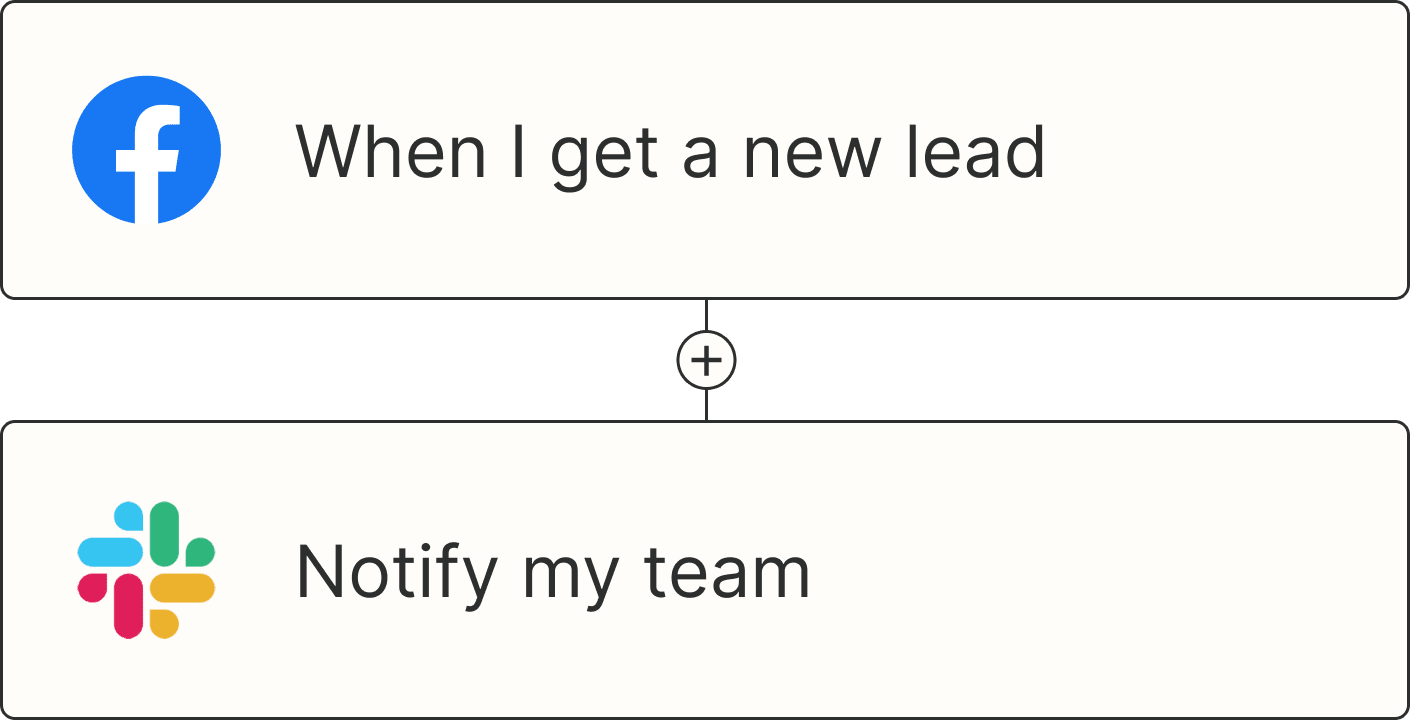
Por ejemplo, podrías recibir notificaciones de Google Alert en Slack o mediante un mensaje de texto. Aquí hay algunas plantillas rápidas para comenzar:


Recibir mensajes SMS para nuevas actualizaciones de las fuentes RSS

You'll be asked for the RSS feed URL, which you copied earlier. You'll also be asked to set up your Slack account or phone number.
Si prefieres recopilar tus alertas en una hoja de cálculo, un tablero de Trello o en una aplicación para tomar apuntes, puedes hacerlo. Aquí hay algunas plantillas para eso:
Registrar actualizaciones de fuentes RSS como nuevas filas en Hojas de cálculo de Google

Crear tarjetas de Trello a partir de nuevos elementos de la fuente RSS

Agregar nota de Microsoft OneNote desde un nuevo elemento de fuente RSS

Would you rather have your AI assistant build it? Add Zapier to ChatGPT, Claude, Cursor, or any other AI tool, and describe the job:
Using Zapier, watch this RSS feed [paste your feed URL]. When a new item comes in, post the headline and link to #competitor-news in Slack.
If the feed gets noisy, add one judgment step: "First have AI check whether the alert is about a product launch or just a passing mention, and only post the launches." That's the only step that uses AI; everything else is plain if/then.
Once it's on, the Zap watches the feed so you don't have to keep an inbox open. The same setup works for all the other apps in your stack too.
Lecturas relacionadas:
This article was originally published in September 2019. It was most recently updated in November 2026.