Zapier vs. Power Automate
Published: 9/16/2026 | By Ryan Kane
If you run your entire business inside Microsoft 365, Power Automate can get the job done. But the moment your stack includes tools outside Microsoft's ecosystem, you'll hit thin connector coverage and workflows that need a developer or IT admin to build anything beyond the basics. Zapier works natively across whatever combination of apps your team has already adopted and lets anyone build without waiting on a Power Platform specialist.
Here's what you'll get with Zapier:
Connect beyond Microsoft: 9,000+ apps, governed by Zapier, compared with Power Automate's roughly 1,400 connectors concentrated in Microsoft's own ecosystem.
Build it yourself, in minutes: No Power Platform Fundamentals course required—most first-time Zapier users publish a working automation the same day they sign up, without looping in IT.
Pay for what you use, not per user or per bot: Zapier offers transparent, usage-based pricing instead of stacking per-user Premium licenses, per-bot RPA fees, or a $5,000/month process-mining add-on on top of what you already pay for Microsoft 365.
Vergleich
Compare Zapier and Power Automate pricing, integrations, and more
Rezensionen
See why customers choose Zapier
Eigenschaften
Review Zapier and Power Automate features in depth
Häufig gestellte Fragen
Get answers to your questions
Zapier vs. Power Automate comparison
| Zapier | Power Automate | |
|---|---|---|
| Überblick | Zapier is an AI orchestration platform that gives every team governed access to build workflows, agents, forms, and databases that work across 9,000+ apps | Power Automate is Microsoft's automation platform, built for teams running deeply within the Microsoft 365 and Power Platform ecosystem |
| Implementierung | Most first-time users publish a working Zap in 15-20 minutes | Basic cloud flows take 15-30 minutes with a template; complex flows need Power Platform training; Microsoft's instructor-led Fundamentals course runs about 24 hours |
| Integrationen | 9,000+ apps, governed by Zapier; API changes are handled automatically | Around 1,400 connectors, with deep Microsoft coverage but real gaps outside it; custom connectors add ongoing maintenance work |
| Benutzerfreundlichkeit | No-code and AI-assisted for every team, from marketers to developers, no matter how complex the workflow | No-code builder and Copilot for simple flows; complex flows typically need a business analyst, developer, and IT admin working together |
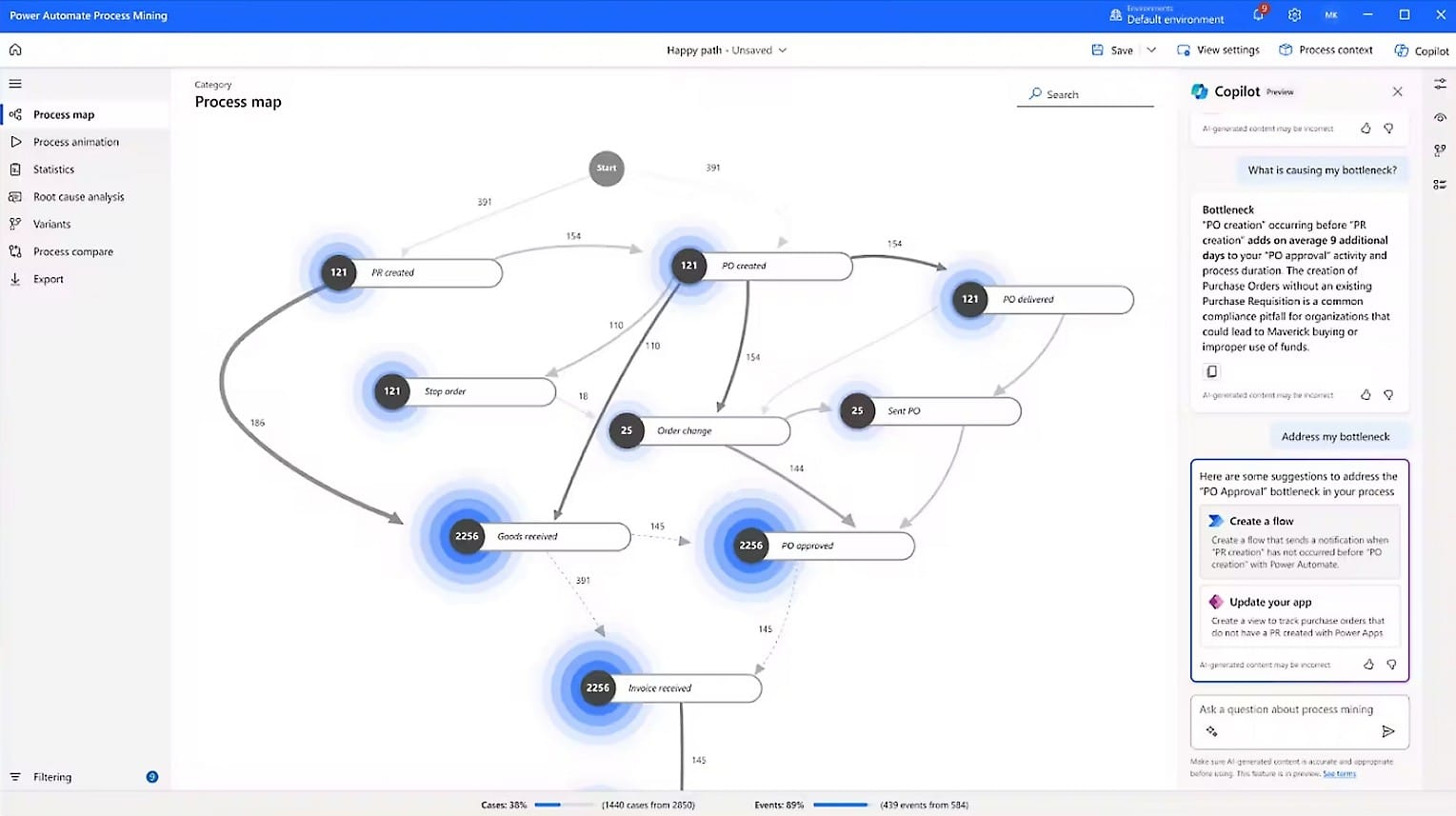
| AI capabilities | Copilot for building and editing workflows; agentic AI within workflows; an MCP server to securely kick off workflows directly from any agent harness | Copilot for building and editing flows; MCP server for exposing flows built inside the Microsoft ecosystem to AI agents |
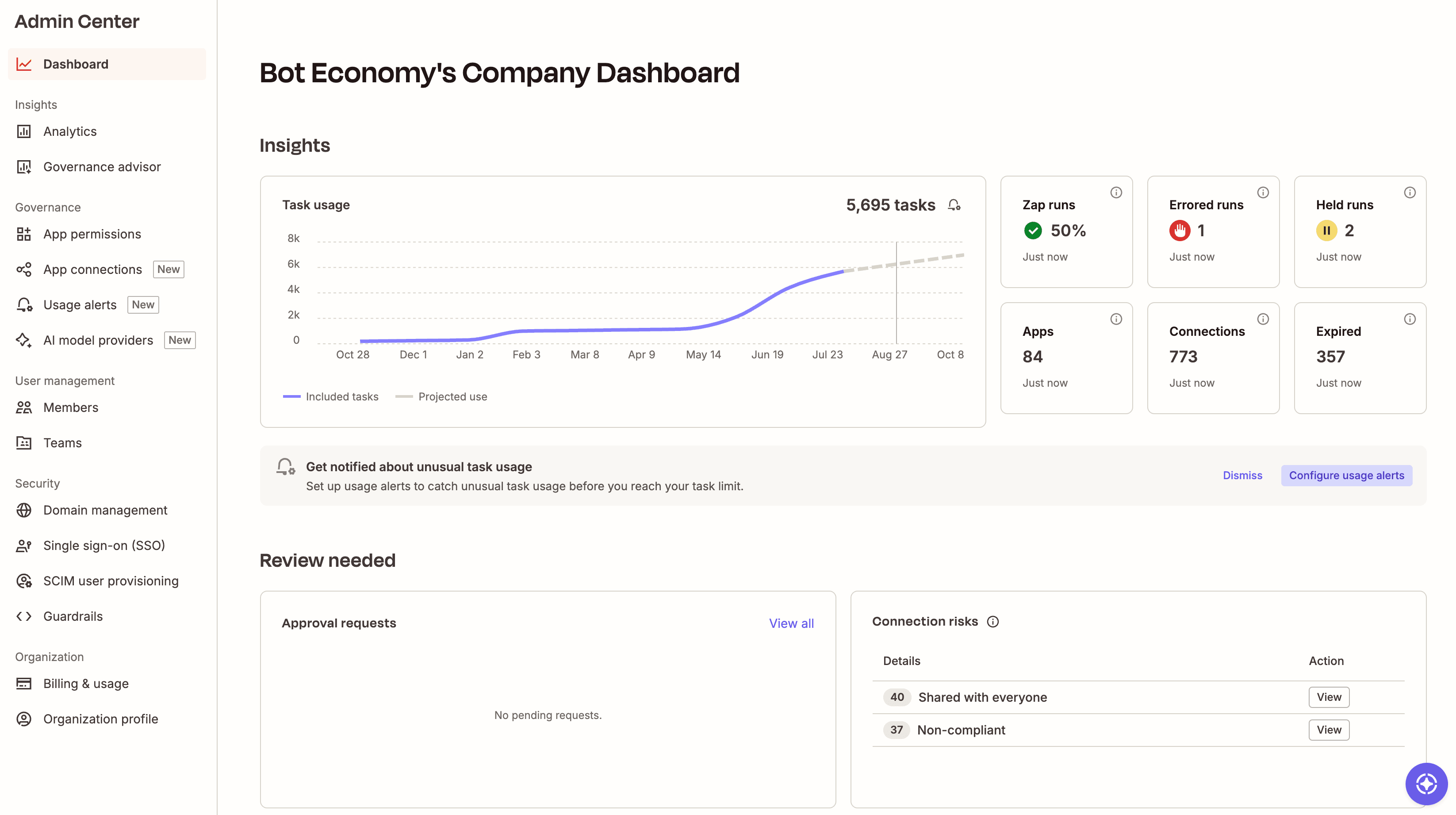
| Security & governance | SOC 2 Type II, SOC 3, GDPR, and CCPA certified, plus SAML SSO, audit logs, and role-based access control starting on the Team plan, with SCIM provisioning and app- and action-level restrictions added at Enterprise; centralized in Zapier's Admin Center for org-wide monitoring | SOC 2 Type II, SOC 3, ISO 27001, GDPR, CCPA, and HIPAA compliant (FedRAMP High also available, but only in Microsoft's separate government cloud); managed through the Power Platform admin center's DLP policies |
| Preise | Free plan available; usage-based, starting at $19.99/month; $69/month Team plan for up to 25 users; custom Enterprise pricing | Basic flows included with Microsoft 365; Premium is $15/user/month, unattended RPA bots run $150-$215/month, and process mining adds $5,000/month per tenant |
| Reliability & performance | Public status page, retries, task histories, and version rollback included by default | Flow run history (30-day default), tiered retry policies, and automatic flow shutoff after 14 days of continuous errors or throttling |
What customers say about Zapier
"[Zapier] is so much easier than Power Automate or Salesforce Flow Builder. The visual interface is very intuitive."
—A user at a small internet software company
Customer testimonial
"I love that it connects 2 MS apps so easily! The Power Automate with MS is not as user friendly, and Zapier has helped me connect multiple MS Excel files to send messages to MS Teams with just a few clicks!"
—Mary Klucinec, Pro America Insurance Agency, Inc.
G2 review
"I went to my BizTech team and asked, 'Can we build an automation around customer onboarding?' I got told it will require a couple of sprint cycles. I went back, sat down, and thought, 'What can I do by myself?' I found out Zapier could help me track closed won opportunities with Salesforce directly, and that is basically a savings of three sprint cycles."
—Suryakant Kaushik, Senior Business Operations Manager, Samsara
Customer testimonial
"Zapier is now the AI-native way to create automations and workflows for digital teams[.] I really enjoy using Zapier to connect platforms that don't have integrations and being able to streamline my business."
—Richard M., Founder, marketing and advertising company
Capterra review
3,4 Millionen Unternehmen vertrauen uns



















AI automation starts and scales with Zapier
Build reliable, consistent workflows across tools, people, and processes. Access 9,000+ apps securely from any surface, and add AI to the mix only when you need it.
Compare features: Zapier vs. Power Automate
Zapier makes it easier to scale automation and AI across your business without routing everything you build through IT. Compared with Power Automate's Microsoft-centric approach, Zapier offers faster time-to-first-automation, a much larger and more broadly governed integration library, and a connected platform for building and governing workflows, agents, and AI-powered processes across your whole tech stack. I spent time building workflows in both Zapier and Power Automate, then did some research into both apps' strengths and who they're best for. Here's what I found.
Implementierung
It's easy to get started with both Zapier and Power Automate. But Zapier stays self-serve as your workflows grow, while Power Automate expects users to have Power Platform training once you go beyond a template or simple workflow.
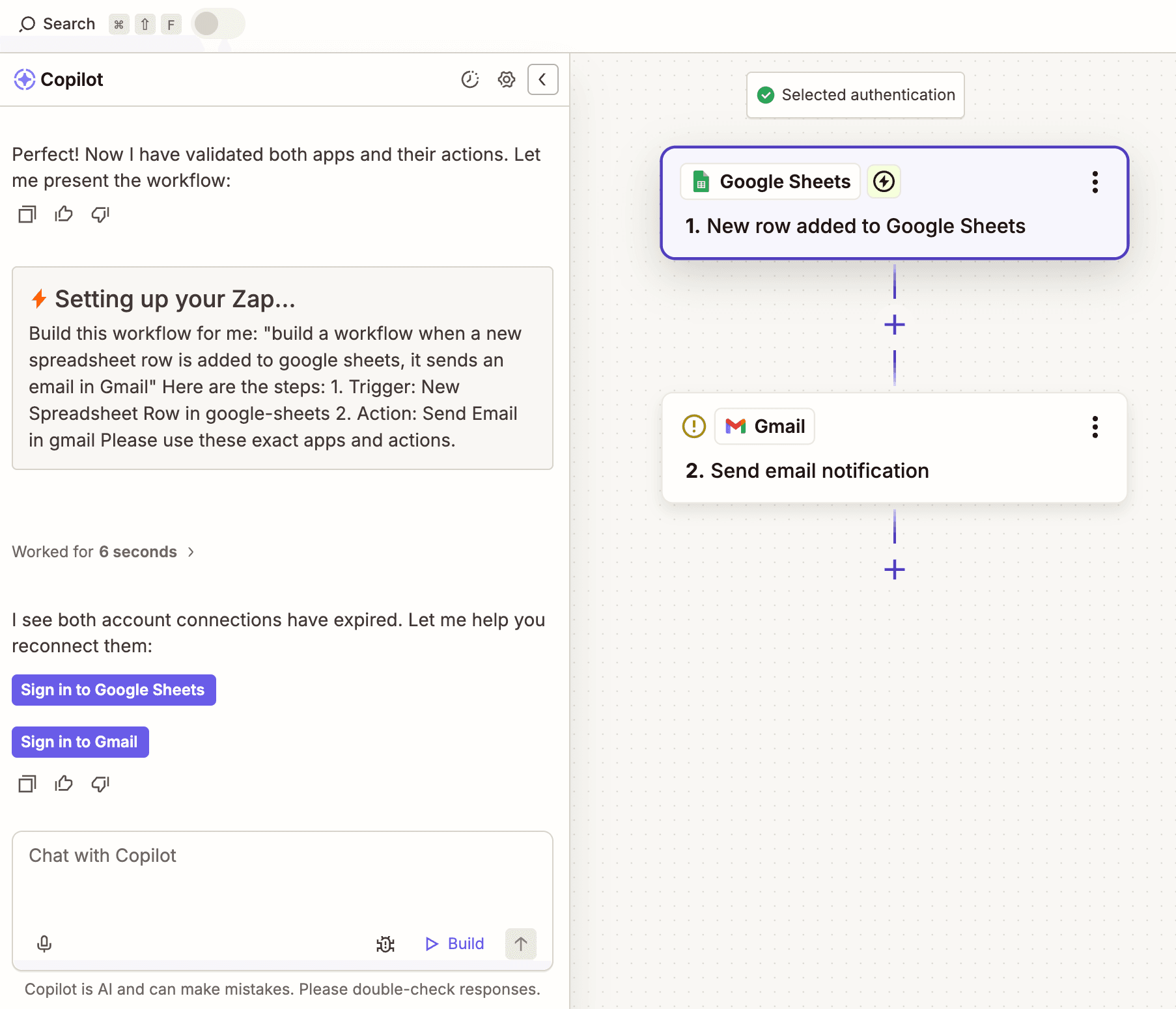
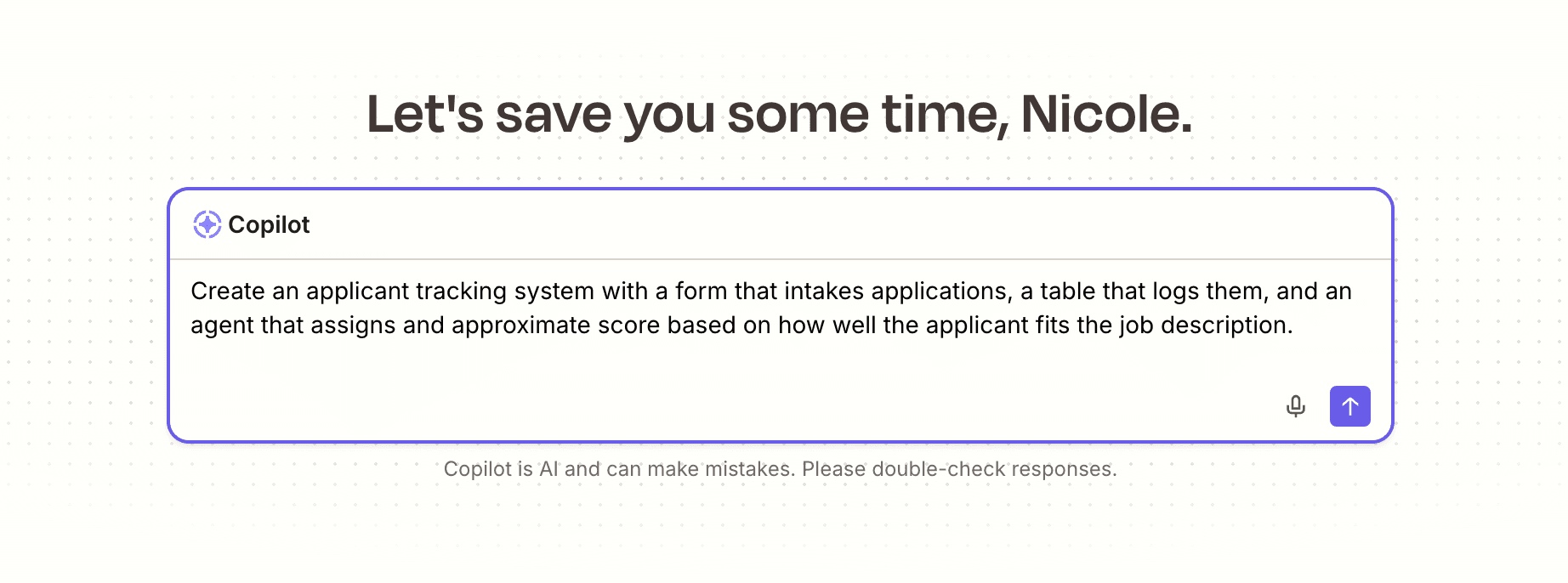
Signing up for Zapier's free plan takes just an email address or Google account, and most first-time users publish a working Zap within 15 to 20 minutes. Get started from a template, or build a workflow from scratch by choosing a trigger app and event, connecting your account, and testing the trigger against a real sample record. Then, choose an action app and event, map your fields, and publish. Or skip the manual setup entirely and describe what you need to Zapier Copilot.
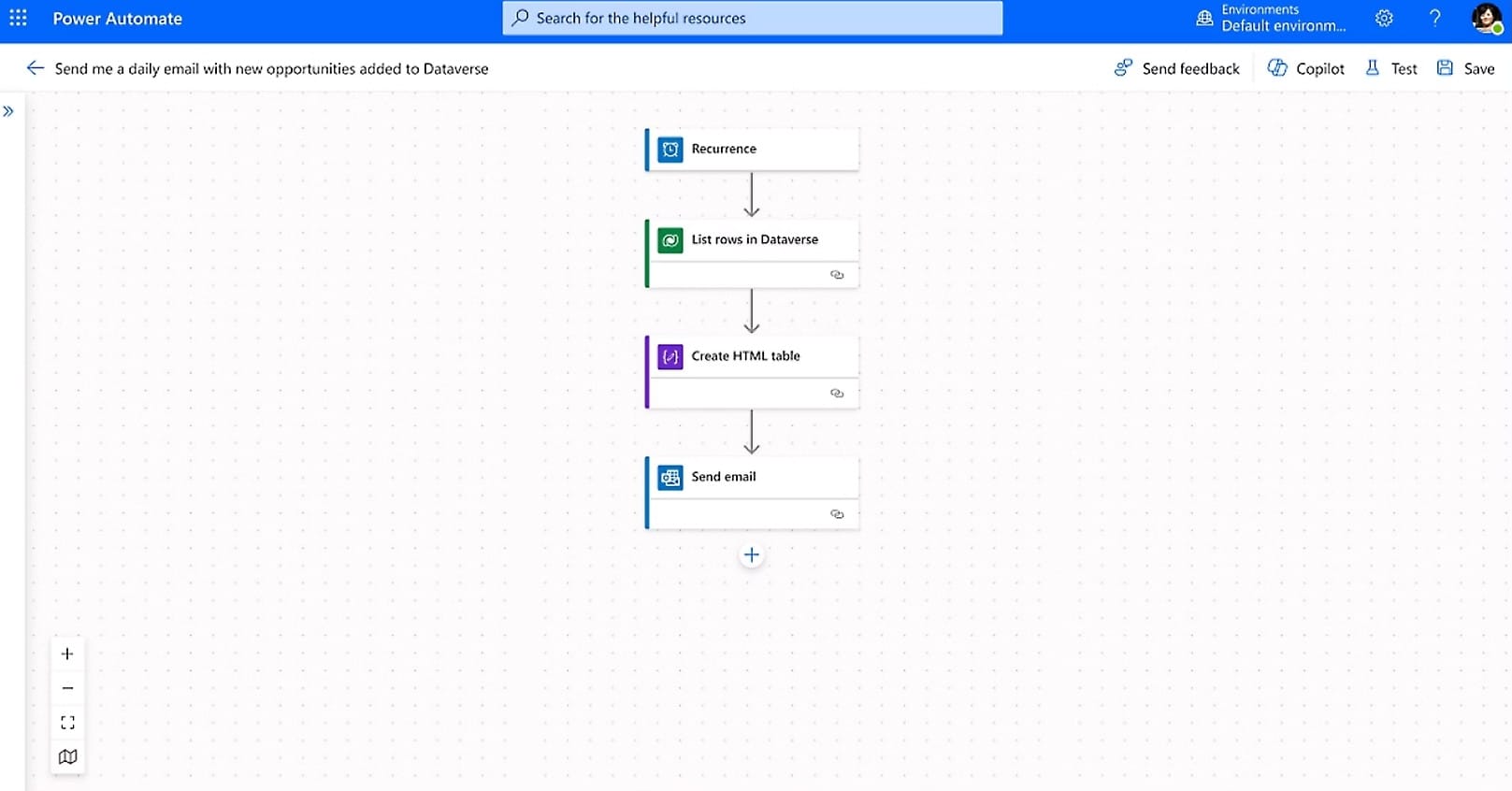
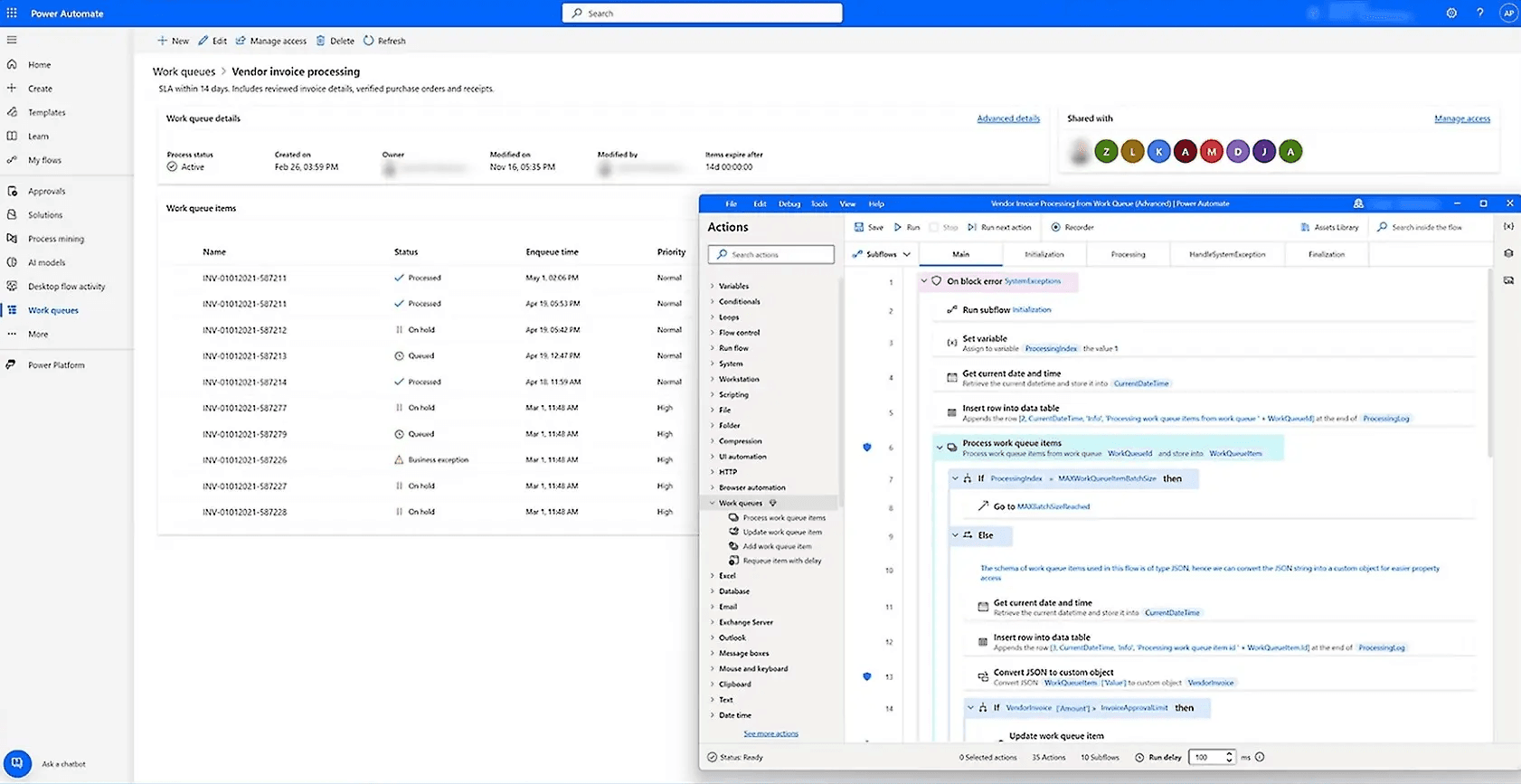
Power Automate's basic sign-up is comparably fast. Sign in, then either describe your automation to Copilot in plain language or pick "Create" and choose a flow type from a template. A simple flow, like saving email attachments to OneDrive and posting a Teams notification, typically takes 15 to 30 minutes to build and test.
That quick path only covers simple, single-purpose flows, though. Anything more involved, like conditional branches, loops, or error handling needs real Power Platform knowledge. Microsoft's Power Platform Fundamentals course takes about 24 hours to complete, and the Power Platform Developer Associate certification runs closer to 35-40 hours. For anything beyond a templated starting point, you're looking at multiple people and a multi-week timeline rather than an afternoon.
FAQ: Zapier vs. Power Automate
Which is better: Zapier or Microsoft Power Automate?
It depends on your tech stack. If your business runs almost entirely on Microsoft 365 and Dynamics, Power Automate's deep native integration makes it a reasonable default. But most organizations use a mix of vendors, and that's where Zapier's 9,000+ governed integrations, faster time-to-first-automation, and no-code accessibility for non-technical teams make it the better fit for most businesses.
Does Power Automate only work well with Microsoft apps?
Not exclusively, but close to it. Power Automate's roughly 1,400 connectors include some non-Microsoft enterprise platforms like Salesforce, SAP, and Oracle, but coverage thins out fast once you move past major enterprise systems. Zapier's 9,000+ apps cover the same enterprise platforms plus thousands of smaller and niche tools, all governed by Zapier rather than left to custom connector upkeep.
Which is easier for non-technical teams?
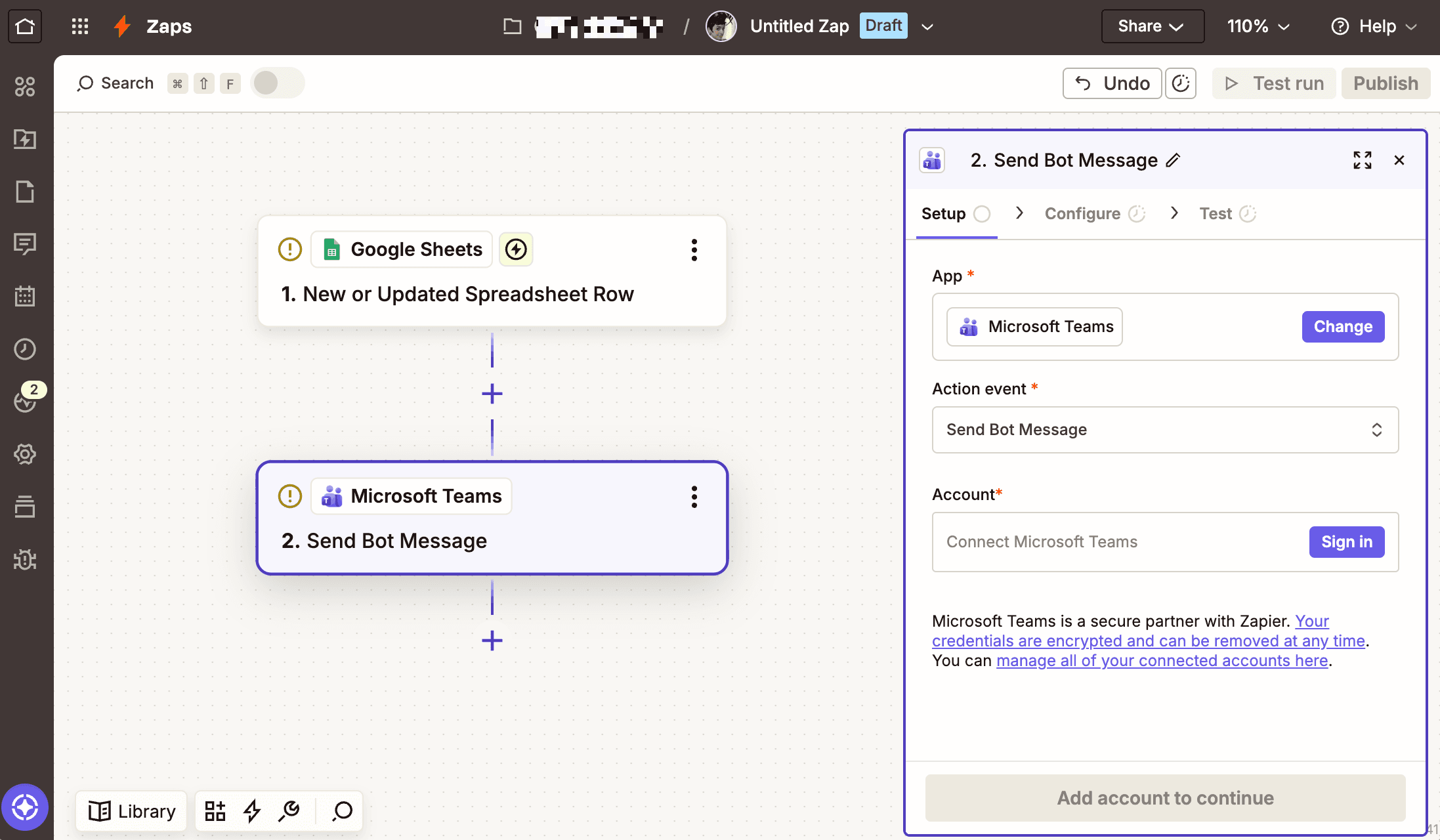
Zapier. Non-technical users can build simple to complex automations with Zapier's visual builder and Copilot, no coding or IT involvement required. Power Automate's Copilot and templates work fine for basic flows, but Microsoft's own recommended workflow for anything more complex involves a business analyst, a developer, and an IT administrator working together—which puts real automation building out of reach for most non-technical employees.
How does Power Automate licensing compare to Zapier pricing?
Power Automate's baseline is included with Microsoft 365, but scaling up gets complicated fast. Premium costs $15/user/month, unattended RPA bots run $150-$215/month each, and process mining adds $5,000/month per tenant—on top of specialist hiring or training to manage it all. Zapier uses straightforward usage-based pricing instead, starting at $19.99/month for individuals and $69/month for a 25-user Team plan, with no per-bot or per-connector fees stacked on top.
When is Power Automate the better choice?
Power Automate makes sense for organizations that run their entire business within Microsoft 365 and Dynamics, especially with E5-bundled licensing that already covers Premium features. It's also the better pick if you need robotic process automation for legacy desktop systems that don't have modern APIs to connect to—something Zapier doesn't offer.
Can Power Automate replace Zapier?
For Microsoft-only teams with simple automation needs, maybe. But most businesses use apps outside the Microsoft ecosystem, and Power Automate's thinner connector library and higher technical bar for complex flows make it a harder replacement for Zapier's breadth and no-code accessibility. Many enterprises end up running both: Power Automate for deep Microsoft integrations and RPA, Zapier for everything else.
AI automation starts and scales with Zapier
Build reliable, consistent workflows across tools, people, and processes. Access 9,000+ apps securely from any surface, and add AI to the mix only when you need it.
About the author: Ryan Kane is a writer and marketer based in Mérida, Mexico. He writes about SaaS, AI, and marketing while building fun Internet side projects. Learn more: ryankane.co.