
Partner Embeds
How Jobber centralized its integrations using Zap Templates
Featuring: Workflow Element





Jobber is the command center for home service businesses. Our easy-to-use app powers sales, operations, and customer service—all in one place.
How Jobber used the Workflow Element
Using the Workflow Element, Jobber embedded Zapier's automation experience into their platform. That way, Jobber users don't need to leave the site to start automating tasks immediately. Users can explore integrations, discover popular use cases, and create Zaps all on your site.
Get started with Zap Templates
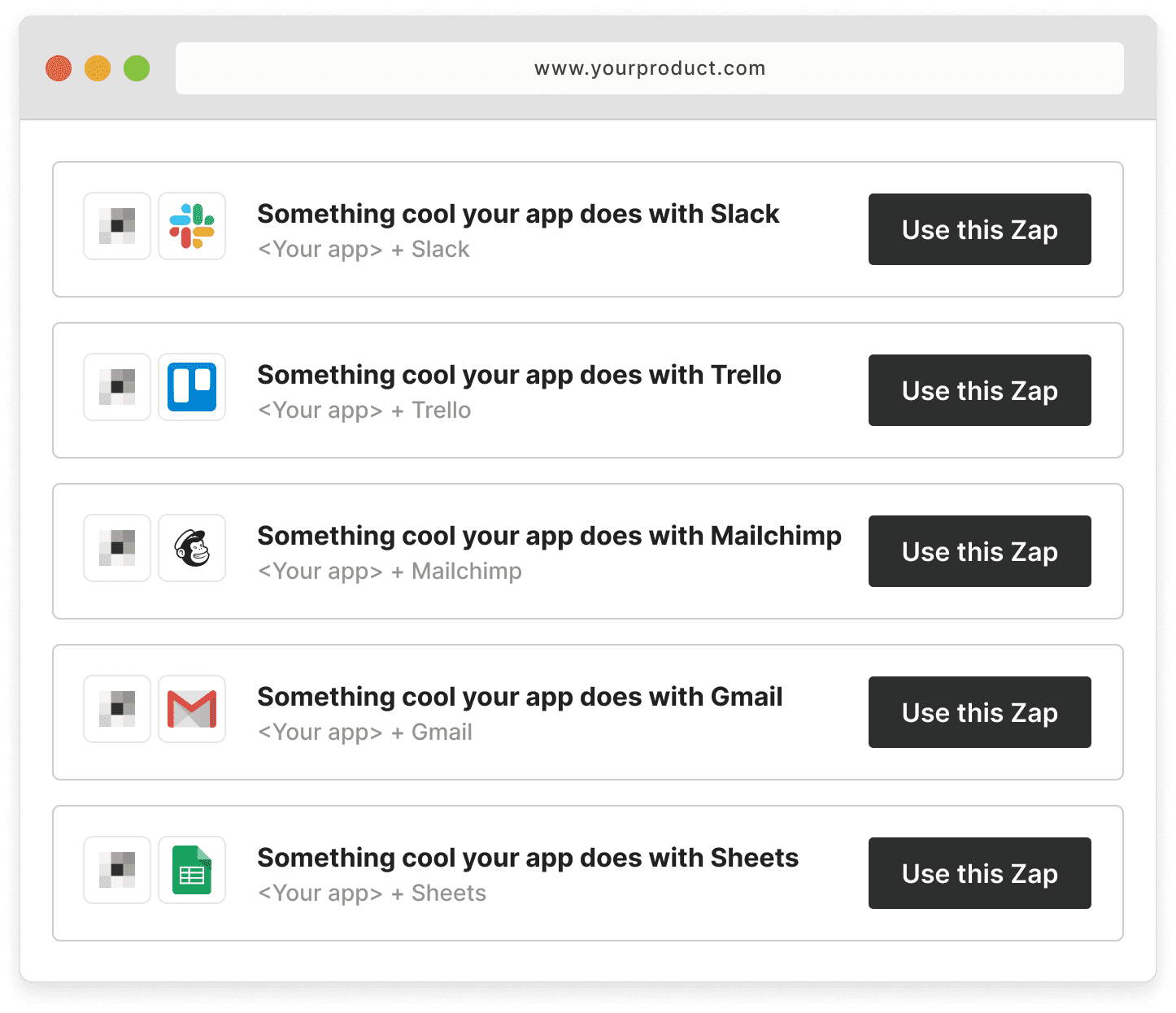
Why: Zap Templates are easy-to-use shortcuts that let your users automate tasks with a single click.
Where: Add Zap Templates to your help docs (especially leveraging them as answers for common questions) and explanatory blog posts.
How: Pick the apps and workflows you want to feature with our easy template generator.
There's more to explore
Customize more with the Workflow API
Use Zapier's Workflow API and 9,000 integrations to power a built-in automation experience.
Learn more